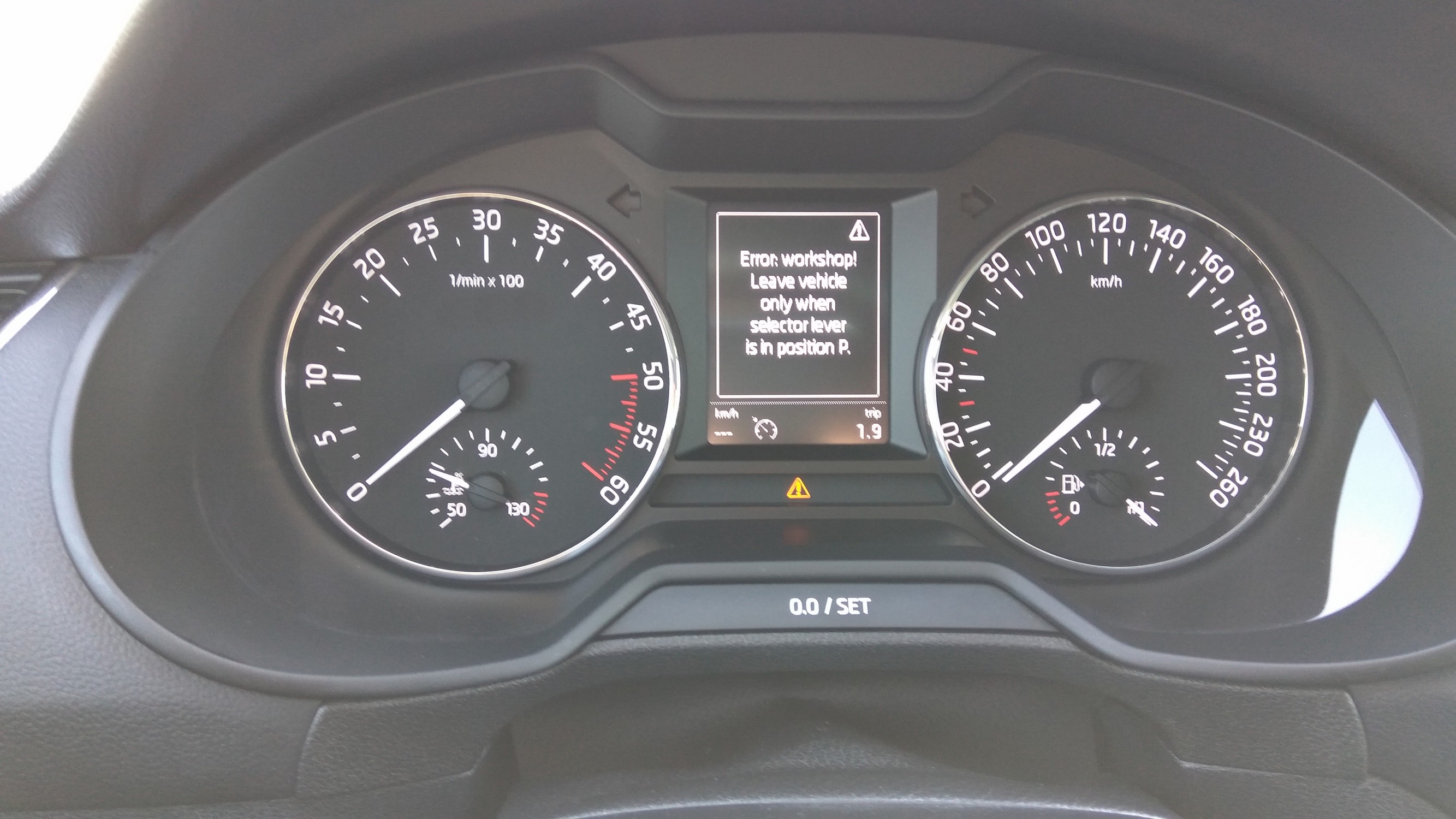
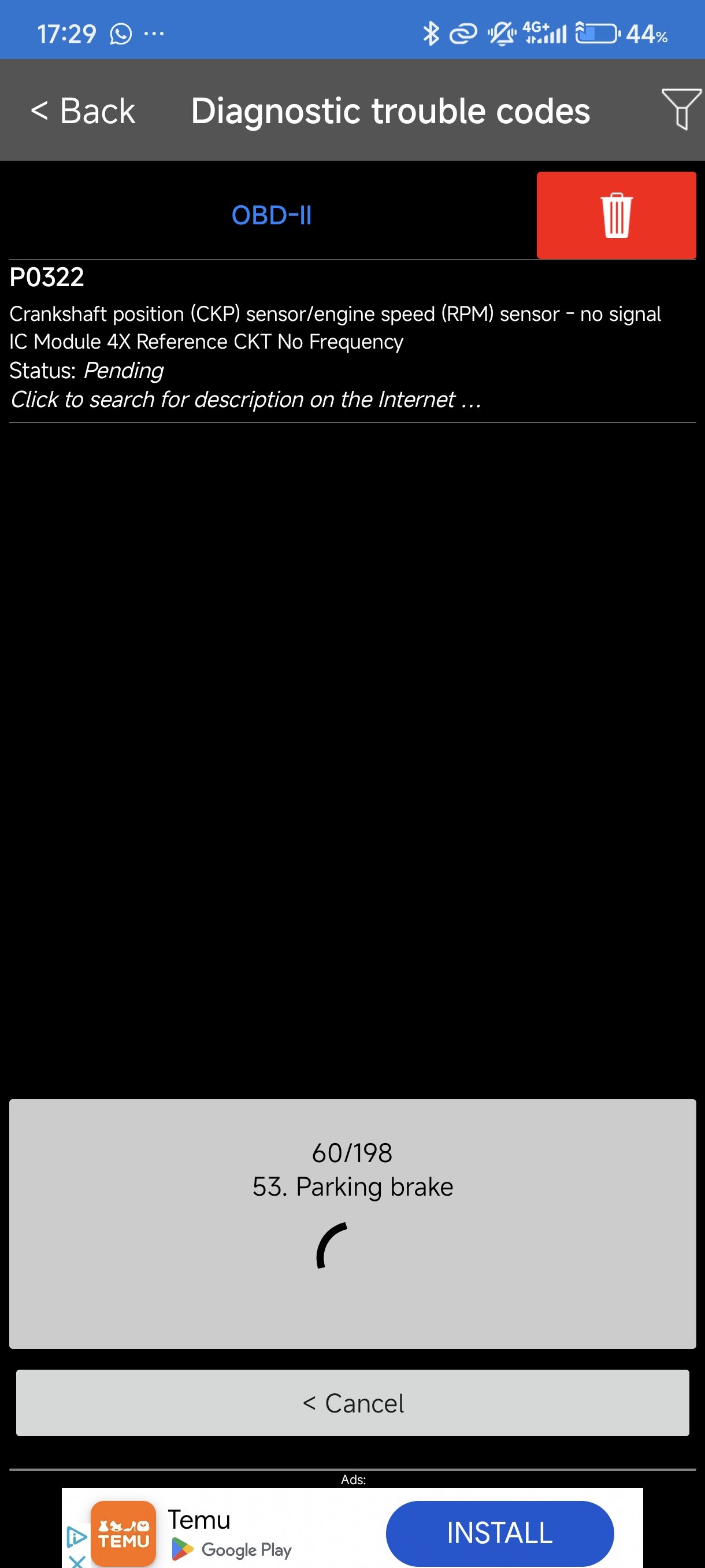
# Error
-
- 6 comments
- 2,023 views
-
- 3 comments
- 7,345 views
-
- 3 comments
- 2,170 views
-
- 18 comments
- 13,791 views
-
- 2 comments
- 21,944 views
-
- octavia3
- infotainment
- error
- component
-
Tagged with:
- 3 comments
- 2,325 views
-
- 10 comments
- 3,111 views
-
- 1 comment
- 1,819 views
-
- 5 comments
- 2,062 views
-
- 4 comments
- 2,665 views
-
- 36 comments
- 8,889 views
-
- 6 comments
- 1,521 views