Ravast
New here
-
Joined
-
Last visited
-
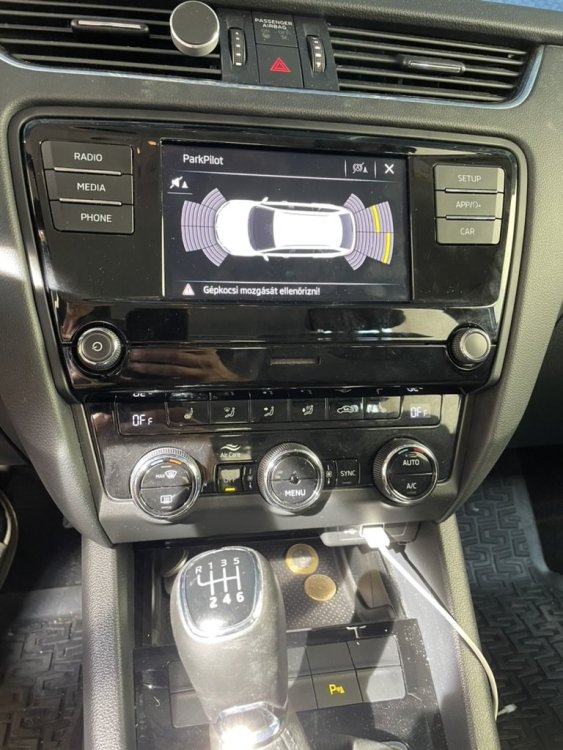
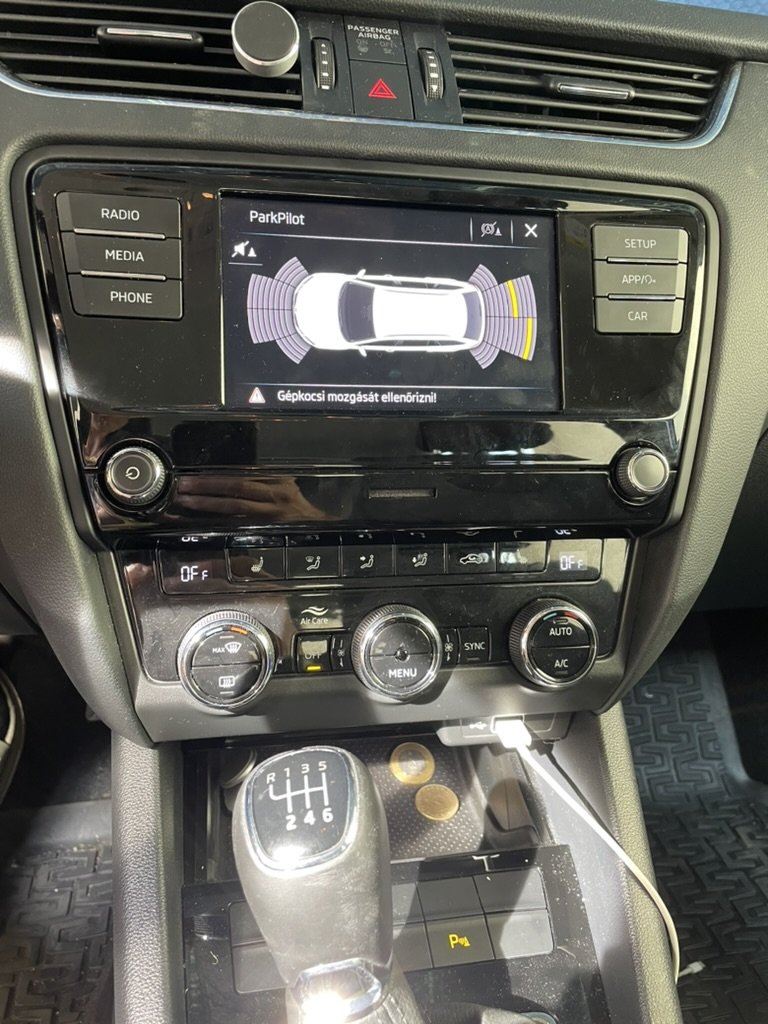
Hi, I have found this topic recently, when I was trying to find solution for my problem. I hope, I found the right place. 🙂 I have read through the whole topic, but unfortunately, I did not come any closer to my solution. So, my case: I have a 2020 Octavia 3 Combi model (just before the facelift), and I have bought a 3rd party rear camera. I have installed it, and the camera itself seems to work properly, at least there is video signal at the radio head. On a 3rd party monitor there is the image, but I would like to use the original screen. Still, I cannot see any image on the radio screen. The camera is enabled in the system, that is for sure. But I just do not know, what the problem could be. I do not have any control unit in the glove box, (I don't know why) so I could connect the camera to the back of the radio unit directly. On other forums I have read that it is OK anyway. I have radar in the car, which activates automatically when I switch the reverse gear. Is it possible that in order to have the camera image on the radio, I would need to disable some other feature in the system? E.g. radar? I totally ran out of ideas, so anything is welcome. I also tried to connect an old VHS camera through RCA to the radio unit, but there is no image at all on the main screen. Only radar. I hope I could write my problem clearly. English is not my first language. 😕 Thank you in advance for any help. Ravast