Kristoffer
New here
-
Joined
-
Last visited
Everything posted by Kristoffer
-
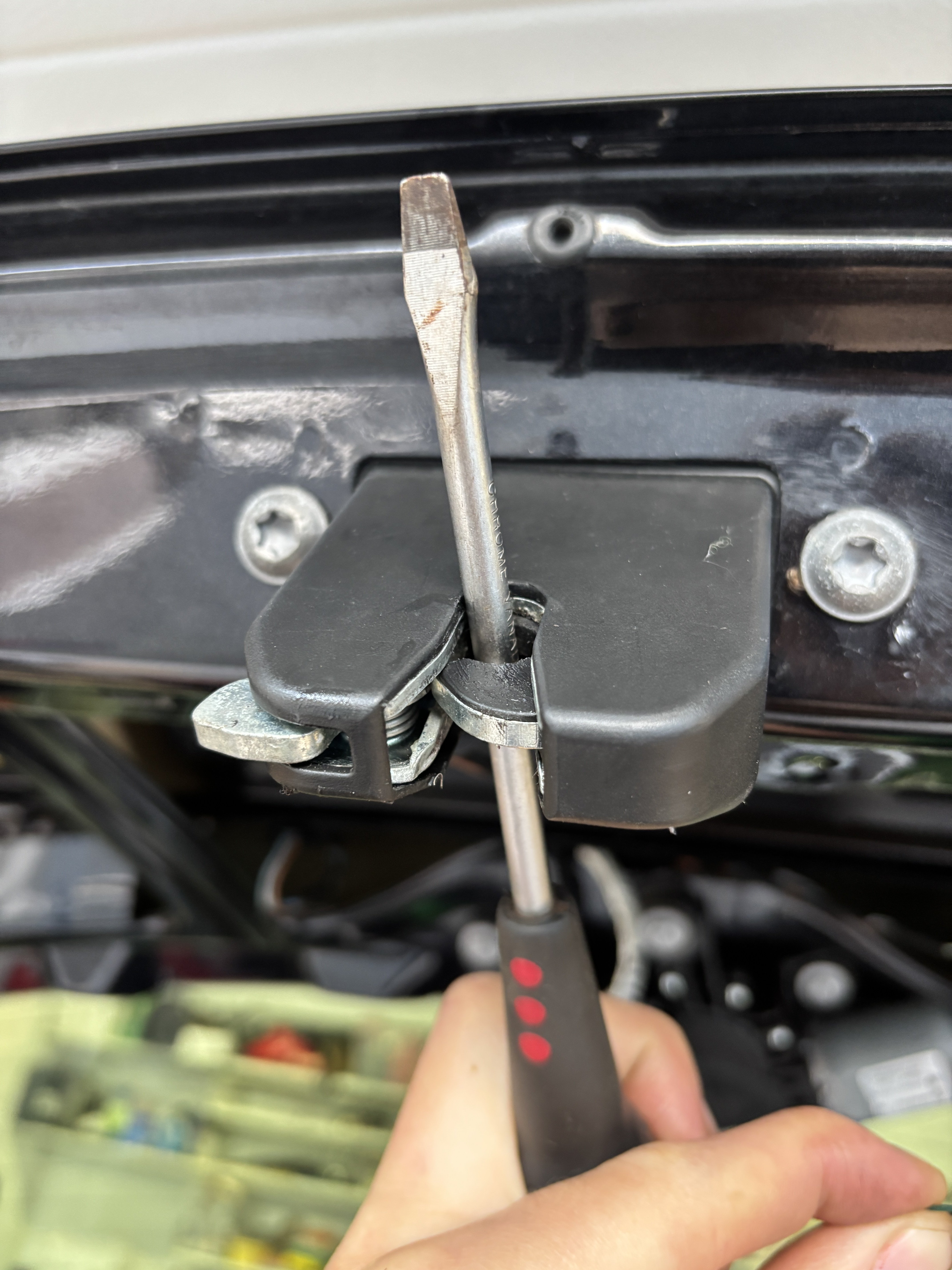
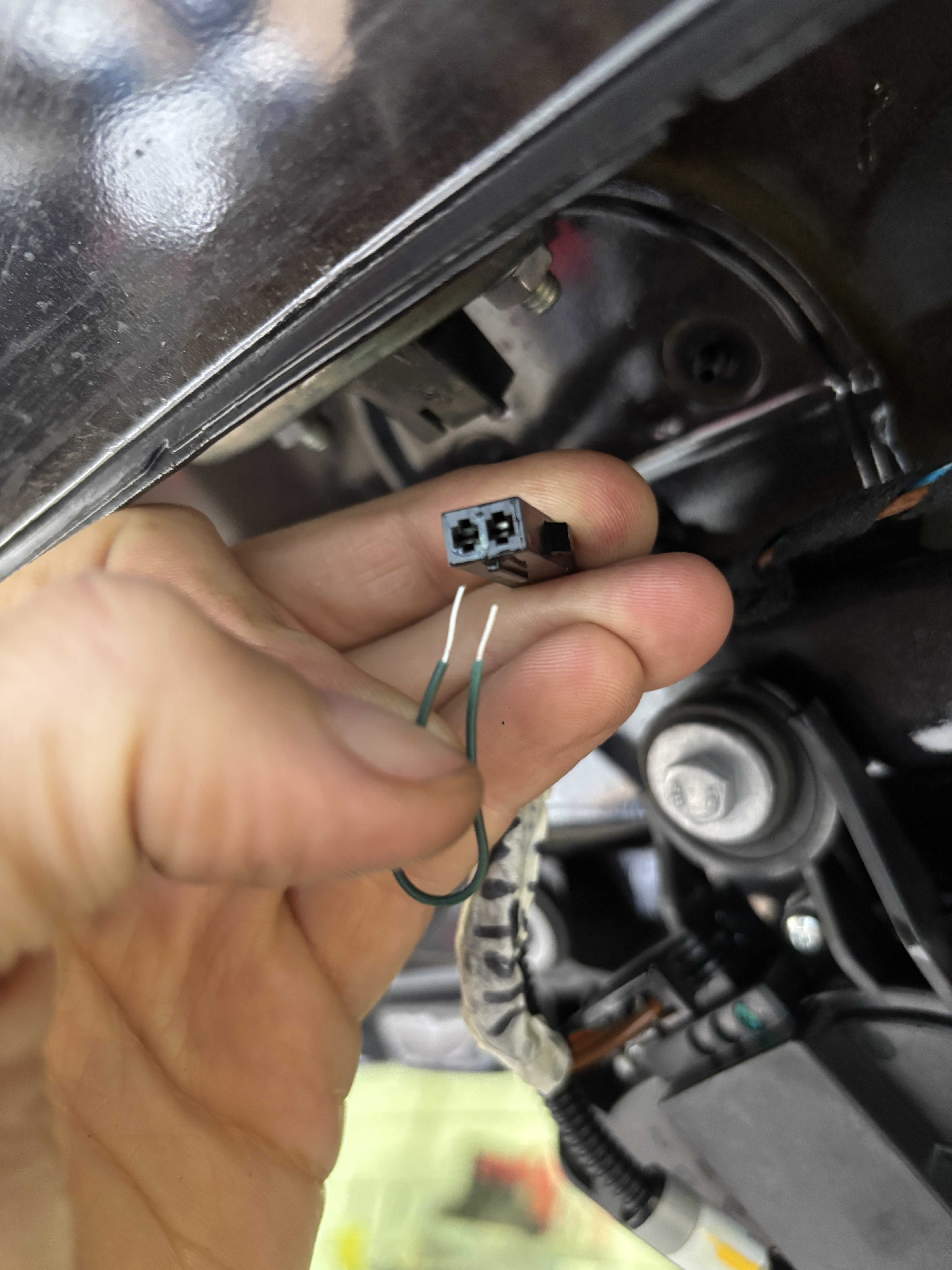
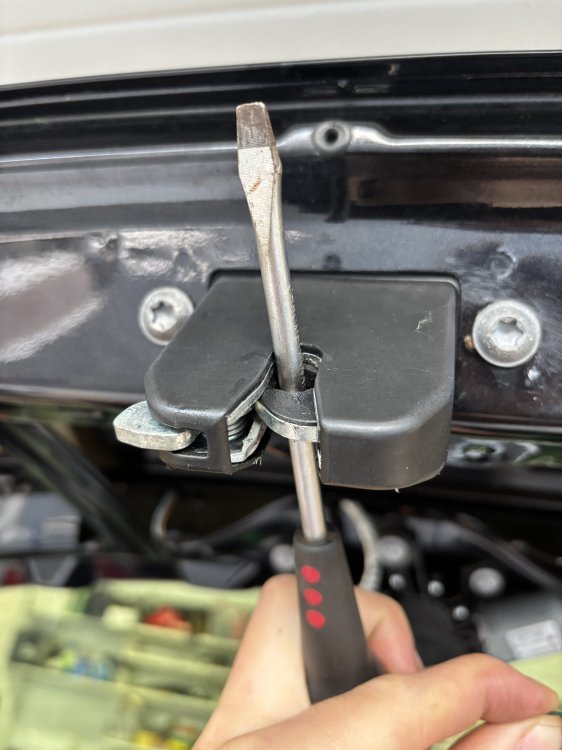
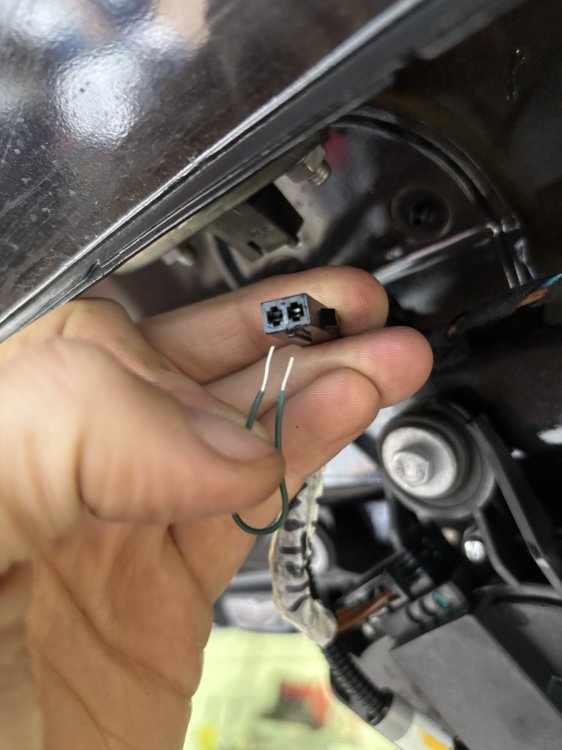
I just wanted to contribute with another solution to this same problem. On my Fabia mk2, it was a slightly corroded connector on the boot switch. I was also able to open the boot with the key fob, but not the boot lid handle switch. I manually «closed» the latch with a screwdriver, then shorted the connector with a piece of wire. This made my boot latch open, so I thought it must be a bad handle switch. But I decided to wiggle the connector, in place (already soaked with penetrating oil), and it did the trick. Simply a bad connection.
-
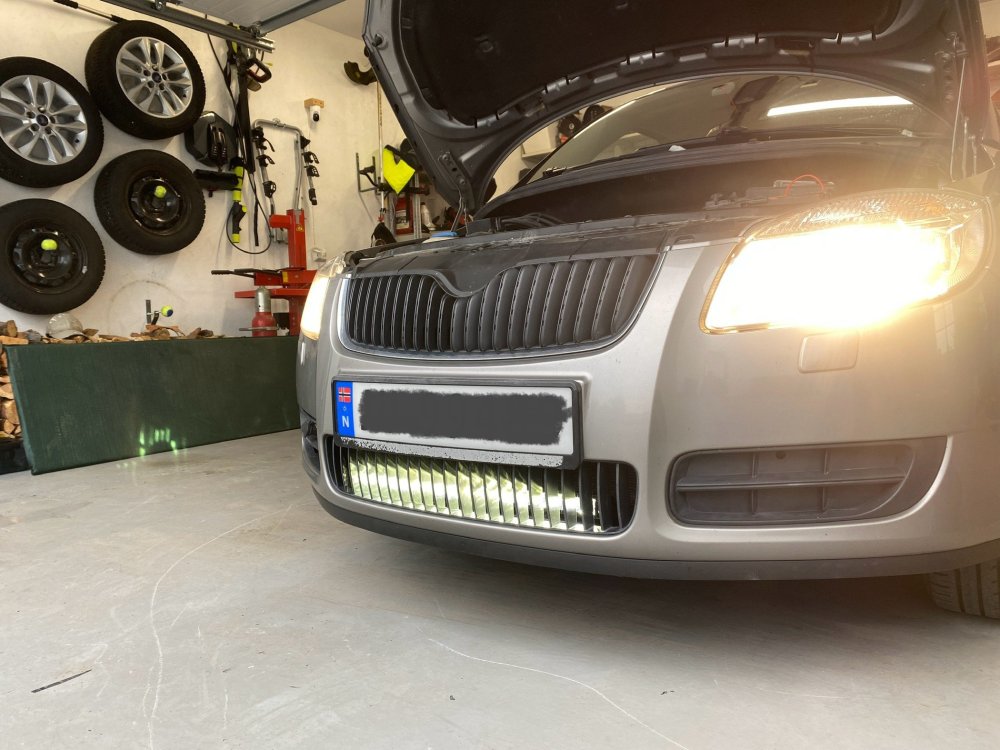
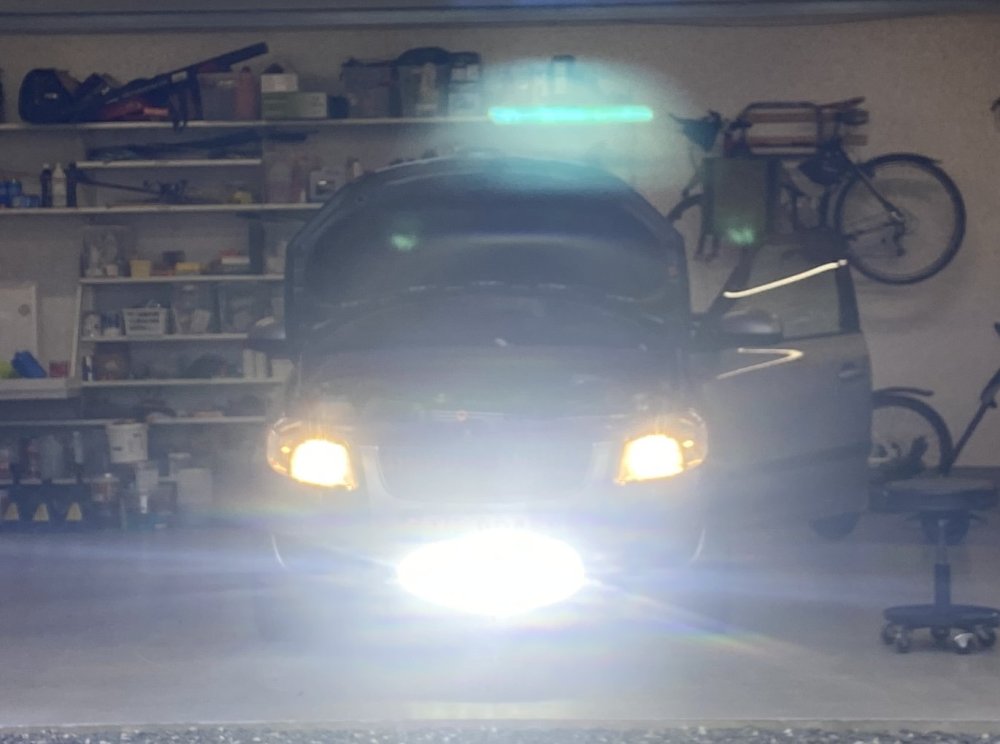
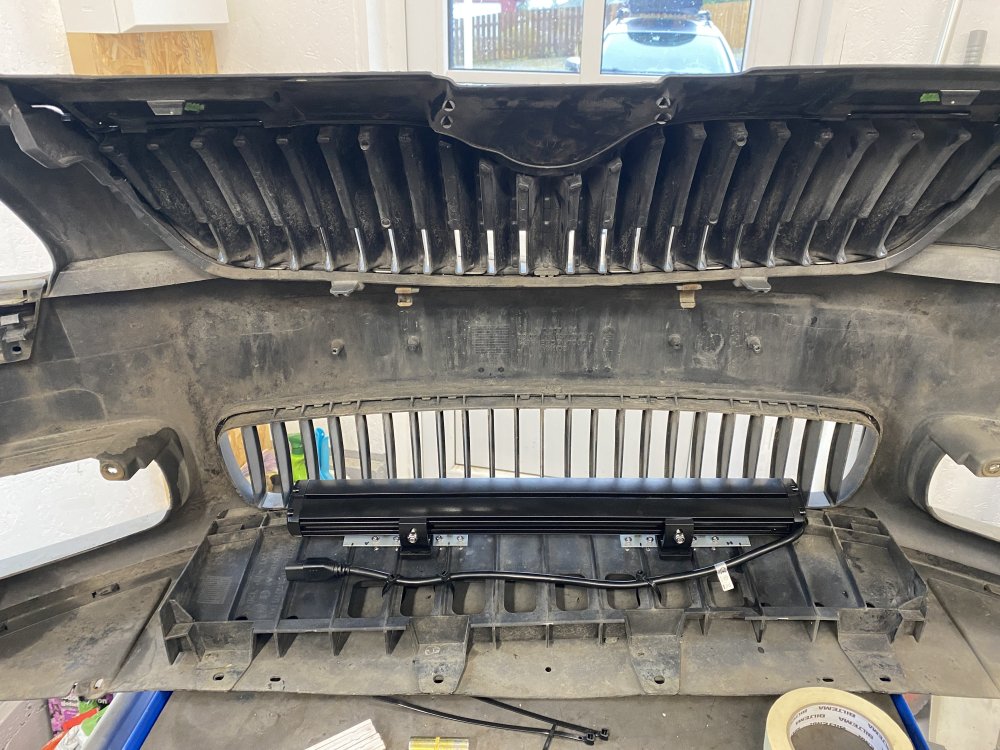
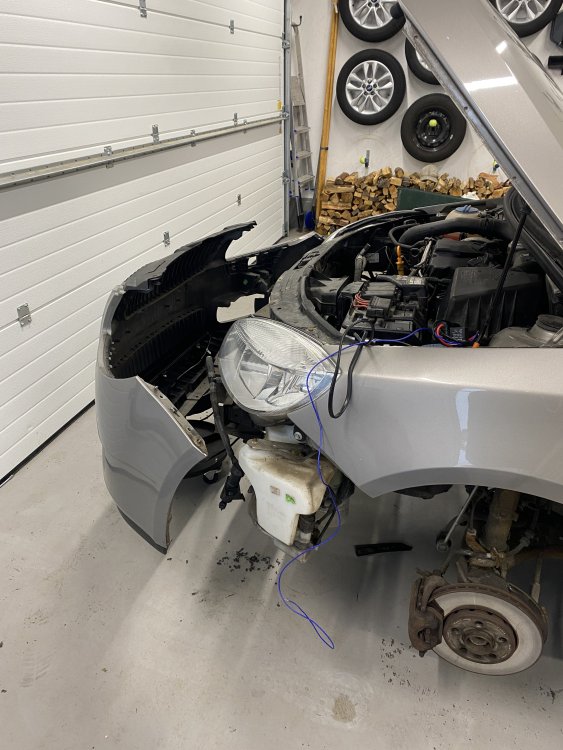
Thank you @UrbanPanzer for pointing out the white cable (PIN 8 of the headlamp 10 Pin connector) that I needed to connect to!
-
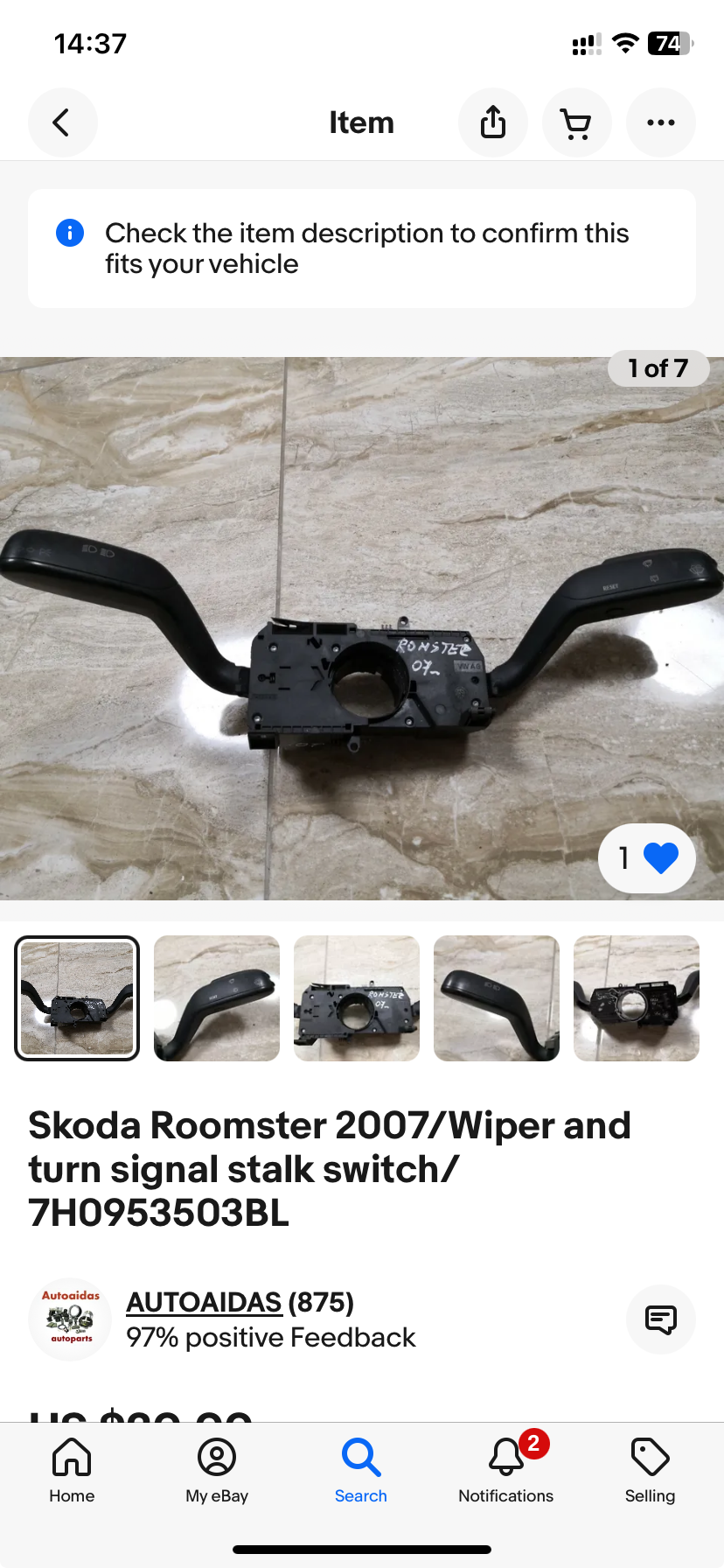
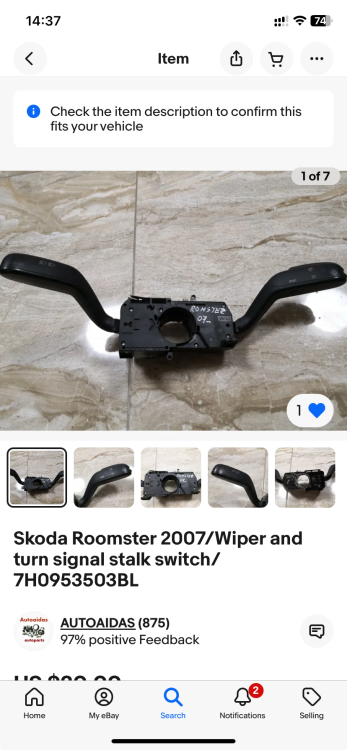
I just wanted to say that changing the column/stalk switches (see image) fixed the issue!
-
Thanks for your reply, @Paws4Thot. Did you watch the demonstration video I linked above? I might try to acquire a second hand column switch from eBay then, as I struggle to find a new one looking like the one on my car. Or did I misunderstand? You mean this part, right?
-
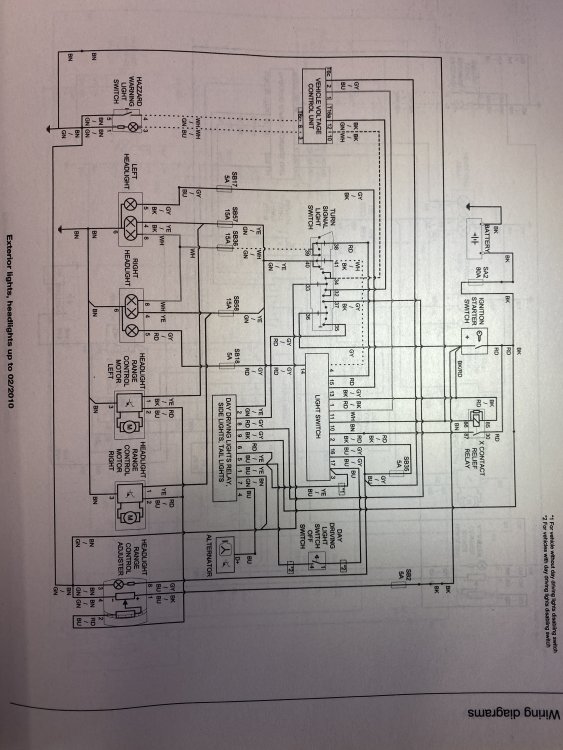
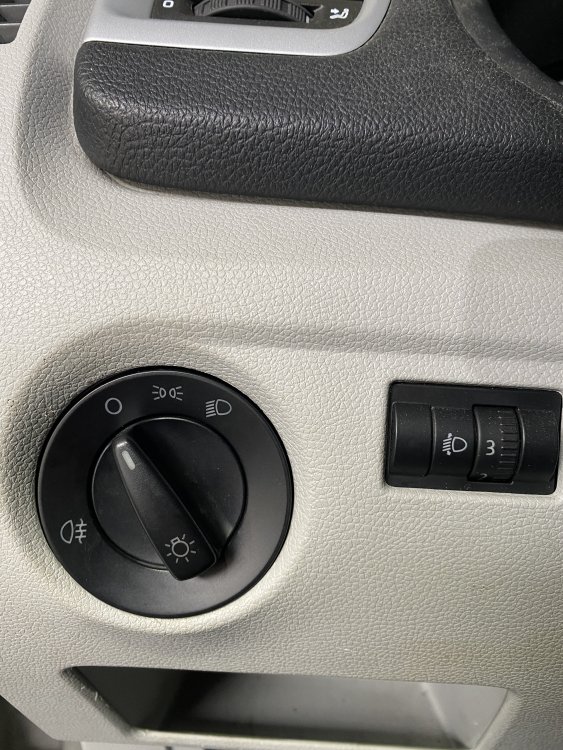
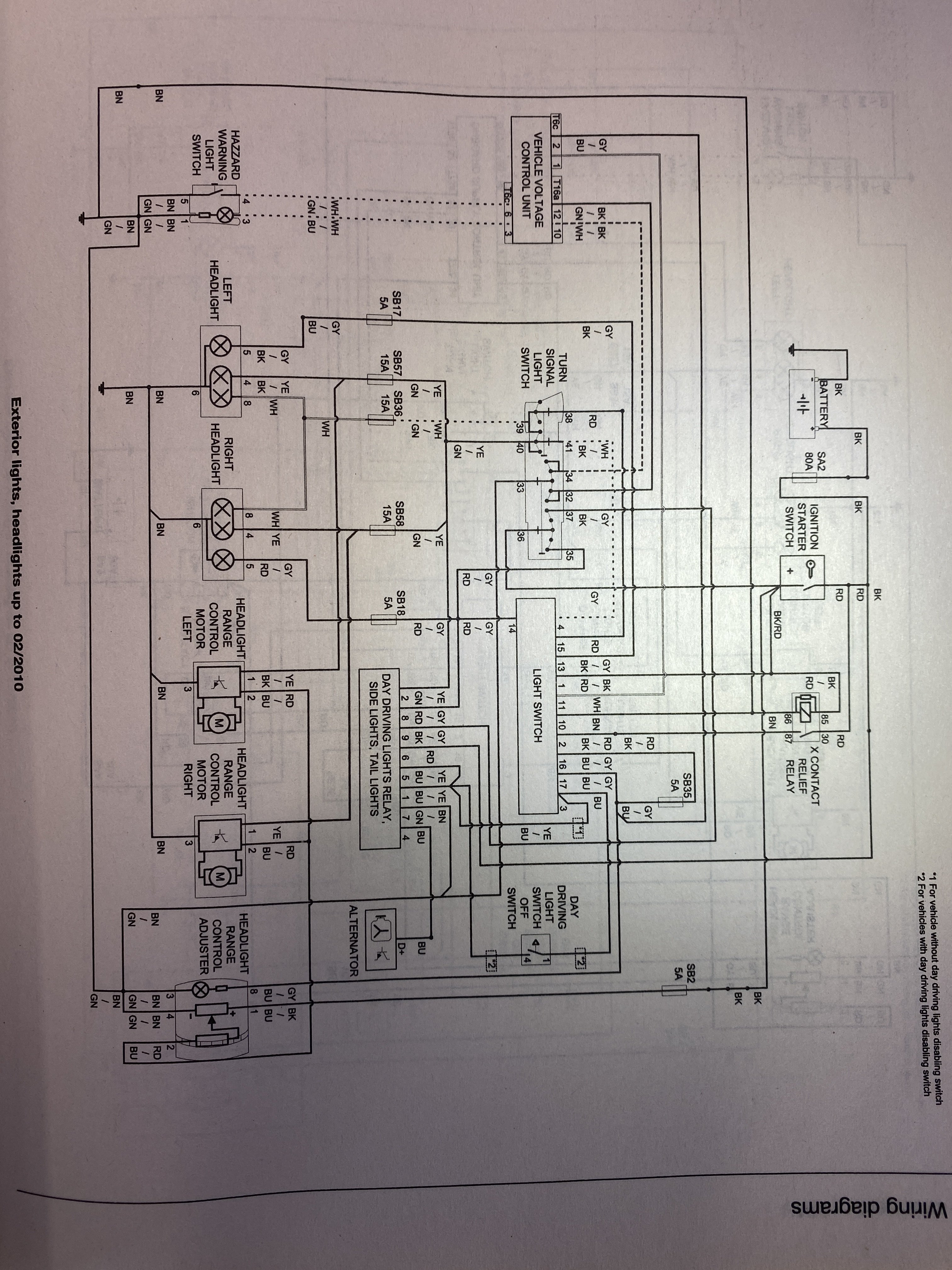
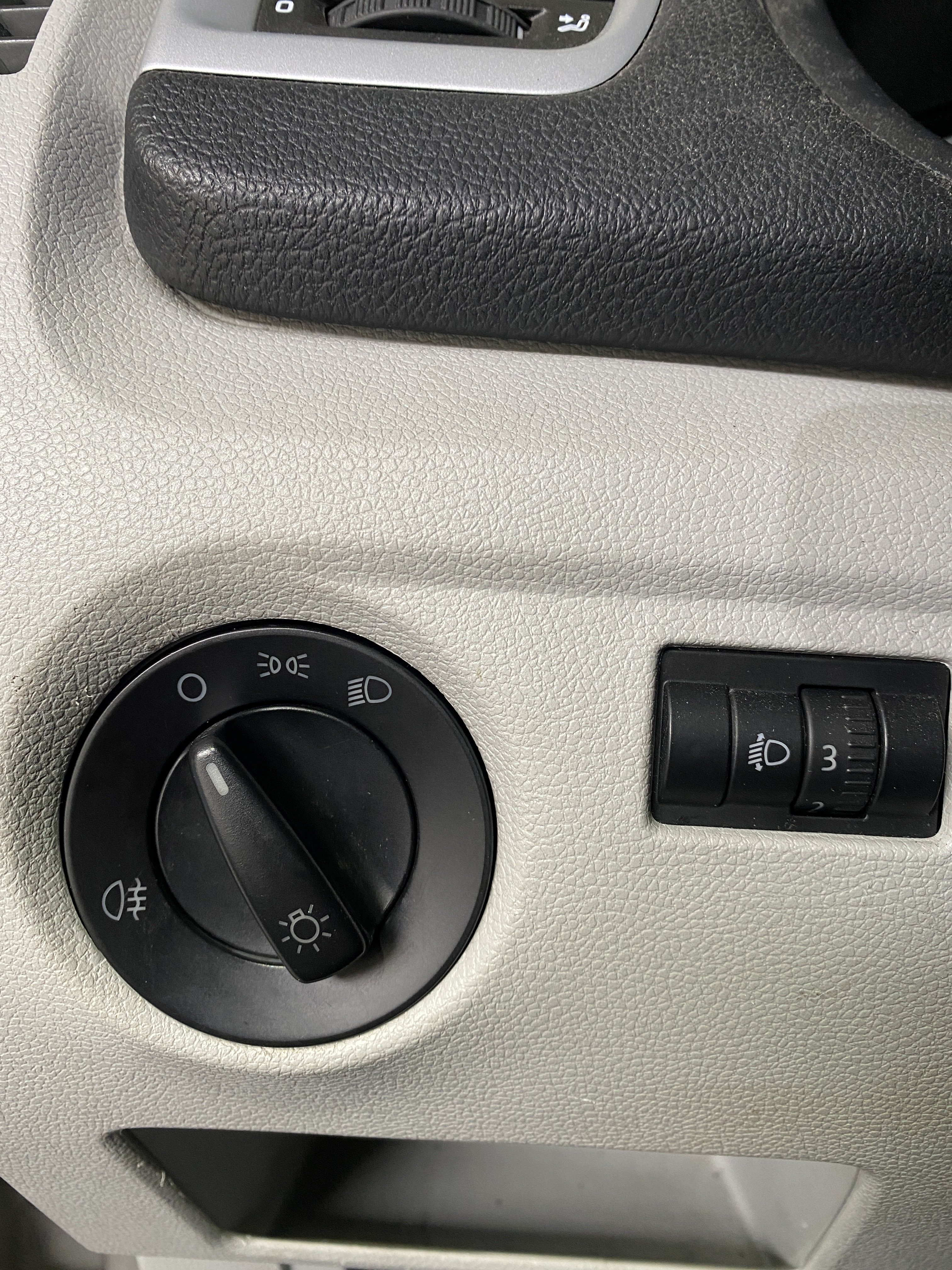
@jesperkpedersen I’ve got the exact same problem! I never thought I would find another Fabia mk2 owner with this exact same issue. Did you find a solution? I have checked all fuses. I have dismantled and inspected the rotary switch, which seems fine -no corrosion. I have filmed a demonstration of this problem, here: YouTube video The wiring diagram is from Haynes. Any ideas on why this is happening? I might have to replace the steering column switch..?