eirelad1
Finding my way
-
Joined
-
Last visited
Everything posted by eirelad1
-
Hi all, I'm looking for a bit of advice on my 2013 Skoda Octavia Mk3 vRS 2.0 CUPA engine. I'm getting fault codes P0101 (MAF sensor range/performance) and P0401 (EGR insufficient flow). Has anyone experienced these two fault codes together? Could one fault be causing the other, and what would you recommend checking first? I'm thinking maybe an Egr that is sticking open, so maybe trying to remove and clean it might help, are there any good guides for my particular engine? Any advice or common causes would be greatly appreciated. Thanks!
-
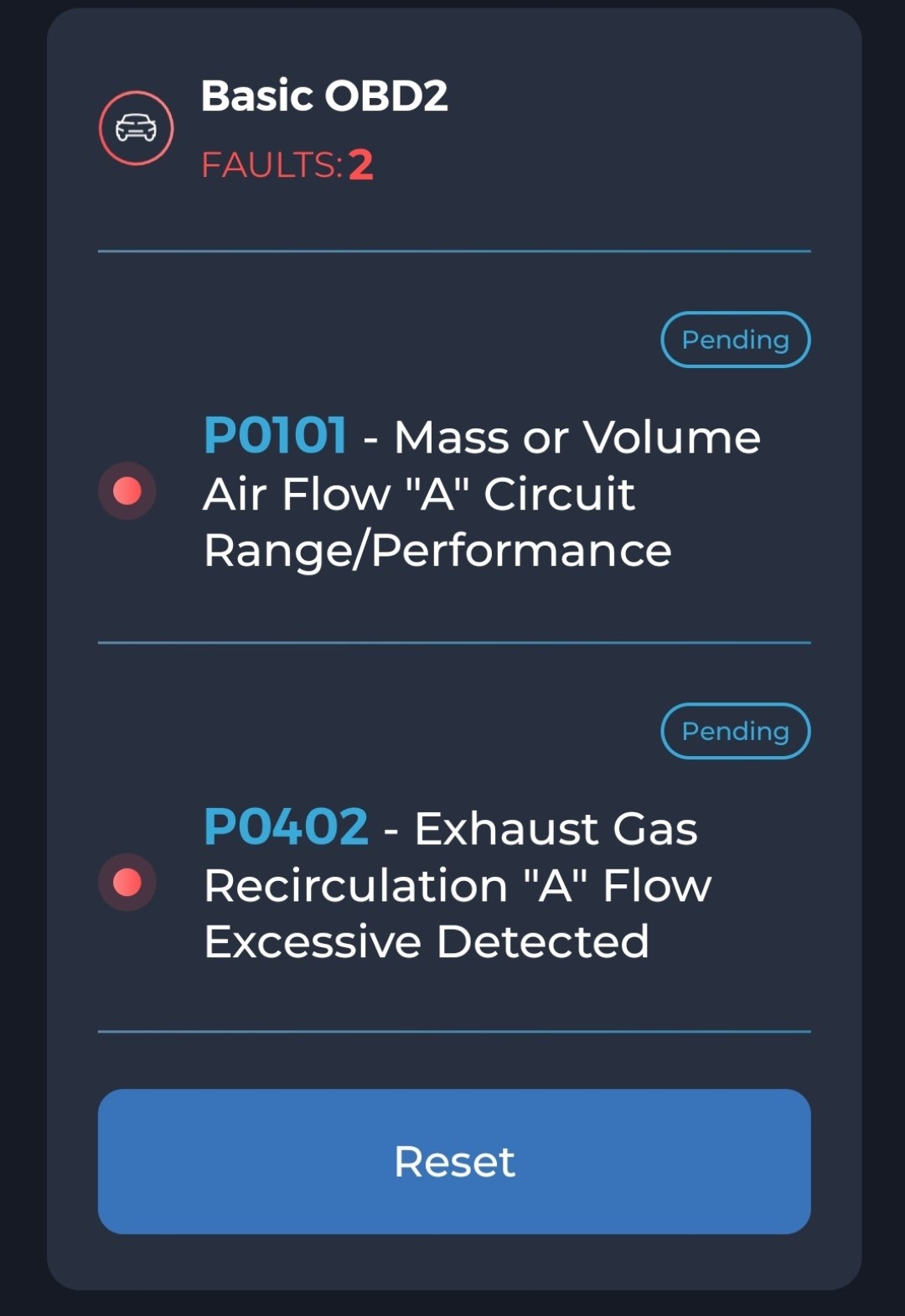
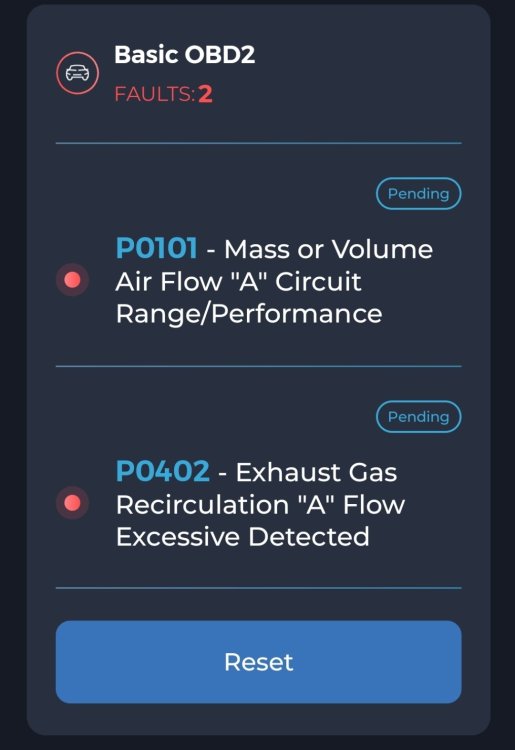
Hi all, Looking for a bit of advice on this one. My car is a 2013 Octavia vRS 2.0 TDI 184 (CUPA) with about 277,000 km. I'm getting an intermittent P0101 (MAF range/performance) and every now and then, but much less frequent, a P0402 (EGR excessive flow). The P0101 always seems to come back first, but the P0402 is much less frequent. The car still drives OK, no limp mode, but it definitely doesn't feel 100%, a little sluggish to accelerate,it actually seems to drive better with the MAF unplugged. I've got VCDS so I've been trying to work through it rather than just throwing parts at it. So far: No obvious splits or loose boost/intake hoses. MAF at idle is around 8.2 g/s. Once cleared, faults don't return immediatly, requires some driving. Starts fine and idles ok, a little rough maybe. I'm wondering if the 2 faults are connected. If the EGR is stuck open or not closing properly, could that be enough to upset the MAF readings and trigger the P0101? What should I look at next, remove MAP or EGR for cleaning?
-
Did you get sorted with this? I have the same P308d fault code on my 2.0 VRS.
-
Hi All, I have an issue where glow plug light starts flashing and car goes into limp mode. I have scanned the ECU and am getting error code P308D relating to the low pressure fuel pump. From reading online, it seems the most likely cause is the fuel pump control module rather than the pump itself. I checked mine, and currently installed is P/N 5Q0906121G. I have managed to source one with P/N ending in F (5Q0906121F) from a local scrapper. Does anyone know if F and G are 2 way interchangeable or am I better to wait and try find a G unit? Car is a MK3 Octavia VRS CUPA engine.
-
I have a MK3 Octavia VRS for the past 9 months or so. Over the last month I've noticed that after a long ish run, say 30 minutes or longer, when I'm stopped the car idles high at approx 1000rpm (usually idles 750/800) and I also get a message on dash for Error:Stop/Start system. I have no warning lights and if I turn the engine off it's back to normal again when retsarted. Just curious has anyone any ideas? Could it be a battery problem or possibly a DPF regen issue?
-
I have MK3 VRS estate and my average MPG would be very similar to yours, its generally around 43mpg over a full tank. If I reset the counter and then head on a long drive I might get up to 47/48, but daily driving is about 43. I'd be about 60:40 motorway/ town driving
-
I have an ongoing issue with one of my DRL strips. I bought the car approx 6 months ago, and the r/h DRL never worked. I recently got around to replacing the control module, and thankfully the DRL strip came back to life. The current issue is, when the headlights come on at night, the "check r/h DRL" fault comes back on the dash. I have checked and it is working fine. During the day, when only the DRL are on, without headlights, there is no faults. Something about the headlights coming on is triggering the fault. Has anyone experienced something like this before?