Mikawette
Finding my way
-
Joined
-
Last visited
-
hello yes I have a diagnostic tool vs VCDS with me. it was when I wanted to install 375 that I lost everything. where should I make this modification? "replace byte 17 with 01, then reboot." Thanks
-
the stupidest thing for me is that I did this while I was on vacation 1000km from home and I found myself without RADIO, GSP, .... not very smart of me fortunately I have my Samsung Galaxy for GPS and WAZE
-
Hello thanks for the information. I will try to contact @Pab567 Have a good evening
-
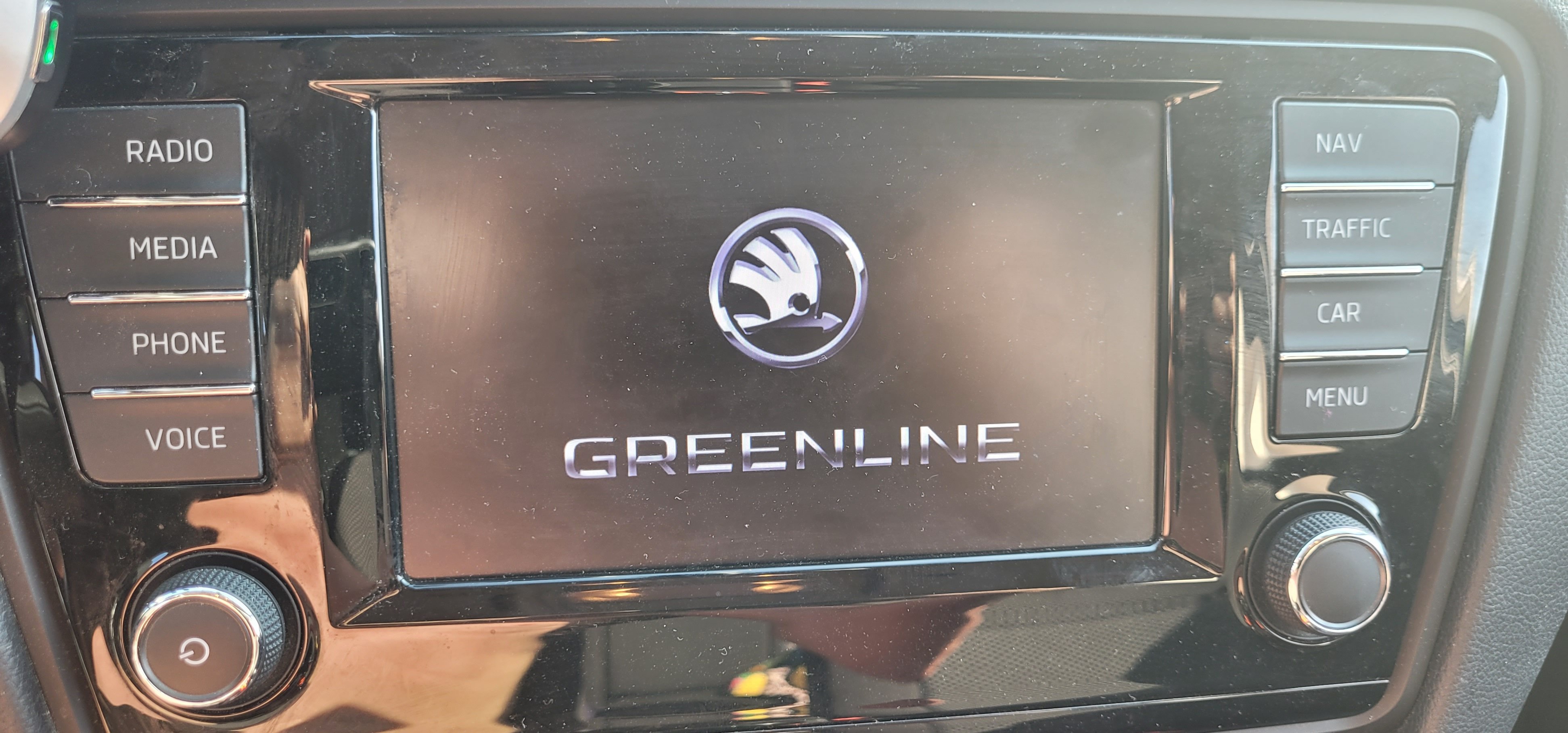
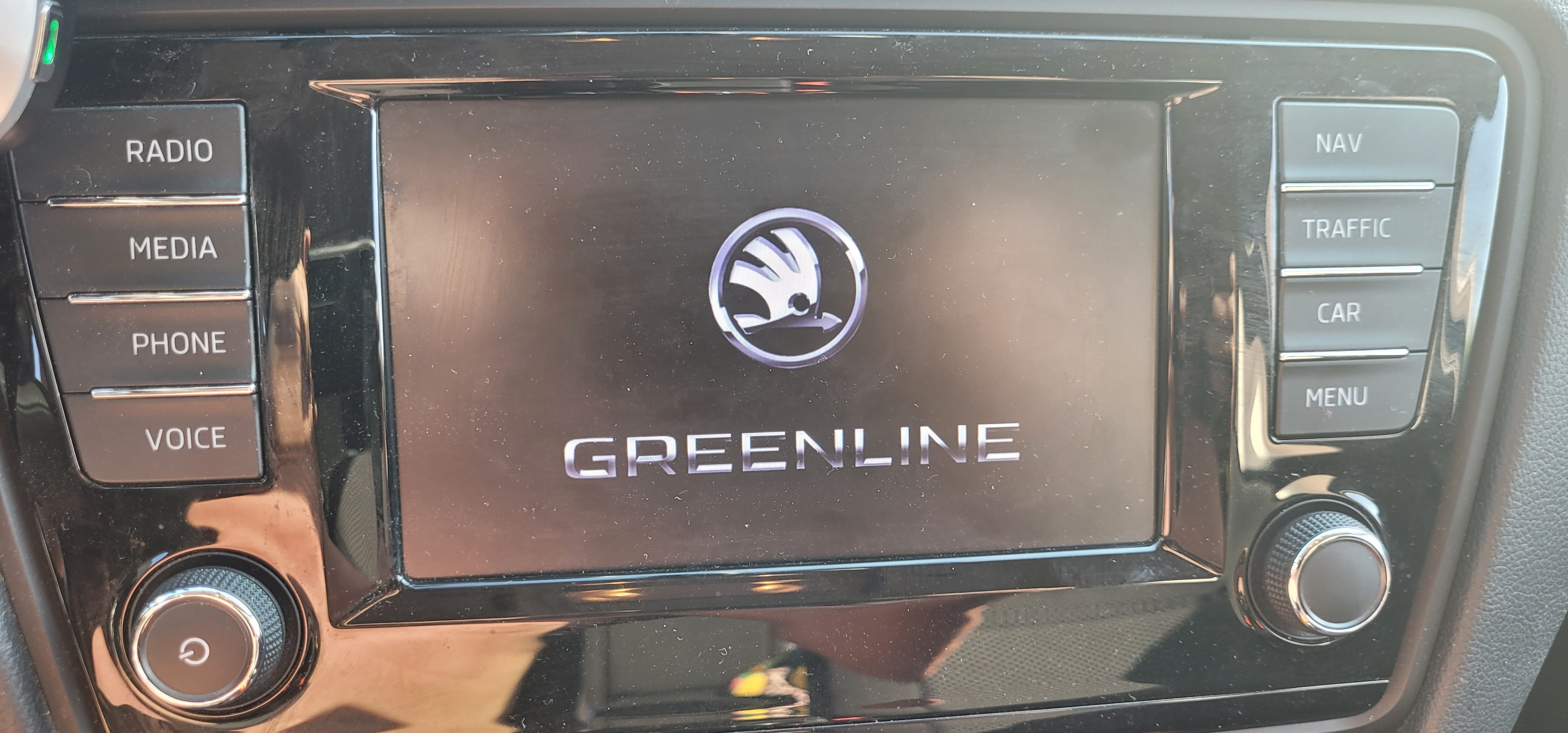
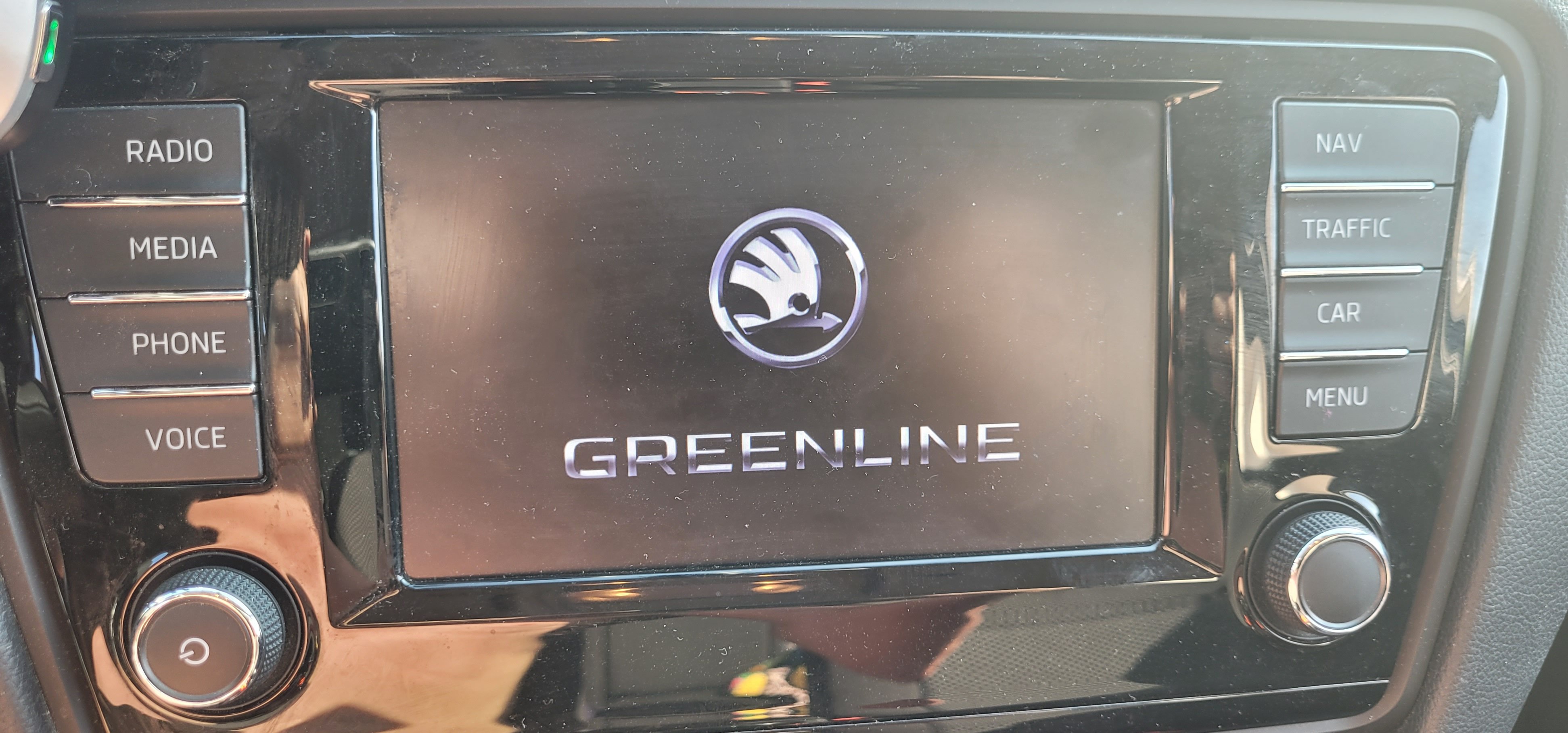
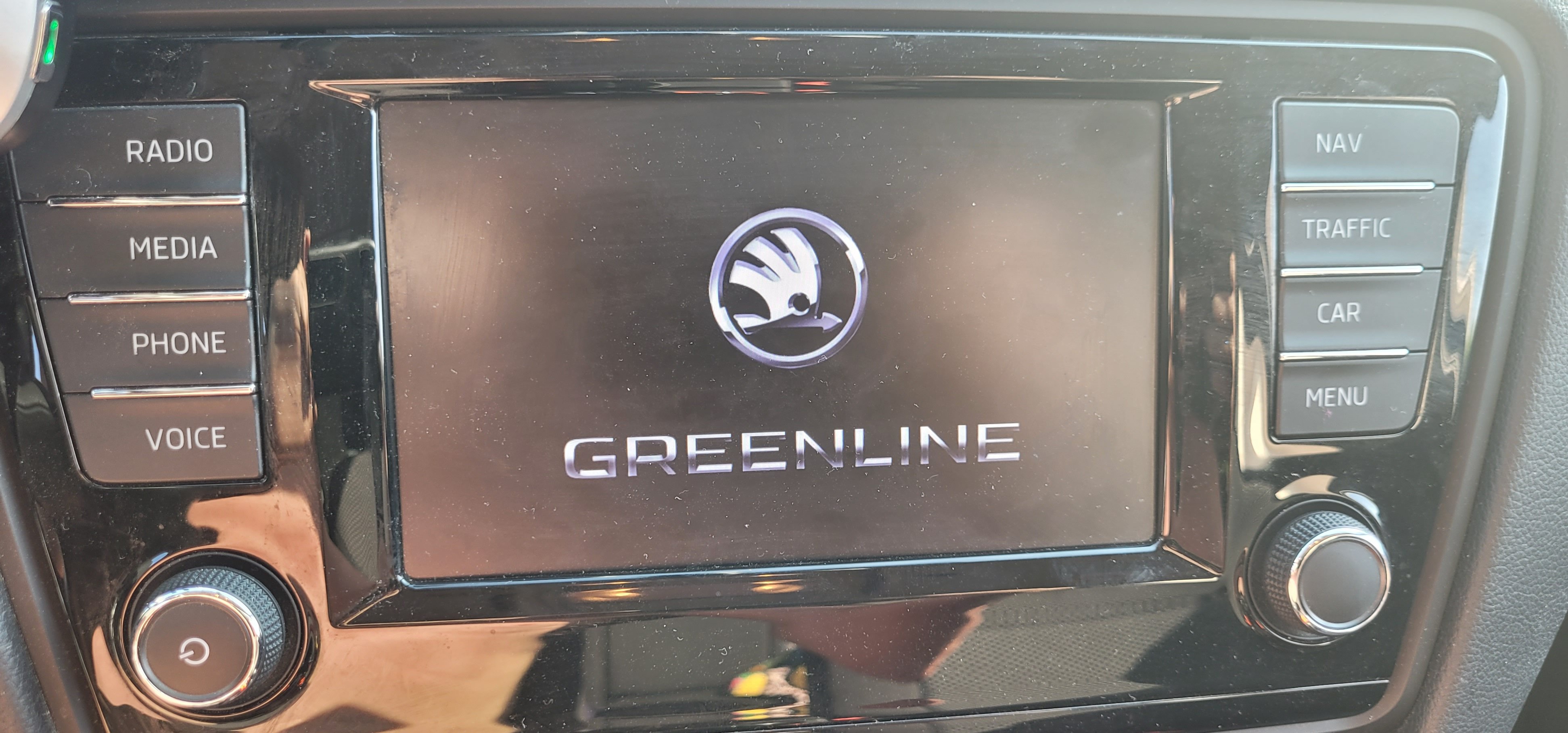
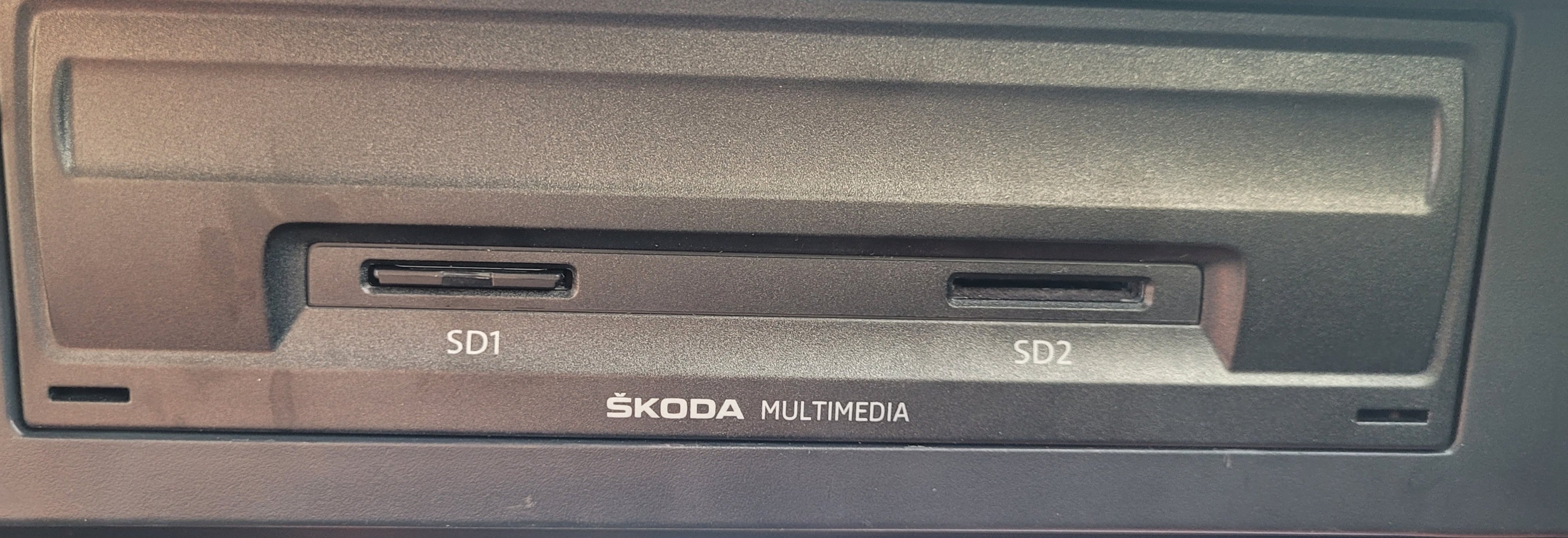
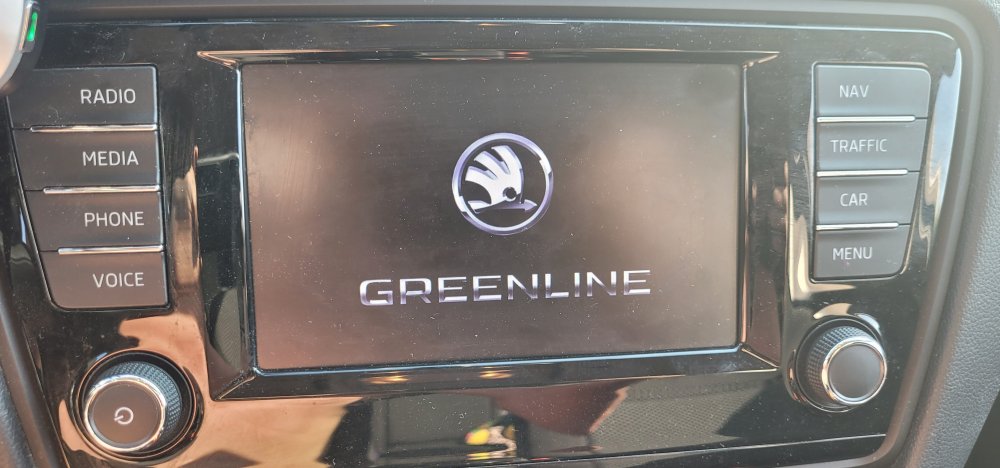
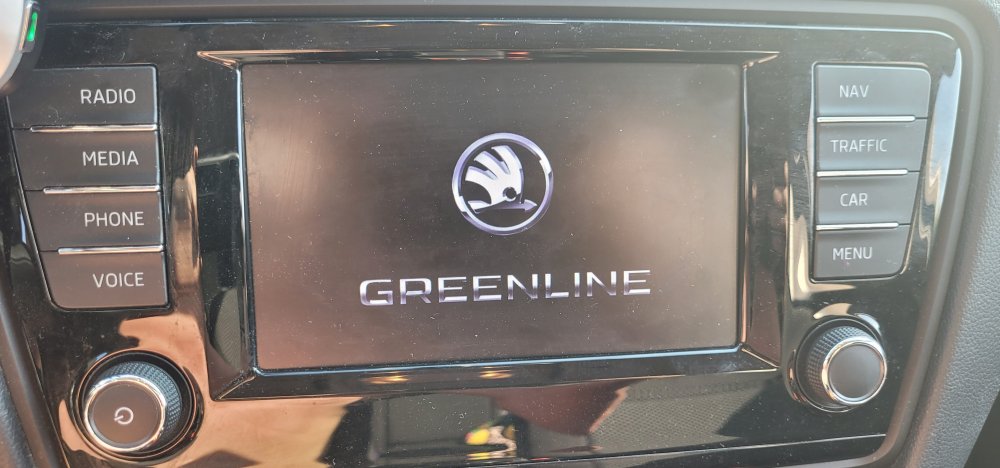
Hello PétroleDave, I updated the version of my MIB2 to 369T = OK and I wanted to update to 375 and since then the screen remains on GreenLine when starting the mib2. I tried cutting off the 12V power supply, rebooting via the start button, hard rebooting via the 2 buttons simultaneously and nothing works. This morning the car battery is flat because the MIB2 no longer turns off! It remains on GreenLine so I removed the power fuse from the mib 2. Thank you for your intervention
-
Hello, following an update, my MIB2 Amundsen car radio is stuck on the greenline page. I have tried everything and cannot get it to restart! Who can help me?
-
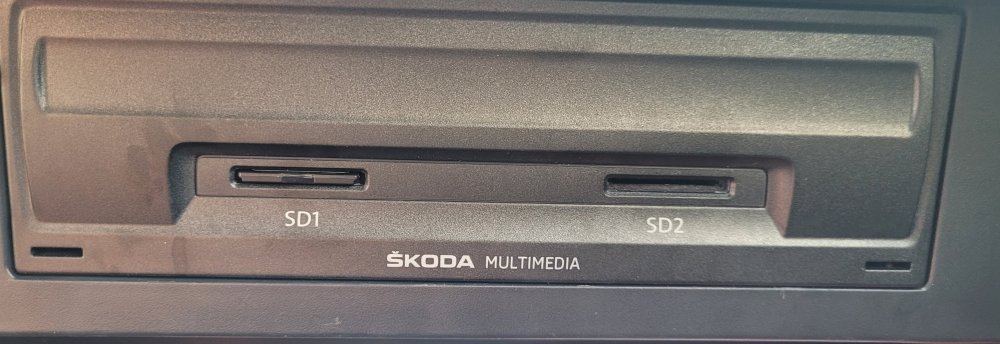
Oui désolé, je republie en anglais. Bonjour suite à une mise à jour mon autoradio MIB2 Amundsen est bloqué sur la page GRENLINE j'ai tout essayé et n'arrive pas à le redémarrer ! Qui peut m'aider.
-
Bonjour à tous je pense que dans Octavia depuis une quinzaine d'années toujours avec des véhicules de leasing ou location. J'ai dernièrement fait un acquisition d'une Skoda Octavia Combi 2017 MK3 Merci à vous pour vos partages.
-
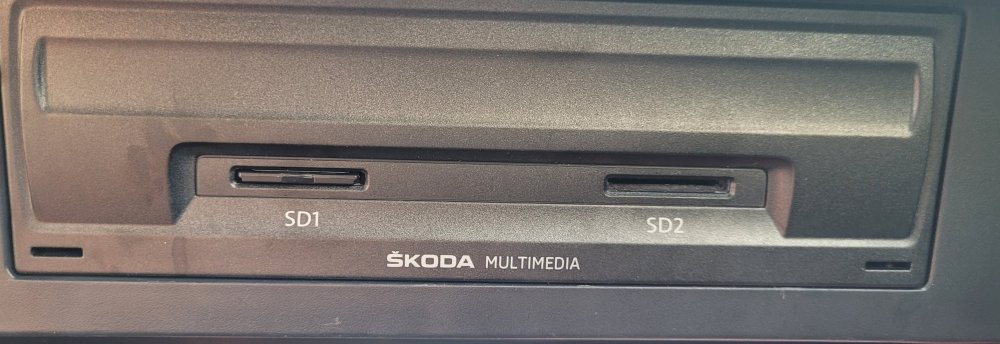
Bonjour suite à une mise à jour mon autoradio MIB2 Amundsen est bloqué sur la page greenline j'ai tout essayé et ne parviens pas à le faire redémarrer ! Qui peut m'aider. Merci
-
-