active8
New here
-
Joined
-
Last visited
-
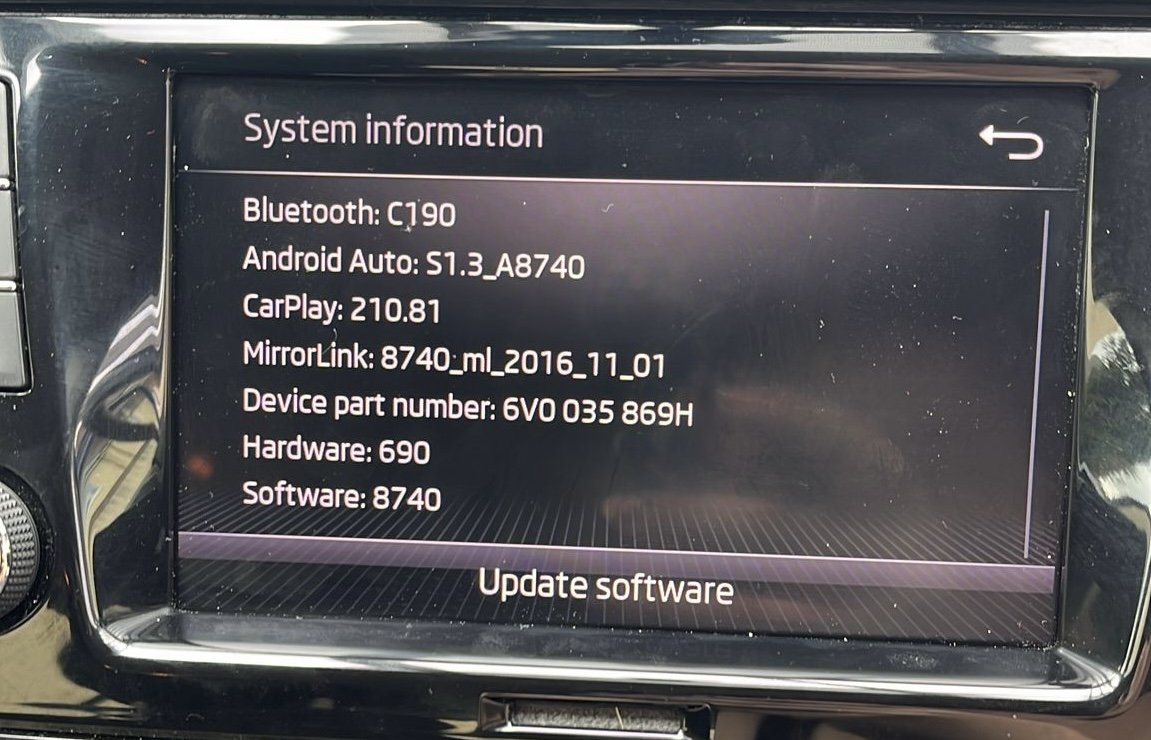
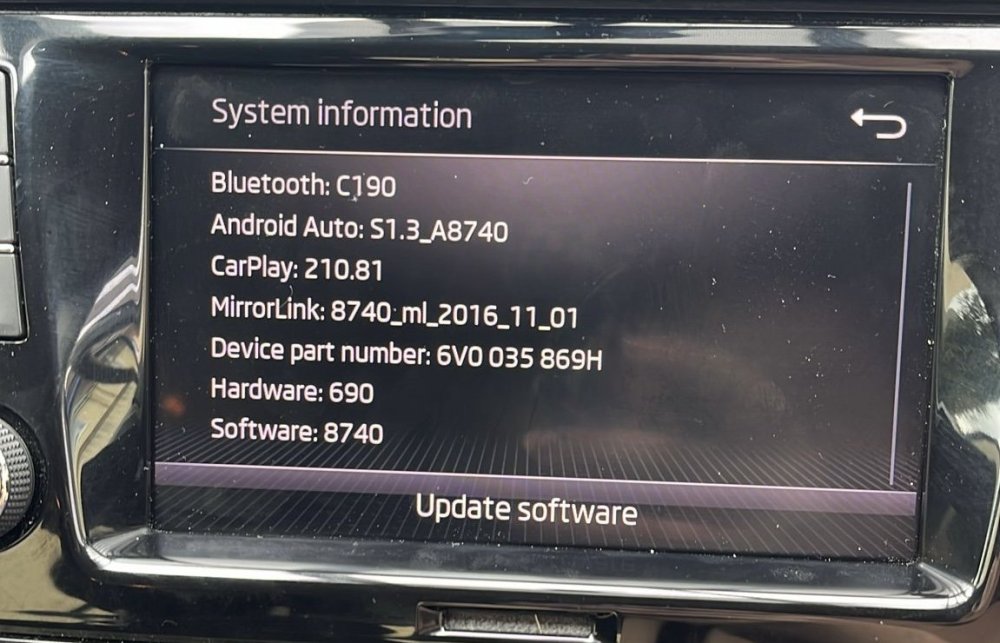
@Tdawber for reference:
-
@pab567 Do I just need to extract the contents of the zip onto an SD card or USB to do this and does it need to be ExFat or MSDOS formatted? Could you confirm where the SD card slot can be found in the car - I saw one photo where it is on the right-hand side of the steering wheel in a UK car.
-
@pab567 Here you go:
-
Hi Hi @Tdawber @varooom Please could you send me firmware update so I can resolve CarPlay issues on my 2018 Fabia SE Estate? [email protected] Thanks
-
Hello, We purchased a SKODA Fabia SE Estate (2018) yesterday and it is having issues with Apple CarPlay. Music stutters during playback and there is static when making calls. Is there a software update available for this vehicle that I can apply myself without having to go to a SKODA dealership? Thanks