Andy_P
Finding my way
-
Joined
-
Last visited
-
-
-
-
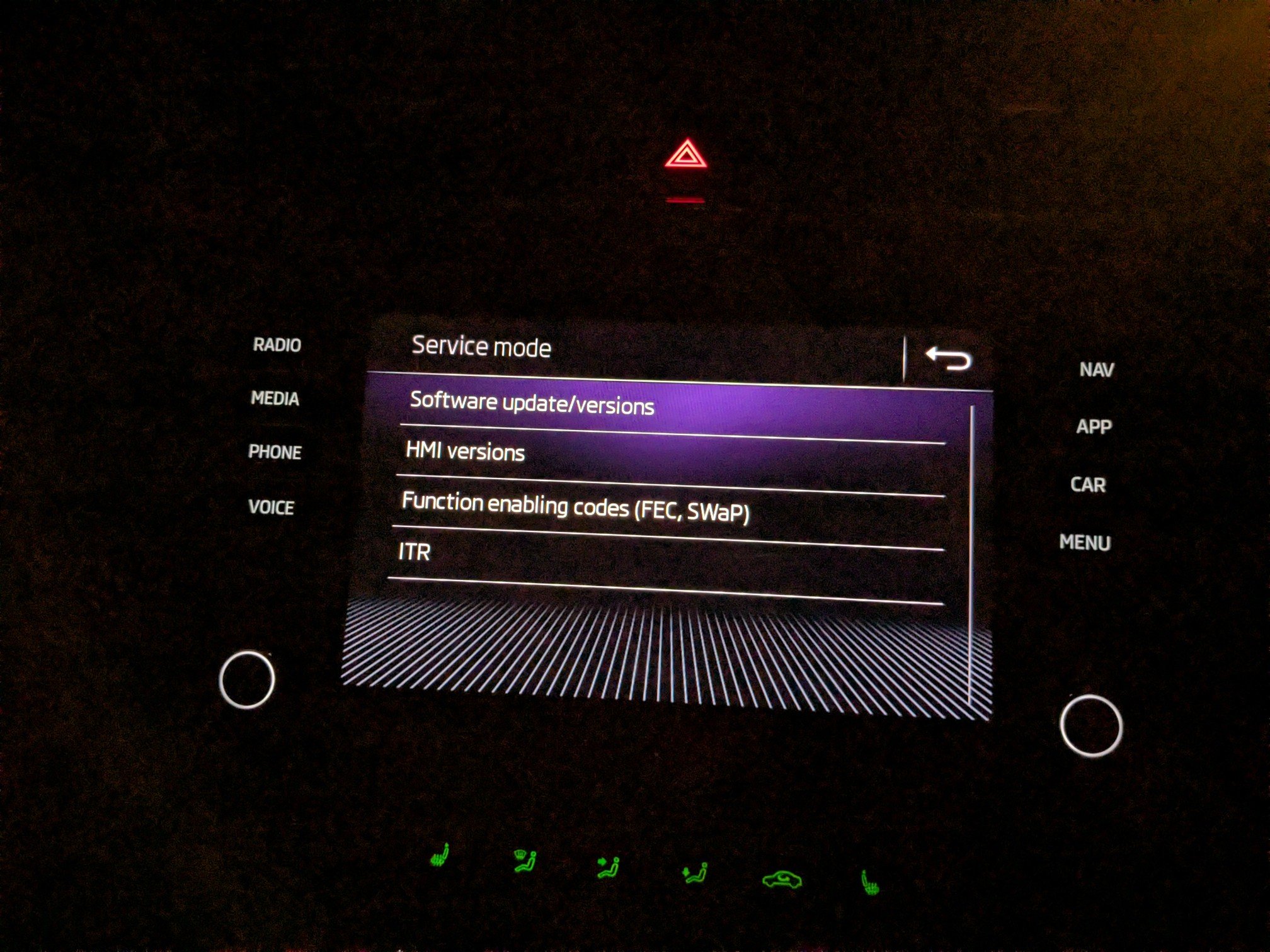
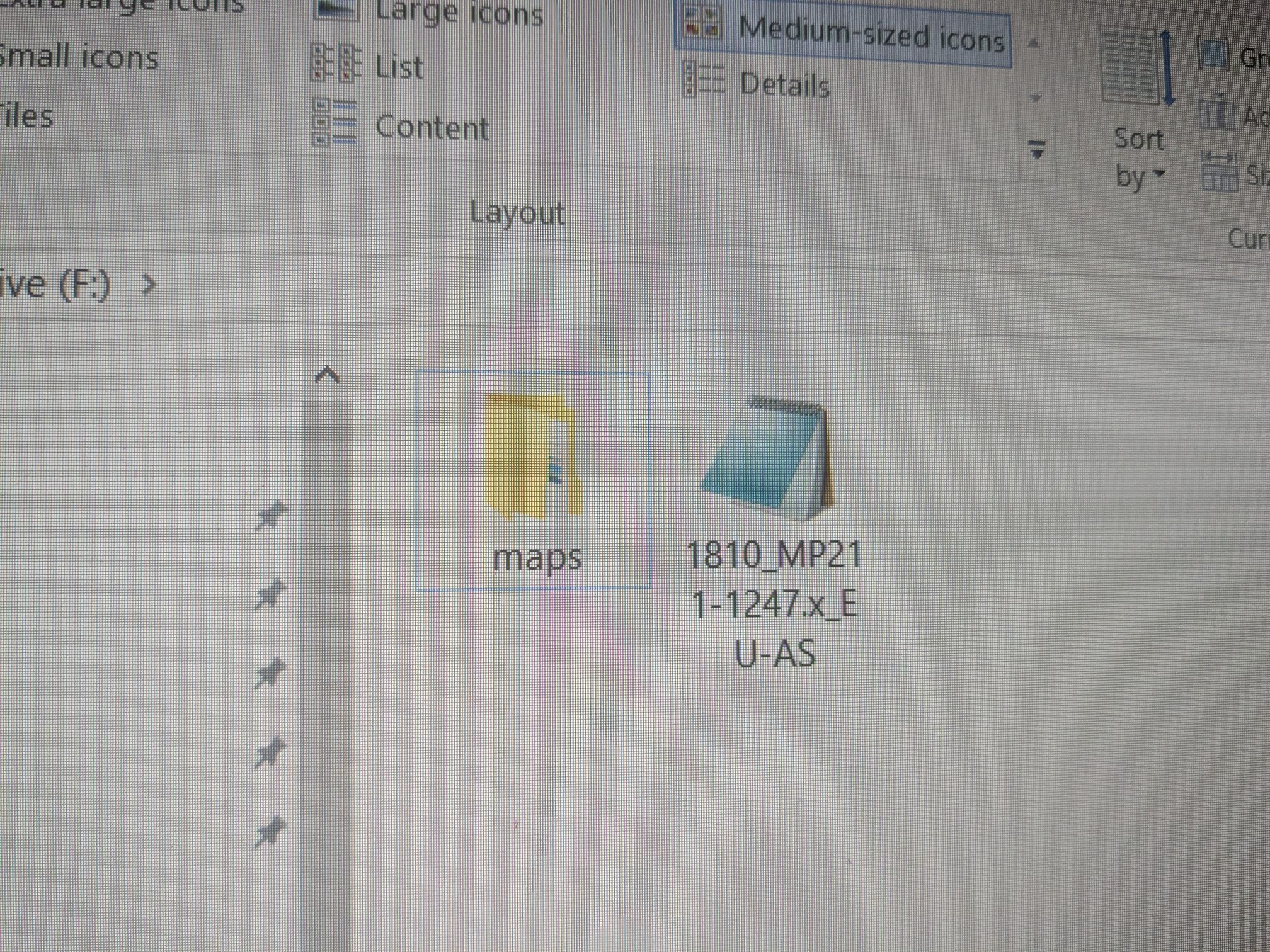
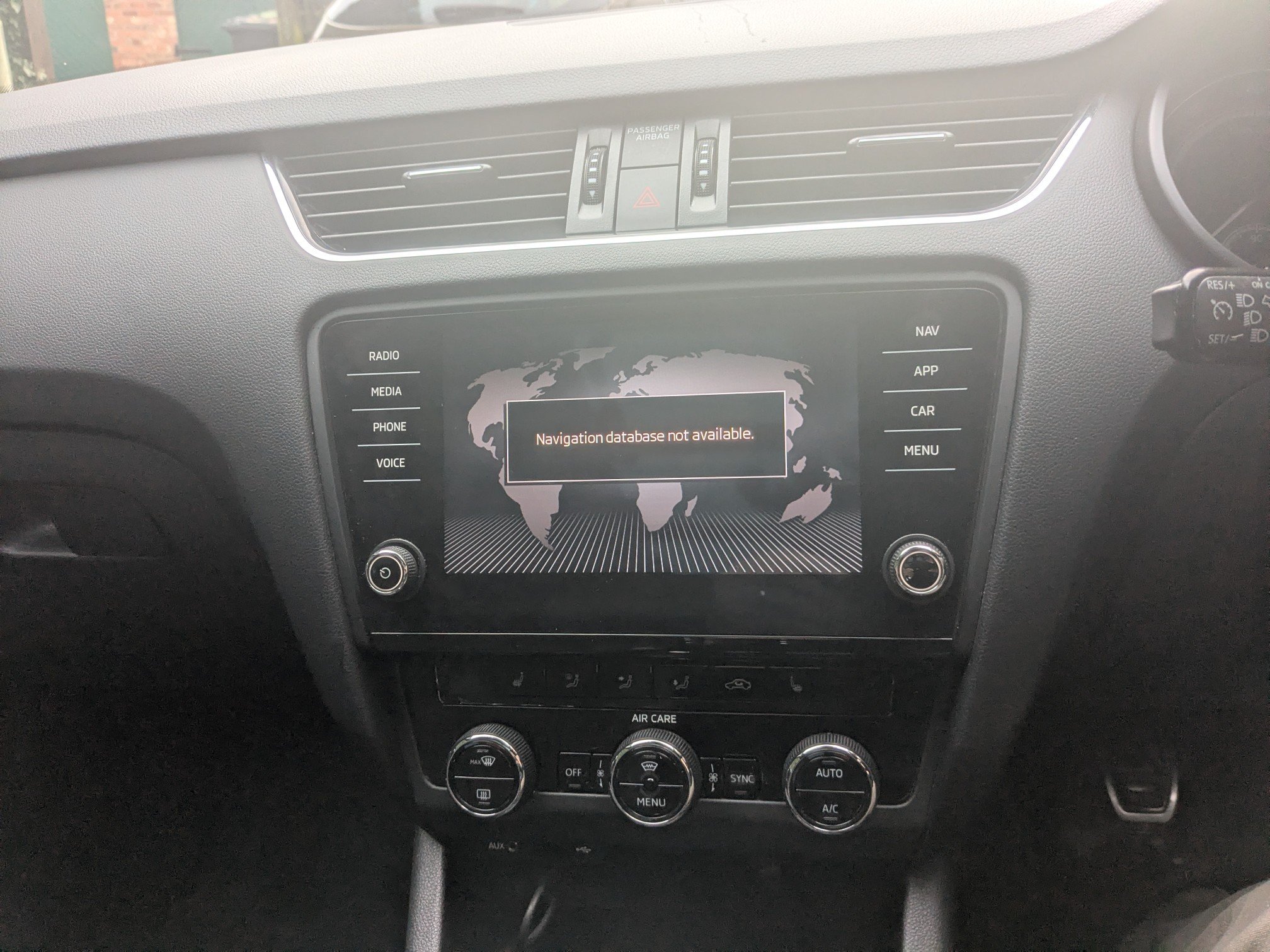
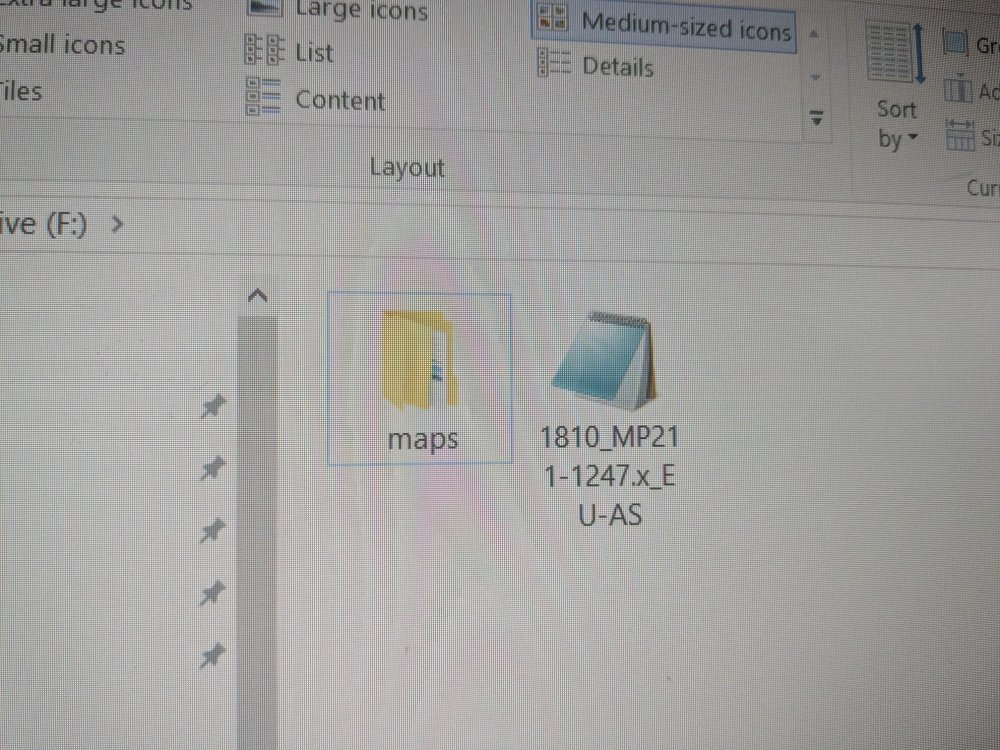
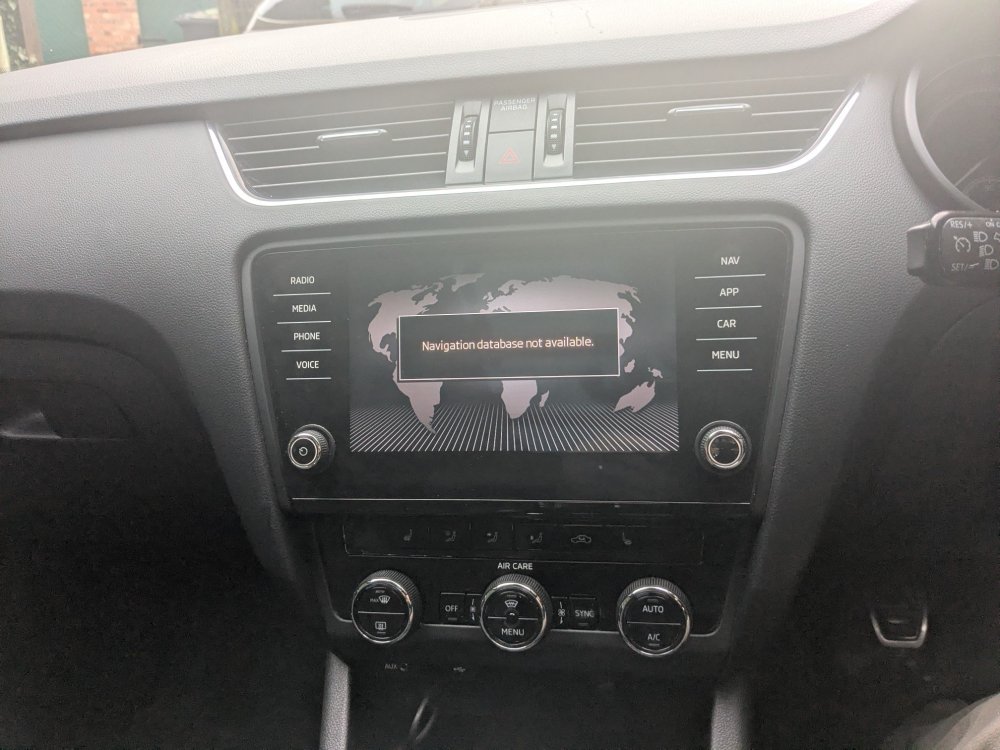
Iam having a similar issue, I downloaded latest maps on a zip file from skoda website and put them on a new SD card to keep the original. But that did not work as read on here that need to use the original skoda sd card. So i deleted and then replaced the maps folder on the skoda sd card with the downloaded one leaving the other file in place. See first pic but still does not work as unit does not recognise SD card 1. Any ideas
-
Andy_P changed their profile photo
-
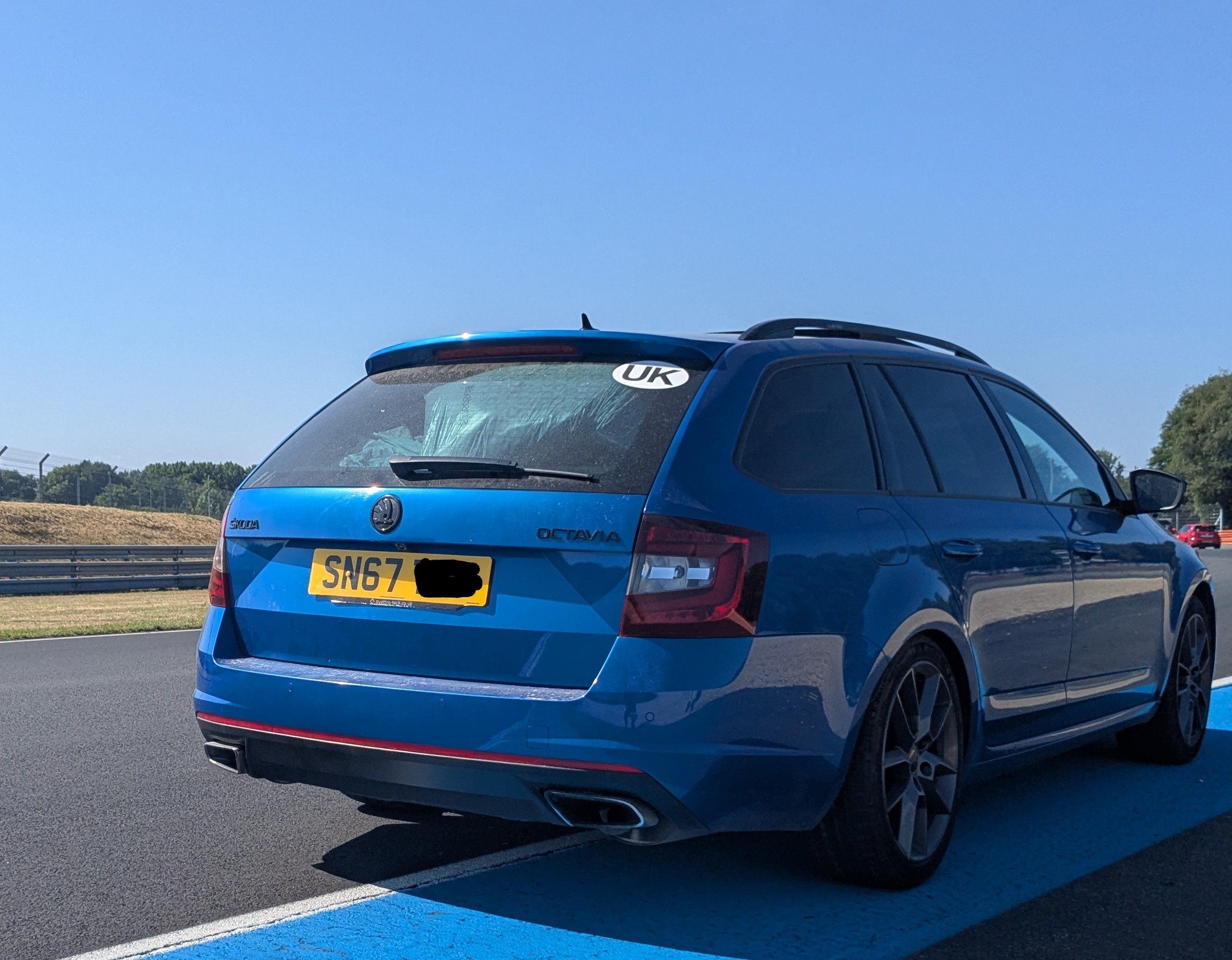
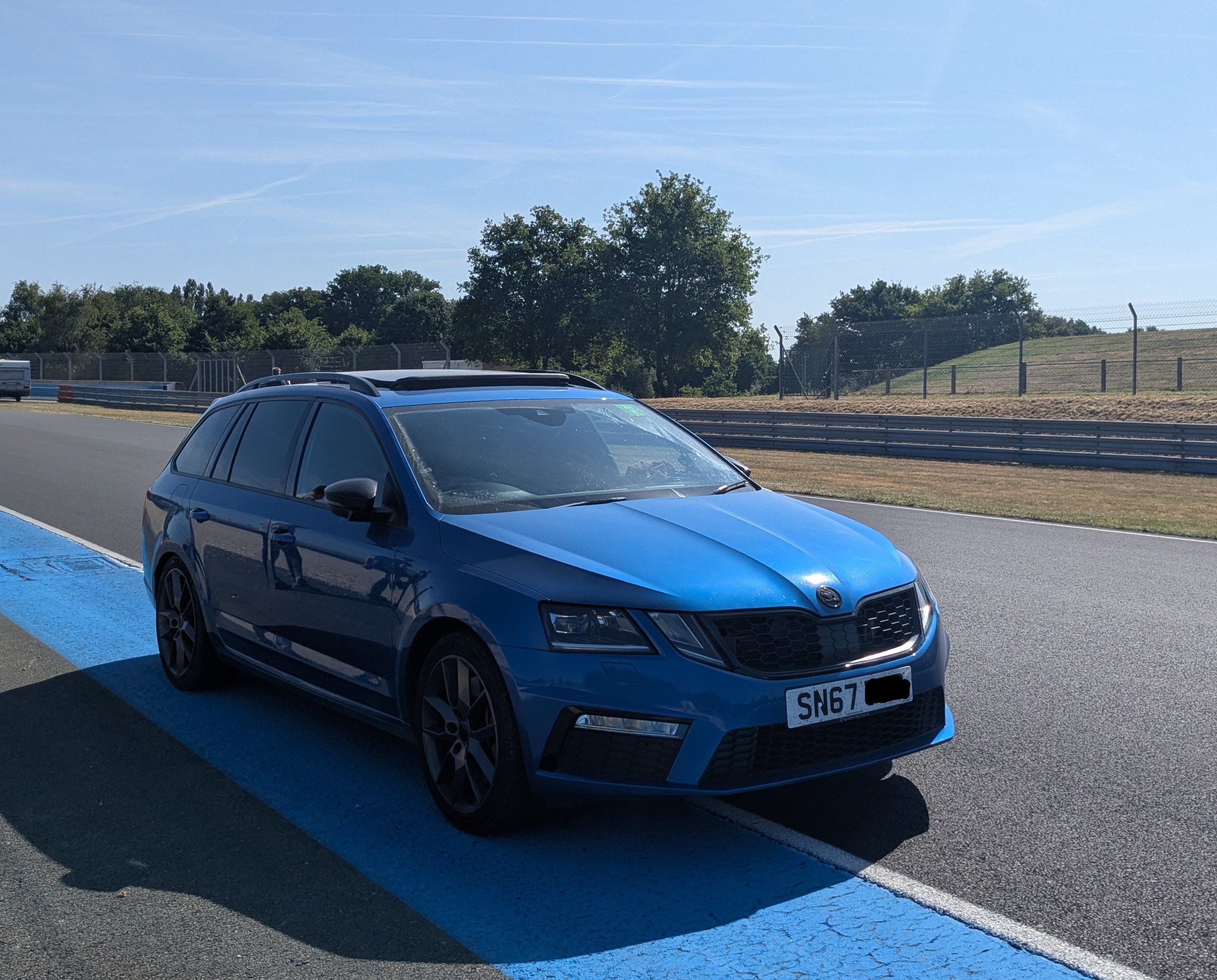
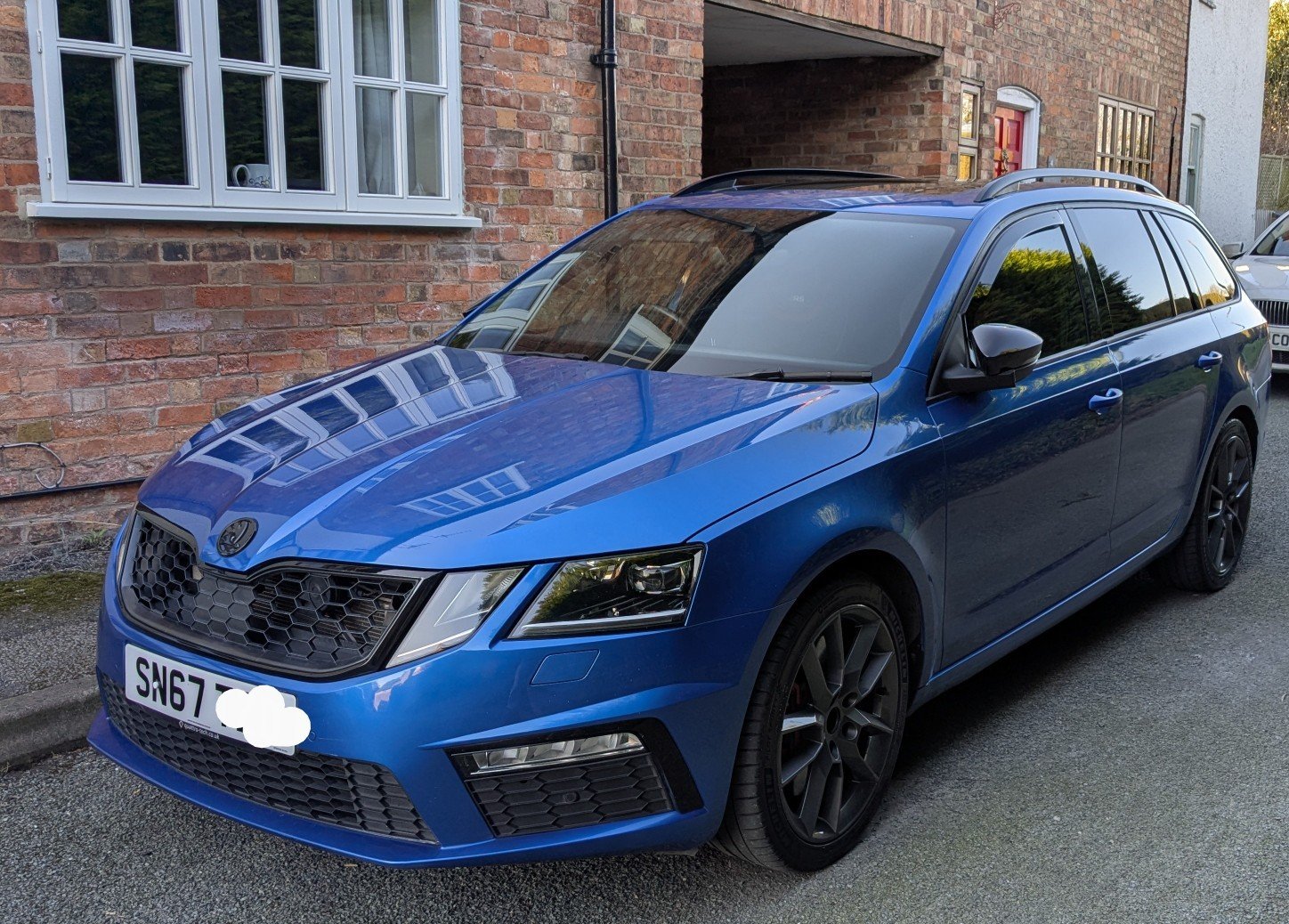
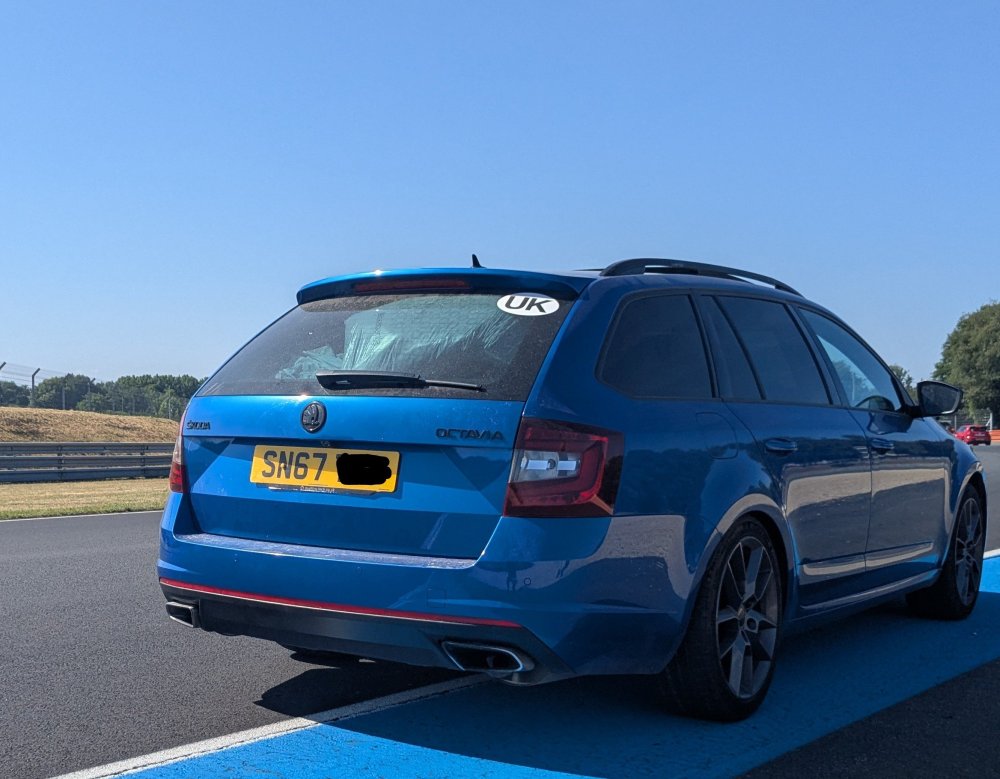
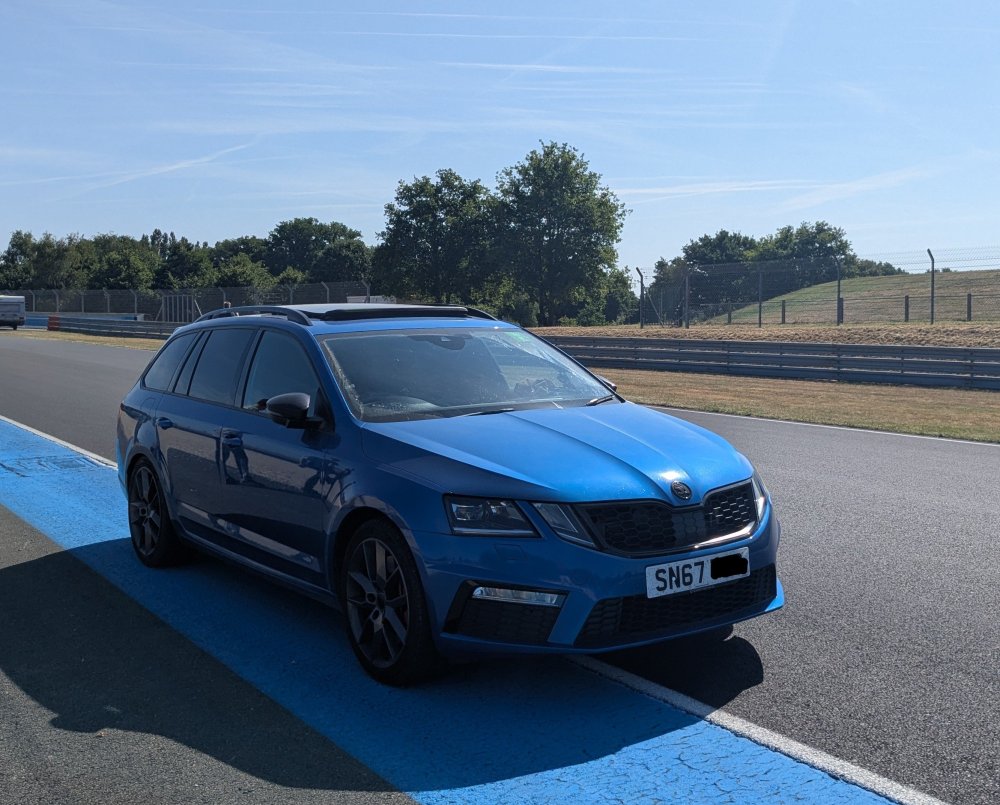
Hi owned my Skoda Octavia VRS m3.5 tsi Estate 2017 for a year and using the forum to find out how to update my map SD card, also used it when looking at buying a VRS. So thought it was about time I introduced myself. After owning Saab 93 manual turbo cars for the last 19 years I was looking for a replacement non saab. I settled on a manual petrol VRS estate. After looking for the right car for a while I posted a wanted post on a Facebook group and was offered this car as a private sale. It was in the spec and colour i was looking for. Stage one map 331hp dyno by Rtech Oil changed to liqui moly 5w 40 early last year Running on Michelin PS5s Panoramic sunroof, KESSY keyless system Smartlink activated for Android, Apple Carplay Alcantara and leather seats (electric front seats) Heated front seats Heated mirrors Heated windscreen Front & rear parking sensors and lane assist Reverse camera Black honeycomb grill & badges Scorpion cat back stainless exhaust Tyson turbo elbow RTS uprated clutch and flywheel and uprated dogbone New heat exchanger and silica bag removed. Since purchase I have removed Heko wind deflectors, tinted film from rear and side windows and VRS and Rtech badge from boot. Added space saver spare wheel and tool kit.
-
UPDATE Found the issue, my phones usb connector was full of fluff so the cable if it would stay in, charged but not connected for data. So cleaned it out with a tooth pick and now connects to car.
-
No i phone was a lightening connector cable. I have used different USB C cables, the previous owner successfully connected their Android phone and cable.
-
Any further new on this, just bought a 2017 vrs. The previous owner connected their Android phone to it and it worked. My daughter's iPhone connects straight away to the screen. But I cannot get my pixel 6A to connect do i need to do anything on the phone? I have android auto installed. Also tried different cables plugged in the usb under the heater controls inc a new cable stated as a data cable. Any advice