moreteve
New here
-
Joined
-
Last visited
-
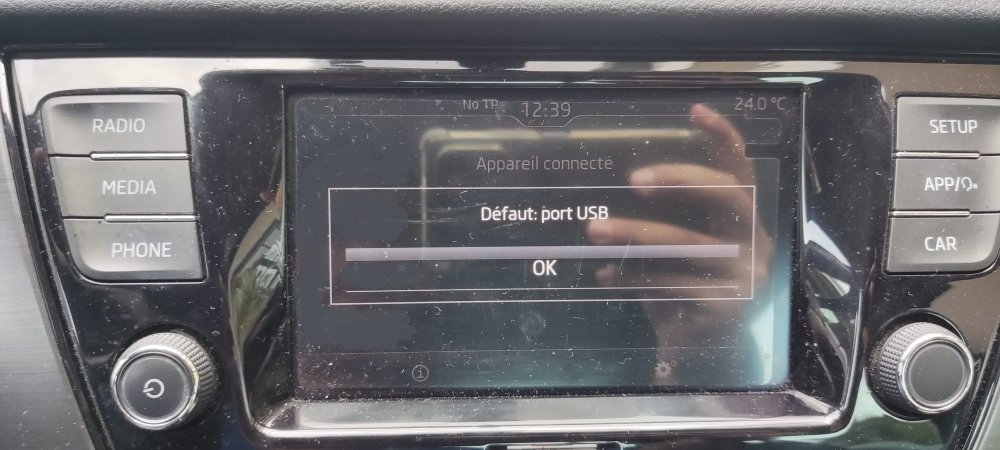
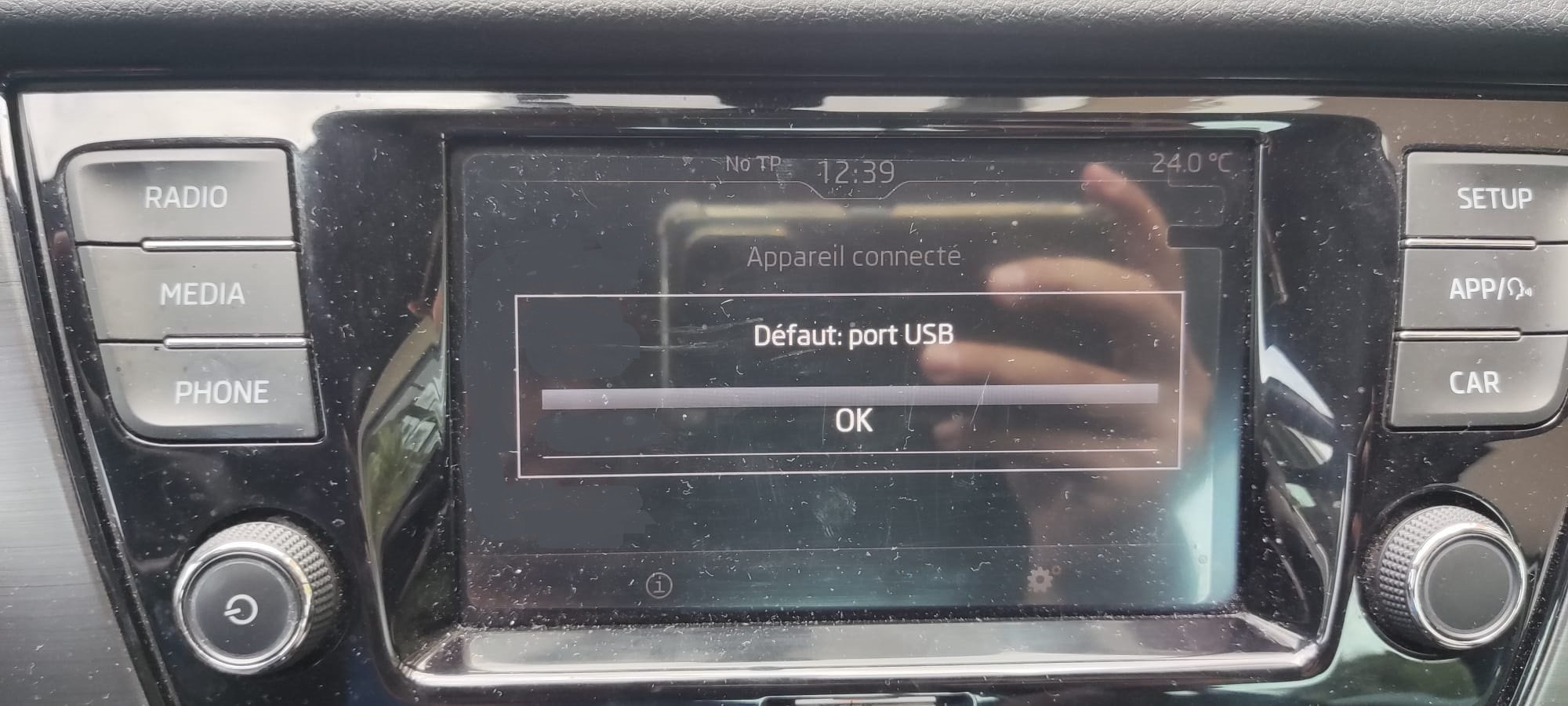
thanks nta16 for your reply 🥰 for further explanation, here are the steps I follow to connect my phone : 1 - I plug the dongle into the USB port of my swing 2 - then I go to my phone (Poco F3 Xiaomi) and activate the bluetooth 3 - I connect to the dongle that appears in my list of devices (wireless-adapter-2571) 4 - then Android auto launches on my phone and it's at this time that my swing radio displays this message and reboots using the USB-C cable directly with my phone, no problem launching Android Auto on my swing
-
hello guys, I need help with a problem on my 2019 Skoda Fabia MKIII I purchased a Wireless Carplay Android Auto 2 in 1 Smart Dongle Adapter I plug it into the USB port of my swing radio but when I try to connect via bluetooth to the dongle from my smartphone, the Swing gives me an error message and restarts Has anyone encountered this problem and how to fix it? thanks for helping (sorry for my poor english, i'm french)