dima_vy
Finding my way
-
Joined
-
Last visited
Everything posted by dima_vy
-
Just updated through USB, took around 10 minutes. Unfortunately the main issue i have it didn't fix, but all other things look fine
-
Anybody?
-
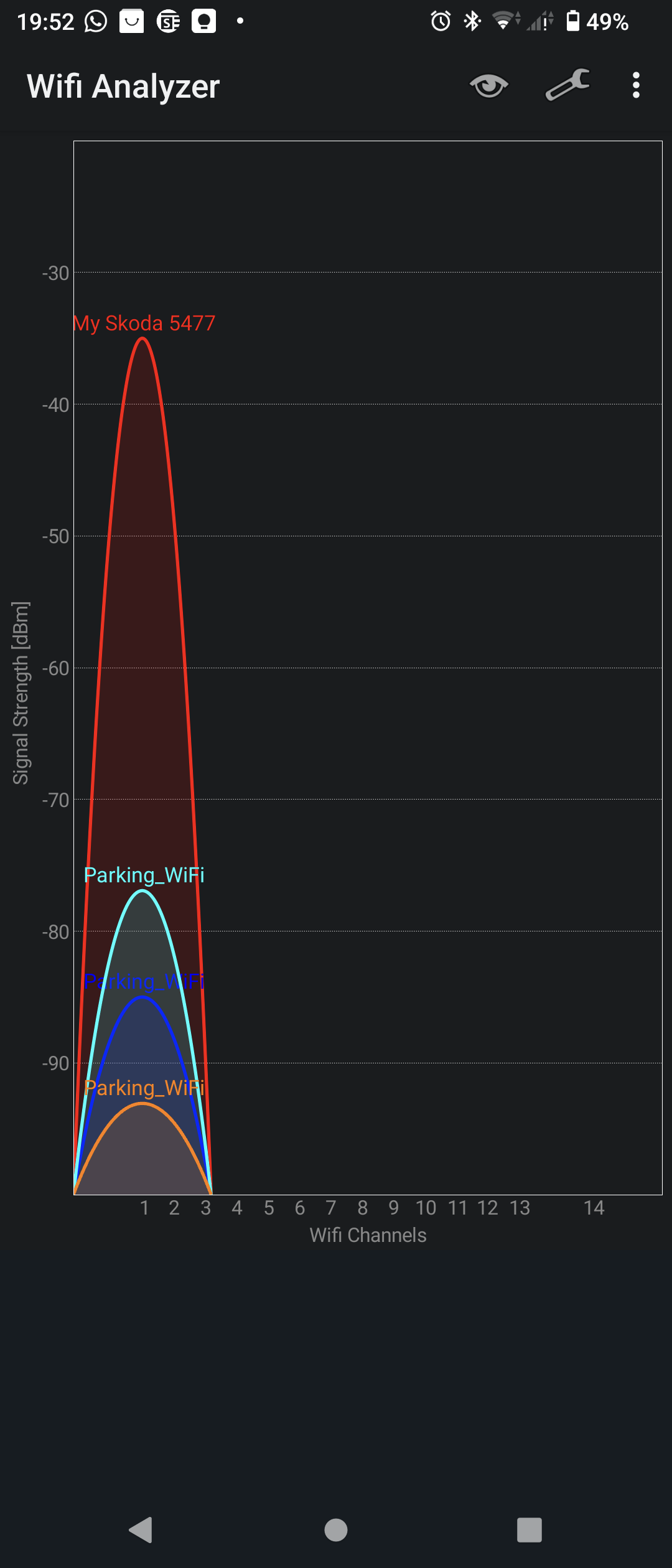
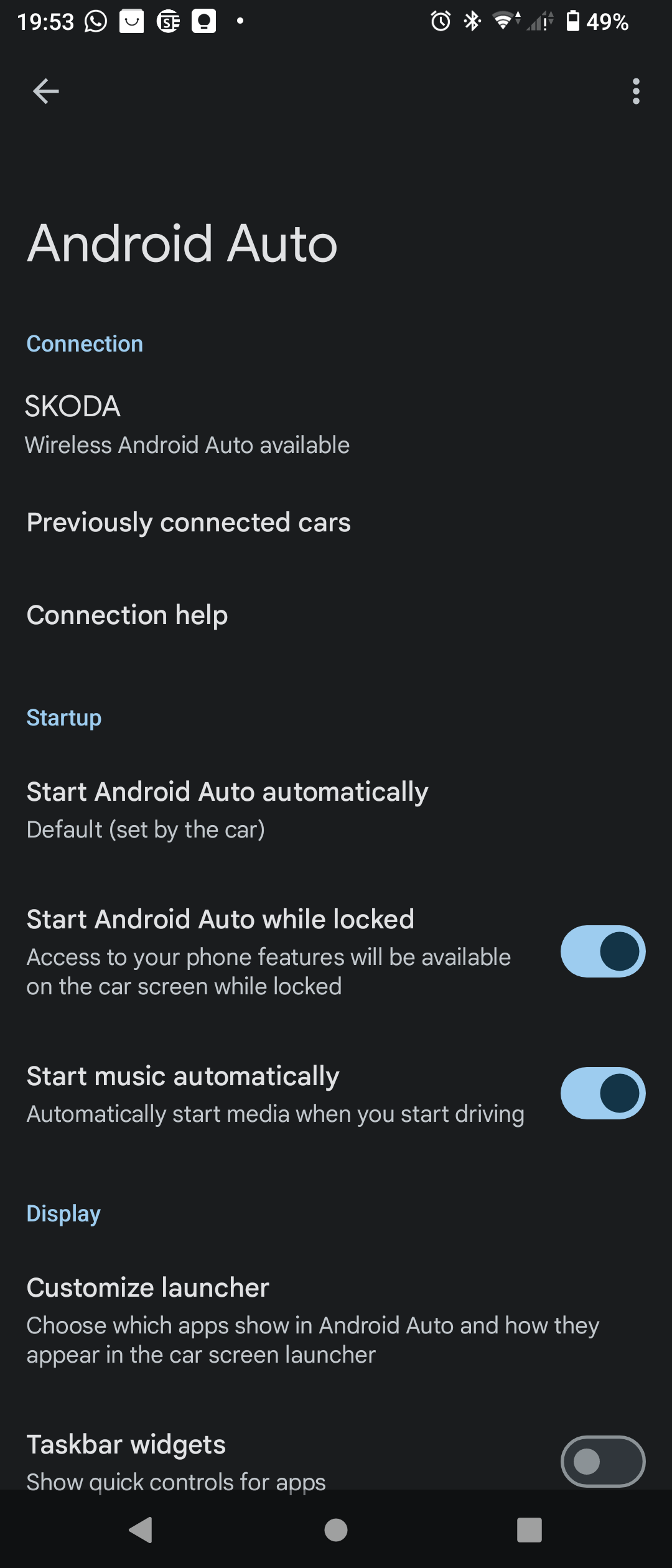
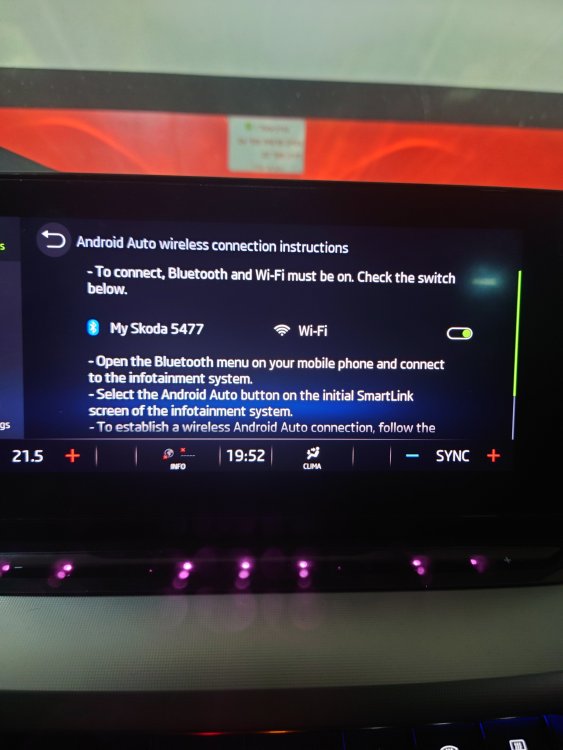
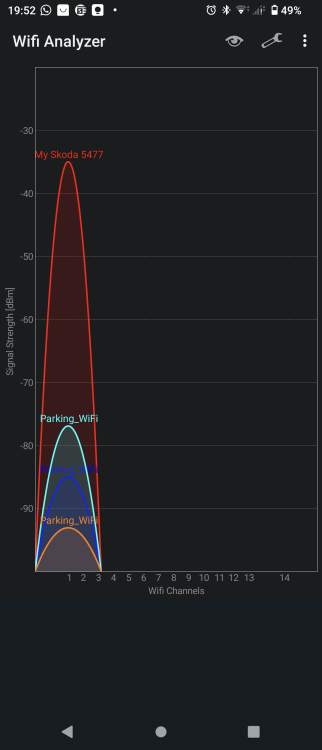
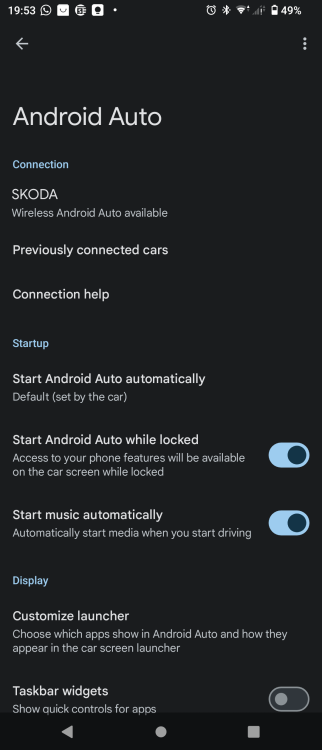
Hi guys! recently i bought secondhand Octavia 2021, with Amundsen MIB3 PR 8AR. For some reason, the system shows active hotspot, but only 2.4GHz, my mobile phone sees that wireless AA supported, but it doesn't work I don't see anywhere that somebody compalins on the issue, but here (https://eshop.skoda-auto.cz/en_CZ/smartlink-wlan/p/6VA054830B) specifically mentioned, that Smartlink WLAN is not intended for this specific part number 8AR. So i'm wondering if may be somebody has Amundsen MIB3 with this specific PR, and managed to use wireless AA? Thank you
-
I know that this post is 2 and half years old, but still this issue has become relevant for me also. Couple of months ago i purchased second hand Octavia mk4, with exactly the same issue of wireless AA. I tried to update formware, and contacted Skoda EU, but all of them told that wireless AA is not available in my car despite the fact that i can see car's active hotspot and my phone sees wireless AA supported vehicle. So after additional search i found on one of russian forums video of one guy, who had almost same issue with Skoda Rapid. The problem was fixed with OBDeleven adaprter and application by changing setting of connecting via usb only to "on". I'm wondering if anybody tried it already on Skoda Octavia MK4? Thank you guys, and sorry again for waking old thread, but it's still relevant
-
I read somewhere on Russian forum that 1969 version is corrupted. Did you try to update to 1941?
-
Hi! Thank you you for sharing your experience! But what happened to it? What do you mean by blocked?
-
I completely agree with you, but still looking for any additional positive experience of software upgrade. BTW, the post I mentioned was about upgrading from 1803 to 1941 by one update only
-
I just found the post on one of the Russian forums, with the steps performed to update multimedia from 1803 to 1941. According to the author, it was made in one procedure, via technician menu of the head unit, that allows update from USB. Took around 40 minutes. Does anybody here performed such update this way?
-
Great that it worked for you! What mobile device do you have? I tried with 2 devices, my Sony Xperia and my wife's Samsung A33. In both cases I got same result. This is why I suspect that car firmware is an issue
-
I tried to connect it with USB, and it worked just until I removed the cable. Once cable removed, android auto icon near the phone name in mobile devices becomes grey and the car doesn't recognize the phone as android auto device any more😕 What firmware version of the car head unit do you have?
-
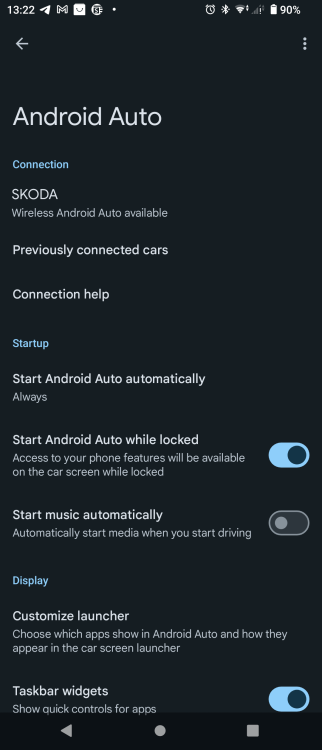
You right! I use Android device, Sony Xperia 5iii. It looks in Android Auto app that wireless should work. It also worked for me with another car i rented abroad (VW T-roc 2023)
-
Hi guys! I also bought a second hand Skoda with exactly same versions like on the picture in the post above. My main issue that my mobile can't connect wireless, even that phone recognize the car and see that can be connected to android auto wireless. Will the update fix this issue?