LimmyDip
New here
-
Joined
-
Last visited
-
It would be handy to see the release notes for each firmware upgrade so I can check what bug fixes each update is supposed to resolve. Does anyone have a link to these?
-
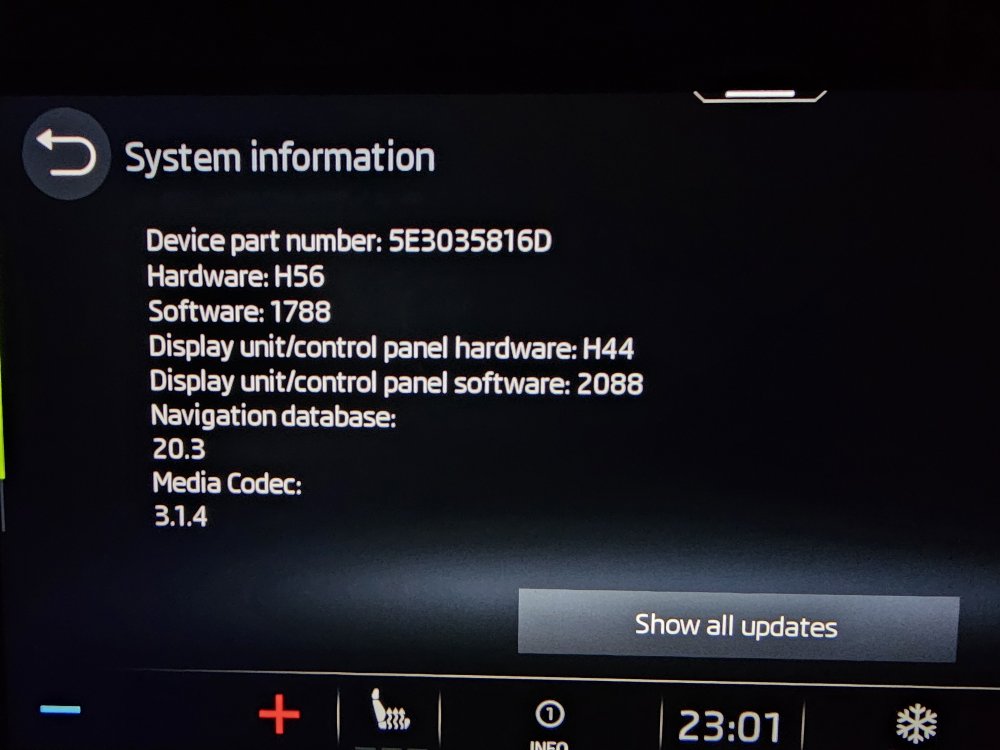
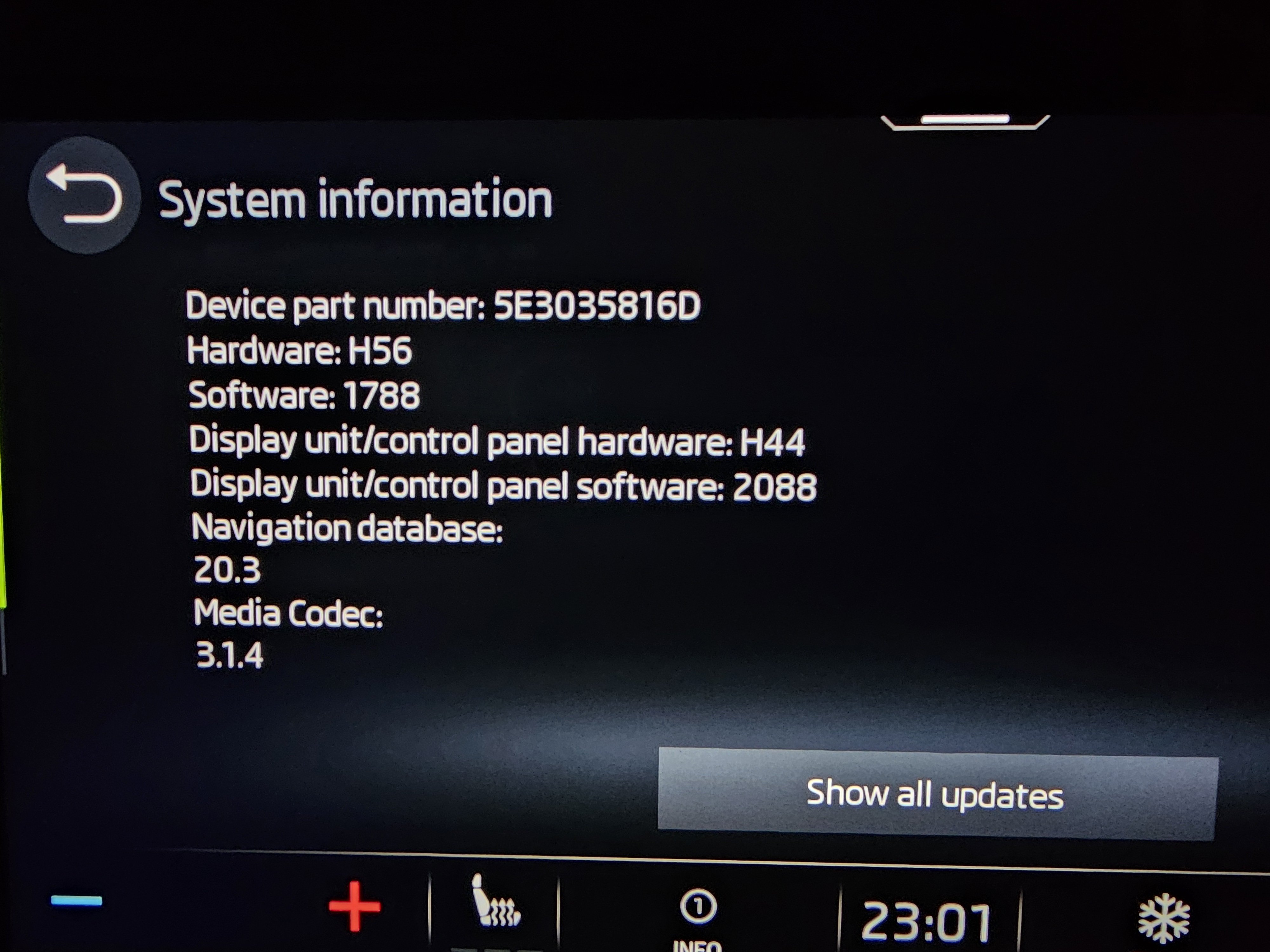
My 2021 Octavia SE-L etech has had some buggy problems with the infotainment system (screen freezing, stuck on loading settings, climate controls missing and can't turn off the cold air, very laggy on startup, unable to raise the volume control for android auto voice assistant so can't hear what it's staying etc) so I read through the threads about this issue and find that recent firmware updates resolve a lot of problems other mark 4 owners have been having. So I called the delearship to ask about how to get these problems resolved as my system won't update over the air and I appear to be stuck on version 1733. I am told that there are no updates for my car, the last update they can see on their system was in July 2021. I said but I'm on 1733 and the latest version is 1969 but they said no, my car doesn't have any updates available and if there were any recalls for known issues it would be on their database. I was told to factory reset the infotainment system as that has resolved any issues that they have ever encountered with it and if that doesn't work I'll need to book it in for a diagnostic. Can someone help me to understand why everyone seems to be getting firmware updates that fix their problems but I am stuck with the old version?