




toastymarsh
New here
-
Joined
-
Last visited
-
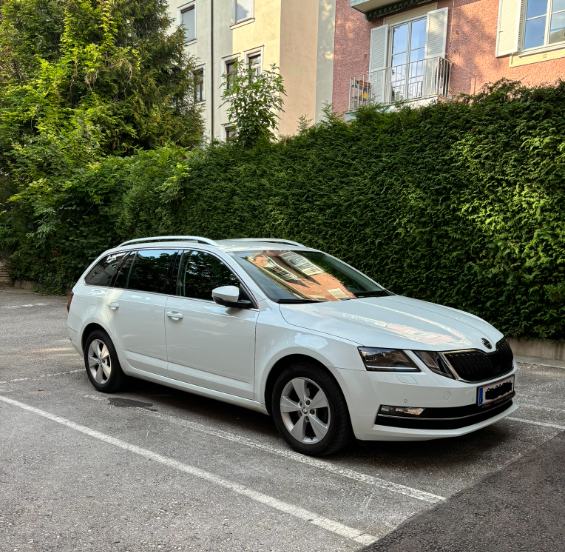
Canadian integrating into euro life with a combi. Thinking about upgrading to something like 17-18" oem wheels. Any recos?
-
Had the same problem, but I was using some cheap no name usb cable. I switched to a USB-A to USB-C cable from logitech that came with my laptop mouse. Works without issue.
-
Thanks all. I'm in Austria and see almost no mk3's for sale with the drive mode button. Paddles it is.
-
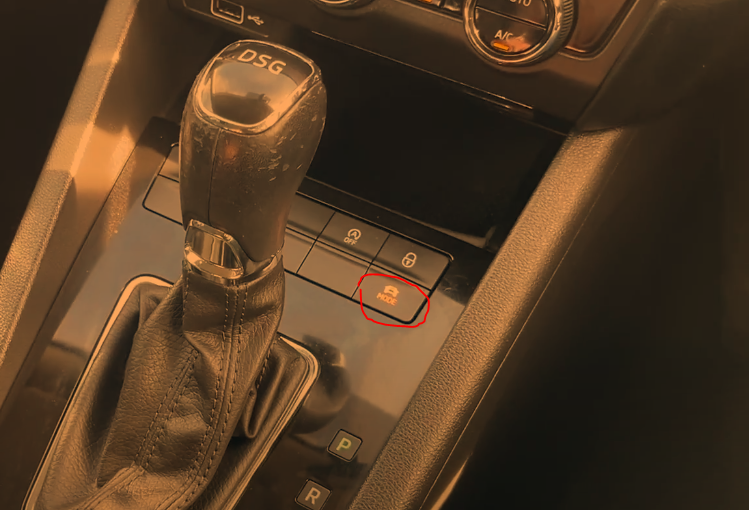
Yes true, but I'm wondering why I don't have the 'Mode' button i've seen on similar trim/spec octavias. This button brings up drive mode options on the infotainment screen.
-
First time Skoda owner here (2018 Octavia Combi, 1.6 TDI DSG). I don't have a drive mode button, but the manual says you can find the drive modes (eco, normal, sport) in the infotainment. I can't find it anywhere. Is it as simple as my car doesn't have the option to modify the steering weight and throttle response, and can only adjust the transmission by switching from D to S on the gear selector? I can find 'driving programmes' (eco, normal, sport) under my ACC options, but I assume that only applies to the ACC behaviour and not steering/throttle. Thanks