chrisclin
Finding my way
-
Joined
-
Last visited
-
I would have thought if the error was because of GPS spoofing, you'd have the same error whether you're using the phone GPS or the car. I know when sailing in the North West of Scotland near a NATO exercise I got the same position on my chart plotter, my phone And my tablet - positioned 500 yards away in the middle of an island
-
Glad it's not just me. I think the random 20mph bits are because the council have talked about their intention to impose them sometime - but they've flagged it up on the mapping database already! I still don't think the technology is there to read and interpret roadsigns.
-
Does anyone have any proof that the car actually picks up information from road signs and applies it? I am convinced it only uses the GPS info. It applies 20mph speed limits seemingly at random on the rural roads nearby although there are no signs, whereas several motorway restrictions are ignored.
-
Well blow me down. I never managed to download the digital certificate before. Not that it helps a lot. What does LABOR OPERATIONS 90EE-S-Update to PV4: 90EE 90EE mean? I have tried asking the dealer but they just fob me off with "it fixes some issues".
-
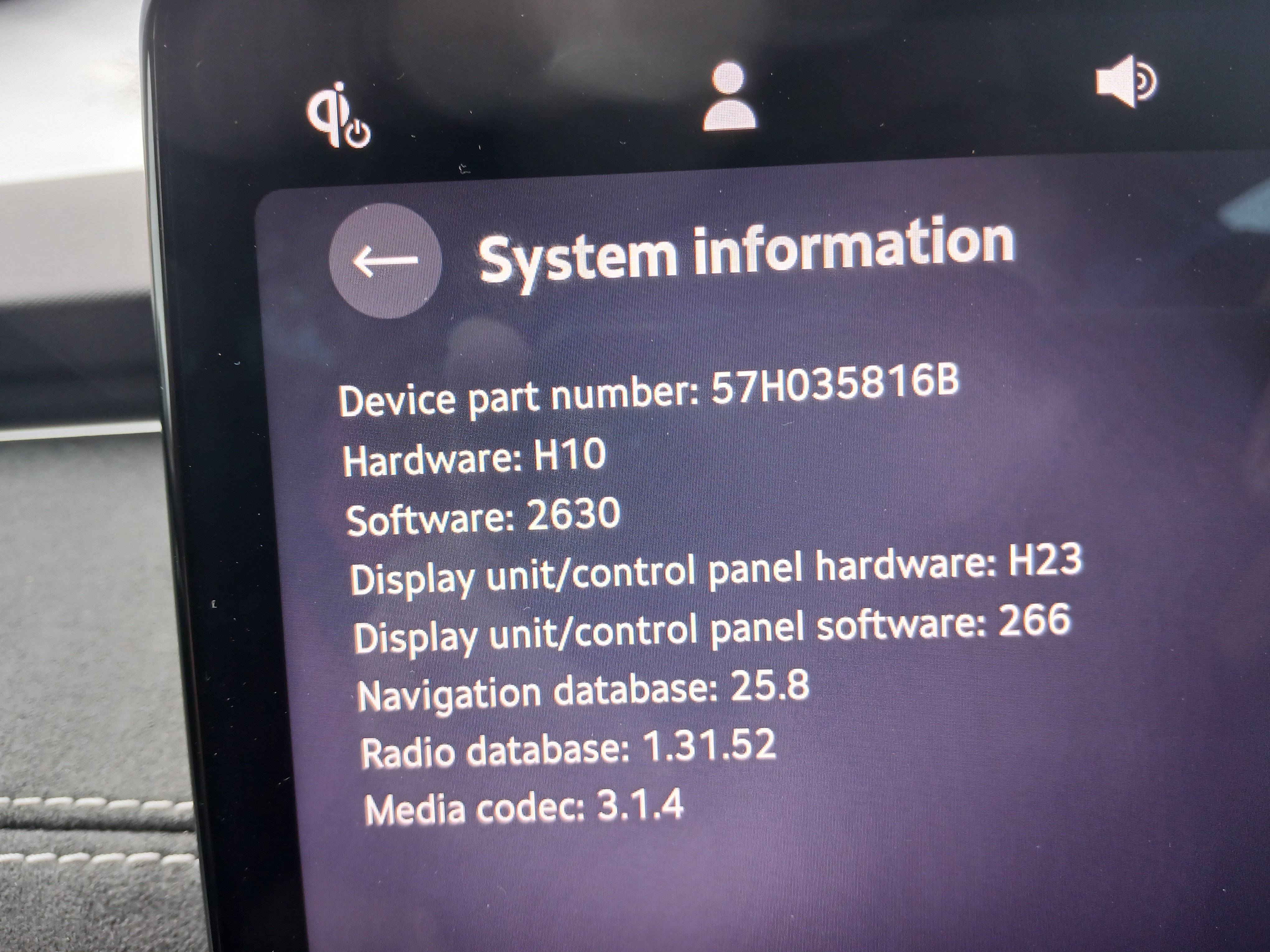
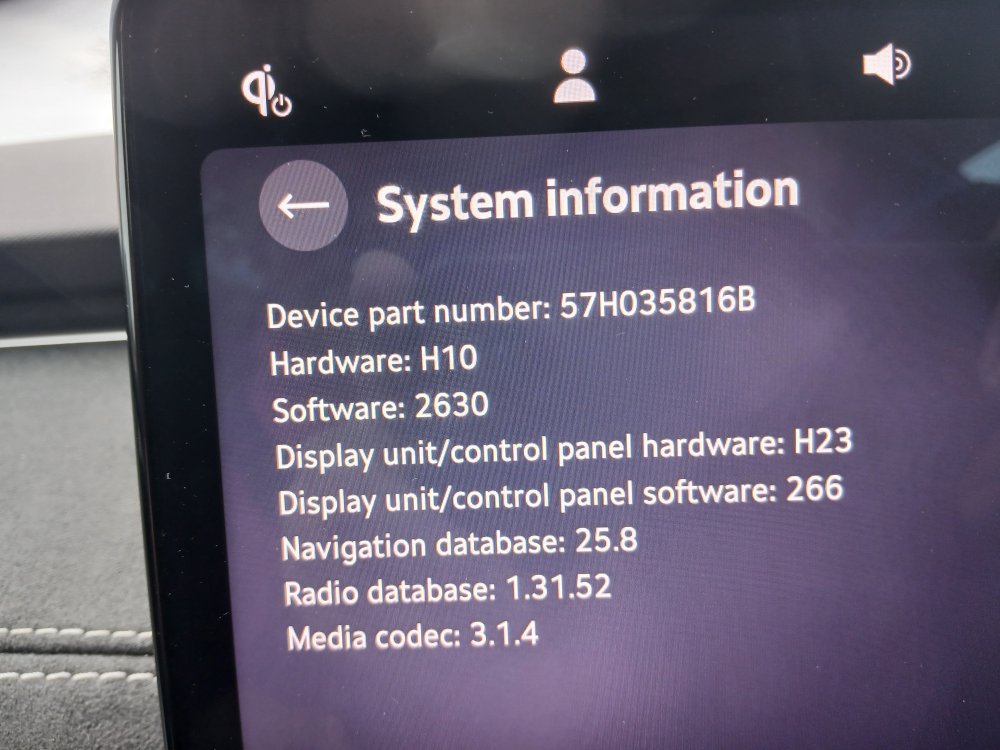
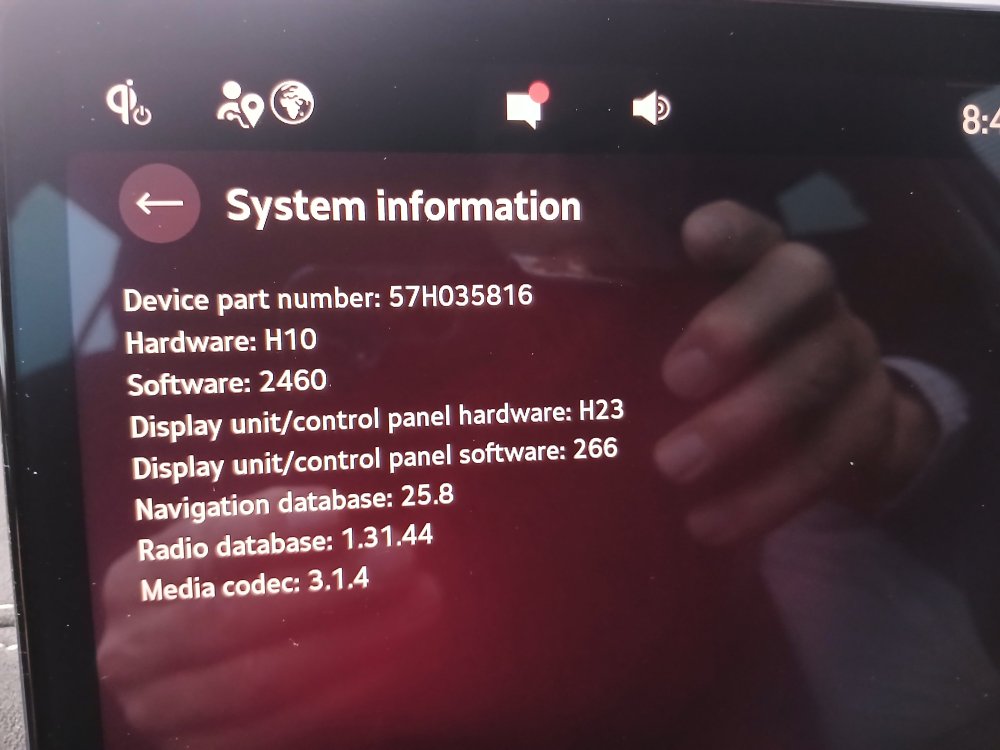
The car was recalled by the dealer and kept for 2 days while they updated it. 15th October before it went in 2 days later when I collected it You will see the software has gone from 2460 to 2630. That's what I understand to be the car's operating system and the dealer told me it had to be done by them as it often failed OTA. In fact it crashed twice when they were doing it. Apologies for the randomness of this reply. It appears VAG are even worse at implementing fully tested Apps than they are at their vehicle software.
-
I had the update done in October and have the same levels as your screen except I've got a radio database at 1.31.52. The update was definitely applied, the most noticeable differences being that the auto rewind of the back shelf now works. The other issue was that it used to fail to start every so often - at the risk of chancing my luck, I should say I haven't encountered that problem since the update.
-
Is this not the old problem with the 1.4/1.5 from VW group cars? I seem to remember it being very much talked about just as I bought my Karoq in late 2019. I was told it wasn't a problem with DSG but was with manuals.Honest John in the Telegraph talked about it a lot. Apparently it was resolved with a software fix - now where have I heard that before!
-
My wife and I use the car equally. Hers has gone over a year without a problem - mine starts warning after 6 weeks. Last time I left it warning me for 2 months before I changed it. Most recently it gave the first warning when I got into the car to take it for its software update recall. I told them not to change it but they phoned up at lunchtime to tell me it wouldn't do the update because the key battery wasn't strong enough. They changed it though I wasn't charged for it and the update worked. I've tried Faraday pouches but not impressed. The car unlocks when I take the bins out but doesn't relocked without me taking it out of the pouch.
-
Well, my 18 month old car was recalled this week and after 3 days I got it back. Dunno why it takes them 3 days to do a software update but apparently it takes them at least 3 attempts before it fails at the end. I was told that it was to fix the occasional failure to start problem but there seem to have been a couple of other changes. The dashboard was set up completely differently but after an hour of fiddling I managed to get back the original colour scheme. However, the cruise control indicator is now to the left of the speed digits. There may be other changes. The good news is that the car hasn't failed to start in 36 hours. Oh, and the parcel shelf rewind hasn't reset itself. The bad news? They gave me a Cupra Leon PHEV courtesy car - and I rather liked it! It's a bit quieter than my Octavia and it's definitely quicker.
-
Glad for you. It does sound as though they haven't got a fix. Be very interesting to hear if the problem is repeated with your new car.
-
Reposted in cold start problems topic where it should have been to start with. Sorry! https://www.briskoda.net/forums/topic/529129-cold-start-issues-with-octavia-estate-15-tsi-m-hev-2024/
-
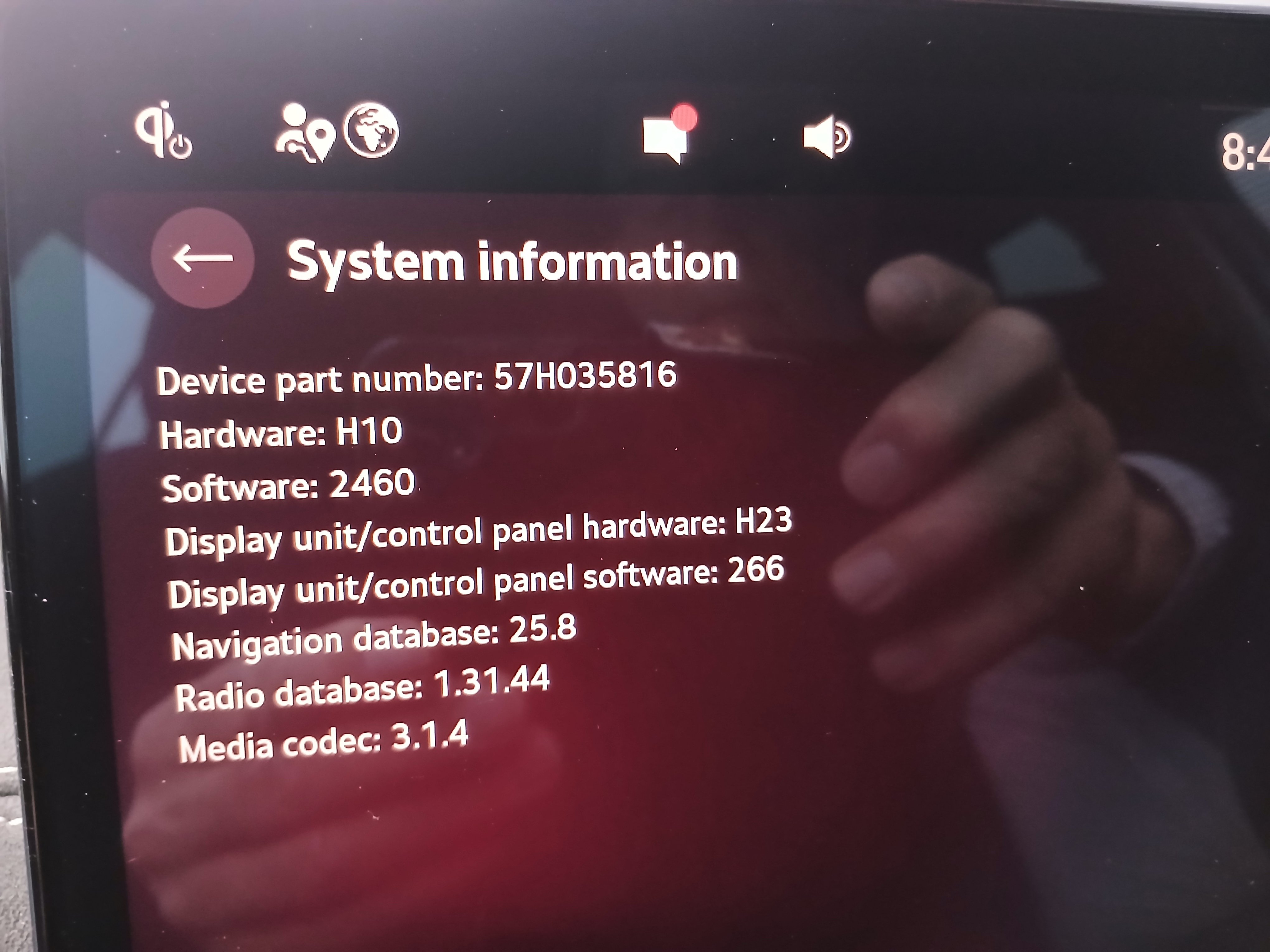
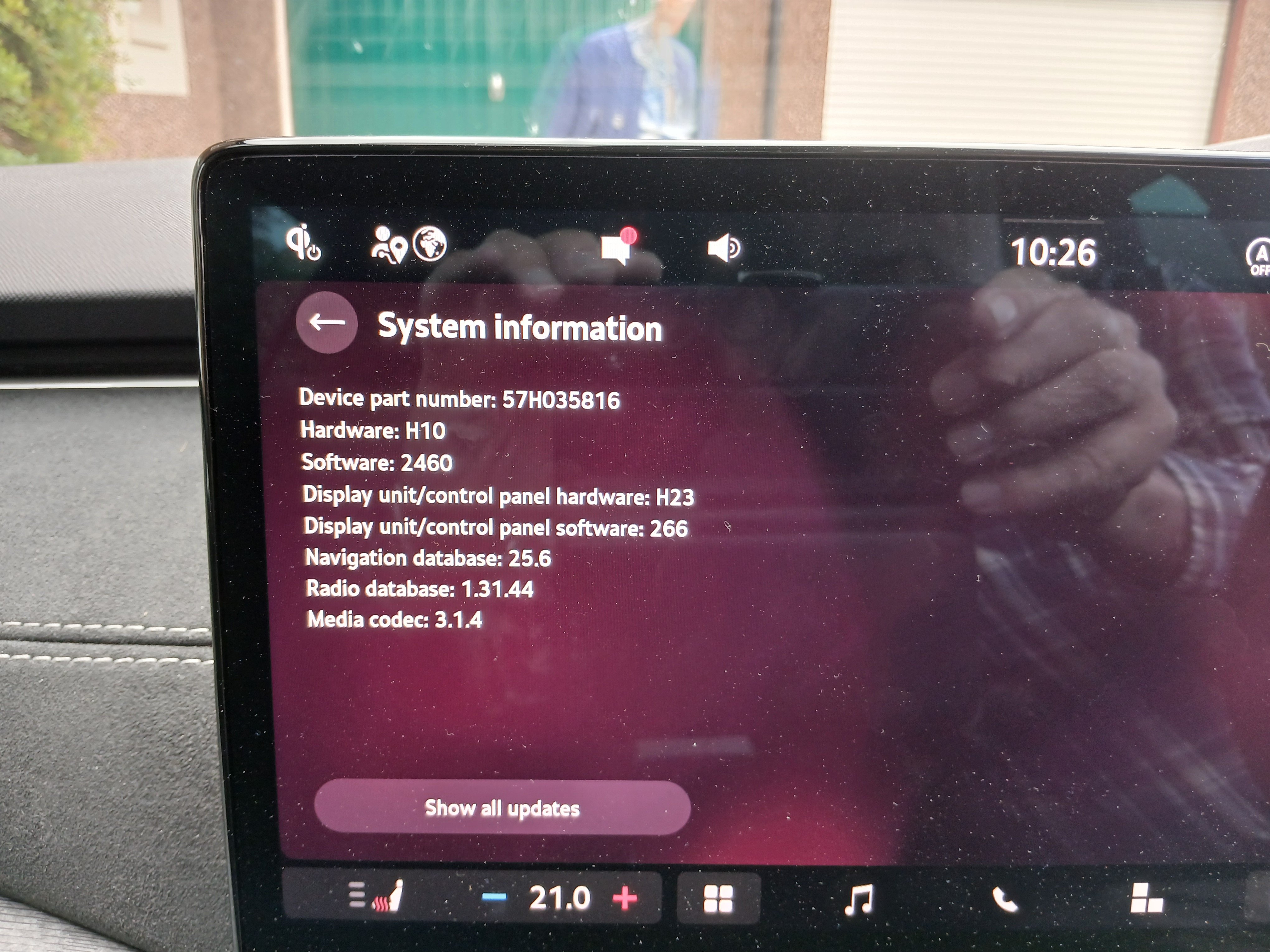
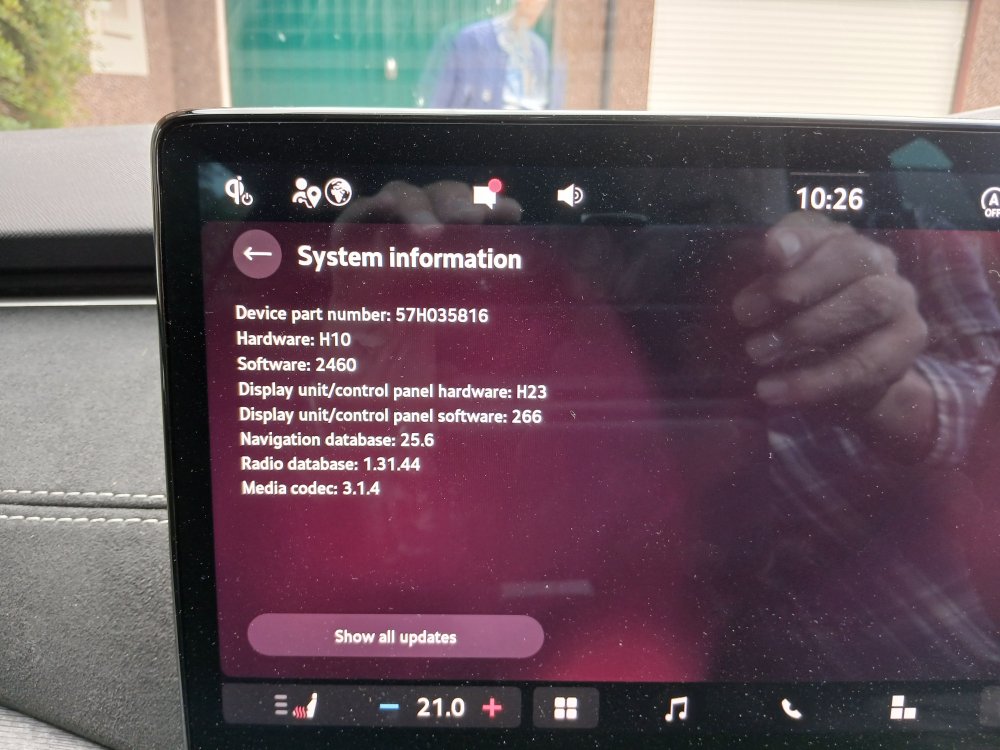
I obviously made a mistake starting a new topic with this. Phoned last week by Skoda to be told that my car (one of the first of the update cars) has been recalled for a software update. She wouldn't tell me what it was meant to fix but it'll take at least 2 days and she booked me in for 3 'just to be sure' By coincidence (???) the car played its 'start failure' trick yesterday, where it didn't start after being parked for a couple of hours but did 10 minutes later. Any idea what this update is likely to be? Can i hope that it might resolve the problem - that incidentally happened again the day after posting the new topic! These are the current system levels.
-
Phoned today by Skoda to be told that my car (one of the first of the update cars) has been recalled for a software update. She wouldn't tell me what it was meant to fix but it'll take at least 2 days and she booked me in for 3 'just to be sure' By coincidence (???) the car played its 'start failure' trick yesterday, where it didn't start after being parked for a couple of hours but did 10 minutes later. Any idea what this update is likely to be? These are the current system levels.
-
Anybody had a solution to this? Just had the same issue today - the first wet day for months. The car was booked in for its first service today but they cancelled it because there weren't any courtesy cars available. It's now going in next week. When booking they told me the fix wasn't available yet. The last car I had that didn't start in the rain was my Hillman Imp - and at least I knew where to spray the WD40.
-