Harmattan
Finding my way
-
Joined
-
Last visited
-
Thank you @radoszczak. I was able to update my friend's Bolero to fw742. I also found this link helpful: https://disk.yandex.ru/d/1V1uBTc8ssc3zA. I have done this in in correct order, as I wrote earlier, SW0469 -> SW741 -> SW742. Longest update was to SW741, and after first reboot, it entered the system but after a while started to do update again. You have to let him continue and think, cause it took more than 10 minutes to do it. I share this as i wasted 40 mins on this, trying to do update in system and wondering why it rebooted itself. Update to SW742 went in less than 5 mins.
-
@andreiro221 can you help me please? I think i need SW0469 -> then SW741 + SW742 and update to 1800 is off limits as it is 2019 version. May I ask you for firmware?
-
Hello, friend of mine have Scala 2019, and he have this firmware installed: SW Train: MEN3_EU_SK370_P9305P Software (or MU SW): 0463. MIB helper is showing that latest firmware is MEN3_EU_SK370_P1185L (MU: 1760) but i saw on this forum that MEN3_EU_SK370_P2345L_1790 could be good too. Can you please help me and share correct one (might be on PW) @varooom? Thanks in advance
-
-
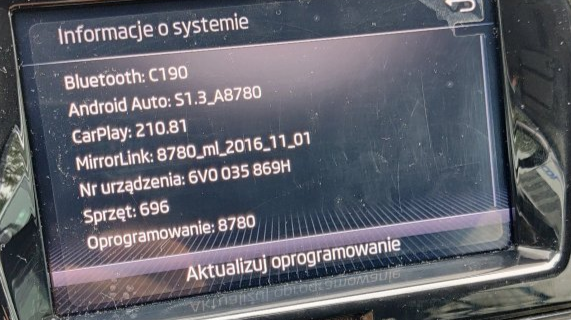
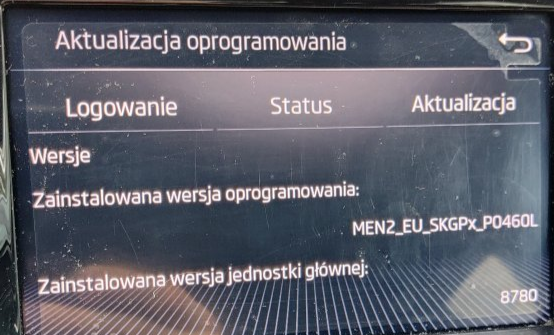
Hello, anyone have update for my Fabia? (09/21) Would be nice to update, let me know even if you don't have it, would be great. Thanks in advance
-
Okay, thank you, then i'll ask, do you have any update for my version then?
-
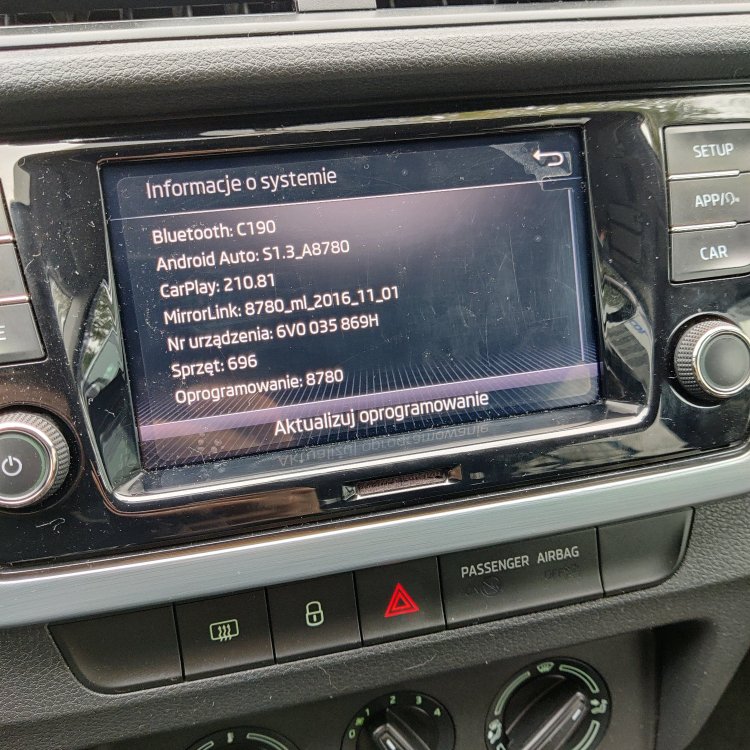
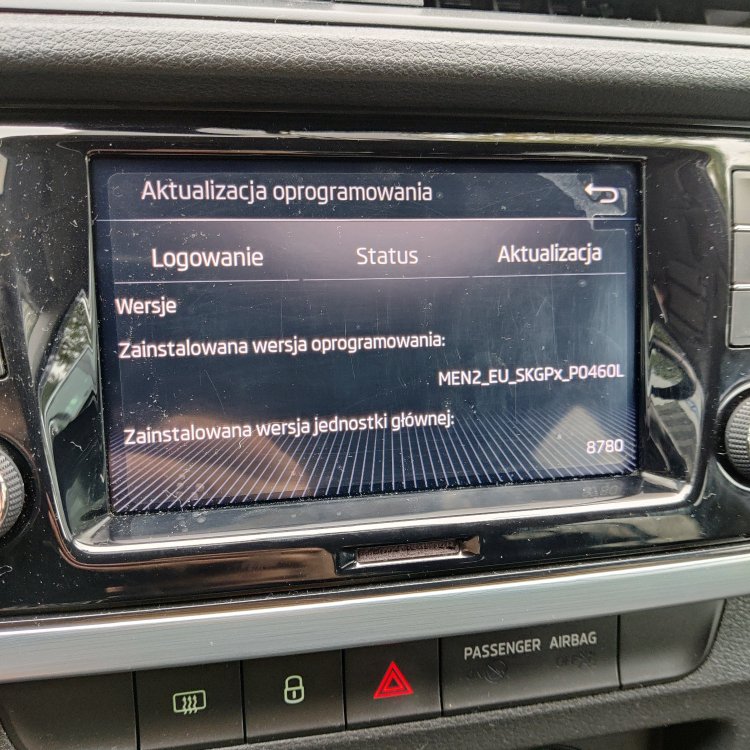
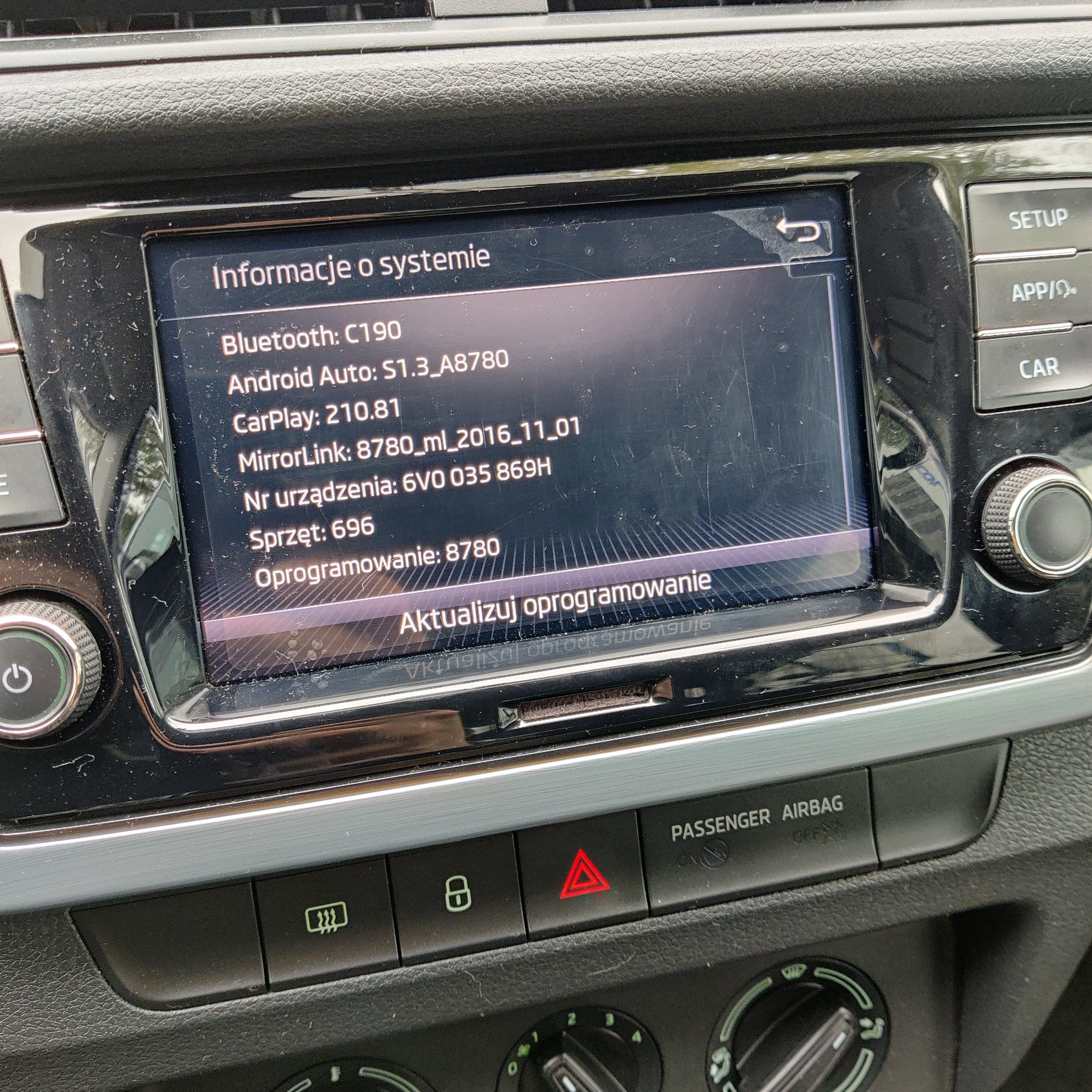
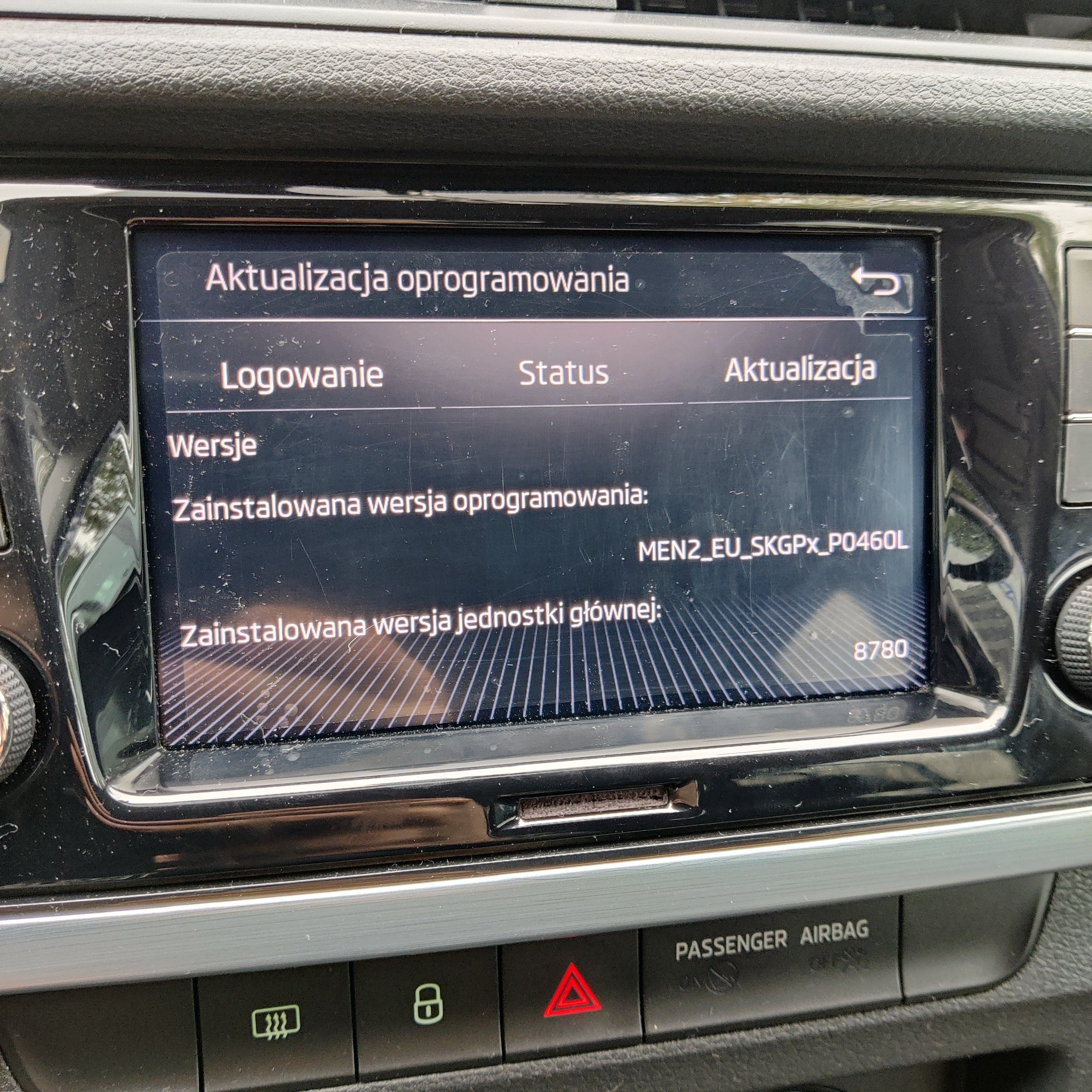
Hello @pab567, would you be so kind and share update file for me? Mib-helper showing me the latest is MEN2_EU_SKGPX_P9160L, but i cannot find it. Here is what my screen says: