pendragon27
Finding my way
-
Joined
-
Last visited
Everything posted by pendragon27
-
I had the exact same issue with my nearly new Karoq Sportline 2025 and I couldn't find the issue. I removed everything from the car, checked the bottom, nothing. Then I found this post (thanks a lot!!) and changed the bump stops from 3 to 5 (so 2 more out), easy to do and the issue is gone. So happy :)
-
Yeah, we love them, but sometimes 🤣😁😉
-
I love the UK, we go there from time to time. I don't mind driving left or right. I have never had issues. 😊
-
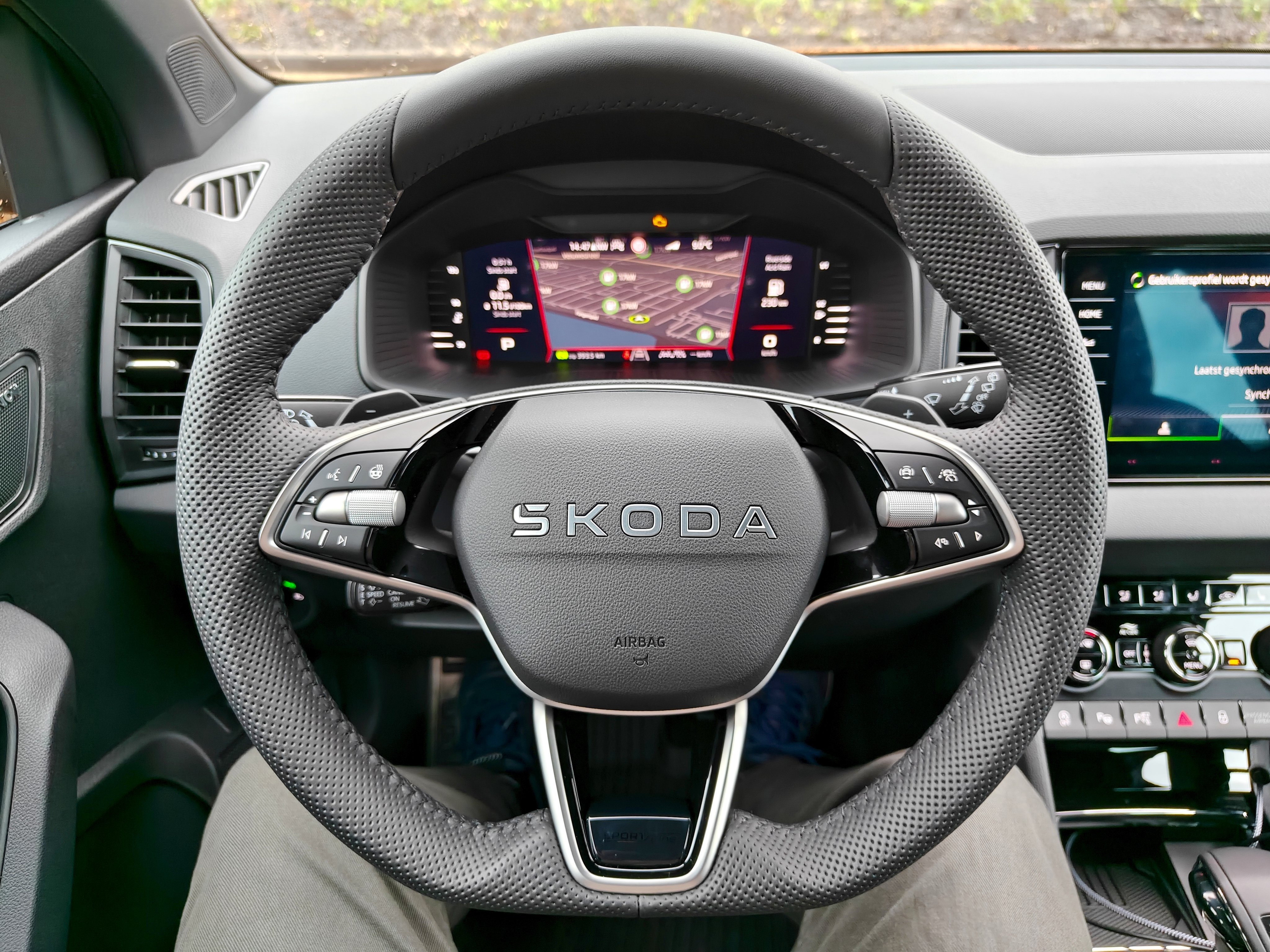
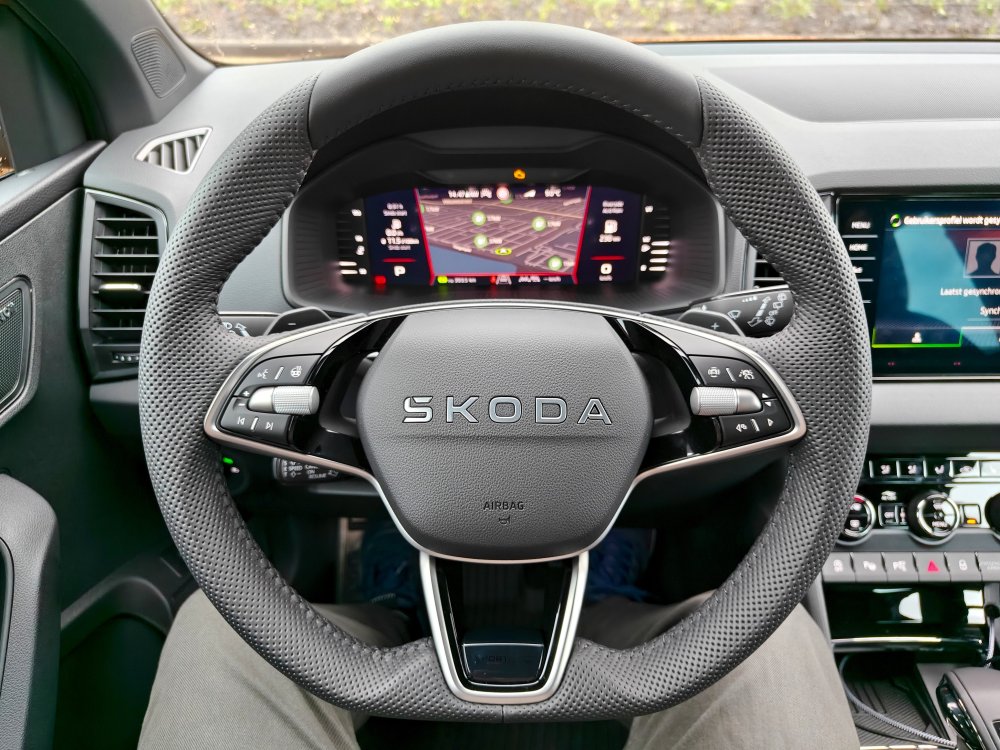
The car has the new steering wheel. No logo. I like it.
-
Your wife has no taste 😜 just kidding. We love the colour. Funny thing, my wife always chooses the colour and she doesn't like red on a car 😁 I like the red, but veto from her. I also like race blue, but we already had a Skoda Octavia in that colour.
-
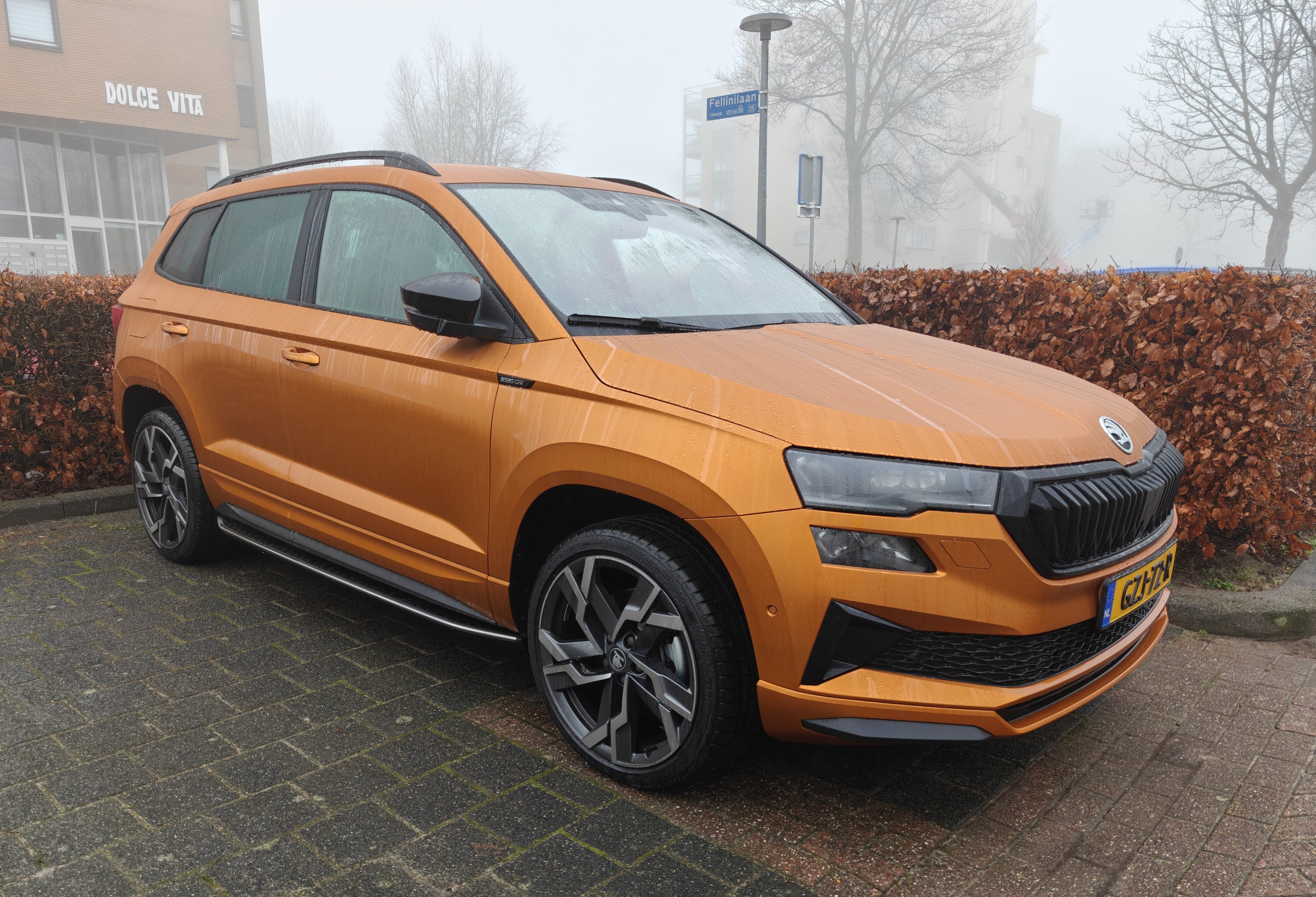
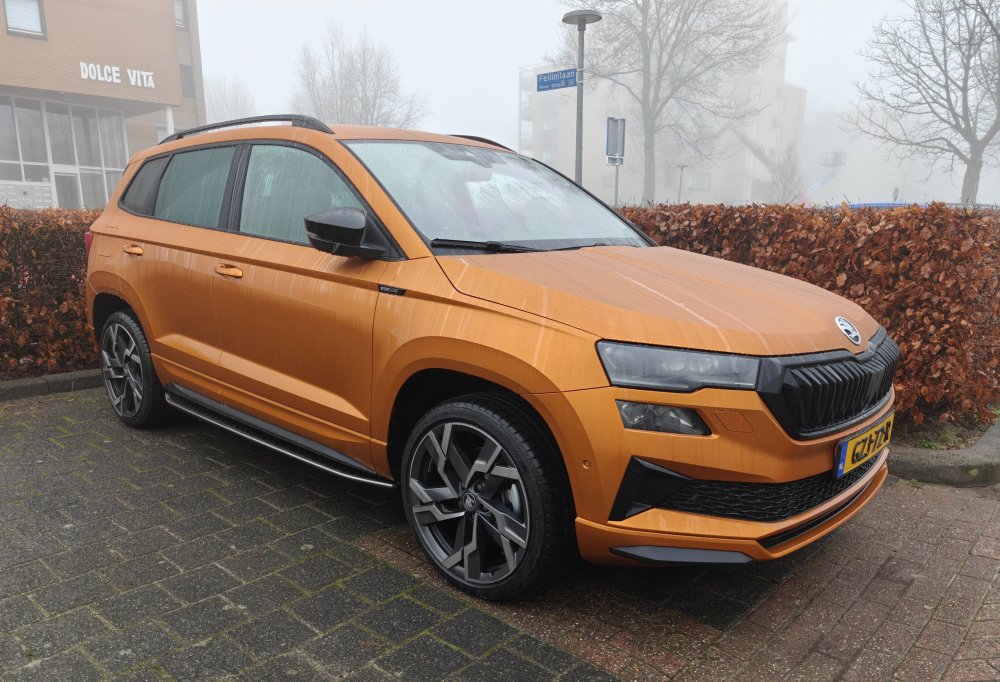
I received my new Karoq Sportline 1.5tsi dsg7 in the beautiful Phoenix Orange colour. It's my second Karoq. Love this car! 💪
-
It's because the Editions standard do not have Matrix LED lights. This is why they have the long DRL light. When you have Matrix LED lights you will have the 4 seperate LED lights.
-
I'm wondering what Skoda means with unique SportLine bumpers. With the Karoq the front and backside bumpers as well as the side skirts were in colour instead of the not so beautiful black plastic. I have a Karoq right now and not the Sportline edition (wasn't there when I purchased the Karoq), but I always wished that I had waited for the Sportline edition. I've searched for the Elroq Sportline photo, but so far the photos all look the same, nothing unique Sportline photos to be found. Anyone?