Fekit
Finding my way
-
Joined
-
Last visited
Everything posted by Fekit
-
Well Greek Geek, mine is supposed to have ACC too, just struggling to get it activated. Any suggestions?
-
I got this far but my big problem is finding the solution in Shop. Anyone got any clues?
-
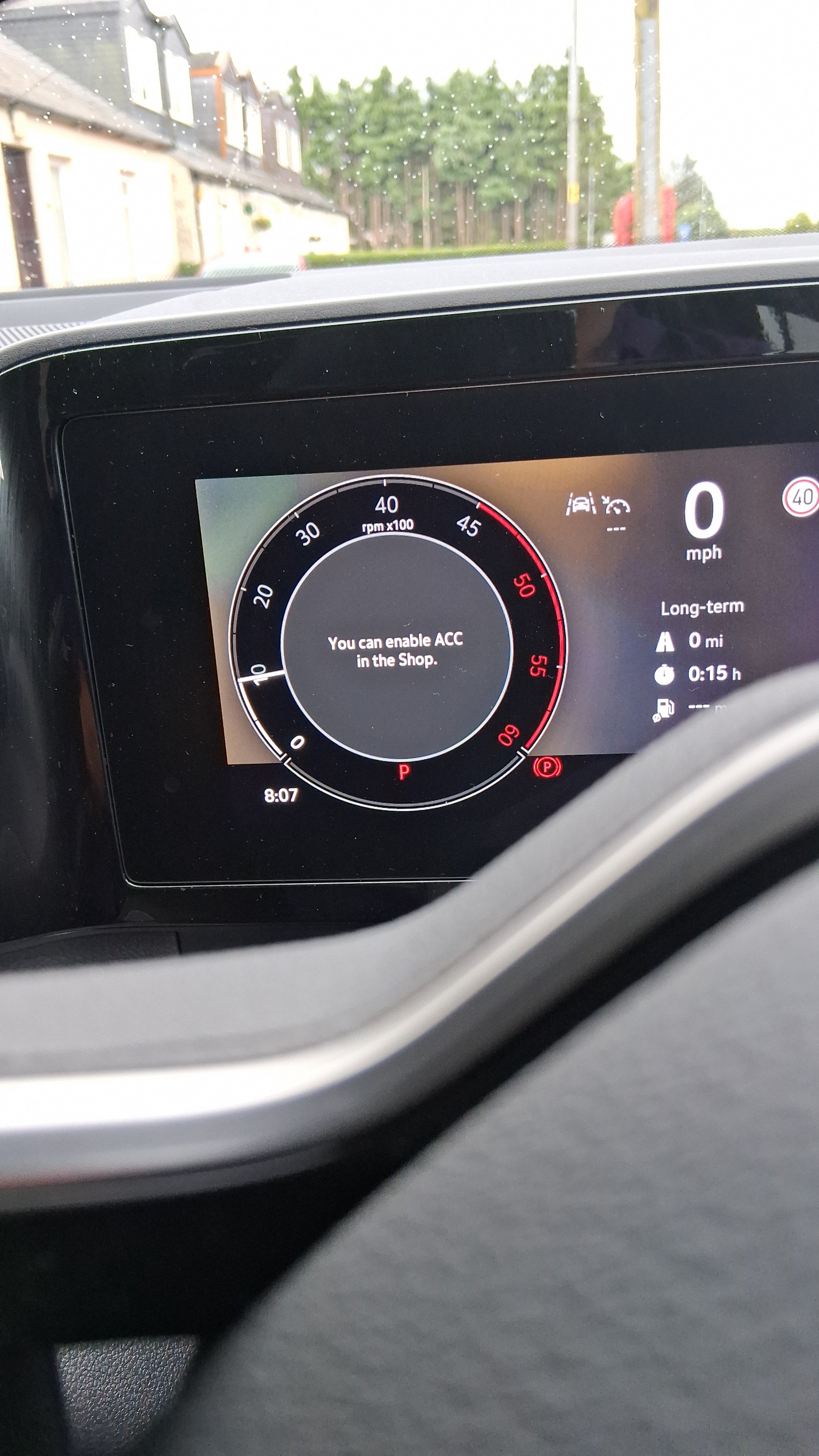
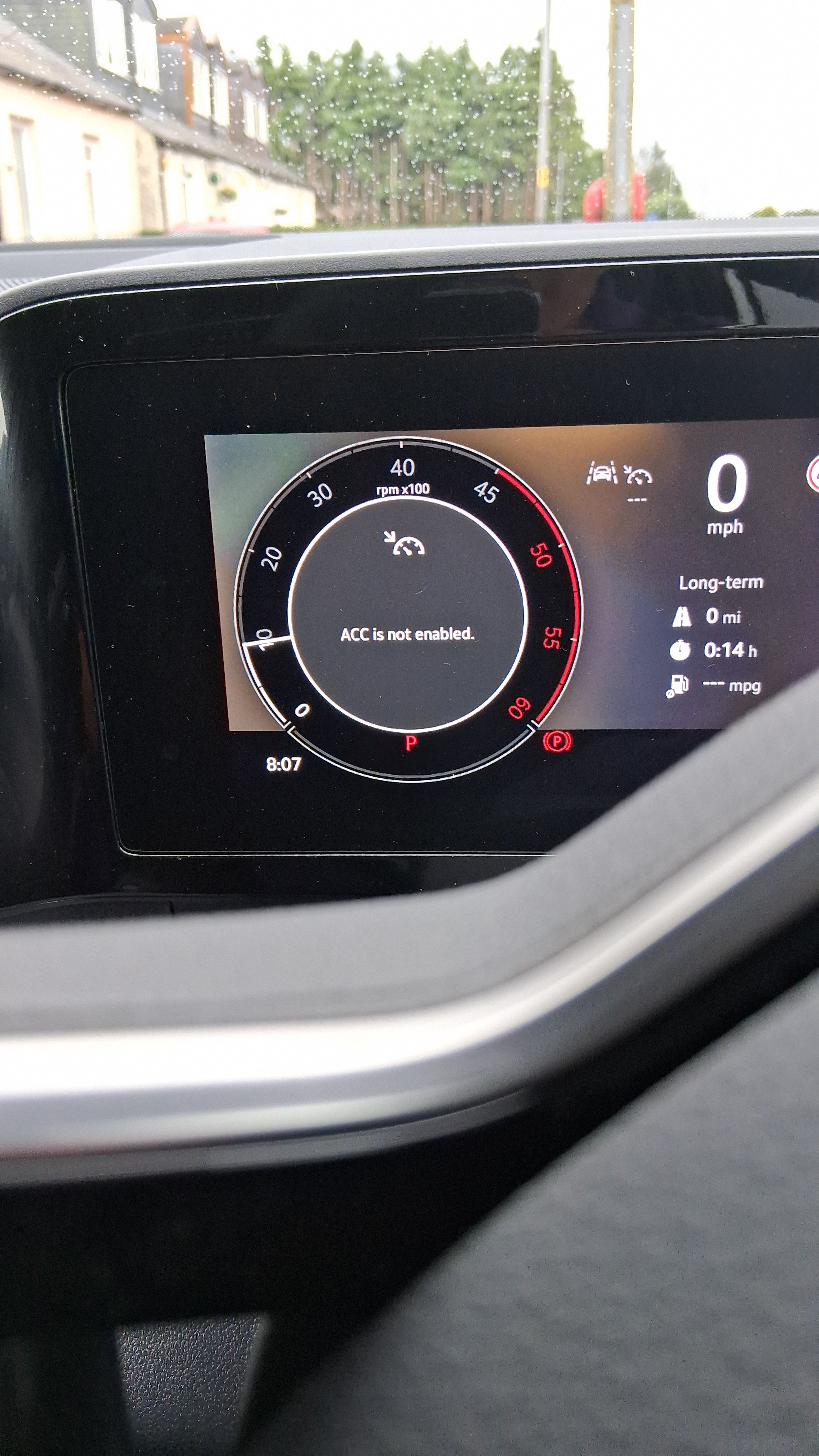
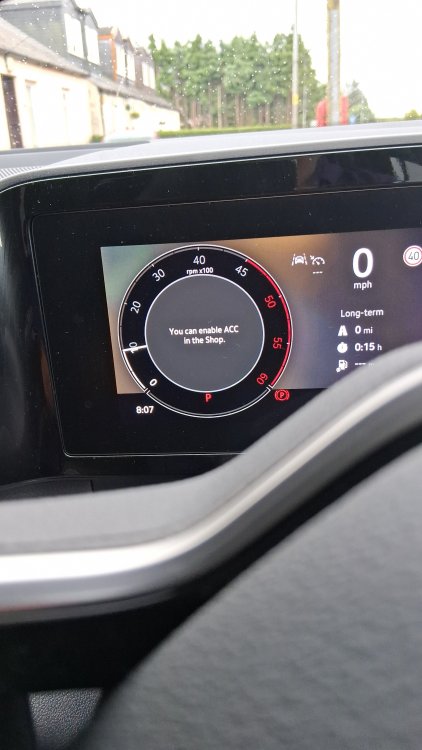
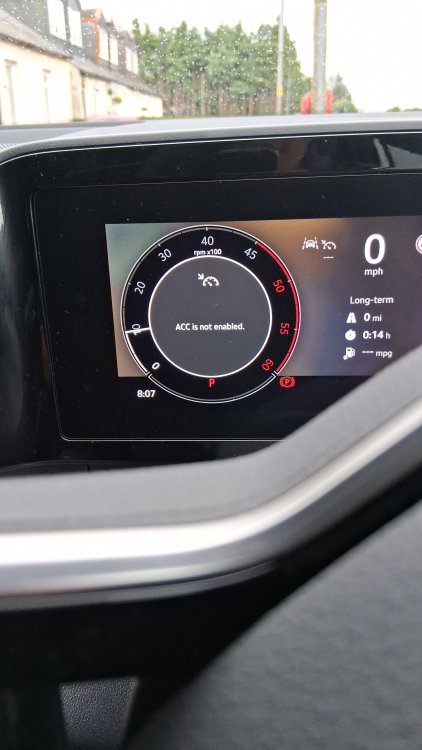
I have a query I hope the good people on here can help with. I have just taken delivery of 2024 Kodiaq SEL2.0 diesel DSG and I am having a problem with the variable cruise control. See the images attached for the messages I get when I use cruise control. I can't find how to.resolve the issue. My dealer gave me advice that didn't work and hasn't as yet responded to my follow up enquires
-
I know it is not this in my situation. The cubby is empty. Though I do have to keep telling my other half to not put her house keys in the passenger door pocket because they make din which she seems oblivious to.
-
Don't think it is particularly a temp related vibration. Mind does it hot or cold, intermittently I must add, making it frustrating to track down. The question I have is, how difficult is it to remove the bazel/surround on the instrument panel because I bet I would be able to identify where the vibration is once the surround is out. There will, I am sure, be fret marks where there is rubbing. Just looking for a removal method that doesn't wreck my dash.
-
Mine does similar. I recon it is the bezel around the clocks. If I pres on the edge of the bezel on the right hand side, it stops. I just need to figure out how to get the bezel out without wrecking the dash.
-
Try the Bosch A335H this one fitted my 2023 SE L