cal91
New here
-
Joined
-
Last visited
-
Yer I only asked again as the seller on Ebay said it won't work
-
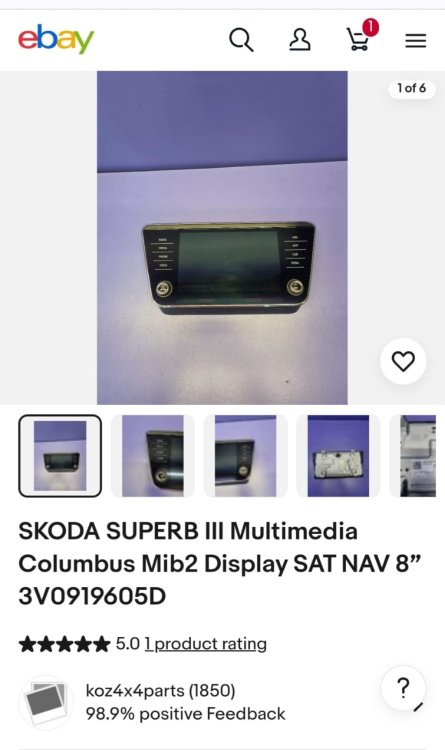
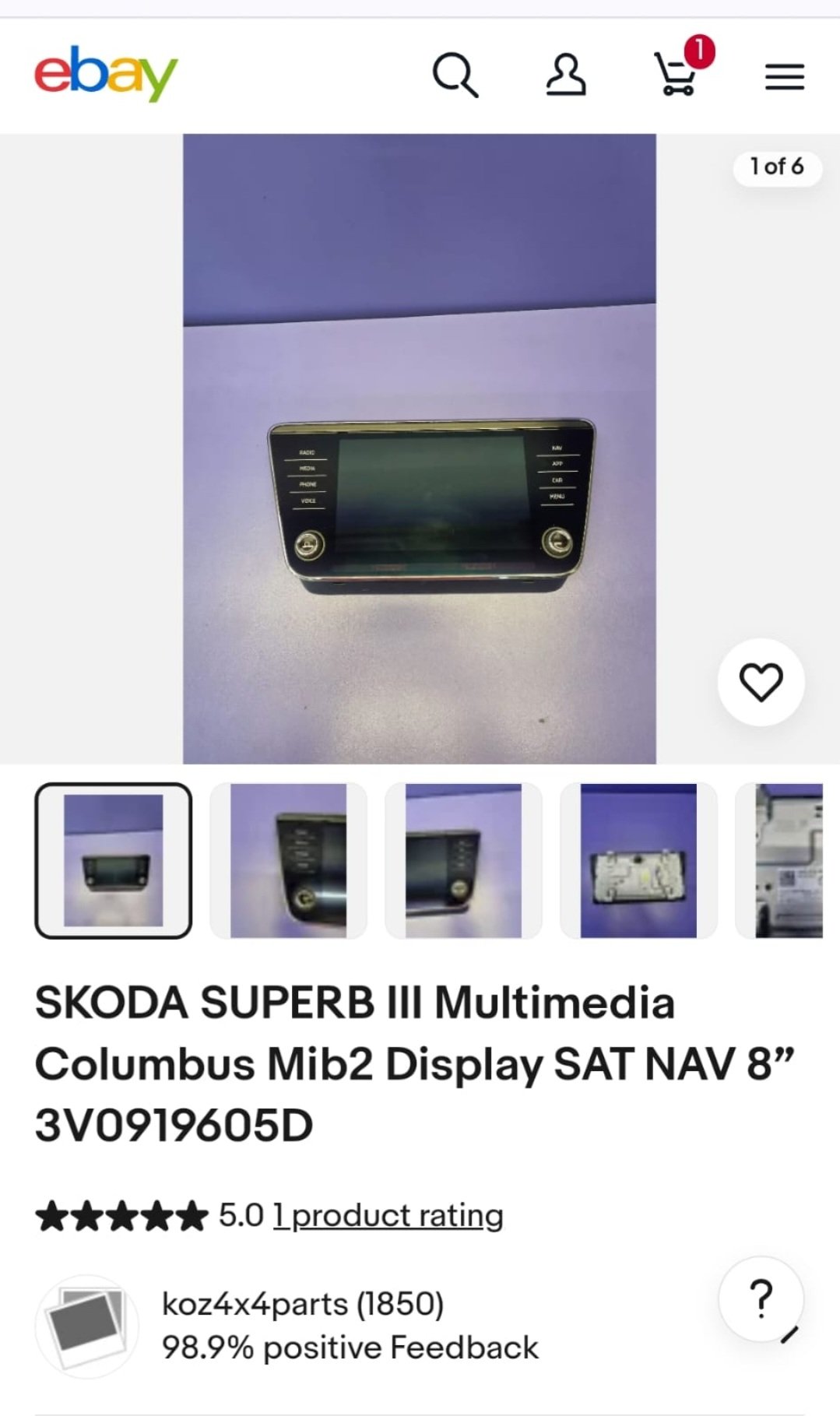
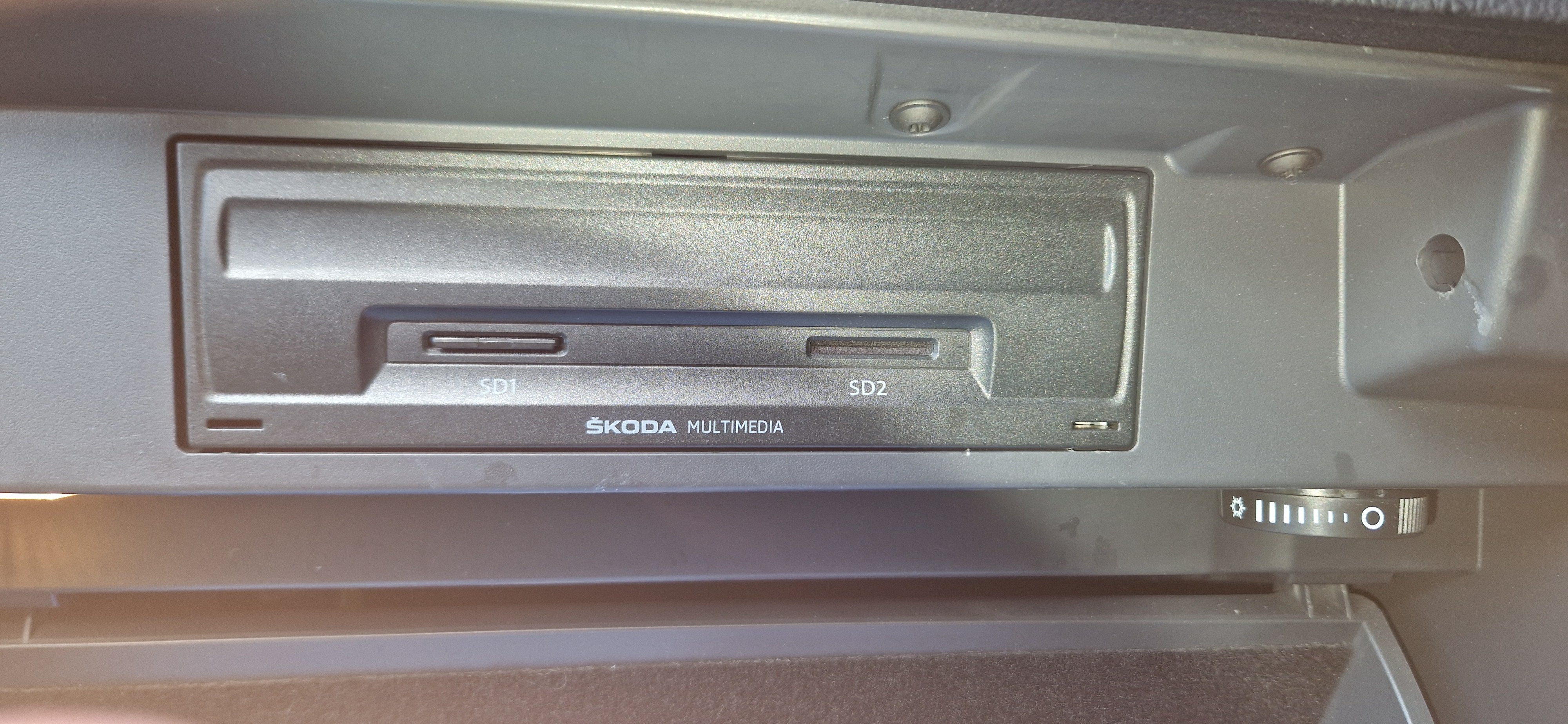
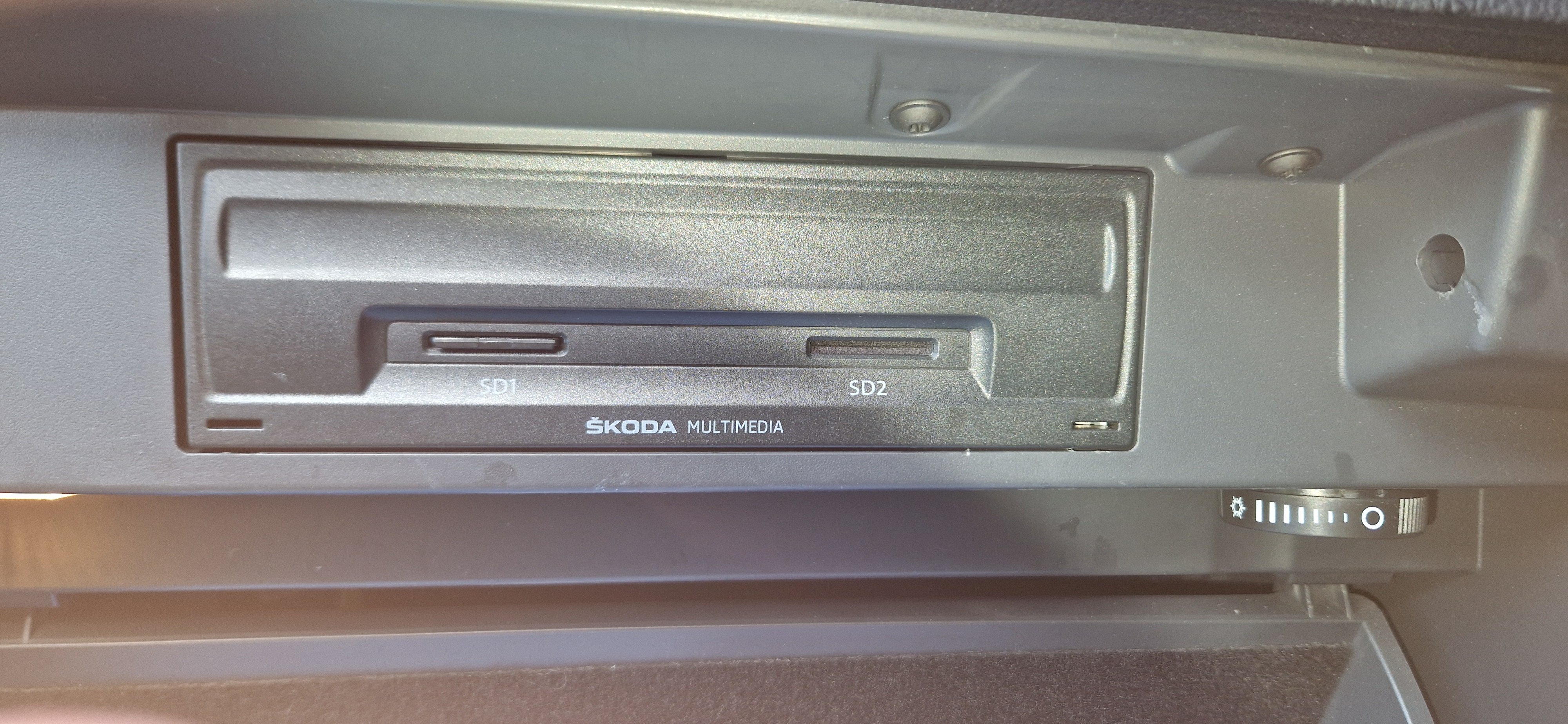
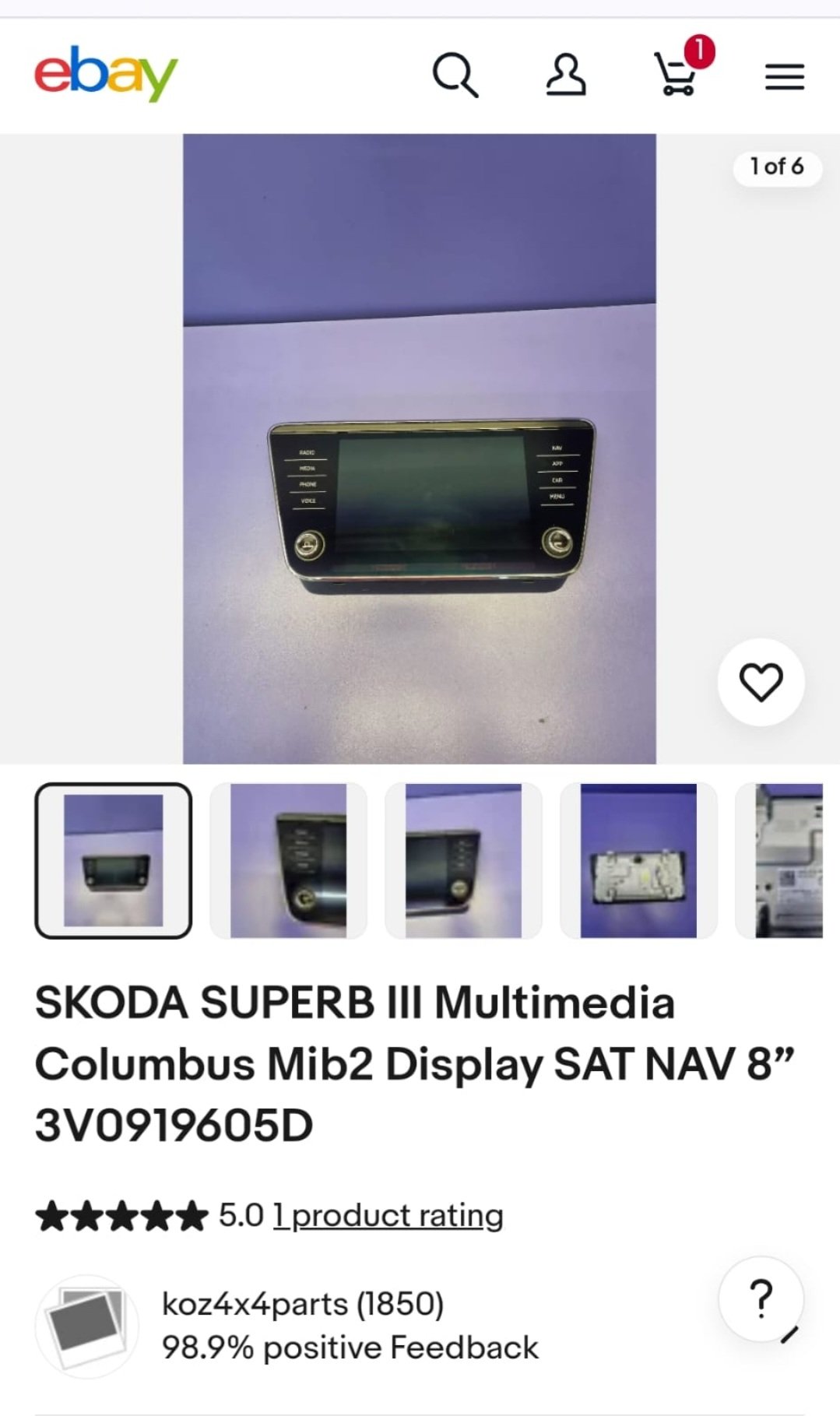
3V0919605D this is the part number for the screen above And my current part number is 3V0919606 does this matter Apologies for being a pain
-
I'm not to fussed about the App button only thing is now just trying to find one lol But thank you for your help
-
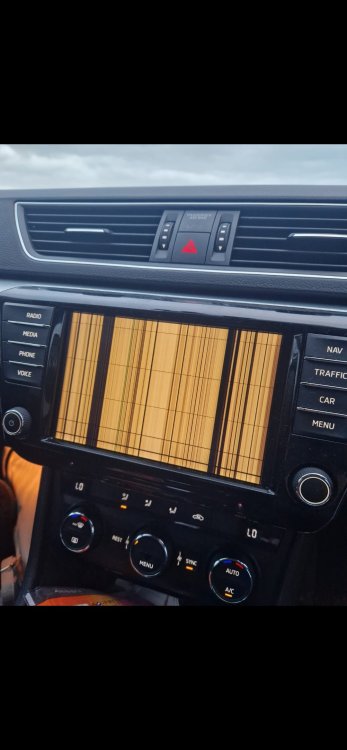
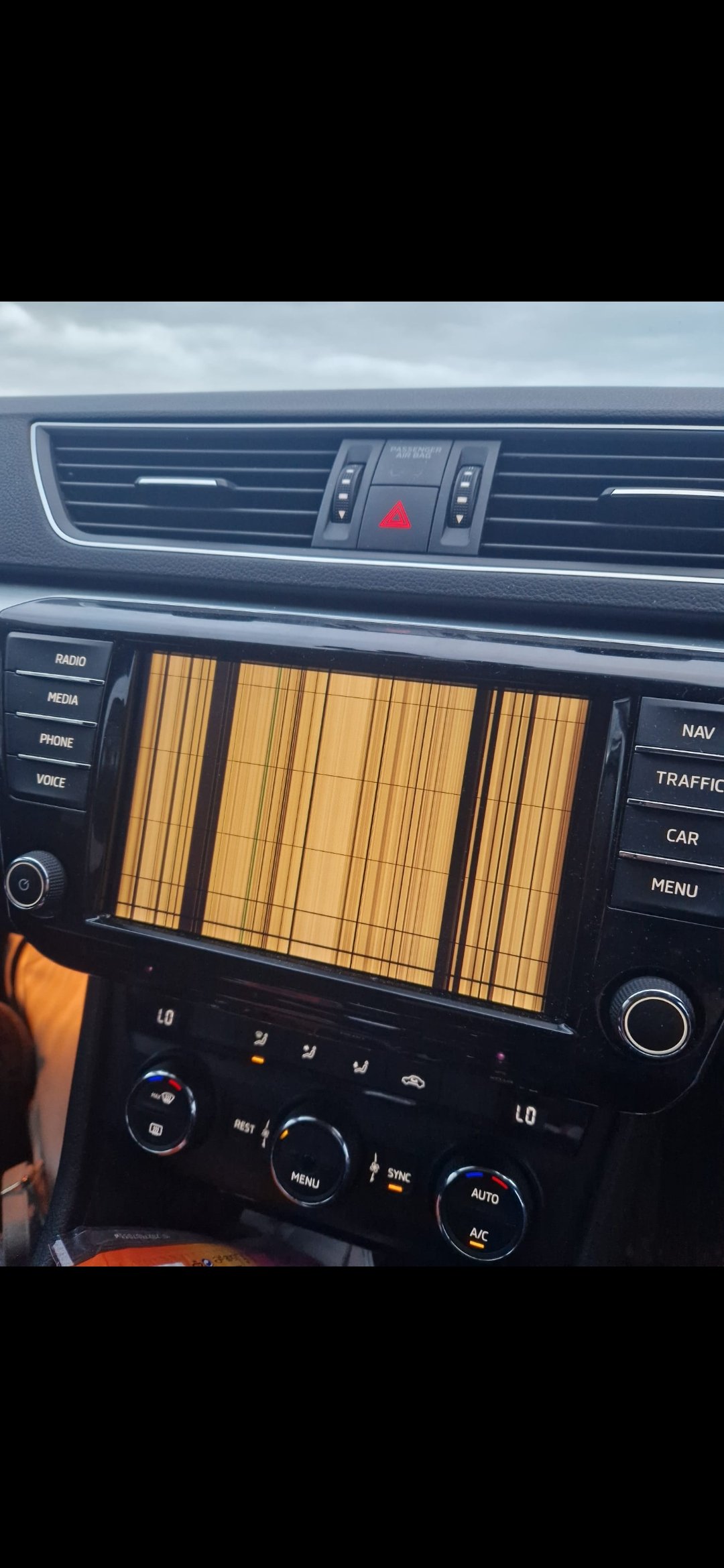
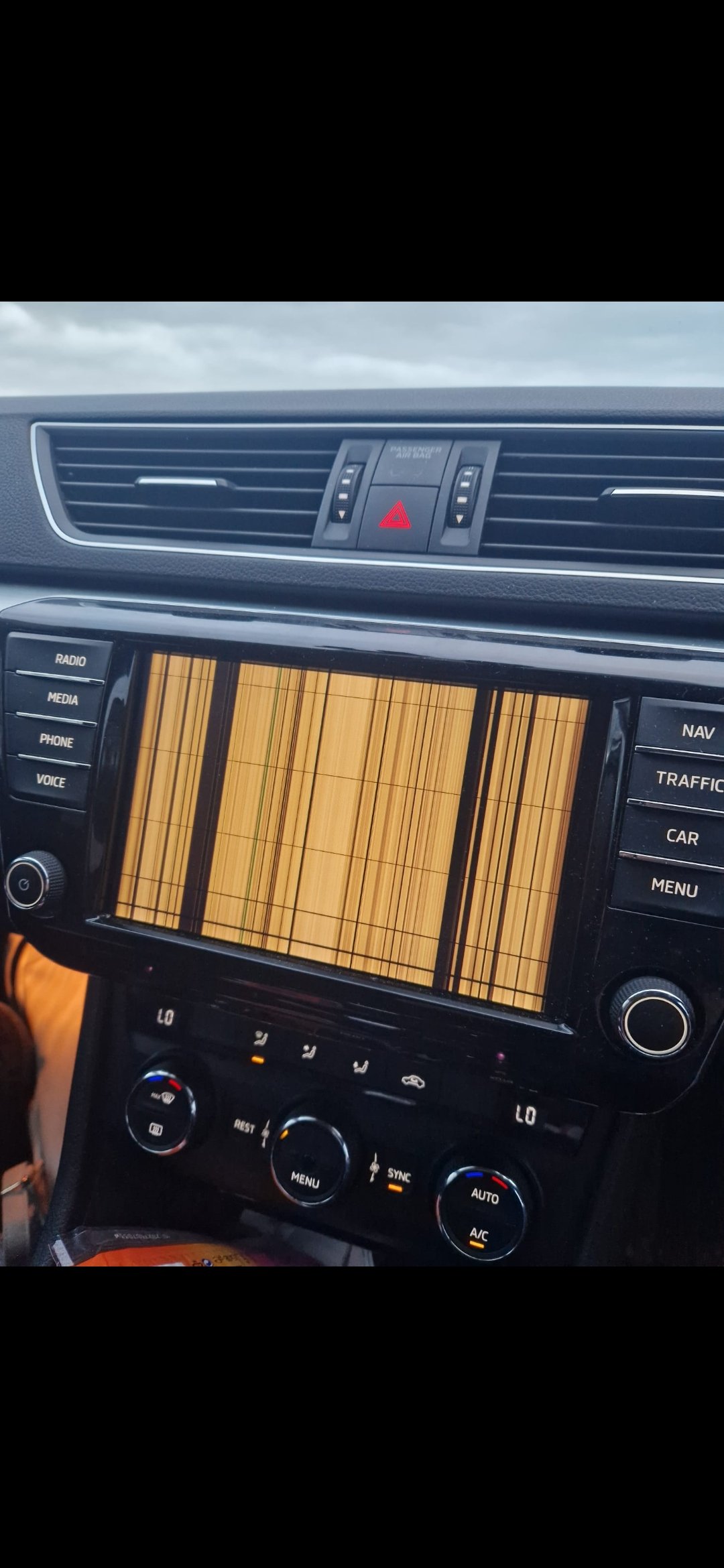
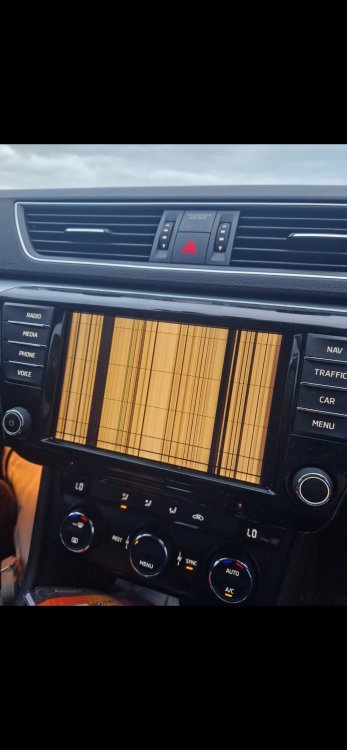
Good day As you can see from pic my screen is knackered. Looking to upgrade just wondering if the the one from pic below will work just plug n play Thank you
-
Apologies for bringing up this thread As you can see my screen is knackered. Looking at getting the one pic attached. Just wondering if it's just plig in and play