T150
New here
-
Joined
-
Last visited
-
-
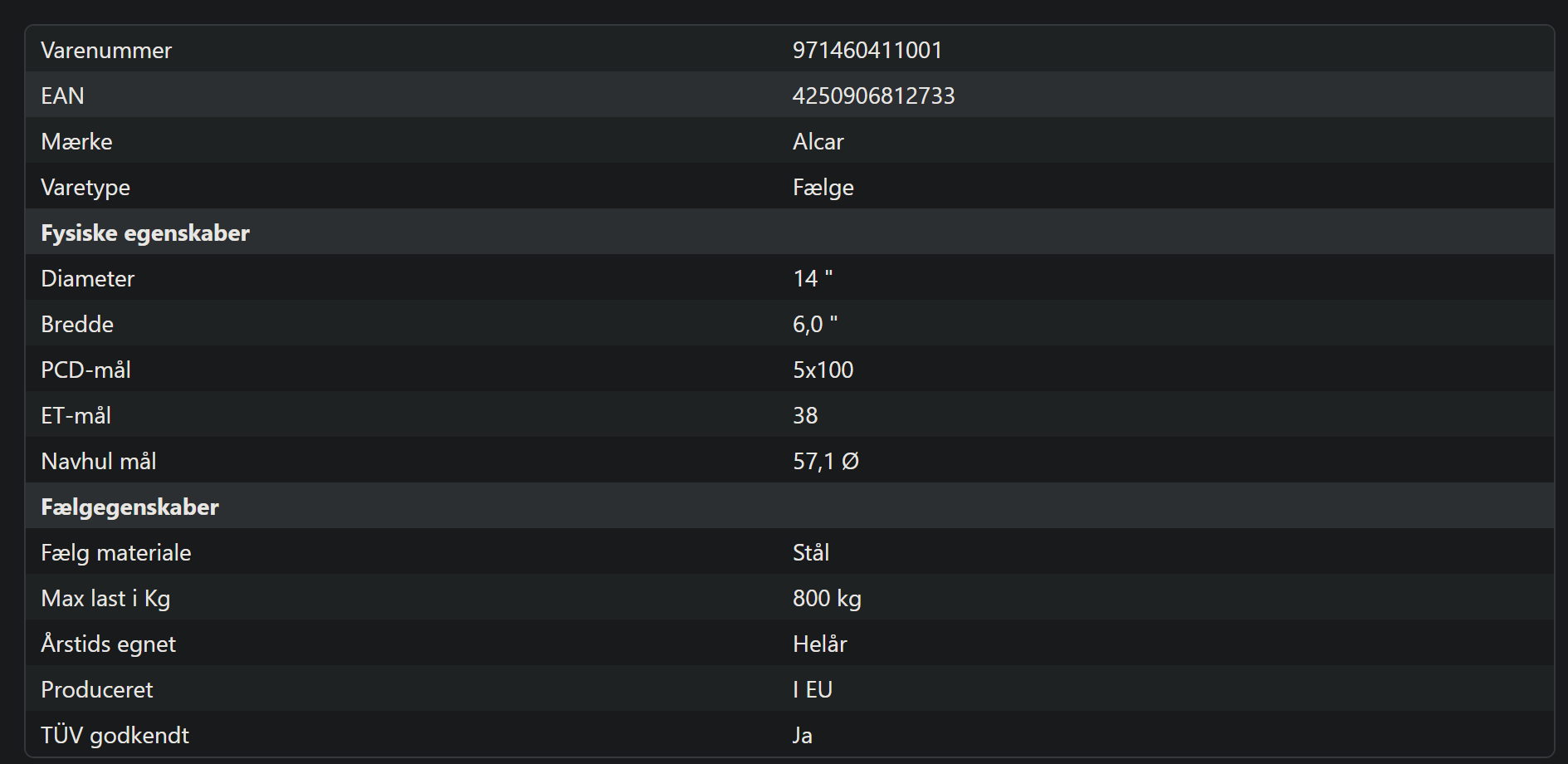
Hello guys. I've been thinking of restoring and repainting my steel rims. However I've become unsure if their too rusty to repair! My thought was to get a steelwire attachment for a cordless drill to get the rust off. However do anyone with a bit more experience within this know if there's too much rust? I've attached some images of the rims. Thanks in advance


-
Hello, My Skoda Fabia Mk1 2006 has some window problems I'm having trouble diagnosing. Both windows do absolutely nothing when the window buttons are pressed. I still think the buttons work, as the central lock buttons on the same board still work just fine. Also, it seems unlikely that both buttons would fail at the same time. I've checked the fuses too, and they seem to be fine. Now, I've read a few inquiries like this, and as I understand it, the motor in the passenger door won't respond if the driver's door motor is dead? I might be misunderstanding something, but if this is the case, would a motor switch in the driver's door potentially fix the issue? If anyone has any idea what it might be, it would be greatly appreciated.
-
Hi guys I'm having a similair issue with my Fabia, however both windows are dead. I've checked the fuses, and they seem like they're in working condition, I'm unsure where to go from here. I'm also pretty sure that the buttons are in working condition, I've only had the car for about a month, so my knowledge of its previous working condition is limited. Do i understand correctly that the passenger window won't work if the drivers side motor is dead? The windows make no noice or movement at all, when the button is pressed