Buff52
New here
-
Joined
-
Last visited
-
Thanks for that, once I get the codes from obd, (if any)I should know which side of loom, any wiring probs are shown & will strip down to investigate. (No way am I gonna get ripped of at a skoda dealership! -Last year I had a prob with the front assist radar sensor in the front grill going out of alignment, & was told only a main dealer could calibrate it, so booked it in, (thinking they could sort it, only to be told, when picking it up, that 'the sensor needed calibrating'- (which I already knew & asked for!) Plus I had to open an account, & make a further appointment to get it fixed! They charged me £97 for the 'diagnostic' & 6 weeks later was charged £700 for calibration! ...GUTTED!)
-
I also have a bootlid problem on my '17 superb 3 estate. It began with not locking when closing, it just kept 'whirring', so when closing I would give it a 'helping' push down, when it was almost closed. Sometimes it would work ok, so was intermittent. Than the remote on the key fob, & the button on the console stopped working, all I get is a faint click. Now when opening & closing, it sometimes stops in a random position, & I have to press the button again. Sometimes when closing, its really slow, & stops halfway, & pressing the button it closses fast with some force! Sometimes I get beeps, but sometimes none. I'm not sure if this is a wiring or programing problem, but I've booked it in with my local garage for an obd to see if any codes come up.
-
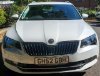
Buff52 changed their profile photo
-
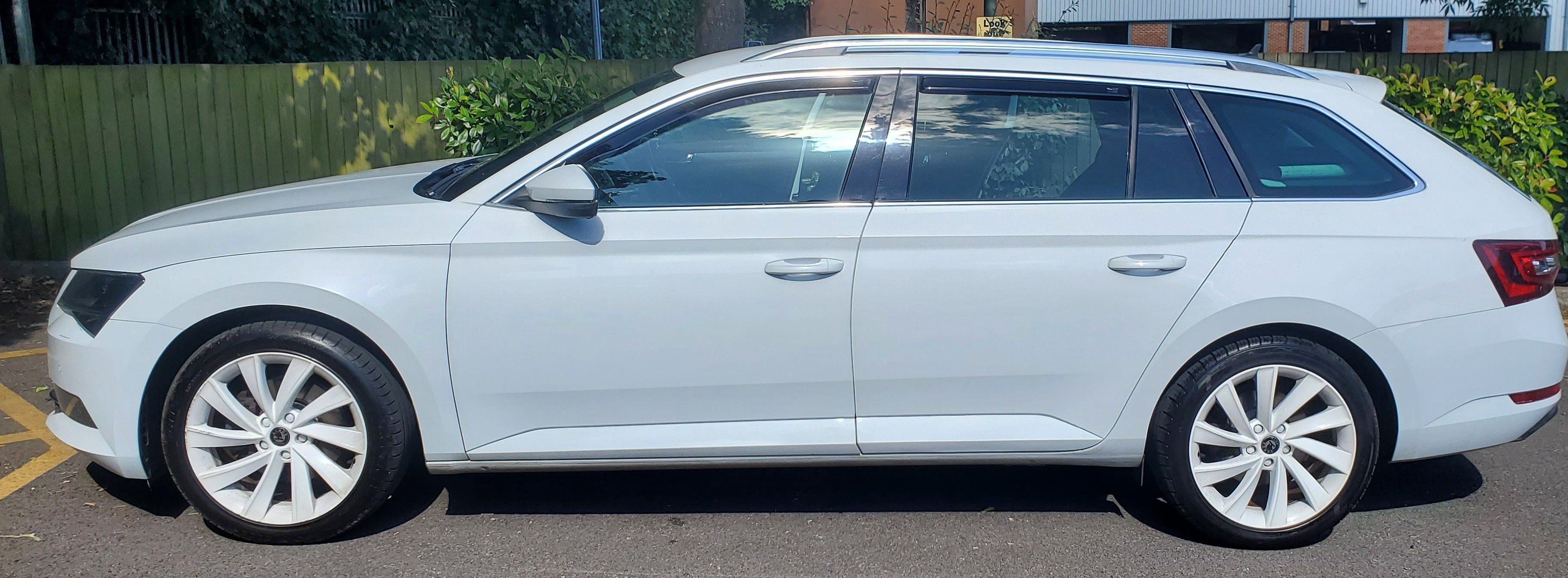
Thanks!....I had them powder coated last year despite friends saying 'why do you want them white?'...but I think it works!, (provided I keep them clean!)
-
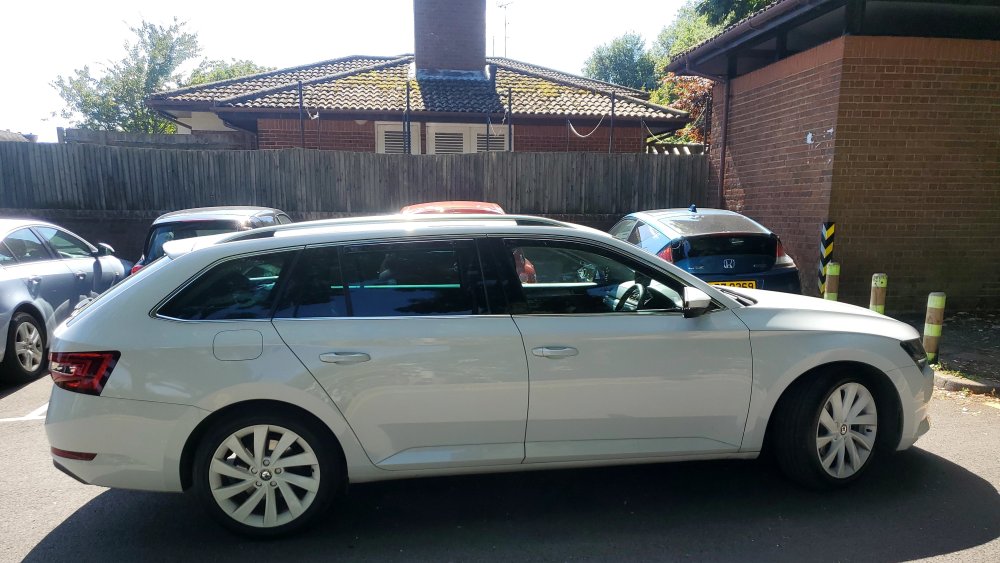
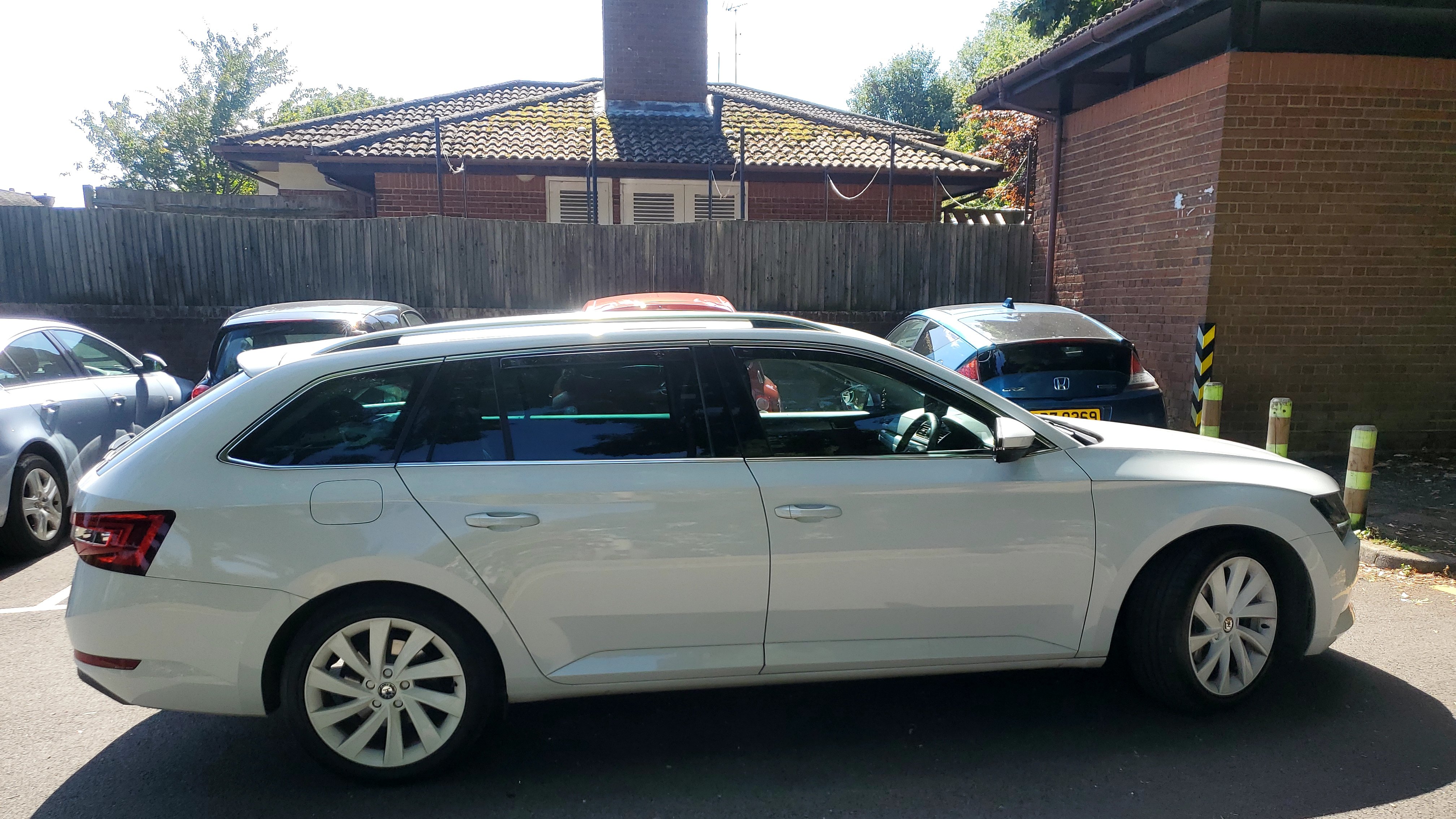
This site having been my 'go to' for info/problem solving, since I bought my superb over 2 years ago, decided I had better 'join up' , introduce myself & my car!