Ayeshen
Finding my way
-
Joined
-
Last visited
Everything posted by Ayeshen
-
Yes
-
I did not, i bought the car like this
-
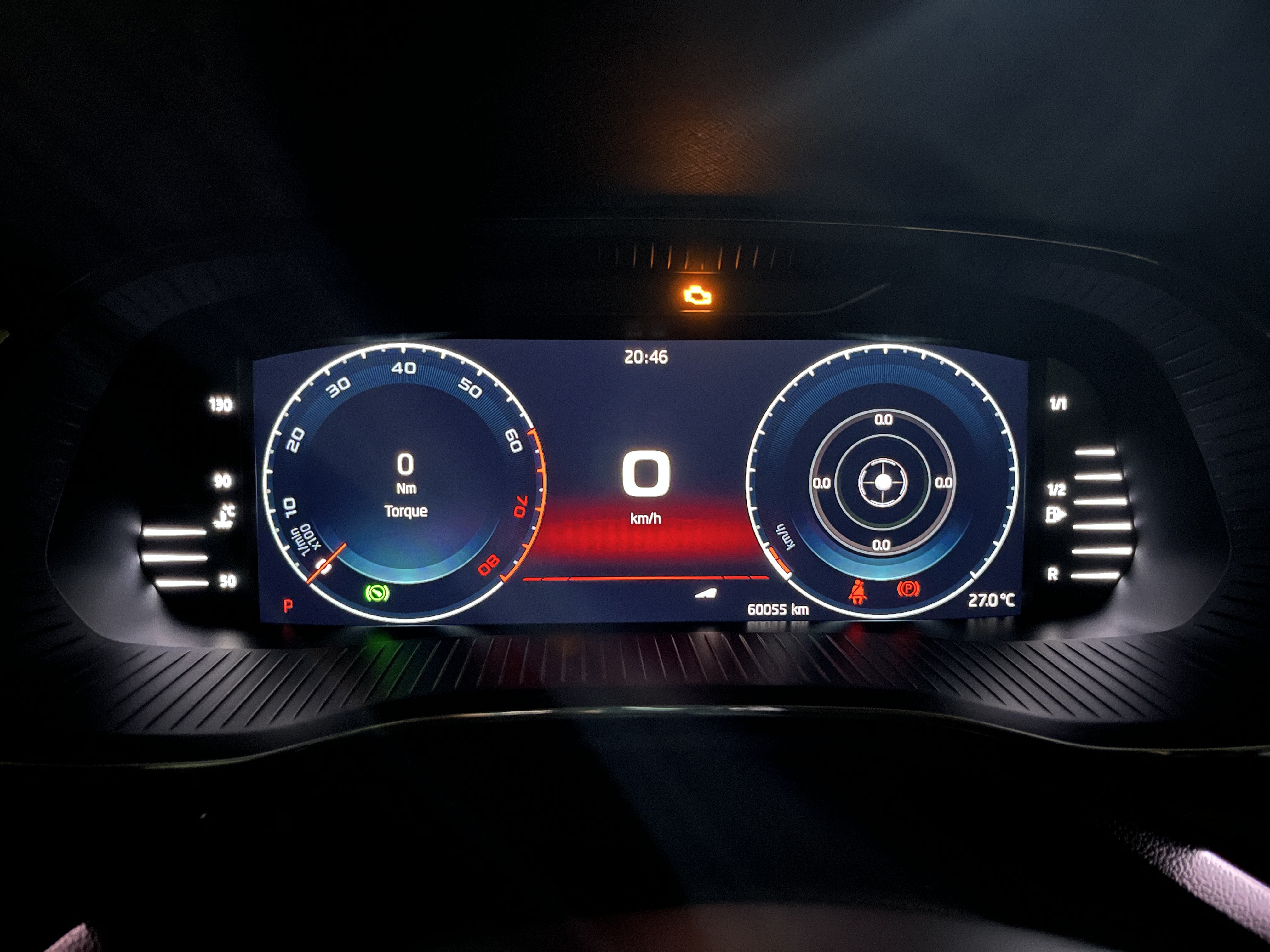
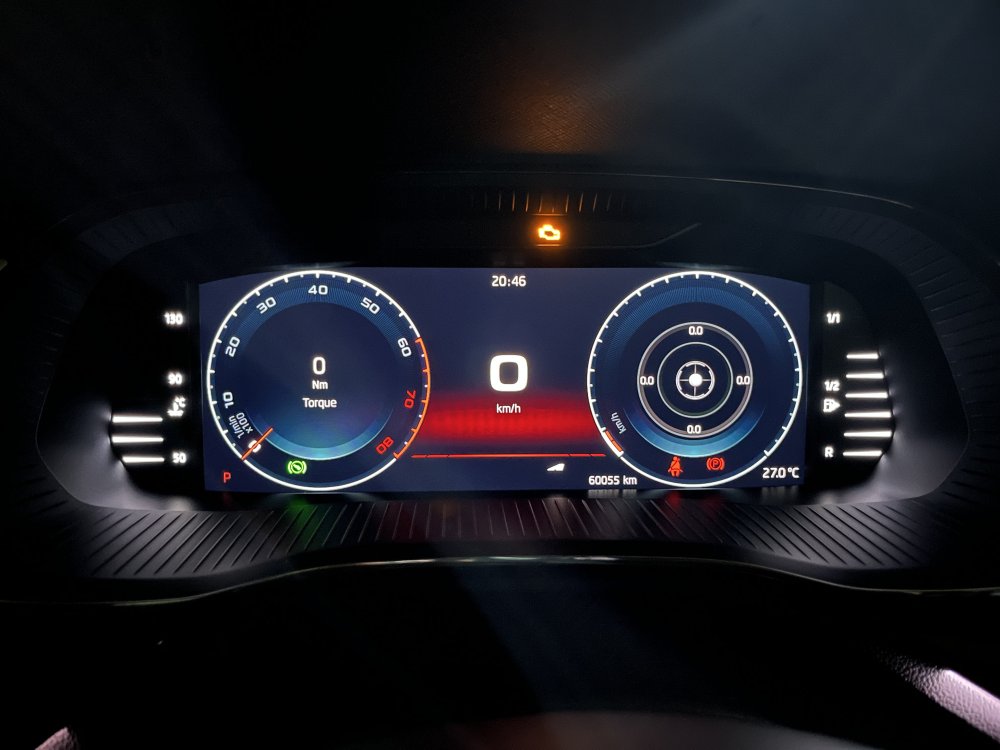
Hello all, my speedometer does not the metrics on the dial, is there a way to reenable it ?
-
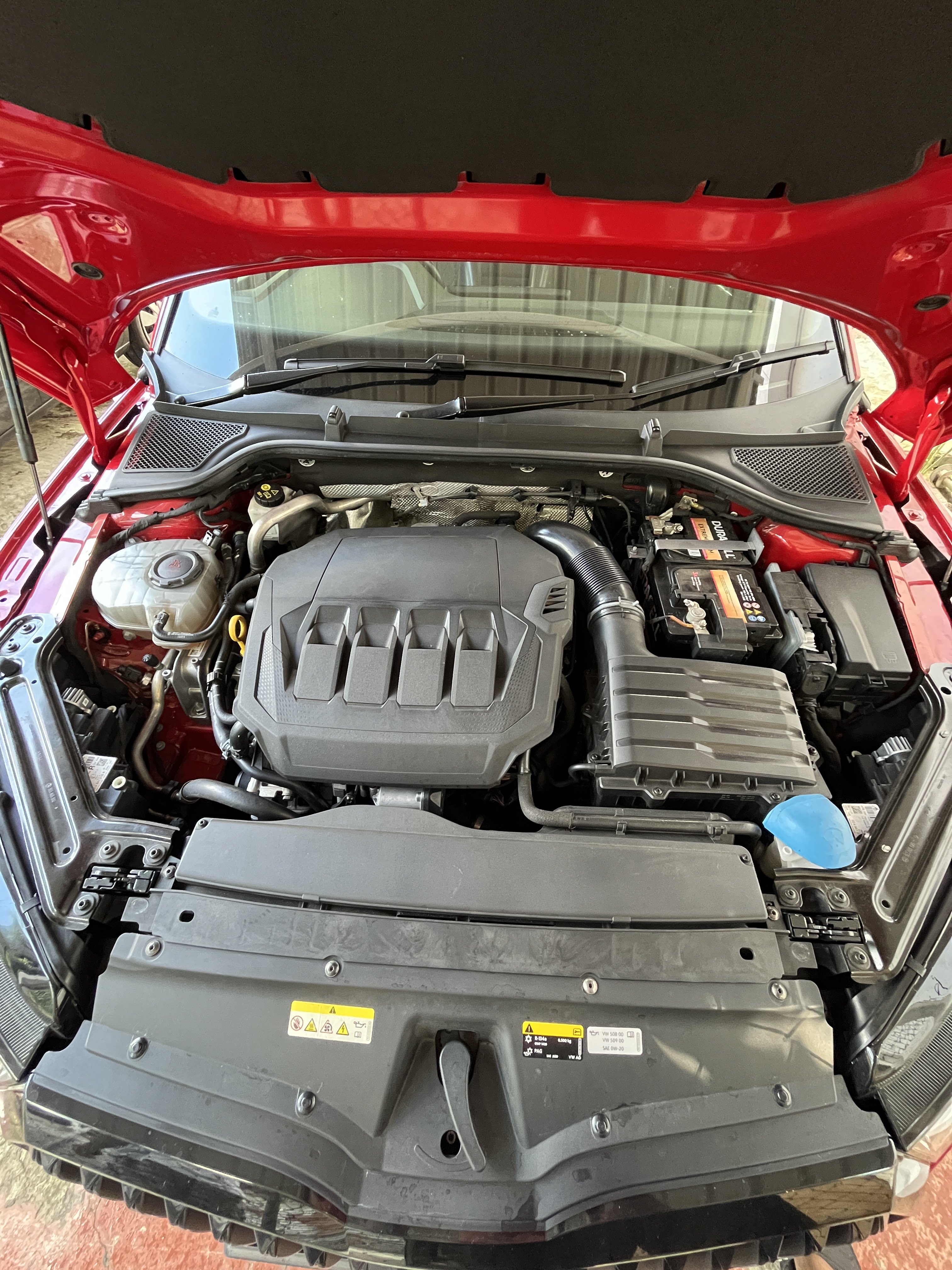
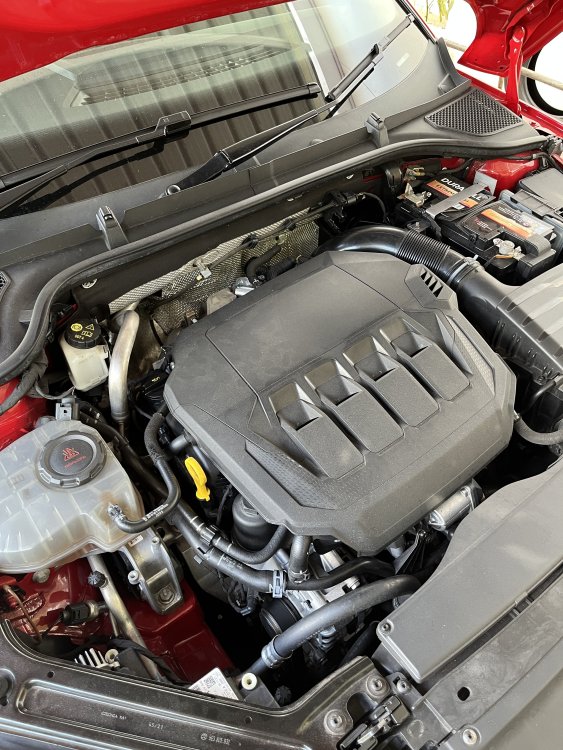
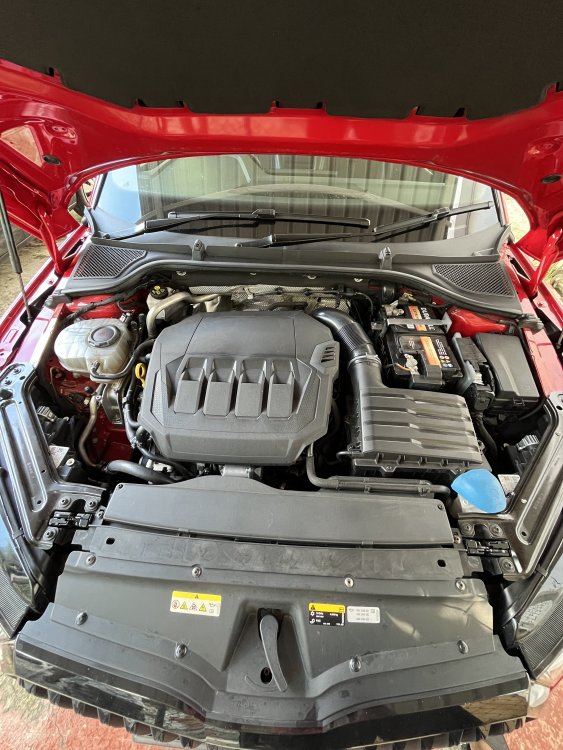
So this is weird, why is the mk4 coming with an ea888 gen3 ? or has it been implemented with the 2022/2023 models ?
-
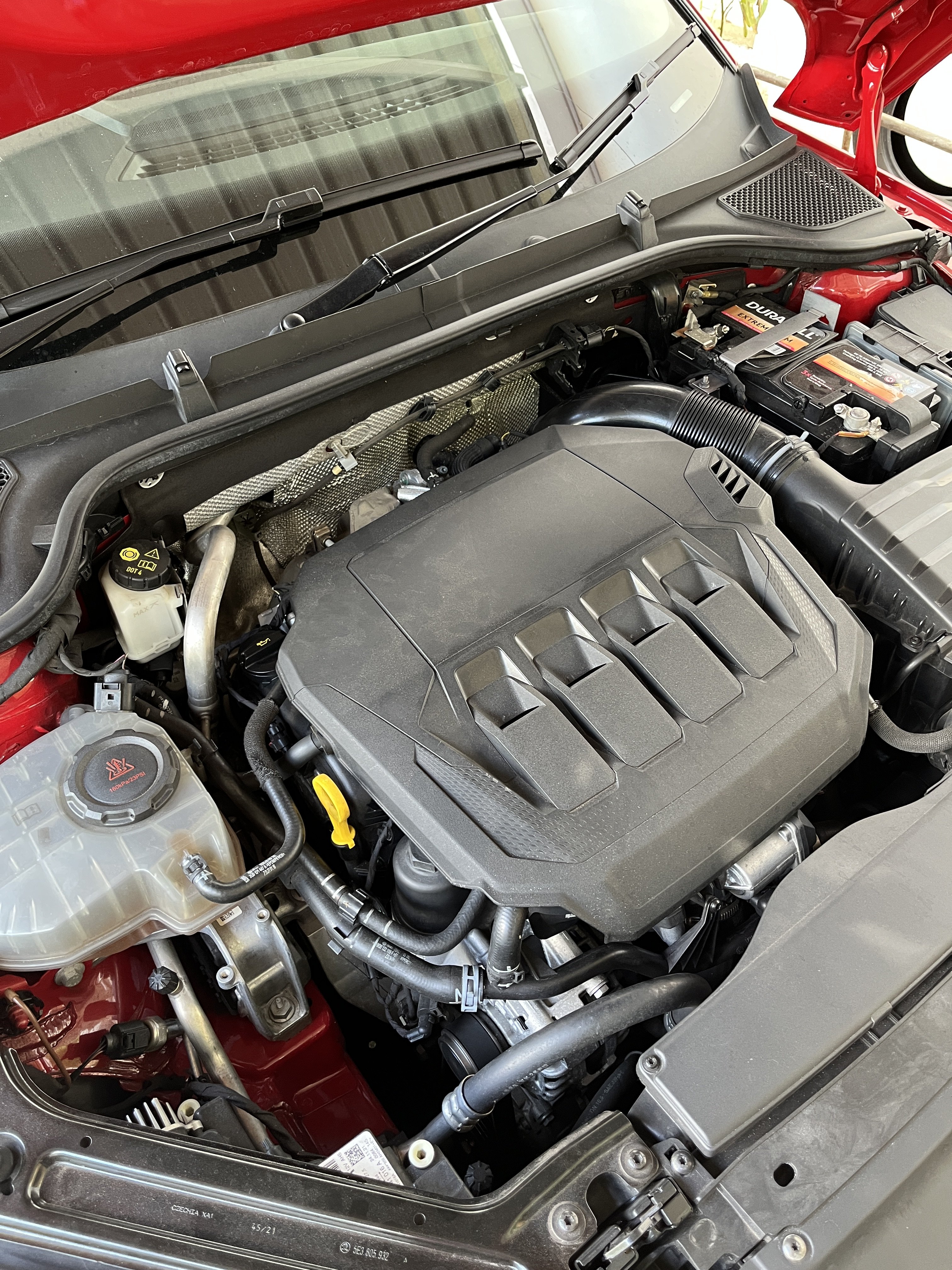
Here is the engine bay
-
I saw somewhere DNPA is the gen4 and DLBA is the gen3, but still not sure. Wanted to confirm it before buying any mods etc
-
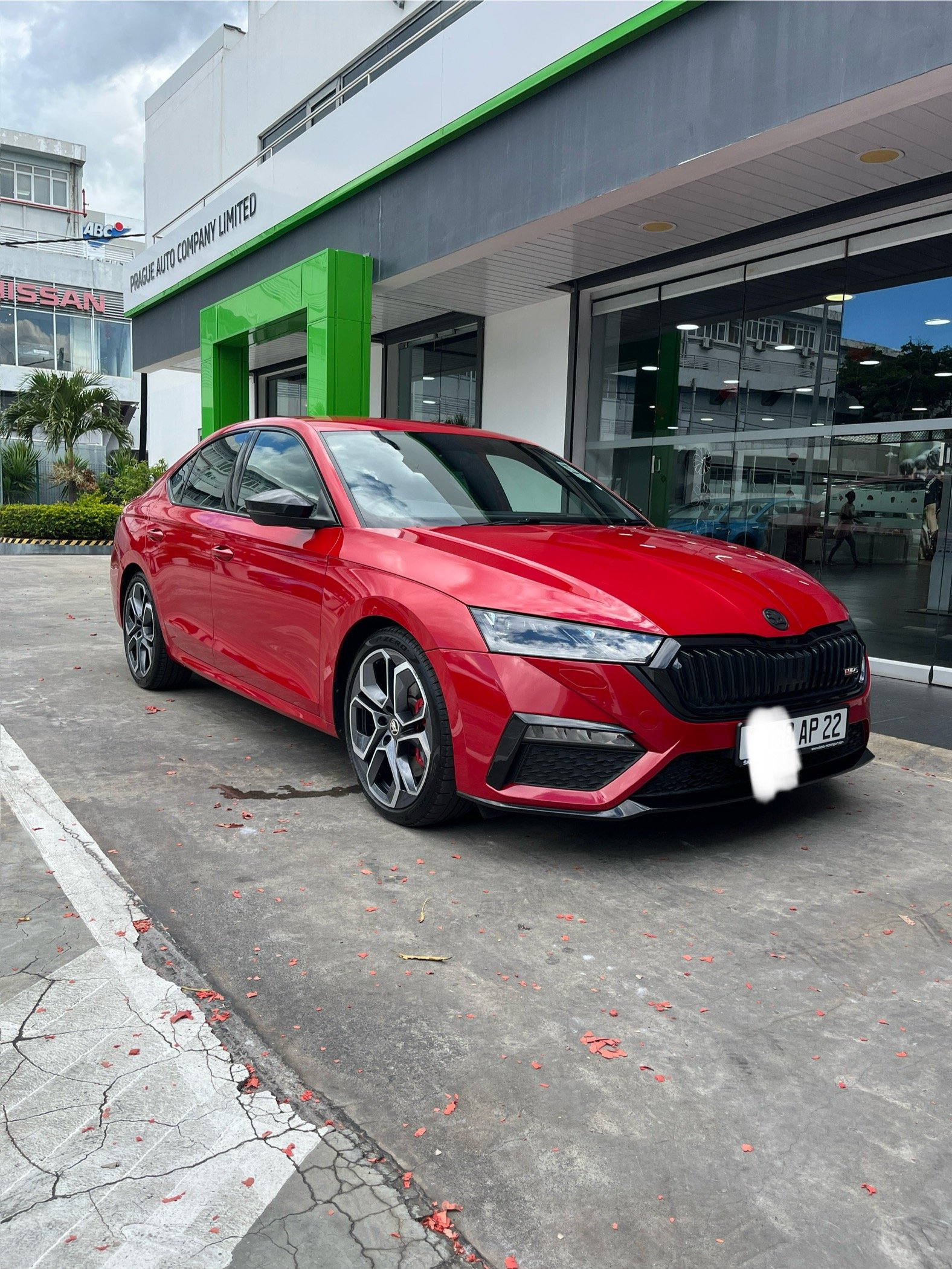
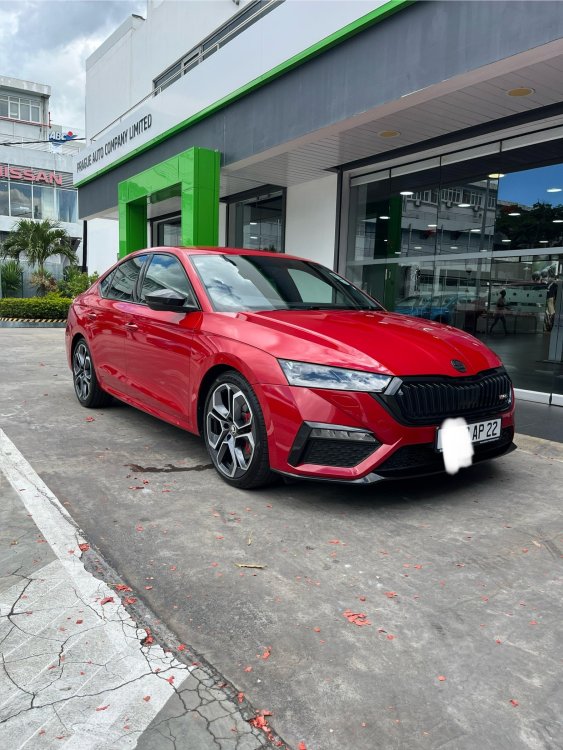
Im not sure its ea888, how do i know that? Here my car btw
-
How do you know if its gen3 or 4, my engine number is DLB 037337
-
Engine number is dlb 037331
-
I cant find it anywhere on the b pillar
-
Hello all, i would like to know how to identify which generation of ea888 engine do i have on my vRS 2022. Is there a place which its written?
-
Is there a way to unlock the wifi as, it doesn't not switch on when I try to turn it on. It says that wifi is disabled.
-
I have successfully updated it thanks, now I can make the jump to 1985 ?
-
Ok thank you, so I see 2 versions, MOI3_EU_SK_R9410L and MOI3_EU_SK_R9410L_SK20230615S. which one should I use ? Also is there a step by step guide on how to update ?
-
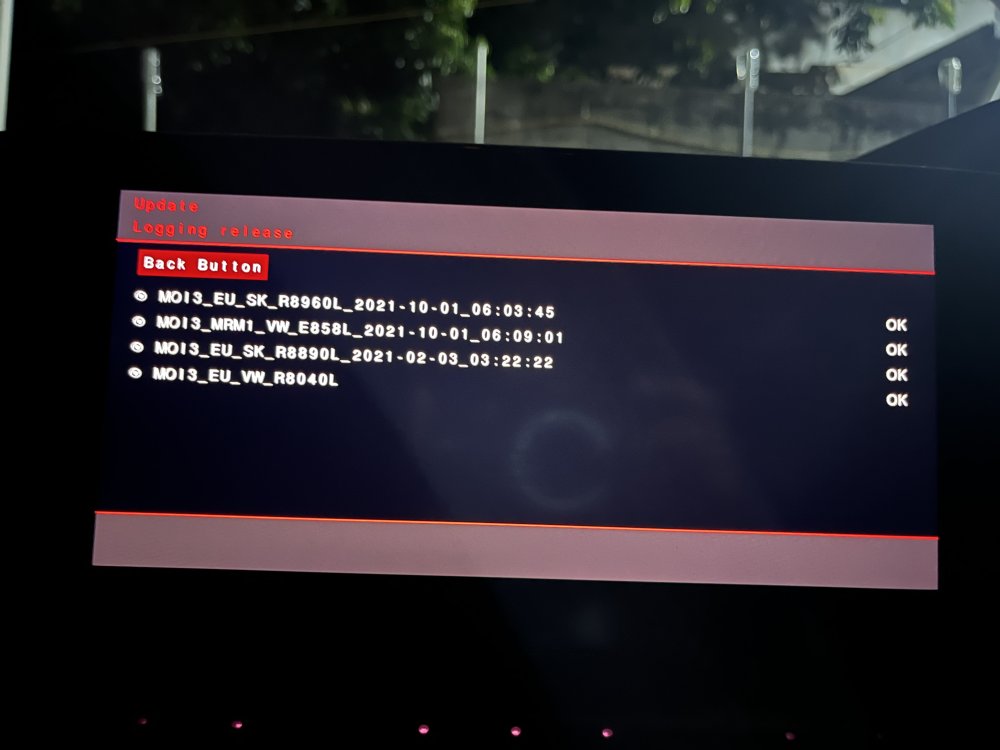
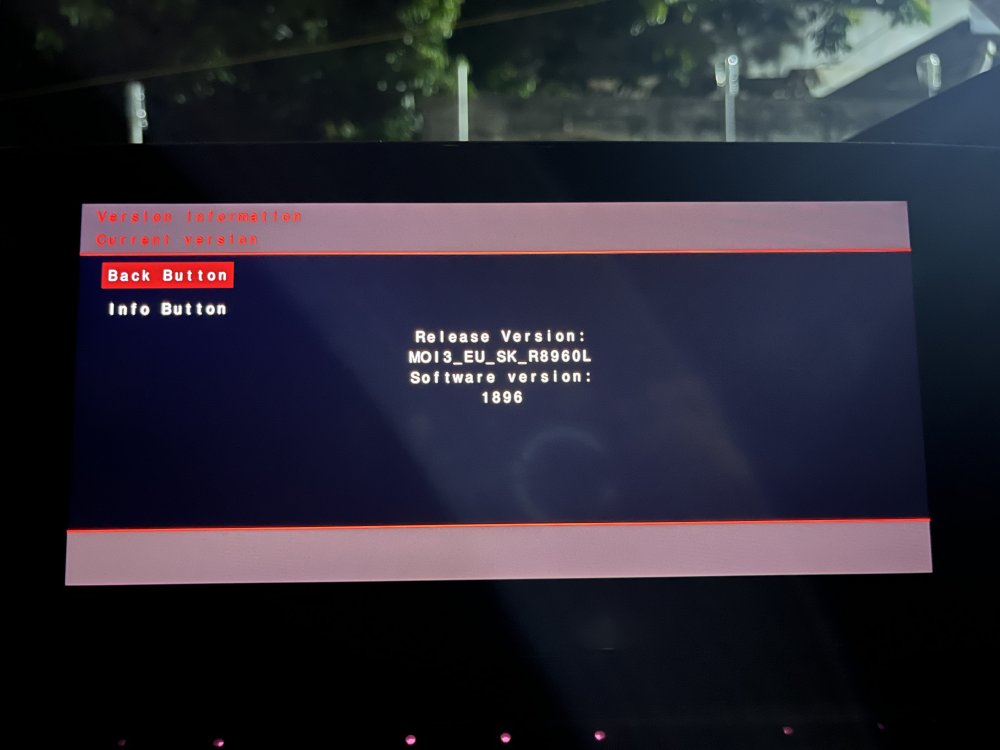
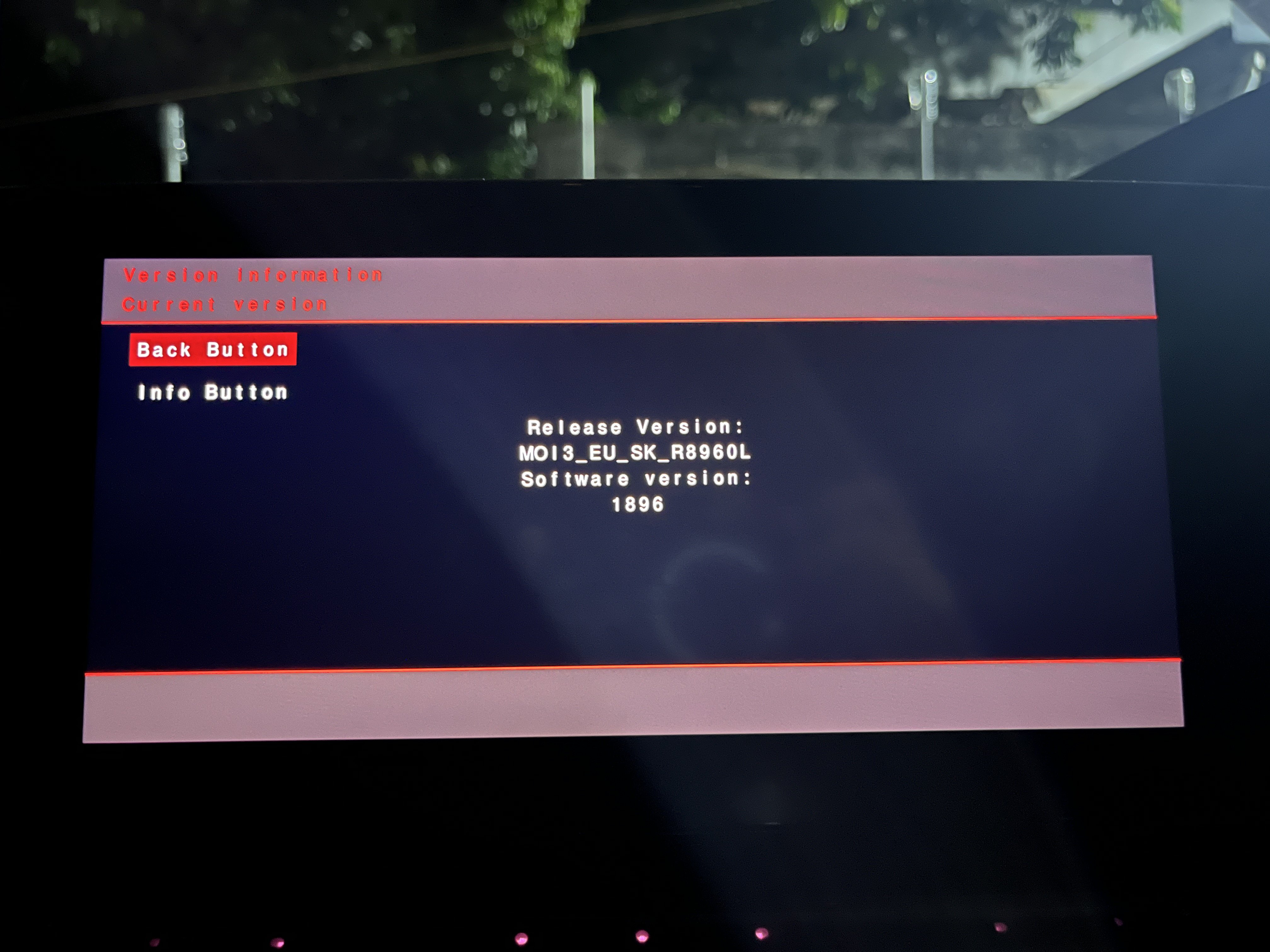
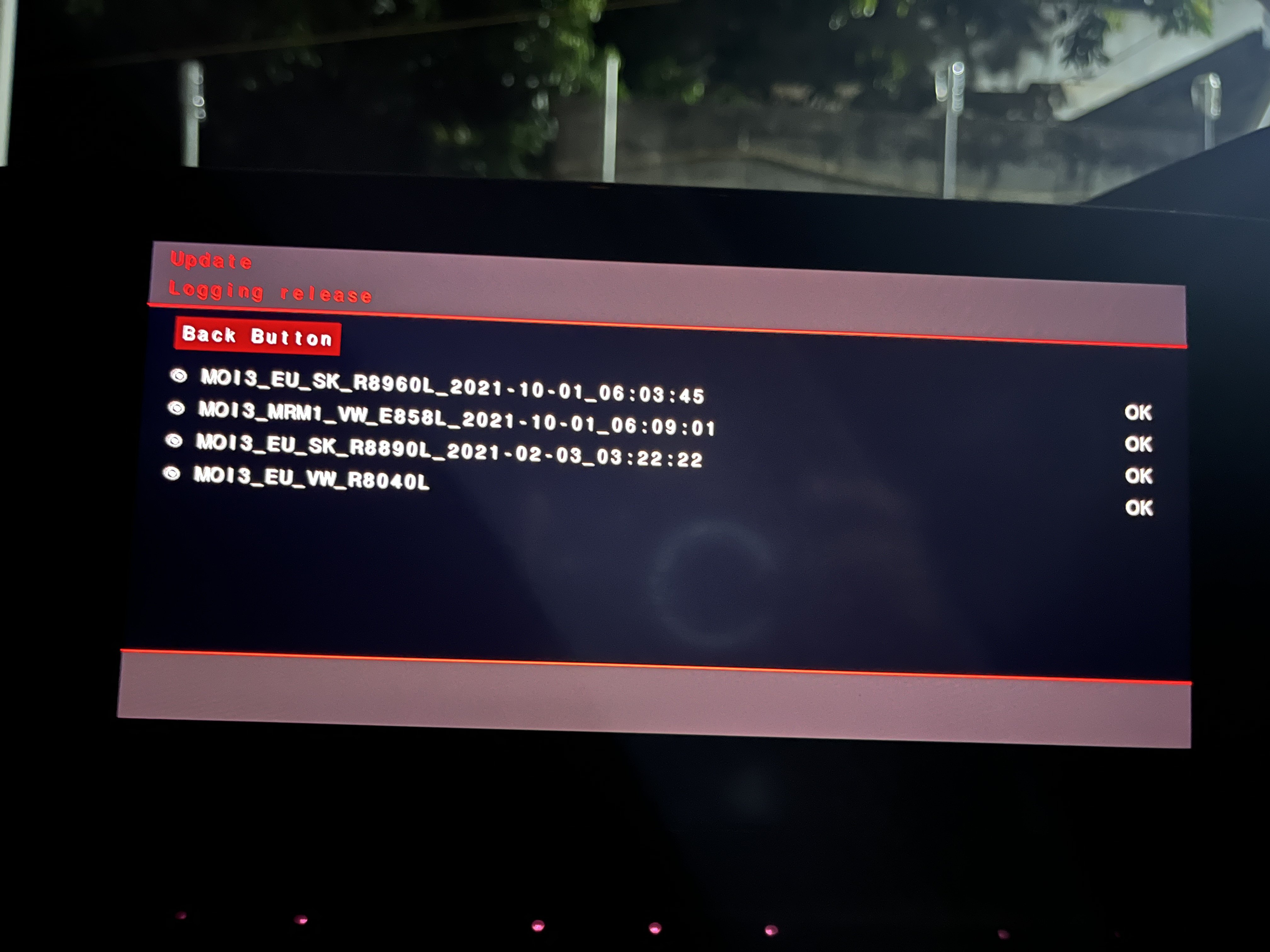
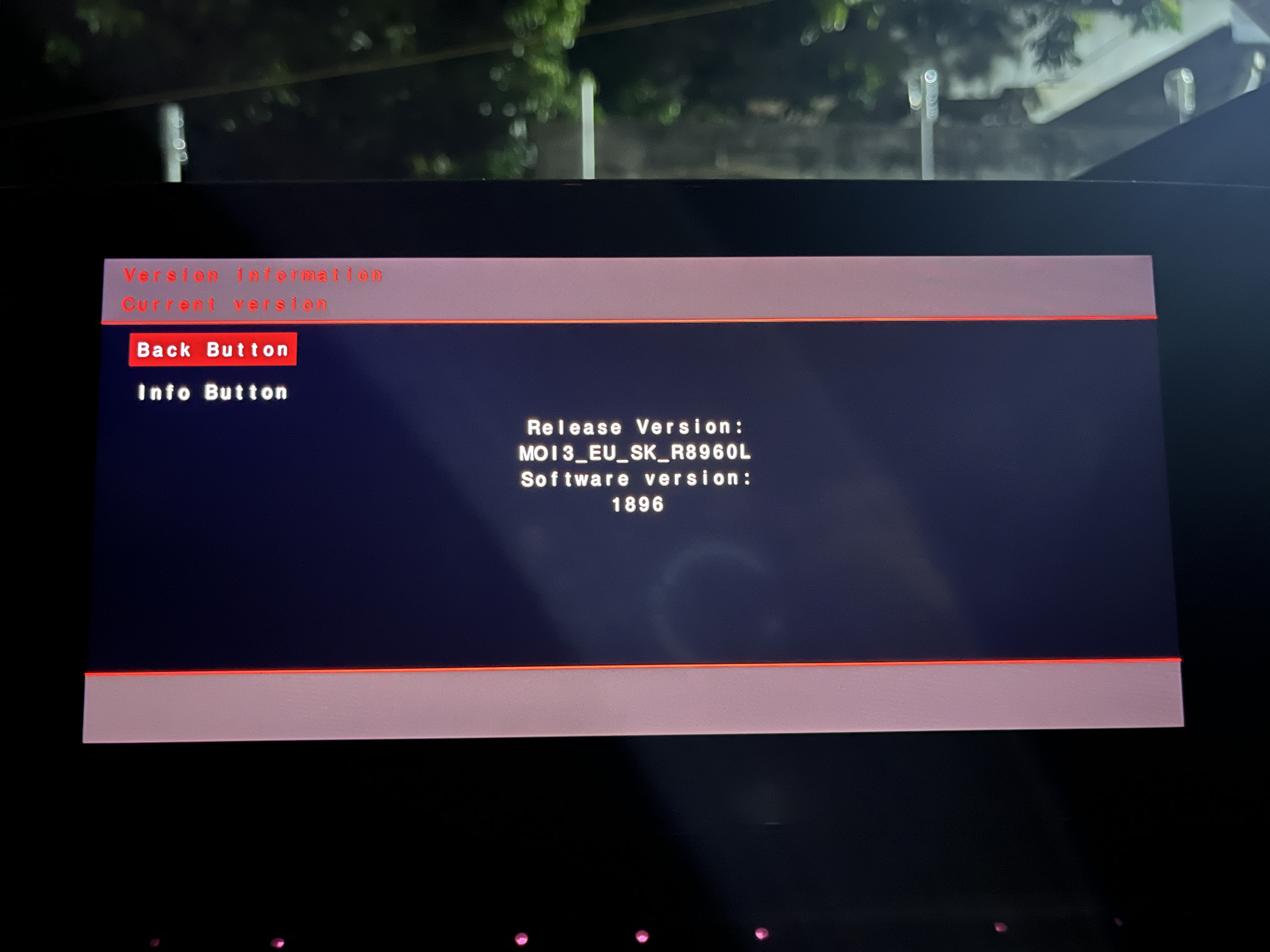
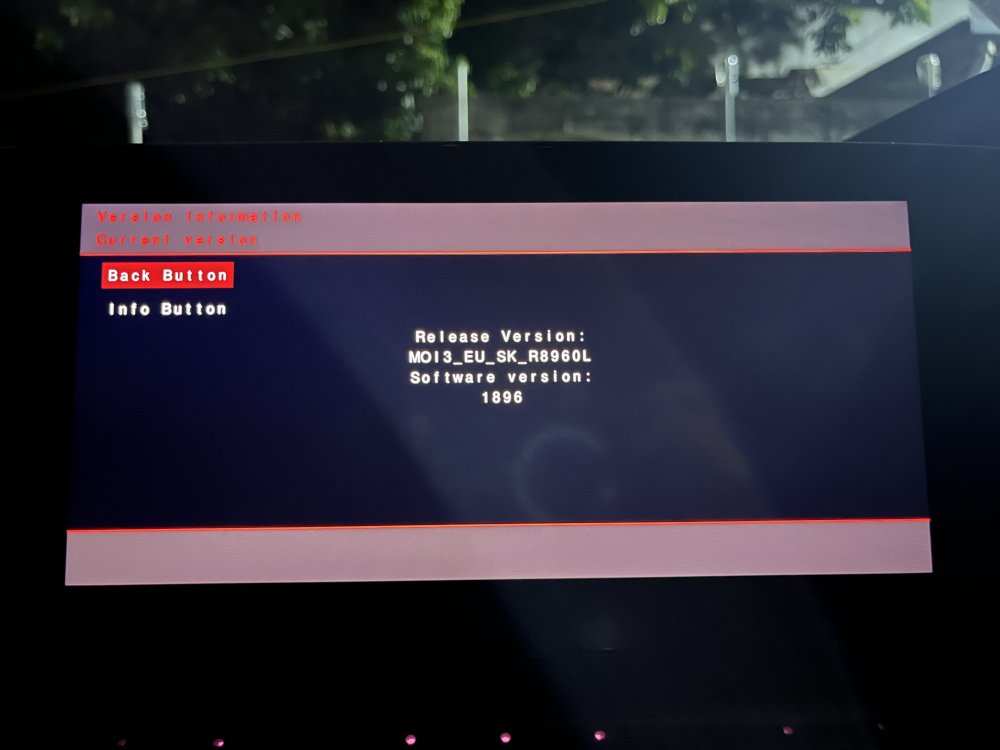
Hello all, I have this version in my Octavia Mk4 vRS. Can I update to MOI3_EU_SK_R9410L 1941 ?
-
Hello guys, have you been able to update ? I have a MK4 vRS and MIB Helper is saying MOI3_EU_SK_R8030L is the latest. Currently I am on MOI3_EU_SK_R8960L. On MIBsolution, I can only find MOI3_EU_SK_R9410L. Also my wifi is disabled as in Mauritius, there are some features locked so I can't received OTAs. Need help !