MANi_727
Finding my way
-
Joined
-
Last visited
Everything posted by MANi_727
-
-
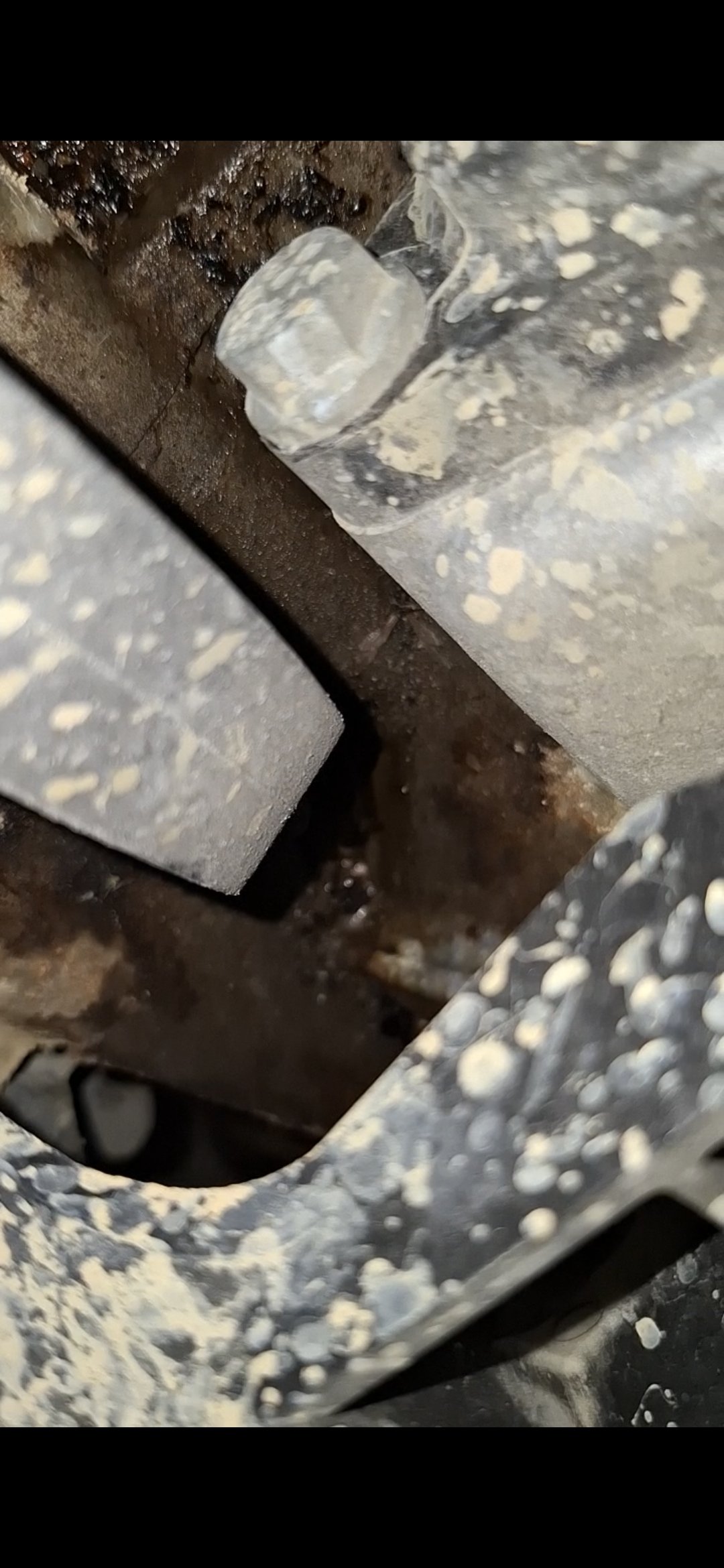
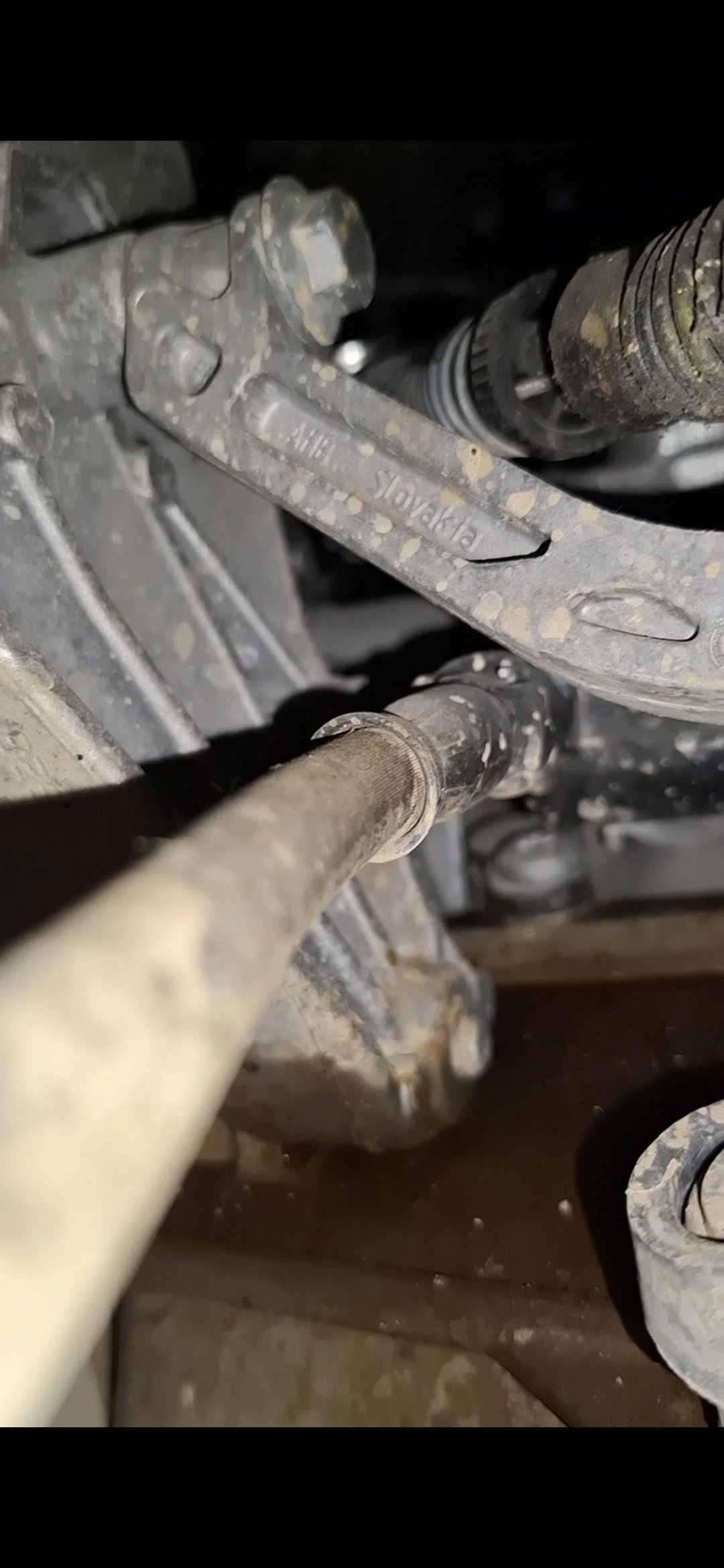
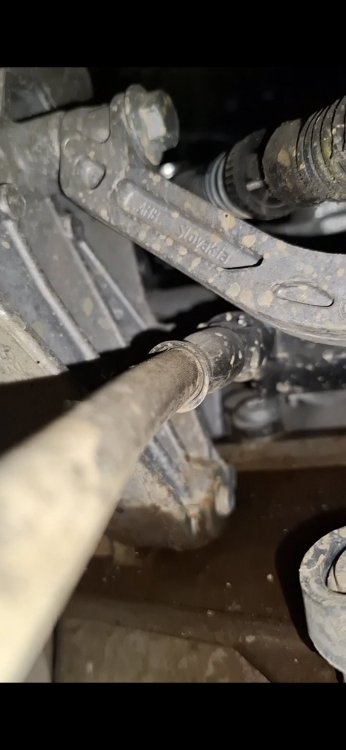
I found this random leak of something very very thick and greasy with no particular smell there's a little smell maybe like oil but u can barely smell it. Can it be engine mount leak since octavia has hydraulic engine mounts or some previous oil??? or something serious. Oil 0.2 - 0.3 per 15k km which is normal So idk im out of ideas
-
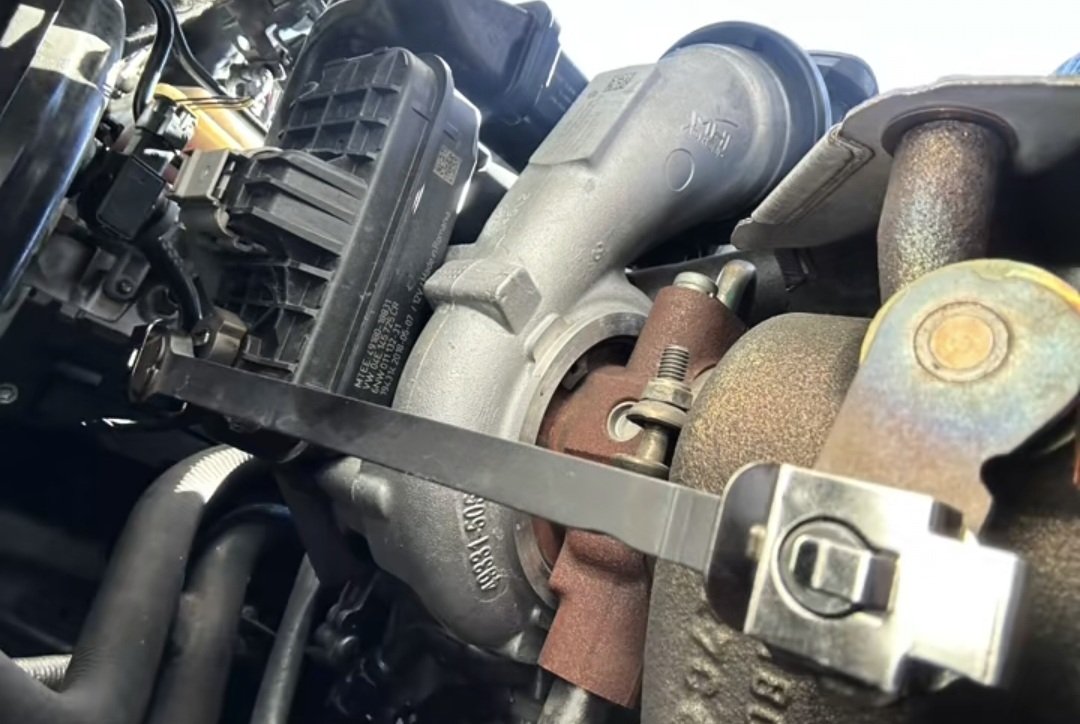
Also if u wanna make sure its 100% that u can turn on your engine and hold that rod lightly that's how I figured it out
-
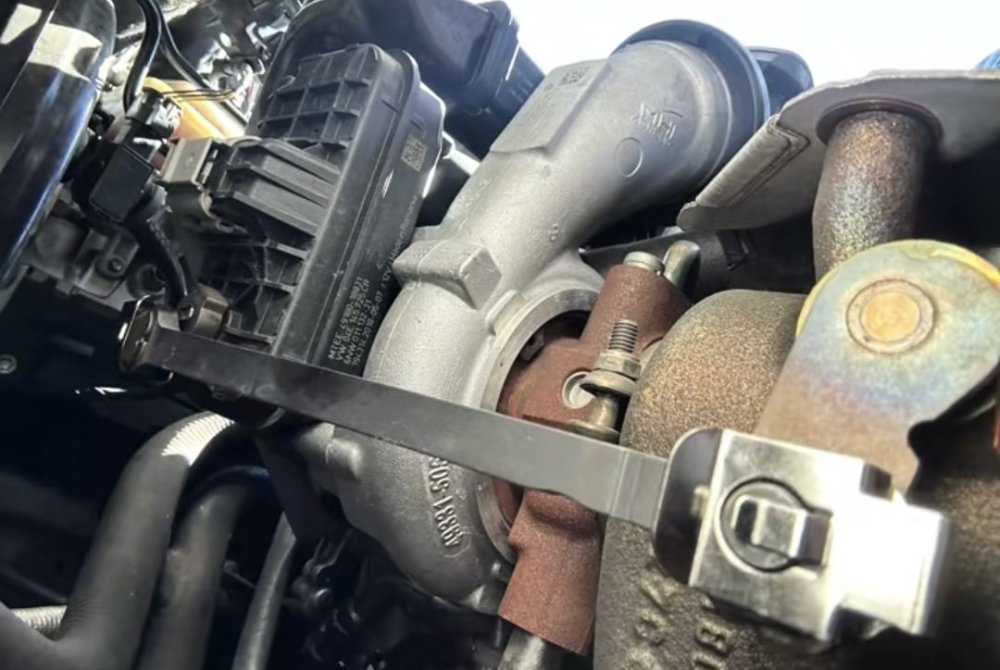
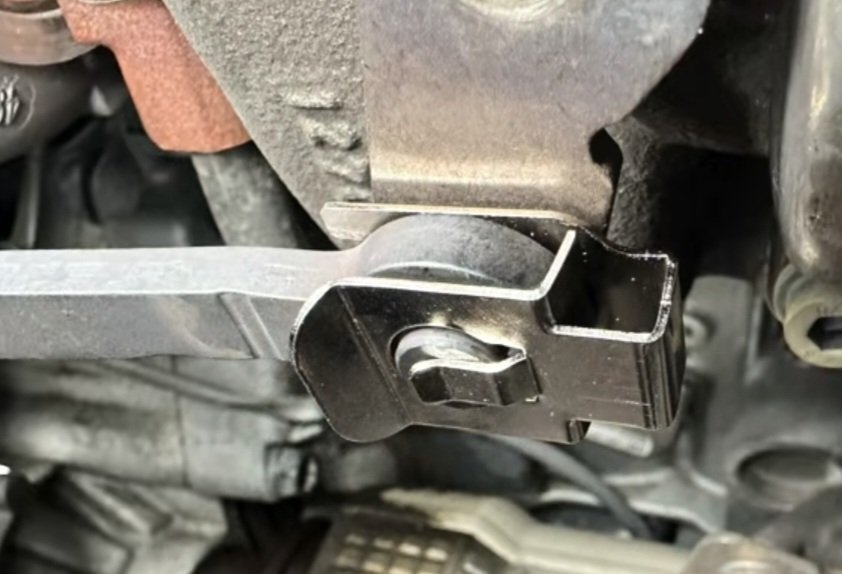
Yup it was only that, I don't hear it anymore and it was a quite a cheap fix 15e glad it wasn't something worse also that was an common issue kn audi 1.4 tfsi engines (or 1.5 not sure)
-
@OctaviaFFM yeah I have funnily enough i found out the solution randomly on TikTok Idk what tf that part is but that little "bracket" at the end was loose and it made that sound on cold start because it vibrated a lot
-
It goes away when engine drops the revs but if I rev it while that sound is there that sound will also rev up if that makes sense
-
So p much bought my octavia used with 80k km ( 2018 1.5 tsi) did a oil and filters change. Everything was fine until recently when I noticed car made this sound on startup (not always but sometimes) and it goes away after a little. Not my video since someone else also posted with same issue but without any solution. Should I worry? Idk what to do since im away from home for next 2 weeks or so.