SuperbT
Finding my way
-
Joined
-
Last visited
Everything posted by SuperbT
-
Yes, exactly!
-
One year later, I finally have an update! Got busy with life so didn't reinstall the SW until now. The issue was extremely simple; I took screenshots of the current coding of the steering wheel under Address 16 with the old steering wheel, and just ensured that after the new wheel was installed I entered exactly the same coding. Went for a short drive after installation and the issue disappeared! Hopefully this can help someone who's being as dense as I was. Big thanks to @zacko_O for all of his help!
-
You're also going to need a LIN Adapter so the wheel buttons work properly: https://skoda-acc.com/Skoda-steering-wheel-buttons-adapter-Full-S0001F and it would need coding I guess. Or contact zacko_O on this forum. He's built an adapter which I've been using and it works very well, plugs directly into the gateway next to the steering column and settings can be controlled using the adapter's local WiFi network; no coding required.
-
Airbag I bought new rather than eBay: https://www.super-parts.eu/de/5la880201-izy-skoda-airbag/ Squib was the toughest to find, got lucky with it on eBay.
-
It's a major headache trying to get everything! Give me a shout if you get stuck.
-
Yes, it's been done before: https://www.drive2.ru/l/658001635204673399/
-
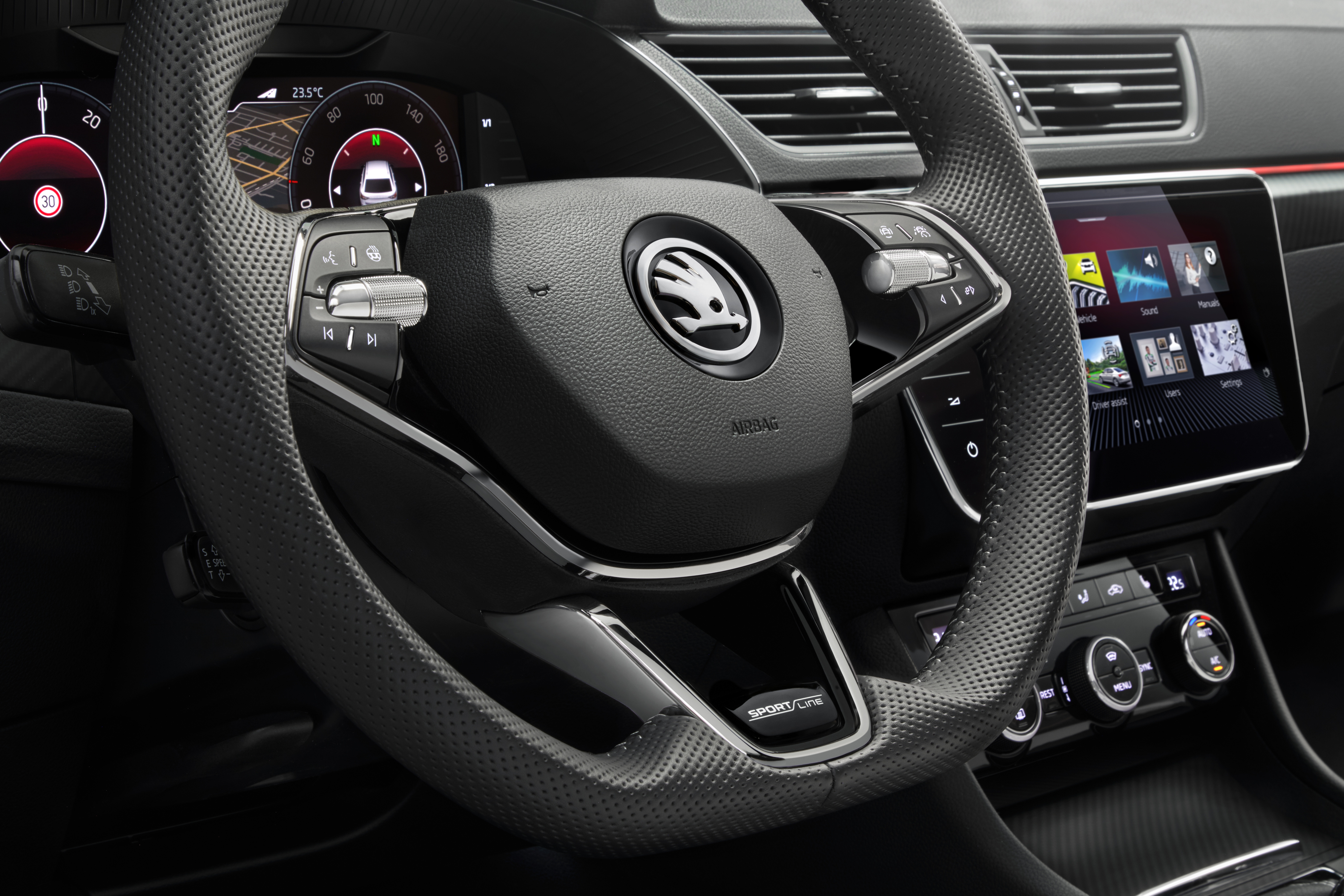
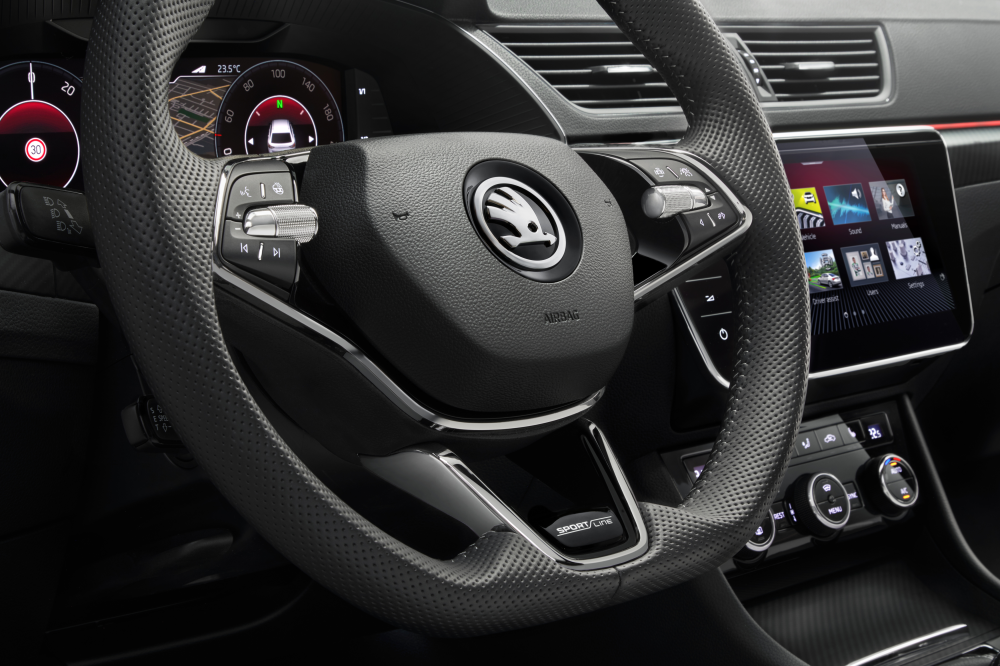
Hi all, I've been trying to retrofit a facelift heated steering wheel to my 2015 MKIII (see attachment); it's RHD. I have the upgraded squib etc. Installation went okay, but when I put the car in park, a message popped up saying "Move selector to P position and visit workshop", even though it was in park and the dash was showing "P" position. All the parts are correct and compatible, and the 16 to 14-pin adapter I'm using is Kufatec 43696-1 (https://kufatec.com/en/heated-steering-wheel-cable-set-for-vw-skoda/43696-1). The message means I can't lock my car. The issue went away completely when I reinstalled the old steering wheel. My thinking is that it's the adapter; I had tried one from AliExpress before and it gave the same message, so I put it down to the quality and ordered Kufatec. The pinout is what it should be (I've confirmed it's the same as in this guide: https://www.briskoda.net/forums/topic/515572-how-to-retrofit-a-heated-steering-wheel-to-a-mk3-octavia/ Would be grateful for any pointers! Cheers
-
Great, there goes my hard earned cash again...
-
I've learned that now! Oddly though when I upgraded MIB2 to latest software version before the G13 upgrade, I used an old formatted SD card and it worked fine. MIB GitHub does say that even brand new SD cards can be bad, so I guess we just have to take our chances!
-
I'd agree on one level re: old is generally gold. But I also do like my tech, so VC is worth the sacrifice. Each to their own in this game, makes life interesting!
-
I wouldn't say a bad influence on people per se, more a bad omen for their bank balance... I did think of doing the flat bottom steering wheel but forgot about it, then the idea came came into my head again when I saw the heated steering wheel retrofit, and the shiny new wheels looked very appealing! VC I'd already been thinking about before so it all just kinda came together. But now looking at Gandalf I wonder if I should get sway bars and springs and all that. Have they made a big difference to handling? I do feel like mine doesn't handle bends particularly well (and the suspension squeaks like mad when going over bumps, although I hope I can sort that by lubricating the bushings with something suitable; any recommendations welcome).
-
I know, felt like a lot when writing it but my thinking was that someone somewhere at some point will have the exact same issue like you said, and hopefully this will help!
-
I think I died inside several times, even contacted a VAG coding guy to ask what he'd charge to fit a new MIB unit since I thought I'd bricked it: £1200! I partially blame you for my newly acquired upgrade fever: I saw the Gandalf upgrade thread and I was sold. Next comes the virtual cockpit, new-style heated steering wheel, and who knows what else...
-
Absolutely, I was catastrophising and looking up replacement MIB2 units and everything! Hopefully my experience can help someone out. I'd say one of the main learning points is to always have 2 SD cards with the update loaded!
-
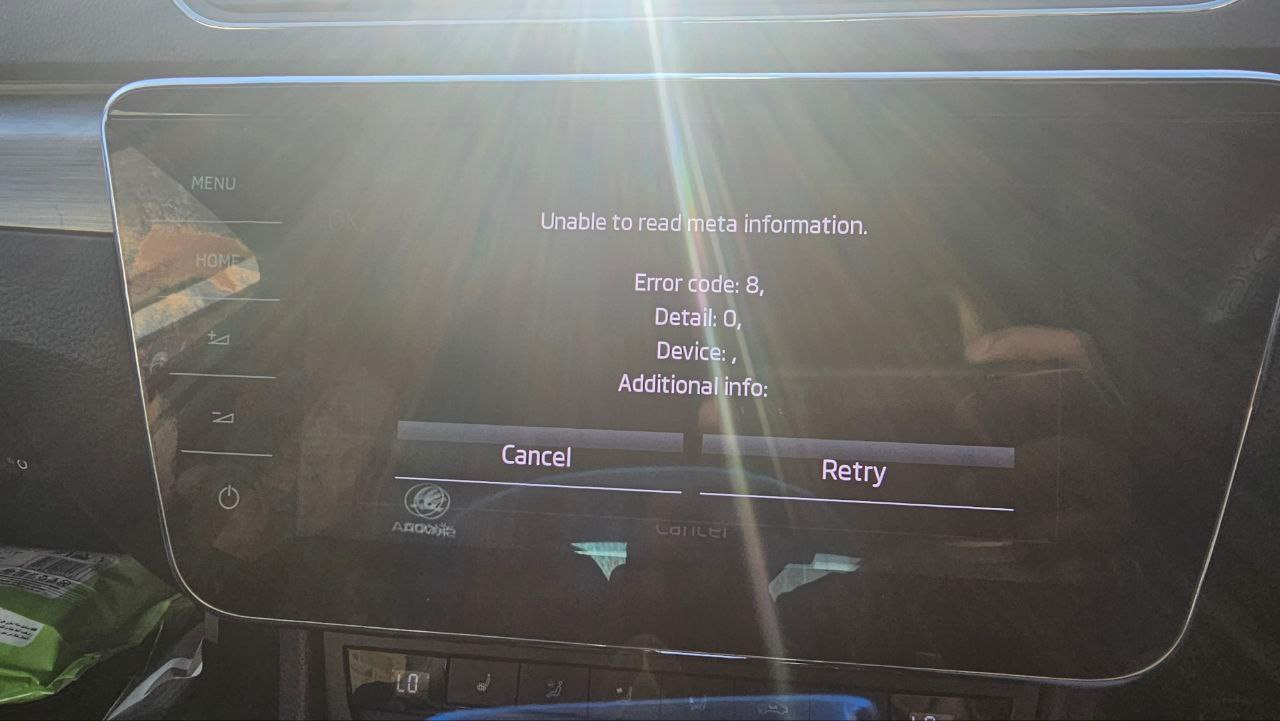
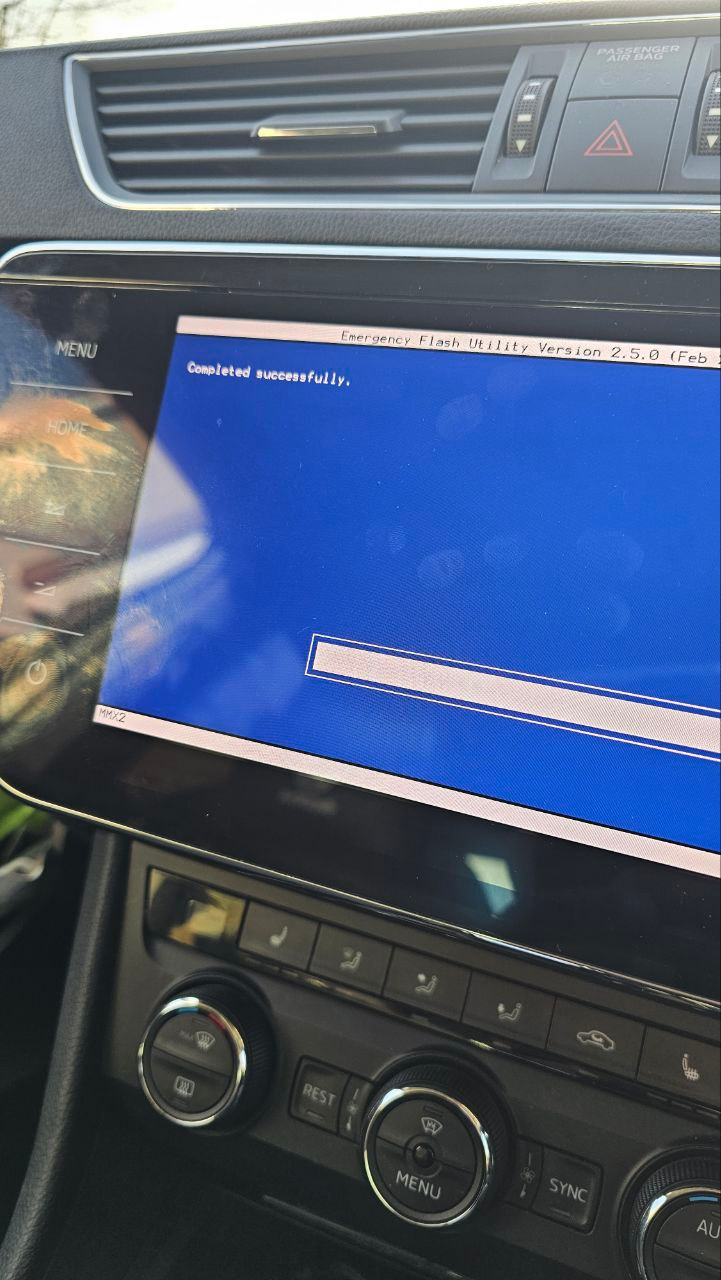
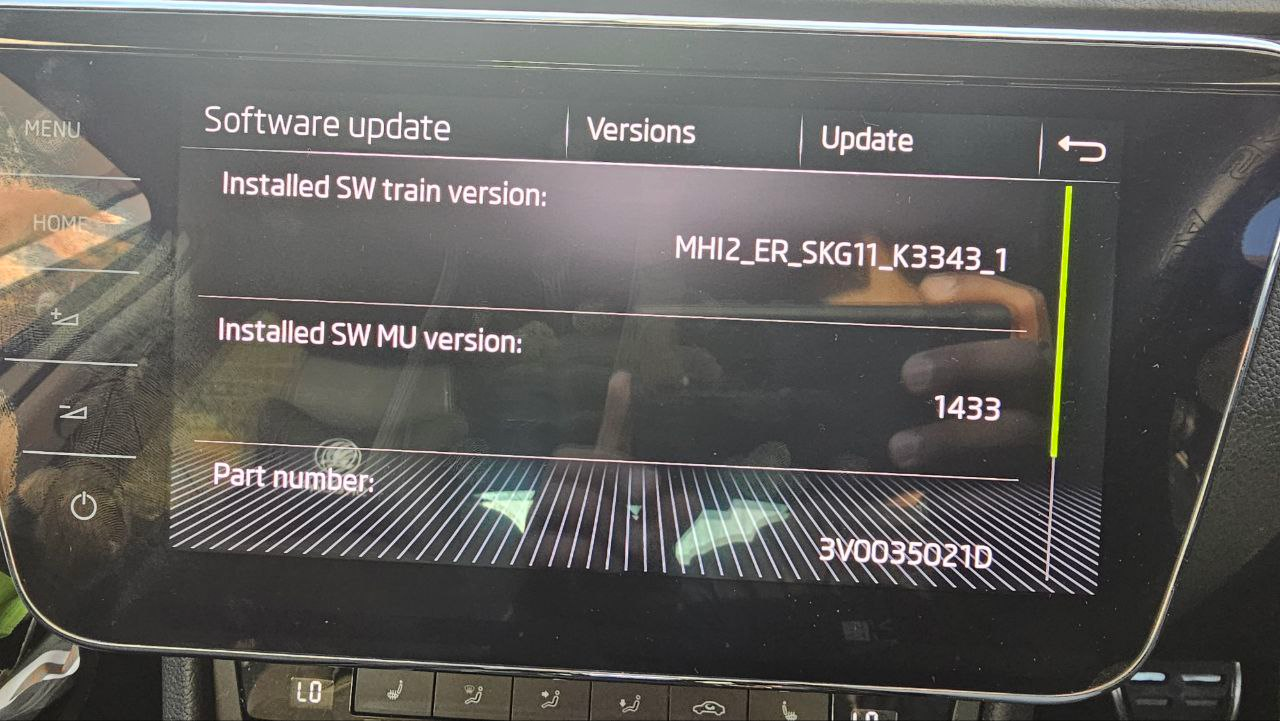
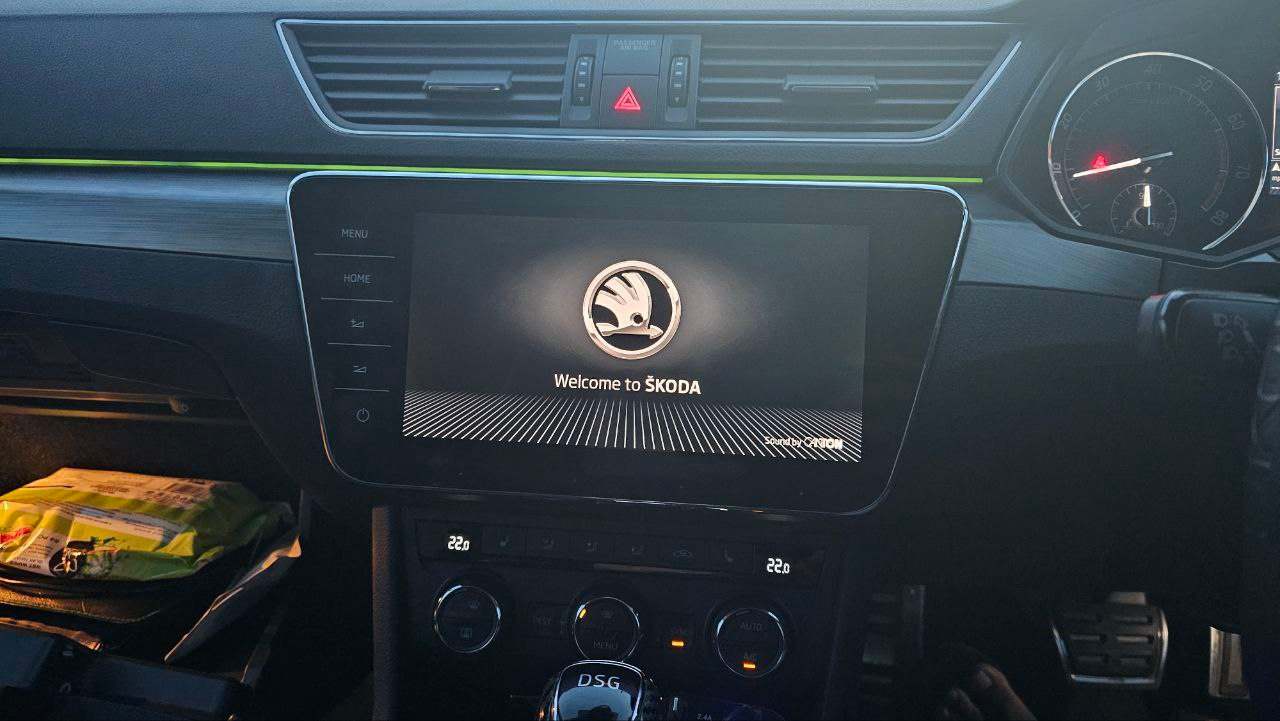
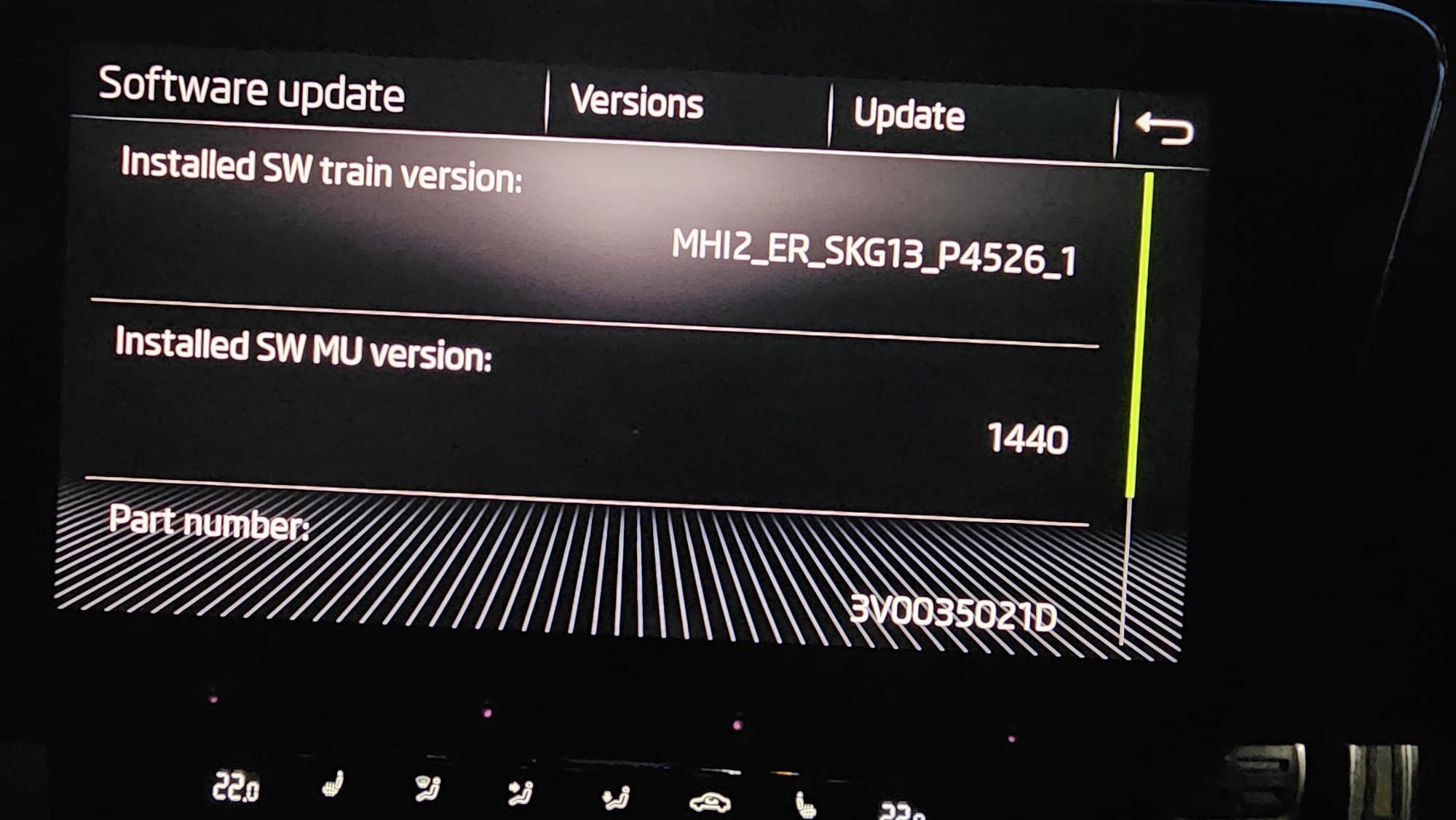
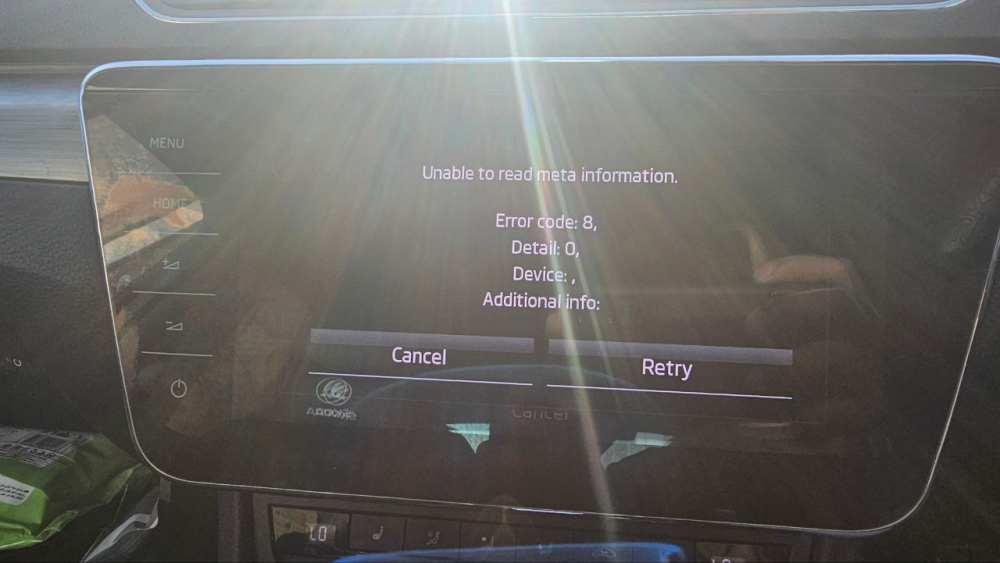
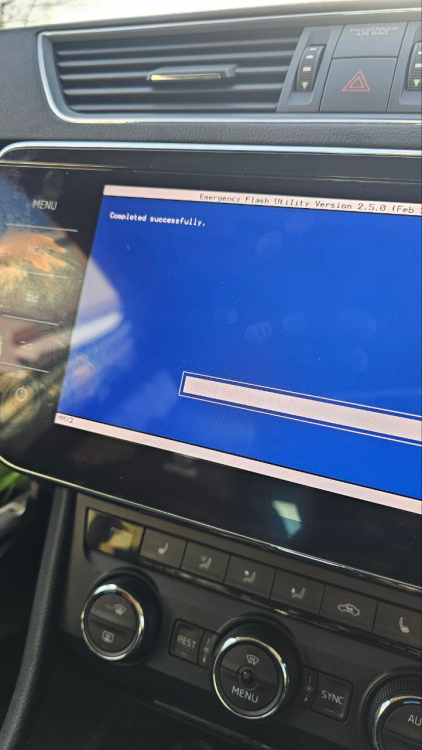
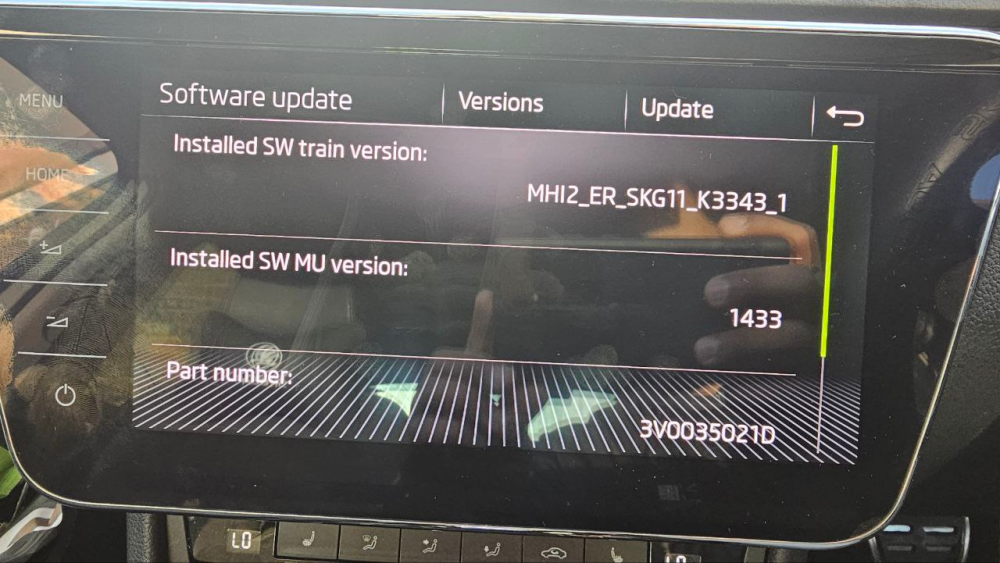
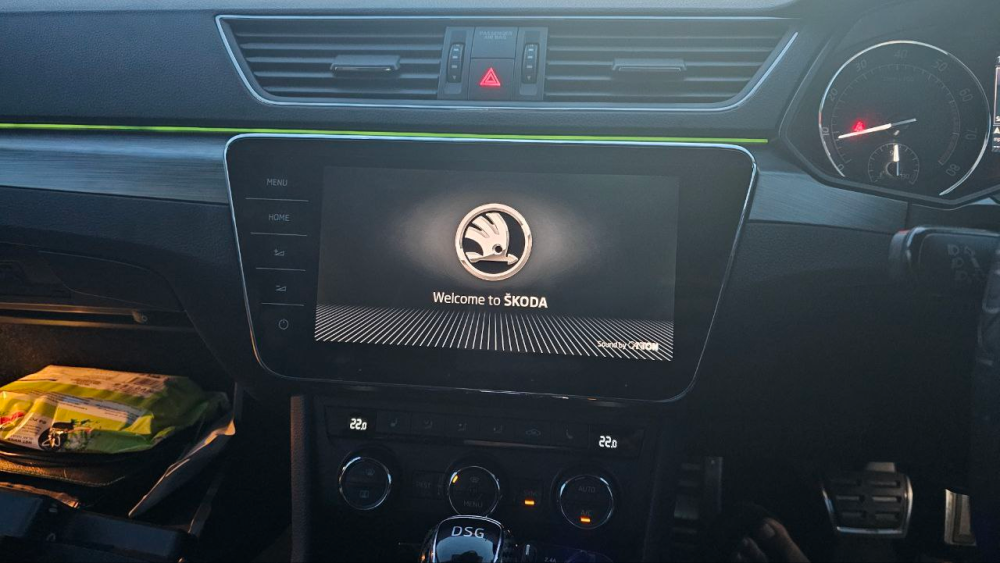
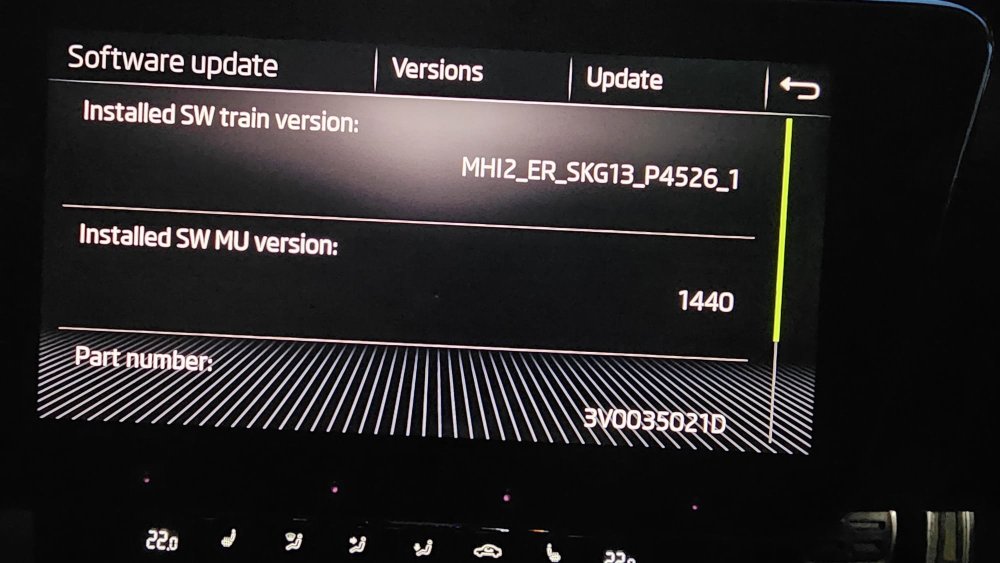
Managed to fix it. Formatted the SD card, downloaded a fresh copy of the latest non-AIO firmware (MHI2_ER_SKG13_P4526_MU1440) from https://mibsolution.one/ and transferred it to the SD card. Started up the infotainment screen which automatically loaded the Emergency Flash Utility, recognised the SD card, and continued the update, completing it successfully: To my relief, the Skoda startup logo appeared (although the resolution was not quite right and it'll become apparent why later on). I then got the below error and couldn't get into the home screen or access anything: I pressed retry, no effect. Pressed cancel, same thing appeared again. Pressed cancel again and then the second cancel button at the bottom of the screen. The unit rebooted and magically, the new interface appeared and I could scroll through everything. However, the audio didn't work so I checked the firmware version by long pressing the Menu button, and the software train was still G11, which also explains the poor resolution: I used a fresh SD card to upload the AIO version of the G13 train (MHI2_ER_SKG13_P4526_1_AIO_MU1440_20230504) from https://mibsolution.one/. Everything went smoothly, only the radio station logos didn't upload (I'll do this later) and I can now relax!
-
Hi all, I've been following these forums with interest over the past few days, and of course my first post is to seek help when something goes wrong! For reference, I drive a Skoda Superb MKIII 2015 with MIB2 infotainment and 8" Columbus screen. I obtained a 9.2" Columbus screen and checked that my current unit could be upgraded to MIB2.5 using mibsolution files. I downloaded the G13 and Gracenote upgrade files from mibsolution, followed the instructions exactly to the letter. Did an SD card format, transferred the Gracenote payload, changed the relevant parameters in the metainfo file as instructed. The initial update went fine up to No. 5 I think. During the update of MMX2 (No. 6) I got an Error Code 3: No File Access (which is not listed on GitHub). I made the mistake of pressing cancel as I did not have a second SD card, thinking that the system would recover to the earlier version. The 8" Columbus screen then shut off, so I attached the 9.2" Columbus screen which shows the head unit going into Emergency Mode: https://drive.google.com/file/d/1oEpVq46raDadmU3sCsZ2OeO1sg4T4IJL/view?usp=drive_link It then failed to enter Emergency Mode: https://drive.google.com/file/d/1Cl30tk_mK9xc5nAPowgc9qlmxywUSs8a/view?usp=drive_link It then entered the Emergency Flash Utility and asked for media to update the system, recognised my SD card and automatically started updating the firmware: https://drive.google.com/file/d/1zAtKXQr3peSfgakH0B0TacFQvJ6JZ8bw/view?usp=sharing It went through a 3 or 4 of these updates, and then suddenly displayed Error Hash mismatch in readchunk message: https://drive.google.com/file/d/1I7YHiVEb1XOk_ym5S9ef58kKlF40B0Pa/view?usp=sharing I restarted the system, and now it only gets partway into the update and then the screen either shuts off (during the first step in the update: https://drive.google.com/file/d/1zAtKXQr3peSfgakH0B0TacFQvJ6JZ8bw/view?usp=sharing) or displays the Error Hash mismatch message (during a subsequent step in the update: https://drive.google.com/file/d/1I8_iZW1vXgVQ1ujXs72FSh-lOLVcsXup/view?usp=drive_link) I'm awaiting the arrival of another SD card today, so will try that with the latest G13 firmware and see what happens. I'm hoping this is entirely a file corruption/copy issue which can be resolved with a new SD card. I know the final solution if the new SD card doesn't work may be to use a UART/D-Link Ethernet interface and PuTTY but I'd rather avoid that if possible. Thank you in advance for any help!