KinderBean
Finding my way
-
Joined
-
Last visited
-
get a new battery delivered to your door (tayna.co.uk) and the basic version of OBDeleven 3 (£72.89) to give the battery the right code. Job done All from the comfort of your own driveway... happy days... no more problems.... (and get a Ctek charger to maintain it - use the negative post on the bulkhead to charge)
-
in this thread there is some mention of the car being limited to 250Nm, to accommodate a DQ200 but apart from that, I don't know. If you are looking at a car, you will be able to tell if it is a DQ381 by opening the bonnet and locating the screw-on filter https://www.briskoda.net/forums/topic/540032-servicing/#comment-6017721
-
although I rate a good independant better than a dealer, I'd prefer a dealer full history if I was buying from a stranger. The VW dealer uses ODIS which is exactly the same system as the Skoda dealer and it will flag any compulsory software updates that need to be applied to your car
-
Ha, that's going back a bit, I always wanted one of those, alot better looking than my 340 DL
-
mine is a 2025 2.0TDI DSG estate and I pull a Mayland Mariner with alot of water trapped in the floor! You have a"slushbox" which is great for edging forwards (compared with my DSG which has to engage a clutch each time it edges forwards in traffic), but heat buildup on long inclines would be your issue. I am sure the basic "OBDeleven 3" would give you your gearbox temperature, but you'd need to test it beforehand on the same hills to know whats normal, and find out the temp thresholds for your model of gearbox. The max temp is to do with the max temp the transmission oil can handle. I think on some slushboxes the final drive (top gear) is a locked up gear and this is the one you want engaged as much as possible on the motorway to reduce hydraulic heat buildup (ie. gives it the chance to cool down after an incline). Bear in mind that the "towing prep" at the factory is the installation of the "J345 Trailer Control Module" (in the case of my car). This changes software mappings in the engine/gearbox and the car can reverse without it thinking it is about to hit a trailer...
-
mine is Octavia SE Tech Combi 2.0 TDI 150 DSG UK car (built June 2025). With no options except the factory fitted swing out towbar. It doesn't have any noise issues at all. In your own time it might be worth getting underneath, I find you only need a few inches.... for example you could remove the undertray and go for a drive
-
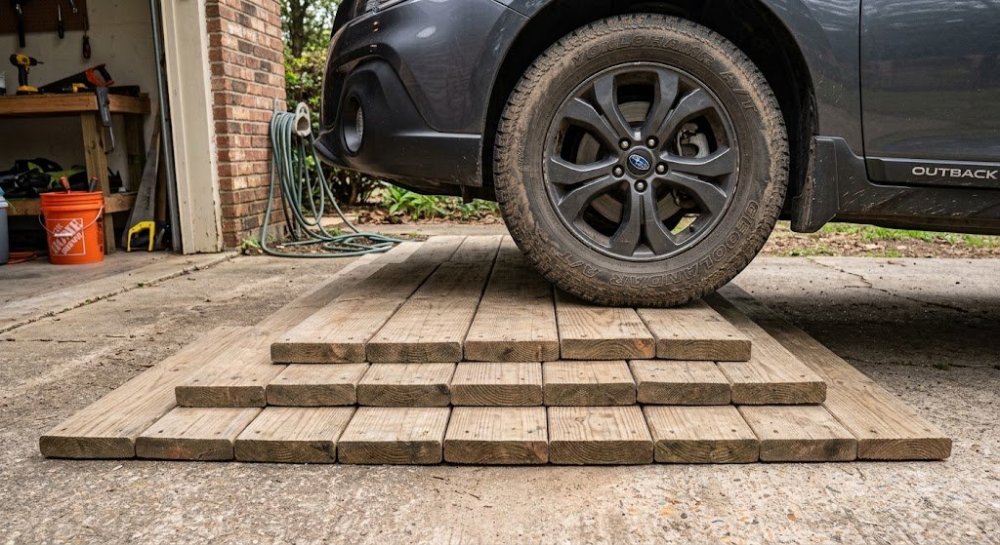
@VladicaO remove the undertray and you might see some flaps, if you chose the factory swing-out tow bar it automatically upgrades the cooling on the car. I remember seeing some flaps. I have exactly the same 2025 car as yours. But i don't have any resonance, even with roof bars and a roofbox.
-
I would dump the oil and pour it into a white plastic basin, as that can tell a story. I plan to do mine once I'm out of warranty.
-
I can't answer your question but this might help
-
-
you can remove the undertray and you will see a code on the gearbox starting with 0GC if it is the DQ381, or if you look on you tube for "dq381 filter change" you will see where the screw-on oil filter is located on top of this gearbox. If you open the bonnet and shine a torch at night, you should find it (you'll need T25 & T40 torx and a 24mm socket to remove the undertray)
-
perhaps I'm wrong but I thought the car would have the DQ381, as I think the DQ200 is limited to 250Nm of torque
-
dealer will not change the filter but an independant will if you ask them. Dealer is forced to use OEM fluid which is expensive. Alternative fluids are cheaper.
-
-