MartynS
Finding my way
-
Joined
-
Last visited
Everything posted by MartynS
-
About time I did an update on this... the TL:DR version the fix is to disconnect the Touch Bar.. longer version.. I went back and forth with the garage I was using (nearest one used by the RAC warranty I have) Screen was in and out, then a module came out for testing, parts were sourced and replaced. The issue remained. The warranty garage never actually started a claim and charged me for work and parts. once we knew it was fixed they would then put in the claim for me. (not how I understand a warranty claim works) Turns out the guy the screen was going to is a 10 minute walk from my house, warranty garage wouldn't tell me where he was until the bitter end, however they charged me for running the unit over to him!! I have now had the Touch Bar disconnected and I'm leaving it like that.. I have 99% functionality. As I now also know where the guy who was trying to fix it is I'll have a chat directly with him, he was slightly mystified by this issue. I won't name the garage in Cheshire I had to use for the warranty claim, they were absolutely horrendous to deal with. However If you're in the area and want to know who to avoid PM me..
-
Update.. Drove around for about 3 weeks without the screen whilst it was being “repaired” Some of that time was because i couldn’t get back to the garage to get it re-fitted. It didn’t go wrong whilst on test so nothing to repair. Likewise the car didn’t display the fault whilst the screen was out The (temporary) solution..the screen is back in but the touchbar has been disabled. Despite me saying multiple times its a known fault that wasn’t accepted by the garage and this current setup forms part of the “investigation” We’ve agreed to give it a month, if it doesn’t repeat the fault that should prove its the touchbar. The garage are convinced it’s something else and won’t hear what I’m saying. So i need to let this play out. At least i haven’t paid anything out….
-
I was slightly held to ransom by the garage.. Really didn’t want the screen removed and was worried it may mean the car wouldn’t even drive. However they were adamant the only way to resolve the problem was to remove the screen and send it away. It seems that most things still work I can move through radio pre-sets, temperature control done through voice commands, safety systems like lane assist can be done through steering controls as well. The whole process been quite painful, I’m going to complain once the cars back together, whatever good that will do..
-
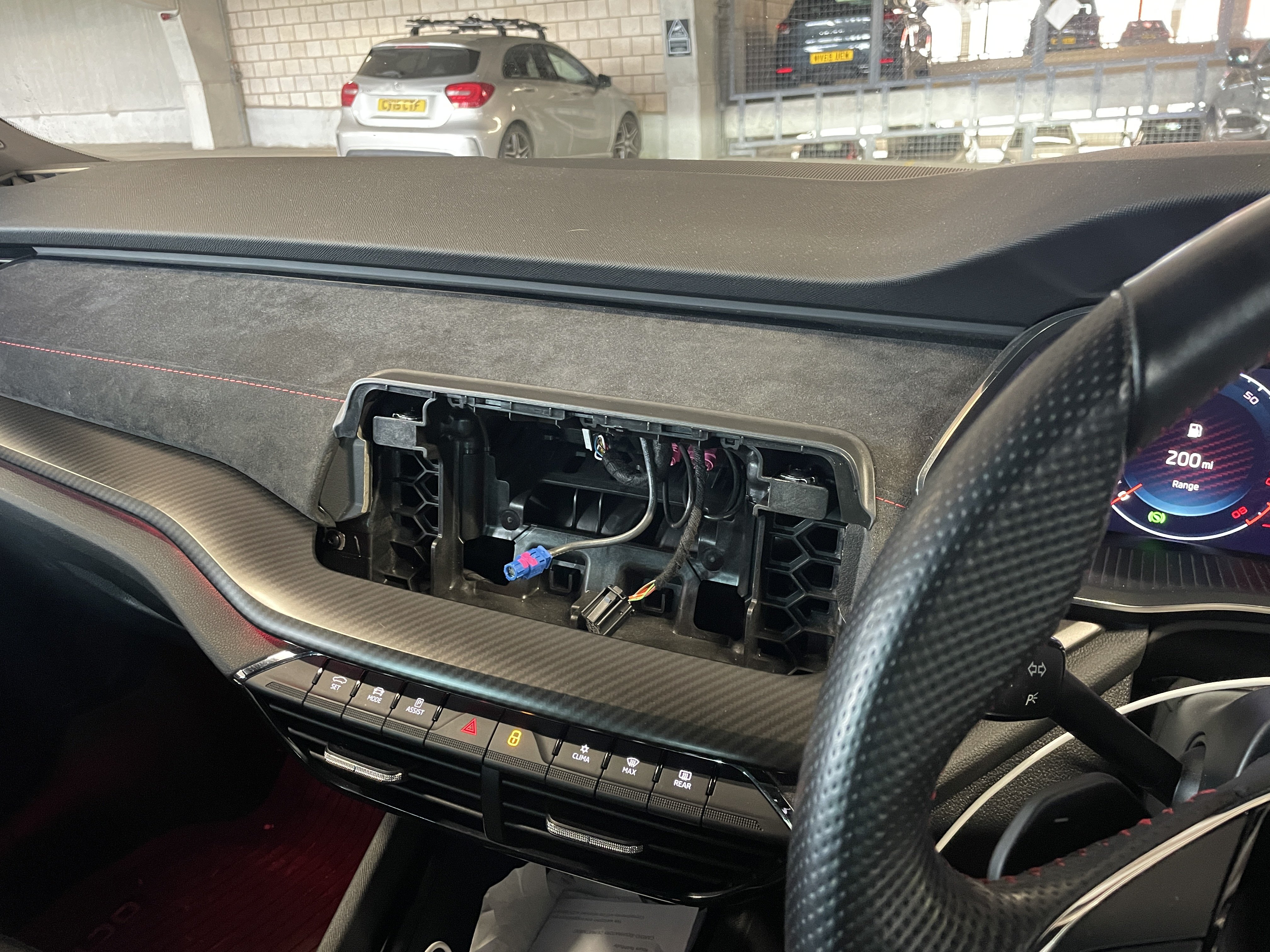
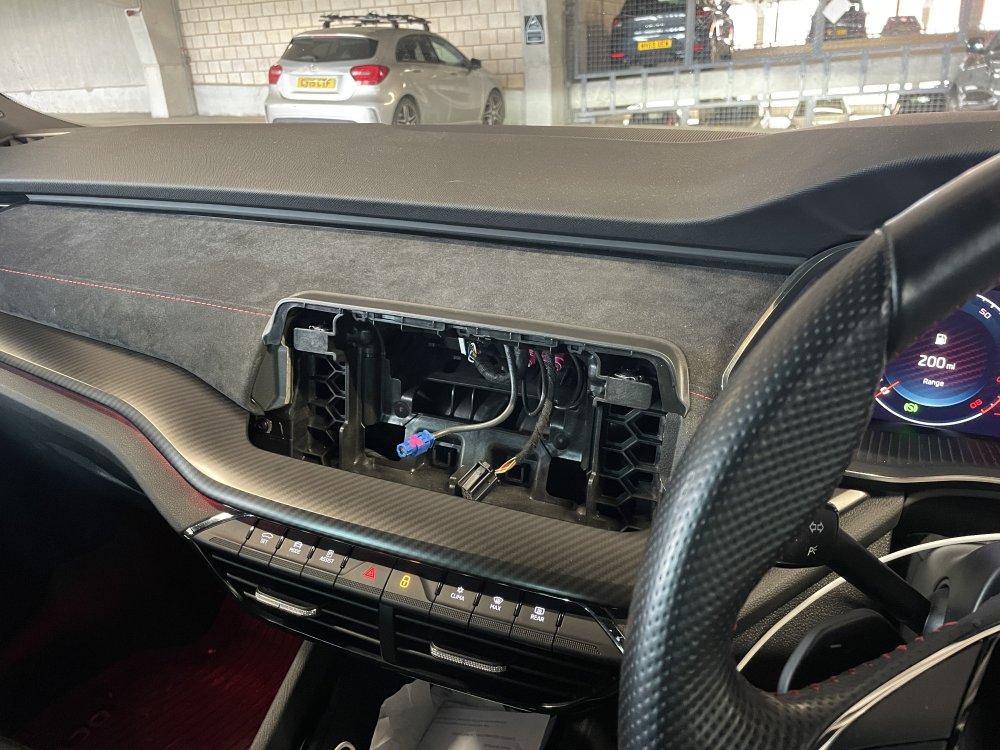
There you go… Octavia with no screen.. I’m chasing the garage tomorrow for an update…
-
I will take a photo tomorrow My understanding is the screen is to be repaired.. I expected to demonstrate the fault and get a screen ordered, that doesn’t appear to be the case. I’m not naming any garages yet but I’m not happy, however this is the system (as presented) so I have to go with it. I’m being to think the (after market) warranty, despite being from a reputable company may be a bit crap….. Let me see how this plays out….. Edit… rhe screen has been sent for repair not replacement…
-
Previous car was a BMW with runflats. Falken do a range of decent tyres but as i understand if your suspension isn’t setup for runflats it’ll be horrible, and the ride (in the BM) was never excellent on UK roads… it was quite “tough”
-
Car is 4 years old and had these tyres all round when I bought it. The fronts were at 3mm the rears at 7mm. Replaced the fronts (big nail in tyre forced change!) with the same. Is it me or are they incredibly noisy? Cars had an alignment so theres nothing odd there..
-
Update.... I phoned the warranty garage the day before it was due to go in and explained it had behaved for the best part of 3 weeks. I was told if there was nothing to see, there was nothing they can do, so booking cancelled. 3 days later it started playing up again so this time I got video proof and re-booked it in. Despite booking through my warranty company app (assurant, part of RAC) there seemed to be a bit of a battle to get the garage to understand this was a warranty claim, not a paid for job. Weirdly they weren't interested in the videos until I pushed the point. The screen has been ok for the last few days so there was a chance they wouldn't see the fault. Anyway the upshot is the screen has been removed for an assessment, and the work is being put through as a warranty claim. I wasn't sure about using the car without the screen connected, modern stuff can be weird if something isn't plugged in but it drives fine, I can move through radio pre-sets. Can't change the temperature though, but its not the end of the world. lets see what happens when it comes back!
-
It lives outside, and was in a multi story all last week when it was really warm..! Chubbs.. thats a crappy situation, i wonder if you need a new battery?? Modern stuff seems to do weird stuff when the voltage gets low…
-
it was suggested further up thread that it was a hardware issue and no update would sort it out.. as well as the warranty company telling me a software update isn't covered, so for me it would be better to get it replaced as that is covered. getting checked Wednesday but I now don't have any proof of an issue, and its just not going wrong...!!!
-
I assumed Vran22 meant they took a video of the infotainment doing its thing… Mine, well having played up on a very long drive from near Manchester to the moray coast in Scotland, and also played up when there, i read this and I primed the wife to record it on the way home.. Faultless. Didn’t do the volume up once Also didn’t do it in the following few days. I have a works vehicle this week, so not using mine. I have a nasty feeling when i take it in for assessment next week they won’t find a fault, and i don’t have proof… I’d really like to get a video! Lets see..!!!
-
thank you.. really appreciate your comments.! I shall let the garage know.. maybe I can persuade them to just sign off a new screen!! I'll return when I know what's going to happen.
-
Is it the screen though (I appreciate you actually haven’t seen it!!!) My feeling was it was the touch bar.. or is it all one unit??! Can i force an OTA update or is that a dealer only type thing… I’ve seen the thread on here about manually downloading the software but don’t really want to go down that route..!!
-
70 plate octavia vrs Touchscreen infotainment running v1941 Randomly just turns up the volume, sometimes in steps, sometimes just all the way! Only see the volume graphic on the touch screen, not the dashboard display. Have tried a re-boot and a restore to factory settings but neither have had any effect I’m going to guess this is part and parcel of the infotainment bugs I’ve been reading about. However has anyone else had this and was it an easy fix? Its got a warranty so is booked into a garage for assessment, but they tell me a software update won’t be covered. Anyone had similar, and any useful advice??!! Ta Martyn
-
Theres no “along” in the peak, its up or down! We ride on the muddy side of the fence..we are in New Mills so very easy access to Hayfield, Edale and the like Appreciate the garage advice (despite me assuming you were local!!) i shall have a hunt around here and the internet for someone!!
-
Yep! If you have any suggestions for a decent mechanic/garage in the area who knows skoda I’d be grateful!
-
hello all, Just bought a 2020 Octavia Vrs estate having had years of BMW ownership. So far really impressed with the build quality, its not slow either! Looking forward to being able to delve into the collective wisdom on here!