PWP
New here
-
Joined
-
Last visited
-
I downloaded a manual but it didnt have the detail on the facelift version and it seems from what I can see...its a bumper out job. I sourced a USB-C flexible camera that plugged into a iphone and effectively created a borescope which had a little light. I was able to look behind and it was basically some leaf litter and spiders web. I wasnt able to easily access to clean it so what I did was attach a section of brake hose to an adapter to a hose pipe and then I basically sprayed the area blind holding the end of the brake hose with some long nosed pliers through the grill. Hope that makes sense. So managed to clear the fault and its worked perfectly since (except when it was covered in Ice when it was -6).
-
Yes, I think it is! Will have a look and maybe download a service manual and hope that holds the key! Many thanks all!
-
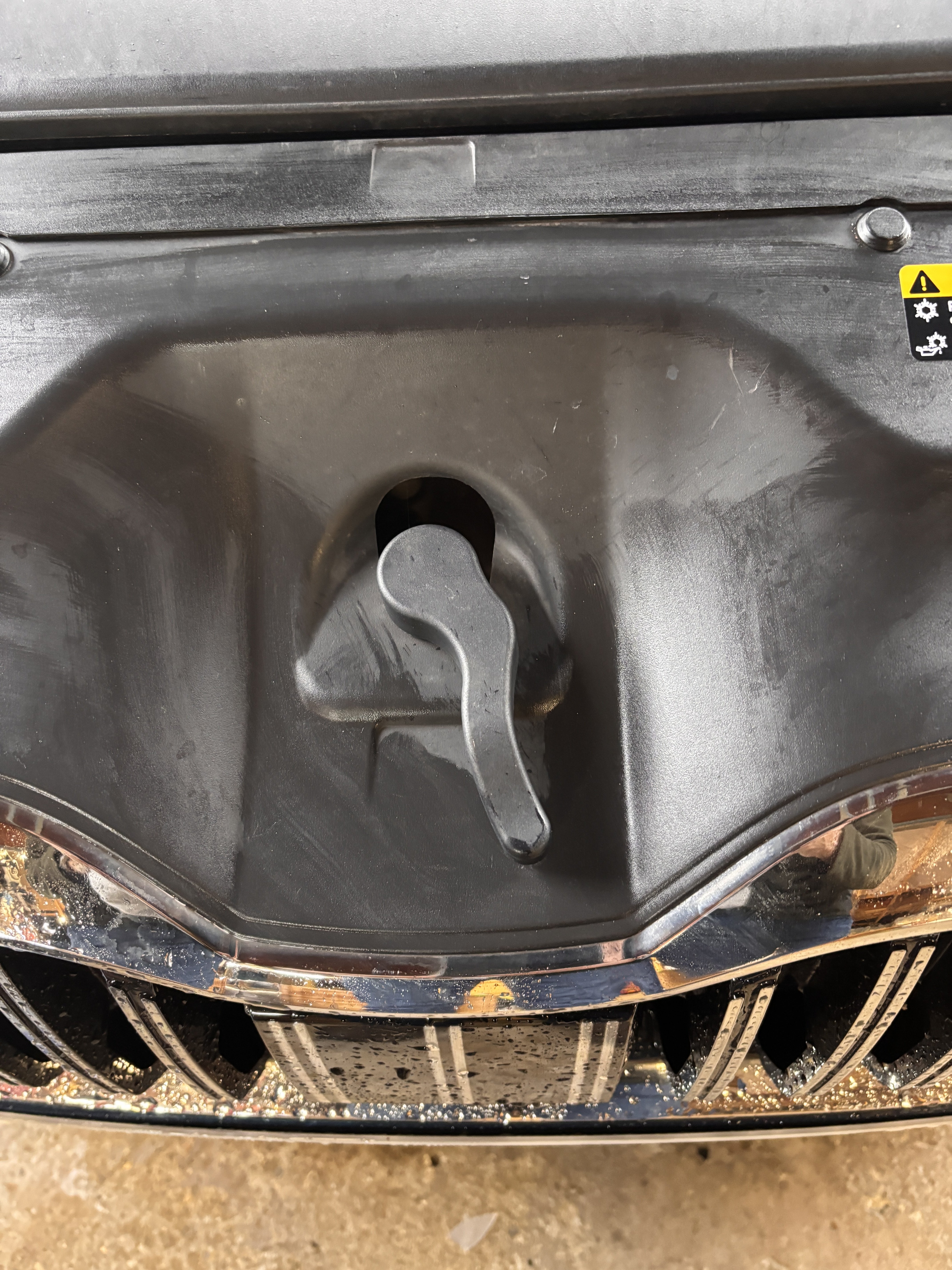
Thanks for the reply! Popped the bonnet this morning and no little rubber bungs on the slam panel unfortunately. Need to try and locate a parts diagram or book into the garage:-(.
-
I live near Reading/Wokingham and would be interested in someone to help code traffic sign recognition. Thanks Superb MY22 Estate L&K
-
ACC stopped working in the rain last week. I was expecting it to work when the rain stopped! On poking my finger through the grill i noticed some cob-webs and leaves stuck to them. However I am only able to clear the outer edge and fear there may be some more debris behind it and therefore looking to see whether I can pop the radar cover off and clean debris. The cover is intact with no damage, has been cleaned on the outside as well as the upper camera has also been cleaned. Can anyone send me a diagram, video or instructions to safe removal of just the cover. MY22 Superb estate L&K