Skip to content

wegorz-pwo

Finding my way
  • Joined

  • Last visited

Everything posted by wegorz-pwo

  1. How do I connect a rearview camera to a 6V0 035 869H radio? I'd appreciate any advice, links, or tips.
  2. On what page? And what should I enter? Please provide step-by-step instructions. I have obdeleven.
  3. what does this mean? will replacing the panel help?
  4. How do I fix this? Replacing the display doesn't change anything. The problem remains the same. Radio Skoda Fabia III Swing 6V0 035 871J VID_20260221_104345558.mp4 VID_20260221_104359013.mp4
  5. maybe, but not necessarily? What does that mean?
  6. This is a problem with the screen. How can I replace it? Maybe infotainment settings? Help. VID_20260221_104359013.mp4 VID_20260221_104345558.mp4
  7. I bought this radio, 6V0 035 871J. My factory one is 6V0 035 869H. Will the component protection be visible? Can it be removed? How?
  8. If I replace the radio with a 6V0 035 871J, will it work? Mine is a 6V0 035 869H
  9. I've looked everywhere. I can't find it. It's a swing mib2 radio. Is anyone selling it?
  10. who has it on sale 6V0 035 869H
  11. There’s an LED on the other side of the USB port. On mine, it was yellow
  12. "Which adapter from the kit did you use? How is the jumper set
  13. "Is this the memory I’m supposed to connect to?" "I have a black CH341. It reads only zeros and FF. What am I doing wrong?
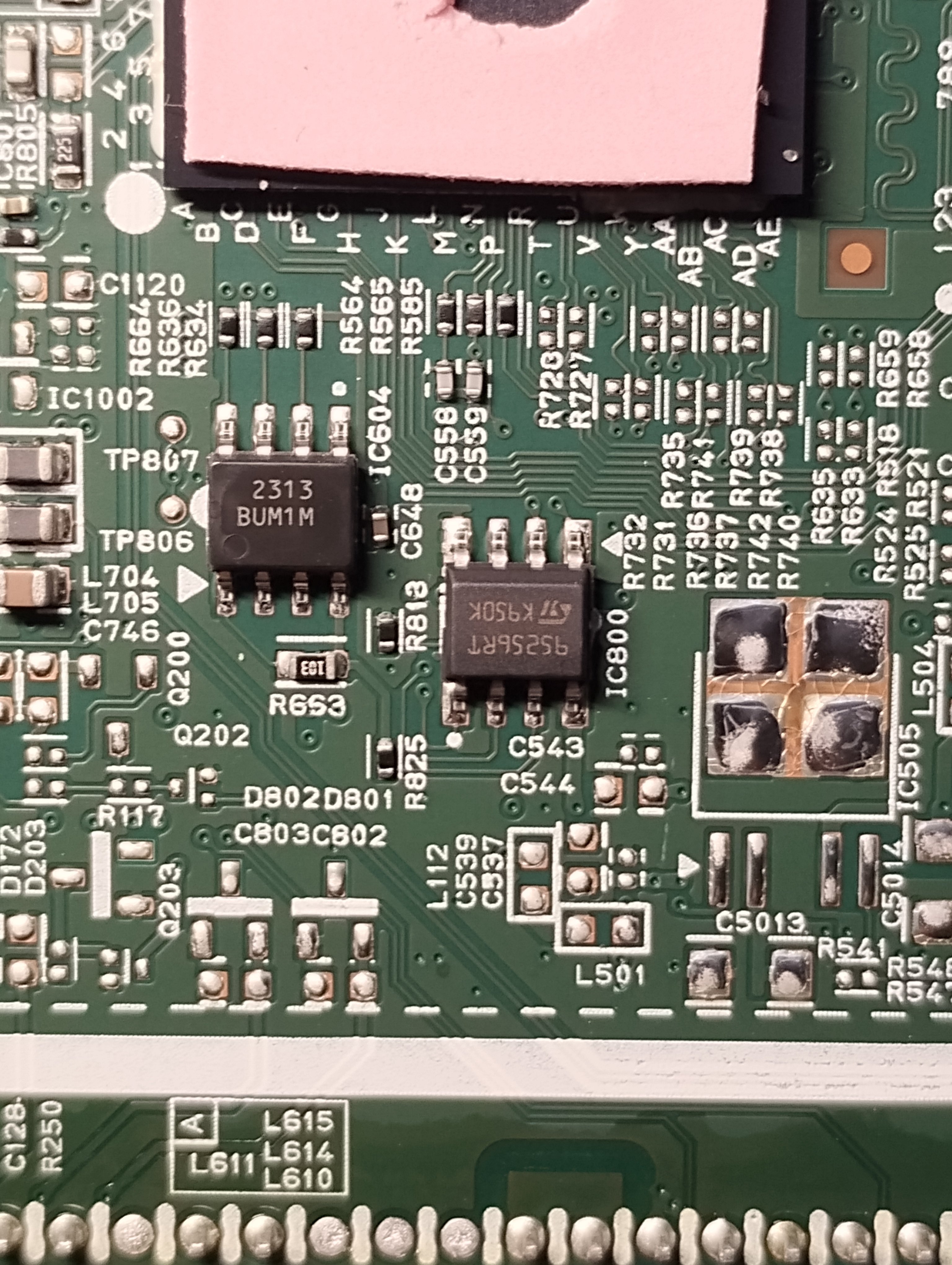
  14. @Zlatko580 Did you read the memory using a 25256 or a 95256 programmer? Is it possible to read a 95256 without desoldering it?
  15. @Zlatko580 dasz oryginalny plik bin do porównania zmian?
  16. Na pewno? To swing. Mib2 entry. Nie zabije radia? Dasz mi plik bin? Porownam z moim

Important Information

Welcome to BRISKODA. Please note the following important links Terms of Use. We have a comprehensive Privacy Policy. We have placed cookies on your device to help make this website better. You can adjust your cookie settings, otherwise we'll assume you're okay to continue.

Account

Navigation

Configure browser push notifications

Chrome (Android)
  1. Tap the lock icon next to the address bar.
  2. Tap Permissions → Notifications.
  3. Adjust your preference.
Chrome (Desktop)
  1. Click the padlock icon in the address bar.
  2. Select Site settings.
  3. Find Notifications and adjust your preference.