



Kermit80
Finding my way
-
Joined
-
Last visited
-
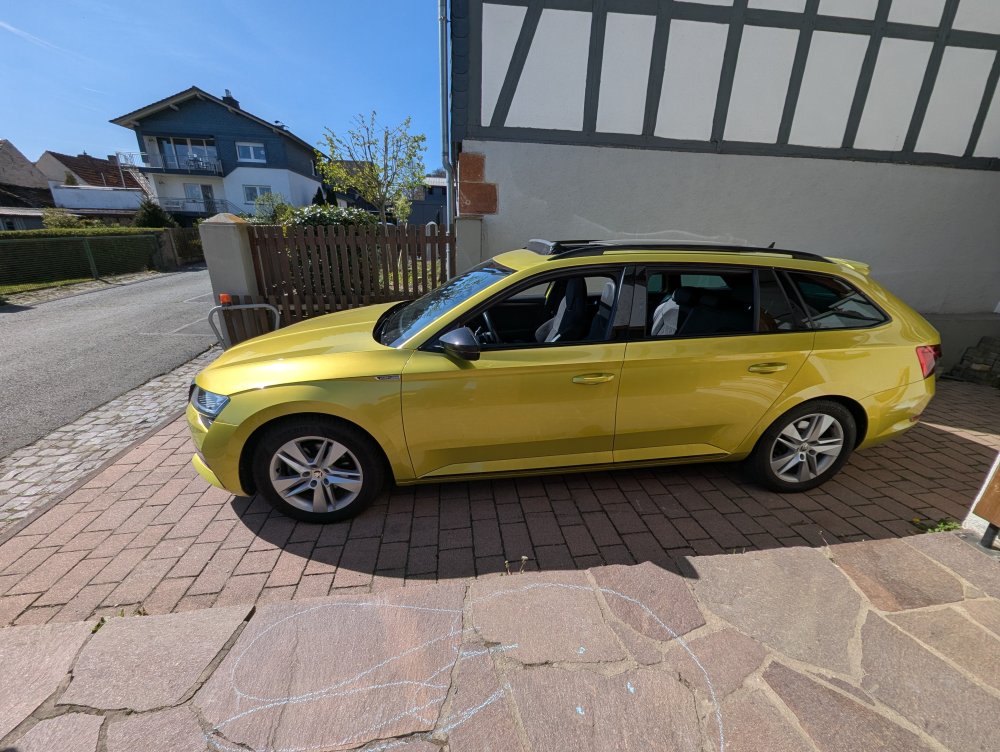
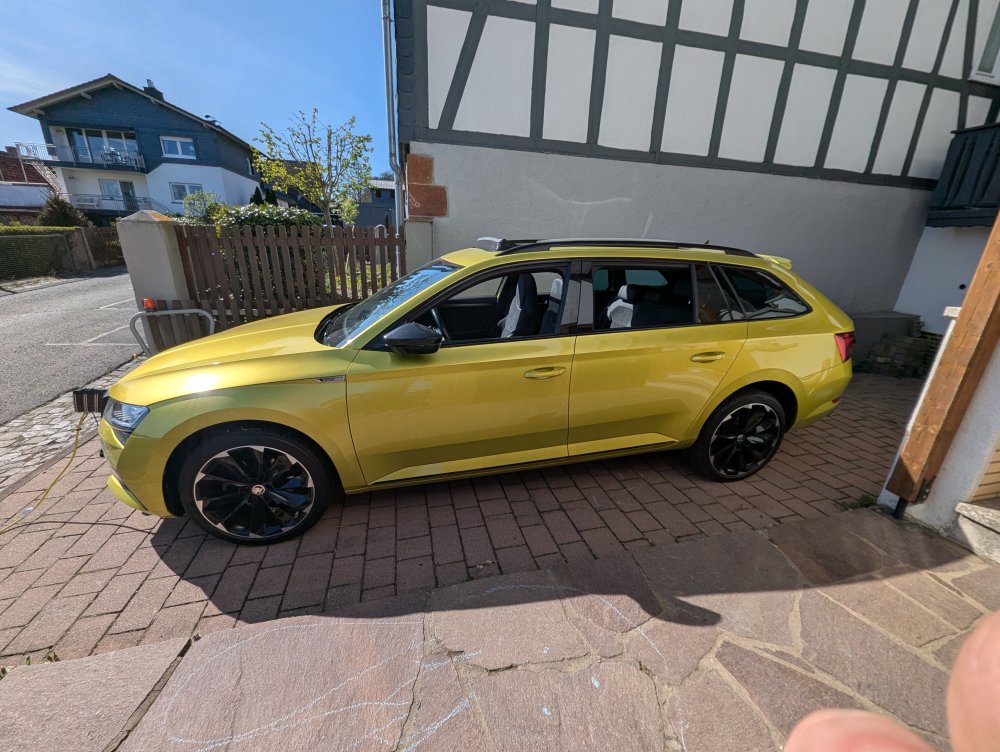
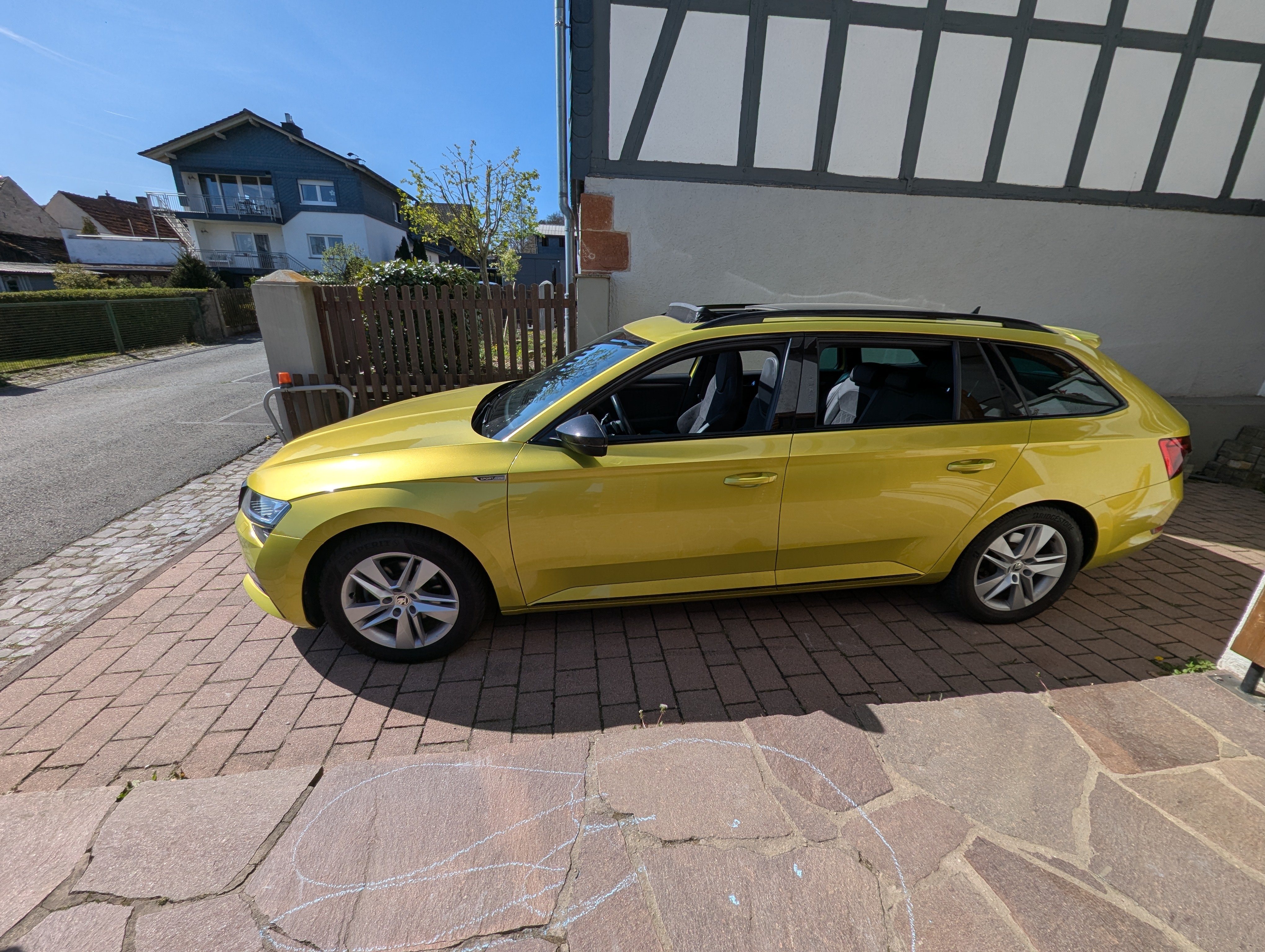
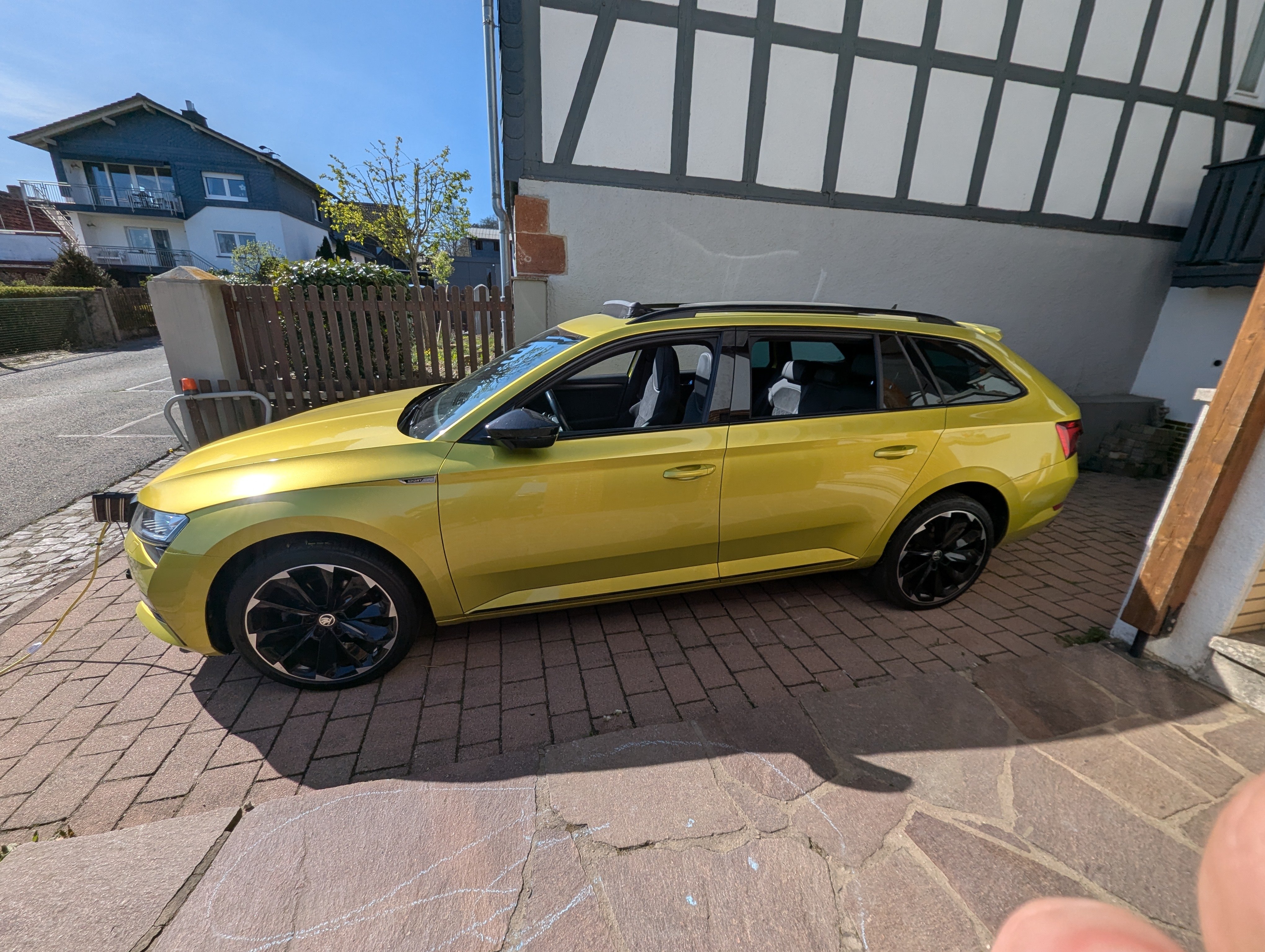
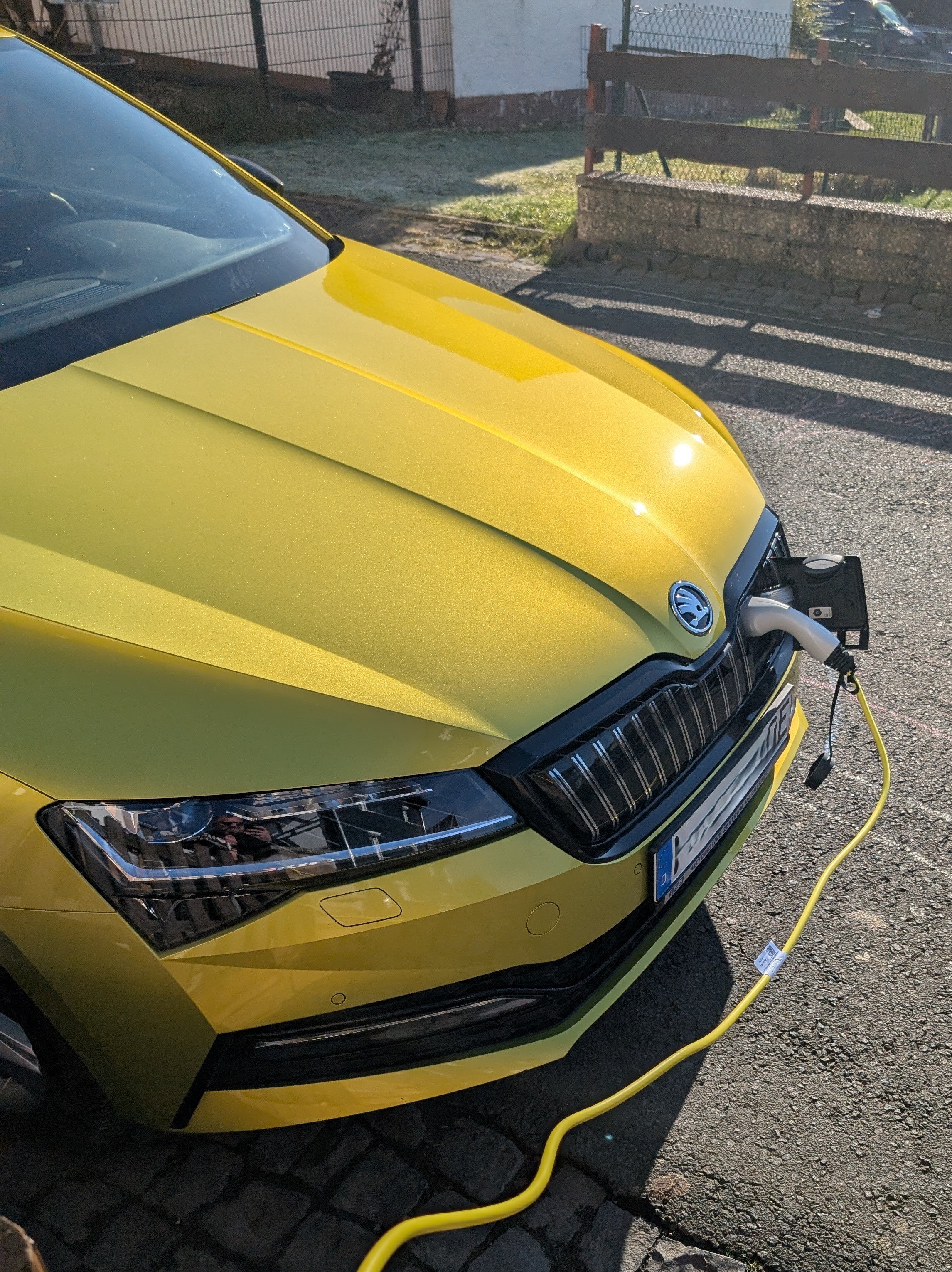
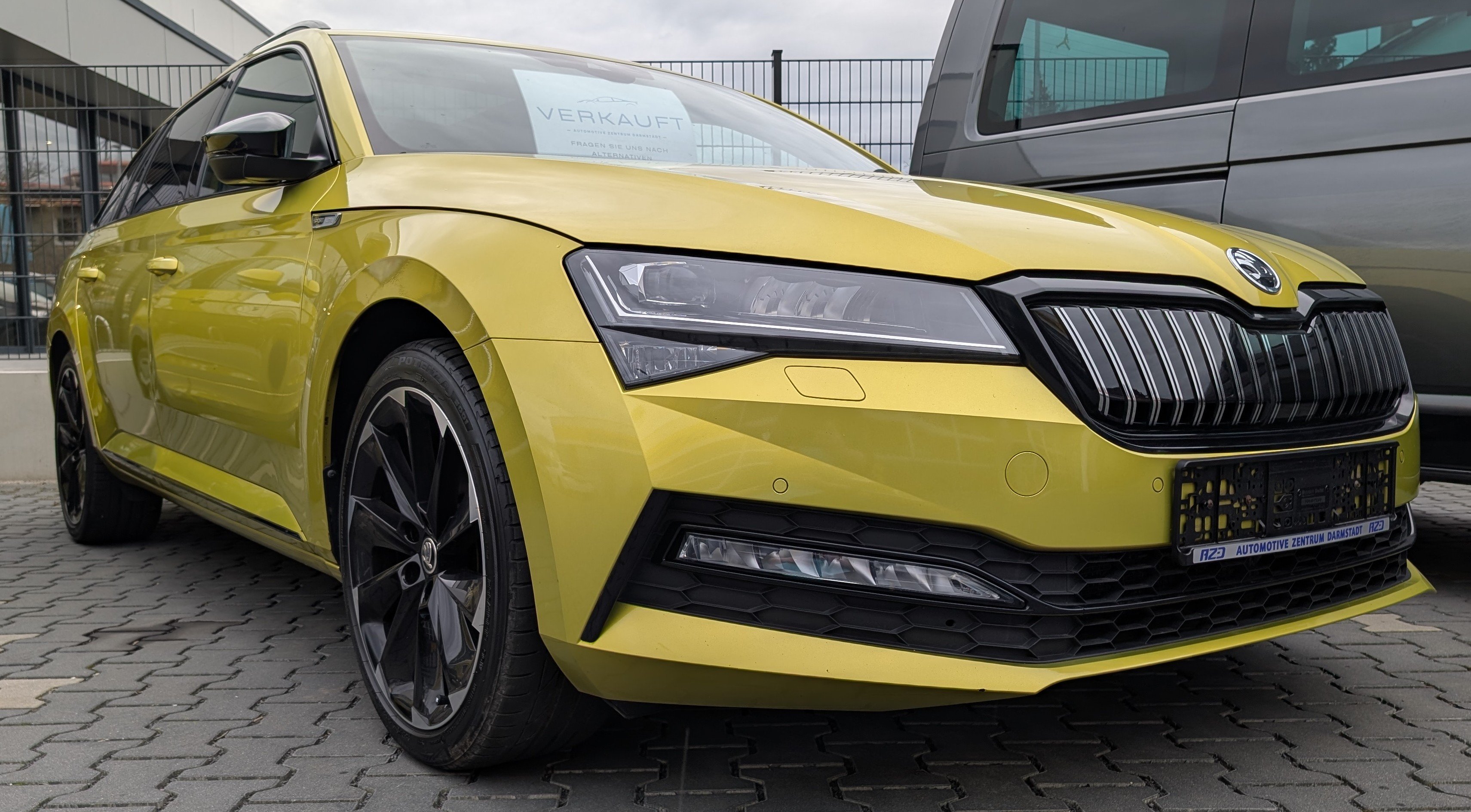
As Temperatures are rising in Germany, I am changing from Winter Wheels... ...to the 19" Summer Wheels - completely different Car...
-
Can You send me please also a PN? I can't send PM yet, but having the Same Problem. Thanks from Germany
-
Kermit80 changed their profile photo
-
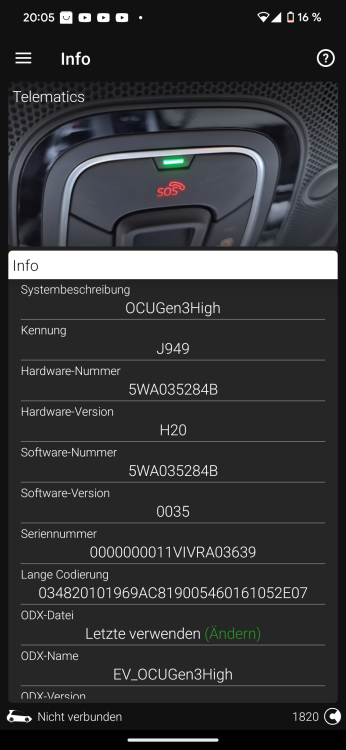
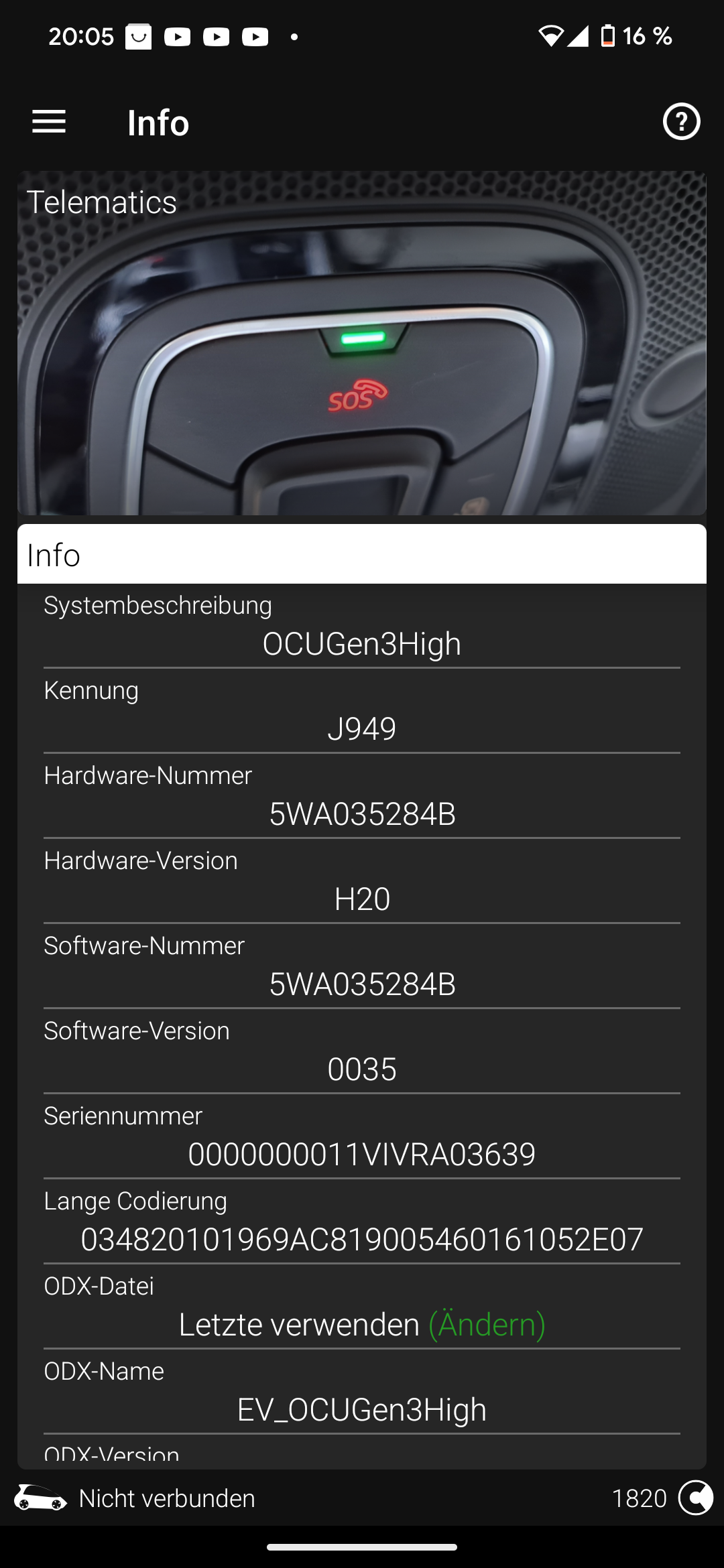
Hello, I bought a Superb iV MJ21 2 months ago and I am updating my modules step by step. My MIB3 is already on Version 0330 but I have issues with the my Skoda app regarding opening and closing the Car vie App. My OCU is a 5WA035284B and is on Version 0035, I guess that's my Problem. I only found Versions for 5WA035284 without "B", can I use them anyways? As I am using Version 0035 I need to update to 0088 first, and then to 0143 or 0146 - is there a possibility that maybe @Rainesh could provide me with the files? thanks
-
What was your old OCU Version? Mine ist 0035 and as far as I read, I will have to Install 0088 First, before updating to 0143 or 0148. Is this true, or can i Update from 0035 straight to 0143?
-
Thanks for the link, but I'm to stupid to find the OCU files for Version 0088 qnd 0148 on the russian website.Hello, I have a Superb iV from 2021 and updated my MIB3 from 0270 -> 0308 -> 0330. But i have problems to lockand unlock my Car via App. Finally I realised, that my OCU (5WA035284B) is still running on Version 0035. Unfortunately I can't find a Source for the Files for Version 0088 and 0148 - can somebody please help me out? I would love to send a PM to @Rainesh but unfortunately I'm too new to this Board to send PMs. PS: Is there also a Possibility to get the Codes from the Excel File for Predictive Navigation as mentioned in the TPI-2060553-8.pdf Thanks from Germany in advance


Important Information
Welcome to BRISKODA. Please note the following important links Terms of Use. We have a comprehensive Privacy Policy. We have placed cookies on your device to help make this website better. You can adjust your cookie settings, otherwise we'll assume you're okay to continue.