thomasw
New here
-
Joined
-
Last visited
-
thank you!
-
Sorry for taking so long to get back to you!
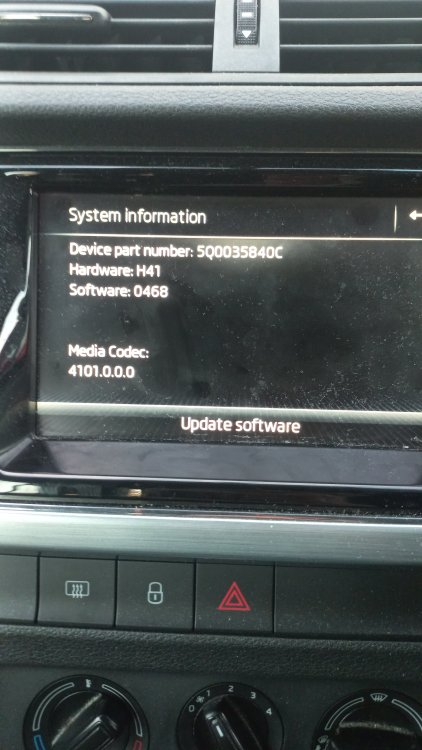
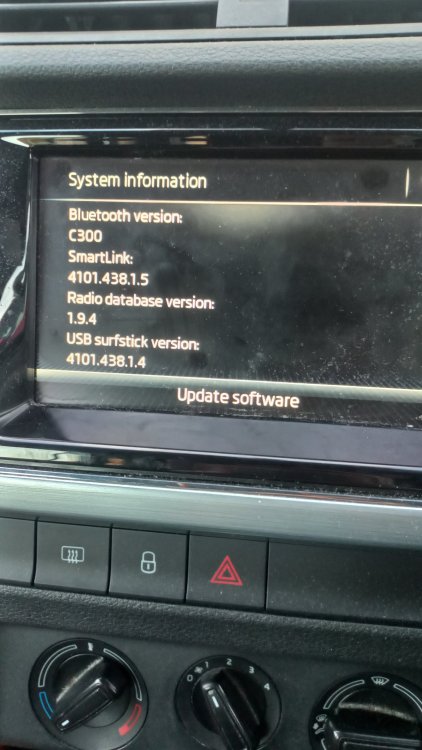
-
My original question was stuck in moderation but I suspect this may be the solution anyway, so I'll ask here even though it relates to Android rather than Apple: My 2018 Fabia 1.0L 70TSI manual wagon has decided to get in this sort of weird connect/disconnect cycle when using Android Auto. I've tried a few phones and a few cables and it's an unpredictable situation. Sometimes it will work for 6 hours straight. Other days it will never connect long enough for Android Auto to even come up with a map on screen. I've tried resetting phone, resetting the radio system by holding the volume knob in. Has anybody got any suggestions? Given the hilariously bad customer service at my local Skoda dealer (I was another that had the timing pulley bolts give way) I thought I'd try here first.
-
Hi team experts, My 2018 Fabia 1.0L 70TSI manual wagon has decided to get in this sort of weird connect/disconnect cycle when using Android Auto. I've tried a few phones and a few cables and it's an unpredictable situation. Sometimes it will work for 6 hours straight. Other days it will never connect long enough for Android Auto to even come up with a map on screen. I've tried resetting phone, resetting the radio system by holding the volume knob in. Has anybody got any suggestions? Given the hilariously bad customer service at my local Skoda dealer (I was another that had the timing pulley bolts give way) I thought I'd try here first. Thanks!
-
I'm guessing this might be the problem with mine too? In the last few weeks it has decided to just randomly disconnect and reconnect regardless of phone or cable attached. It's a new issue for me anyway. Any suggestions?