BenSfabia
New here
-
Joined
-
Last visited
Everything posted by BenSfabia
-
-
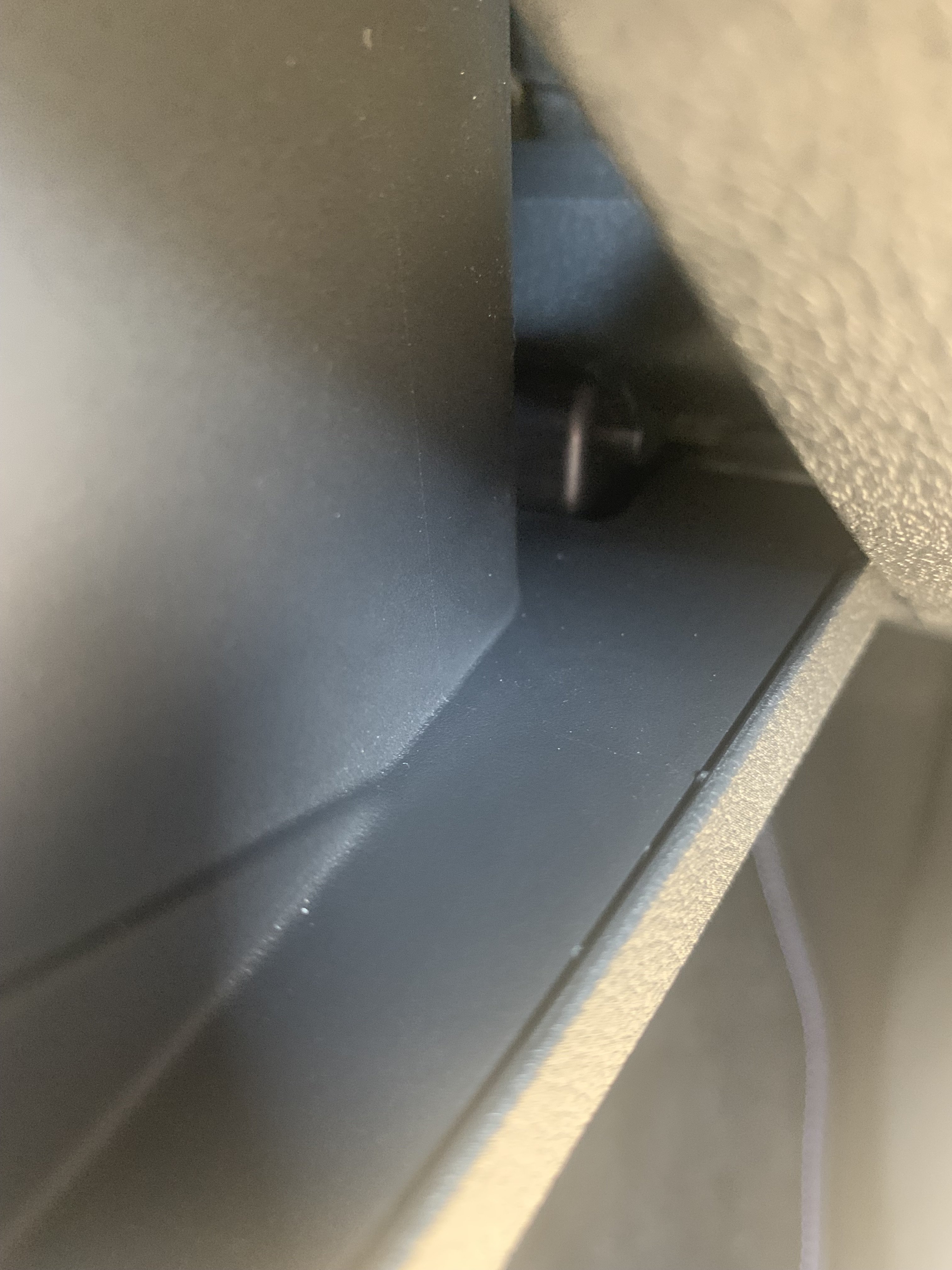
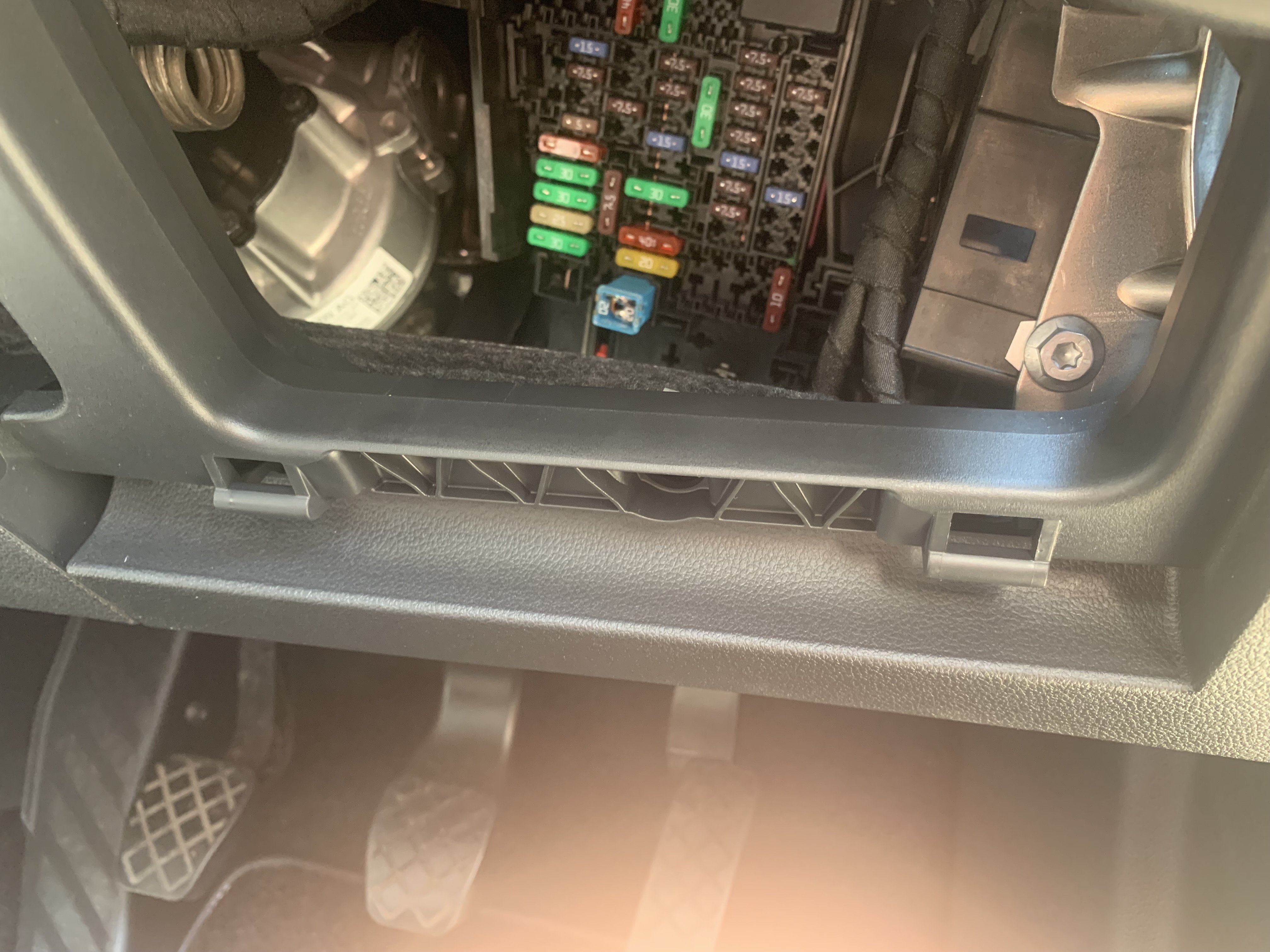
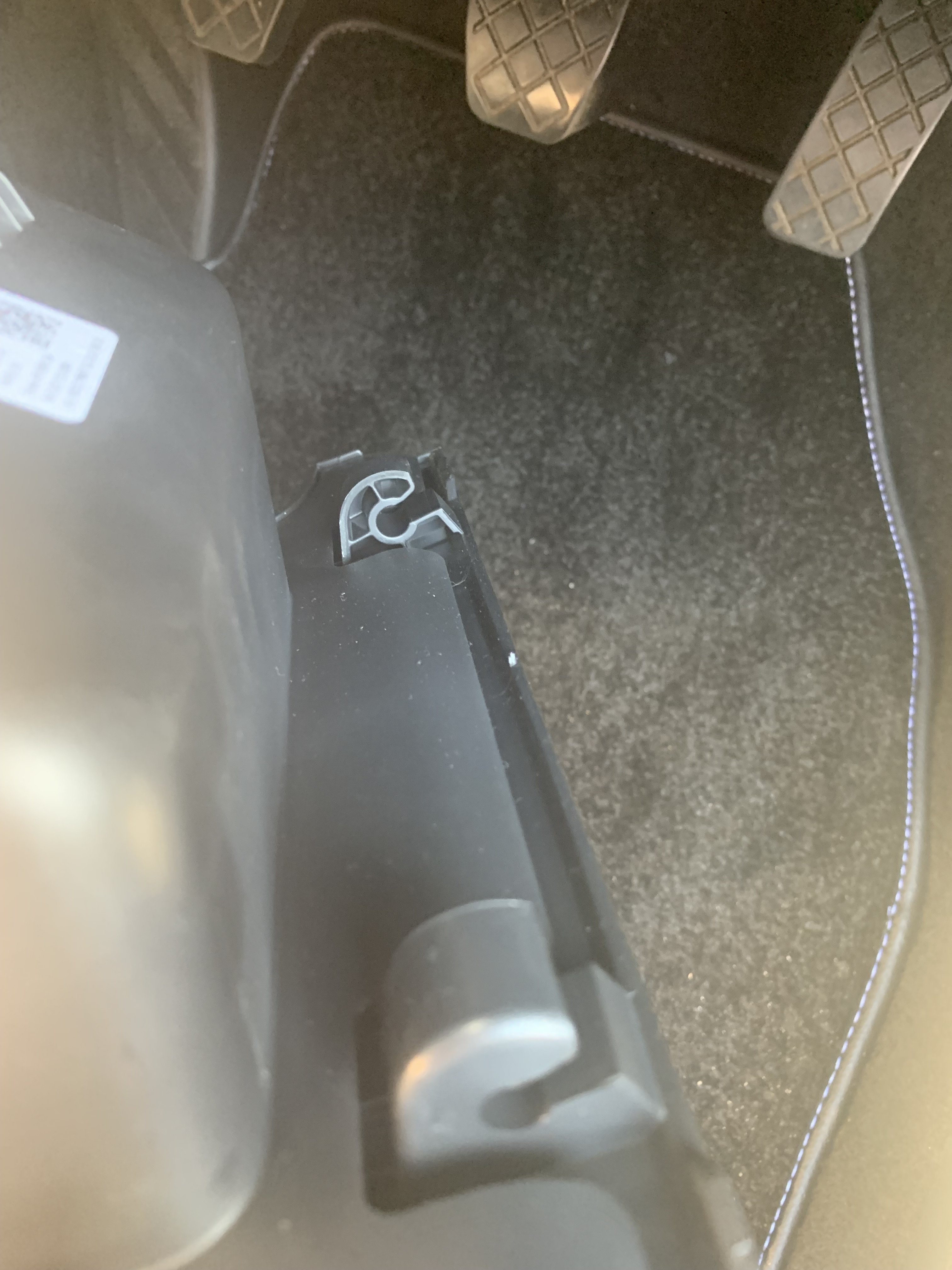
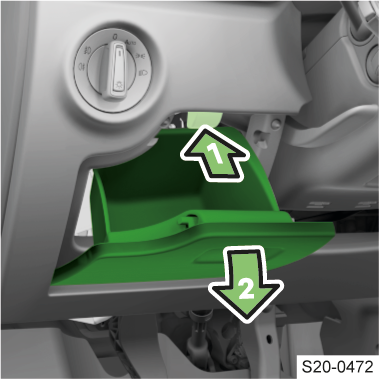
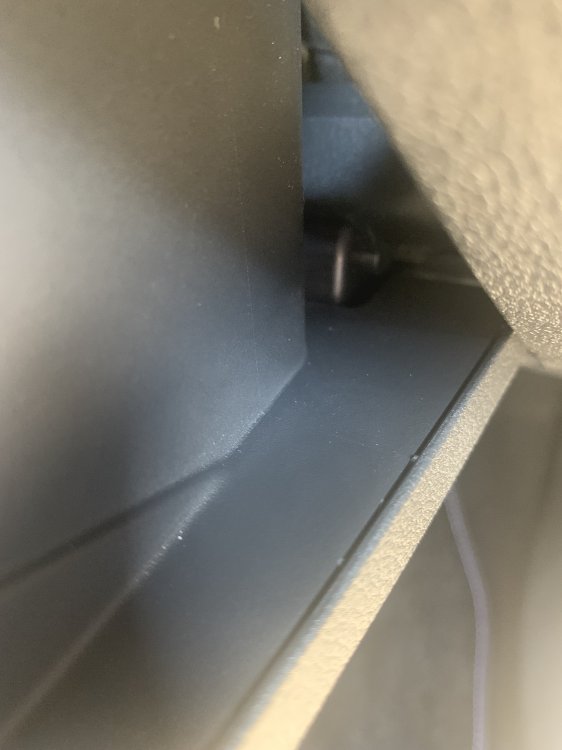
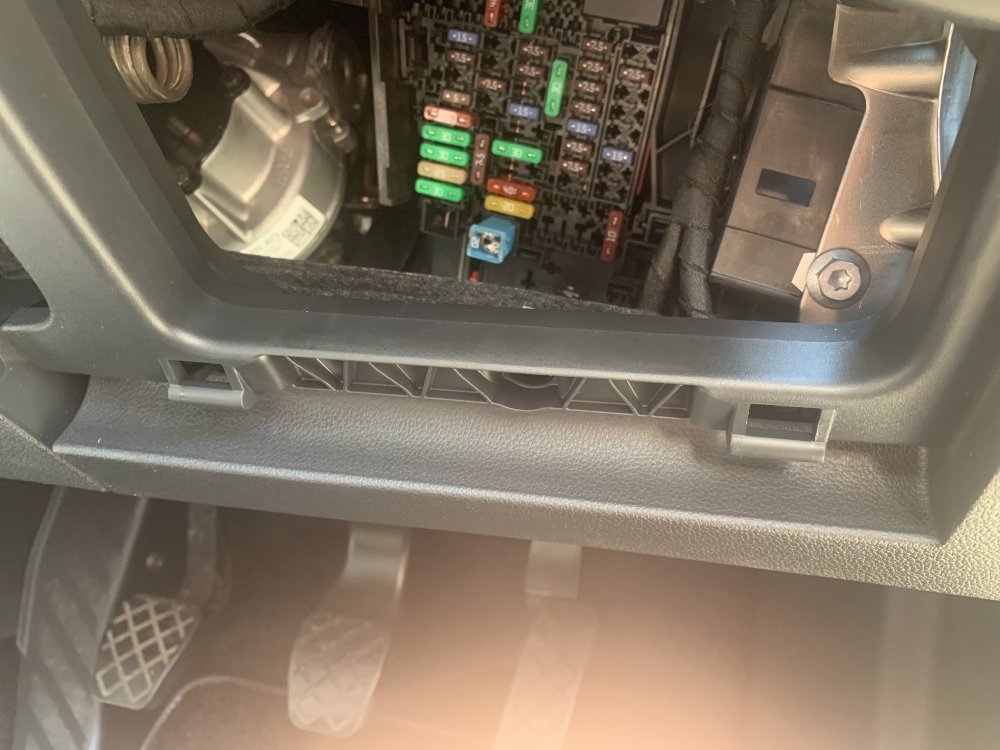
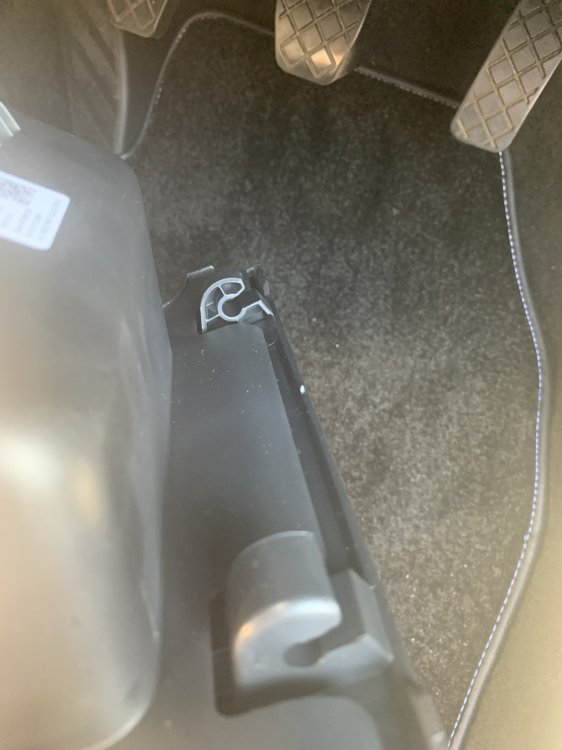
after trying to find a guide on how to get to the fuse box in the cabin, the one near the steering wheel, none showed pictures or offered a lot of detail. and seeing as you have to pull firmly on the storage compartment i'd thought id offer up some advise. follow the instructions on the owners manual titled "Accessing the fuses" and it says to remove the storage compartment. after completing step one you want to let the storage fall to its most open point. pull firmly and i found lifting the lid a couple of degrees helped. i have attached a few pics of the hinges with the lid open to show how they attach.
-
did you fit the dashcam? how did it end up looking? ive got a viofo to fit and would love to kno how it looks.
-
Hi JIk, did you get round to fitting your Viofo dashcam? if so would love to see a picture of the placement of the system on the windscreen. have been thinking about putting it on the drivers side behind the rear veiw mirror as much as possible, but not not on exact placement. also have the same problem as you did with regard getting access to the passenger fuse box. thinking might have to go in via the trim on the dash which is covered when the drivers door opens. unless i can figure out how to take out that little box without breaking it. what fuses did you use as well? any and all adivice is greatly apperciated.