QALVince
Finding my way
-
Joined
-
Last visited
-
Cheers booked in for Monday for a full Bonnet respray
-
You maybe right that’s what the spray painter said, possibly the bonnet has been sprayed before
-
Sorry should also ad Add its an Estate version
-
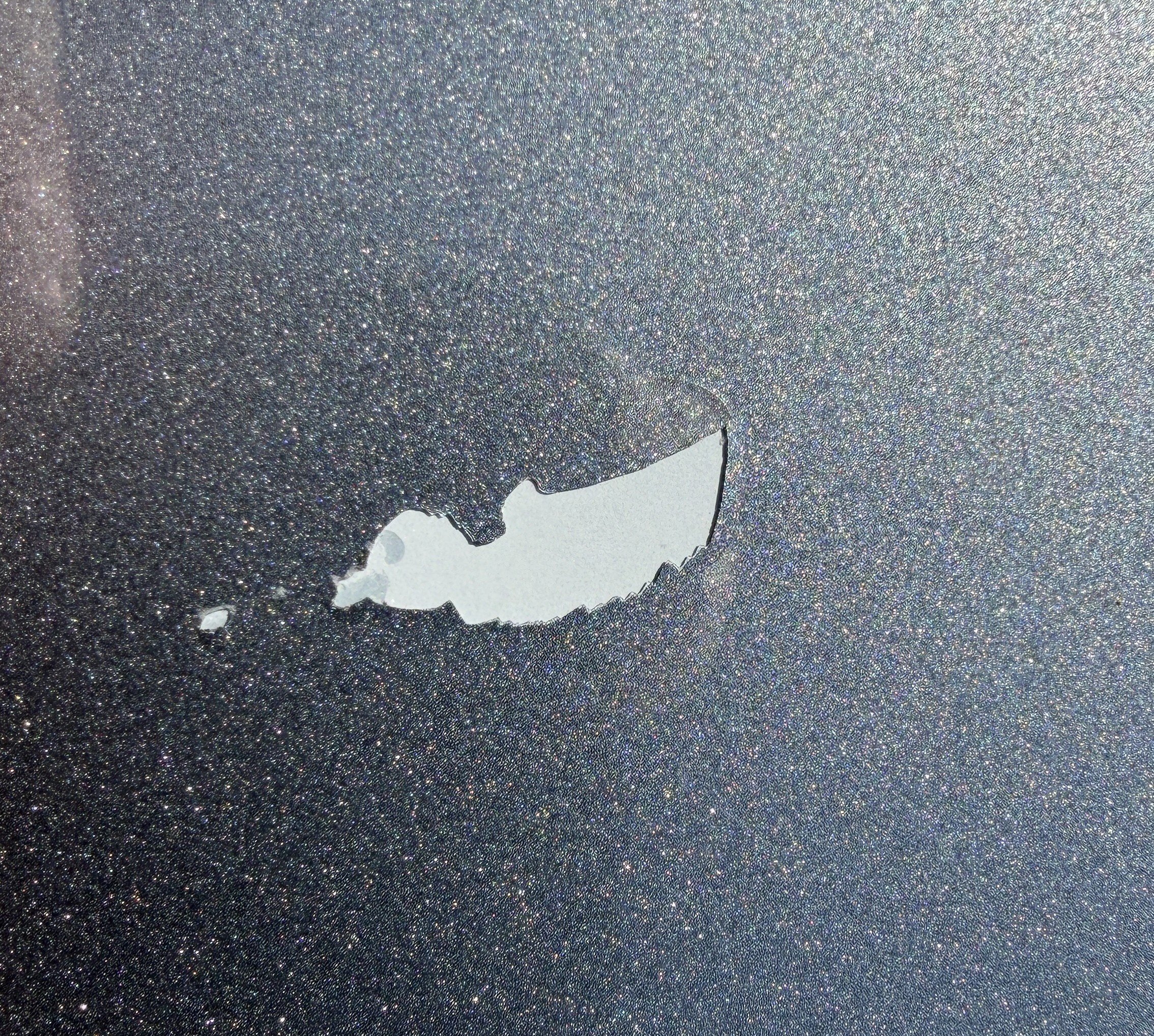
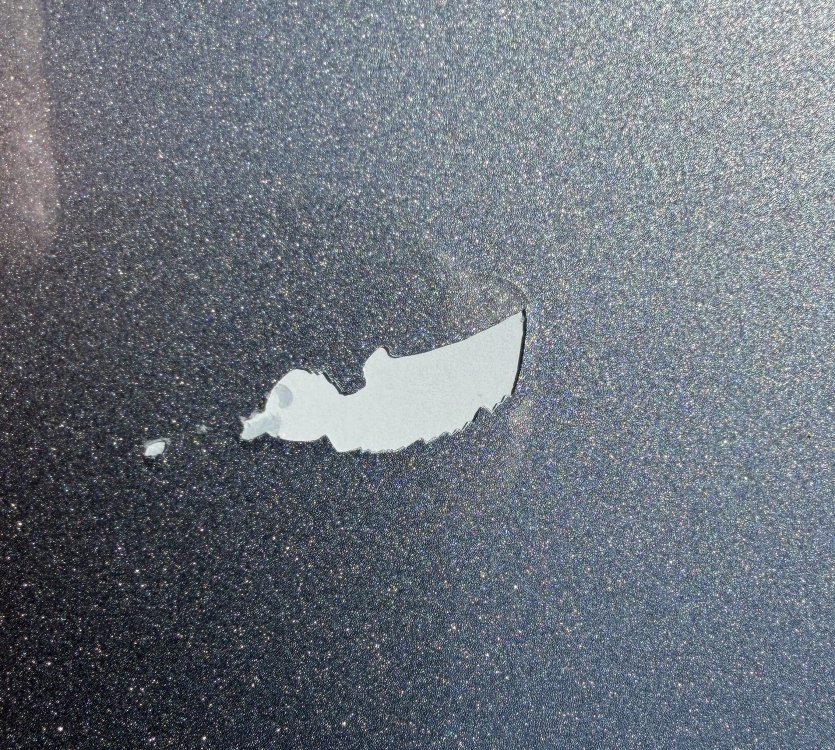
Have had a mishap with some very stong it would seem Bird Poop!! When washing yesterday it has lifted a piece of the paint away, christ knows what they were eating!!! Trying to find the paint code but can not see it anywhere, anyone know where it is? Skoda Superb iV 21 plate, think colour is "Business Grey" Cheers all
-
Hi all when using CarPlay for navigating google maps or Apple Maps recently when the app is giving directions it is no longer muting the radio or music. I am sure it did but have been second guessing myself on it now. Is there a setting on the radio that I may have inadvertently changed ? If not anyone know how to fix it?
-
@MartiniB so that means no map updates required then??
-
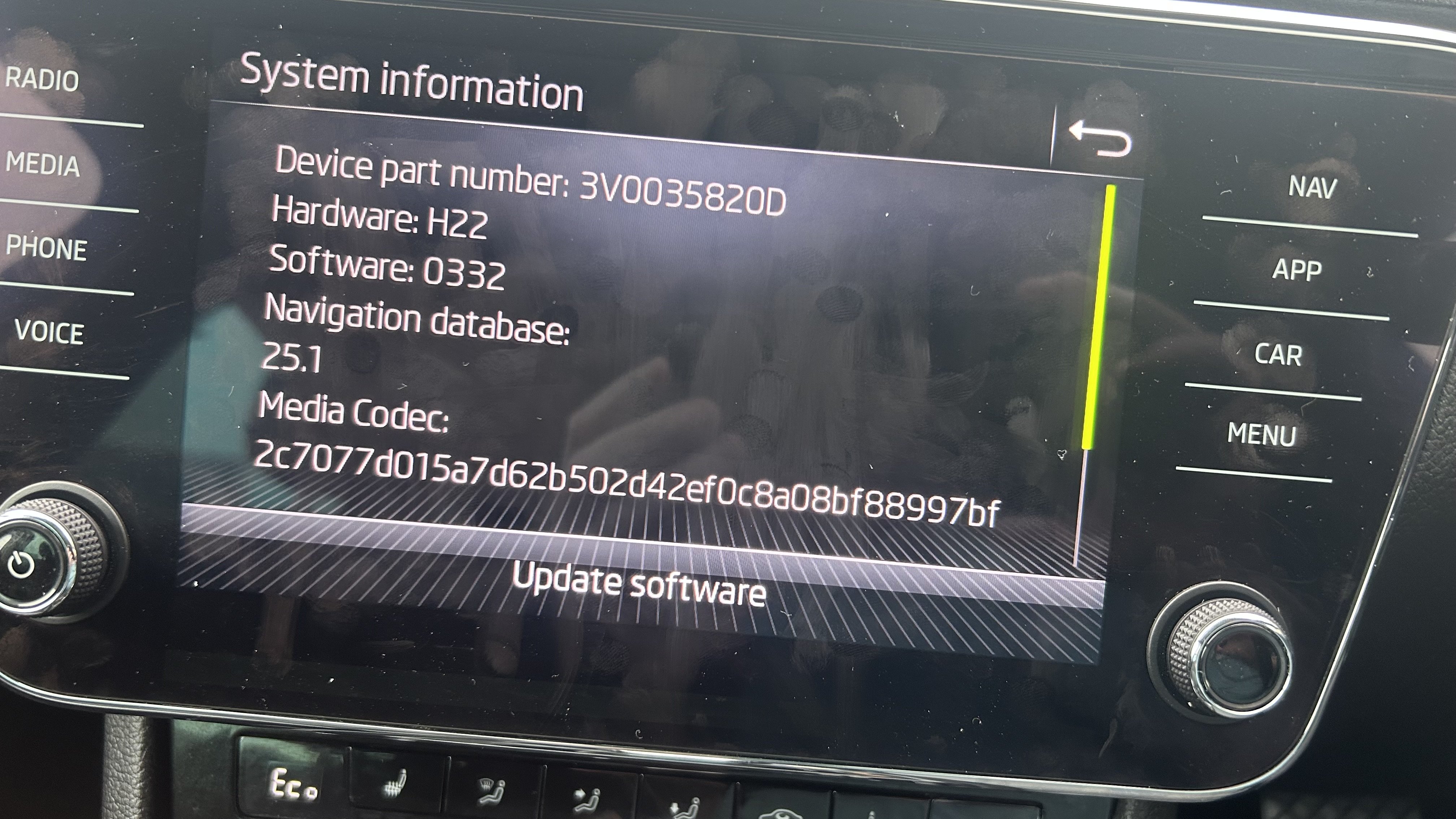
All done on the software front. Next the maps when my larger USB arrives today!!!
-
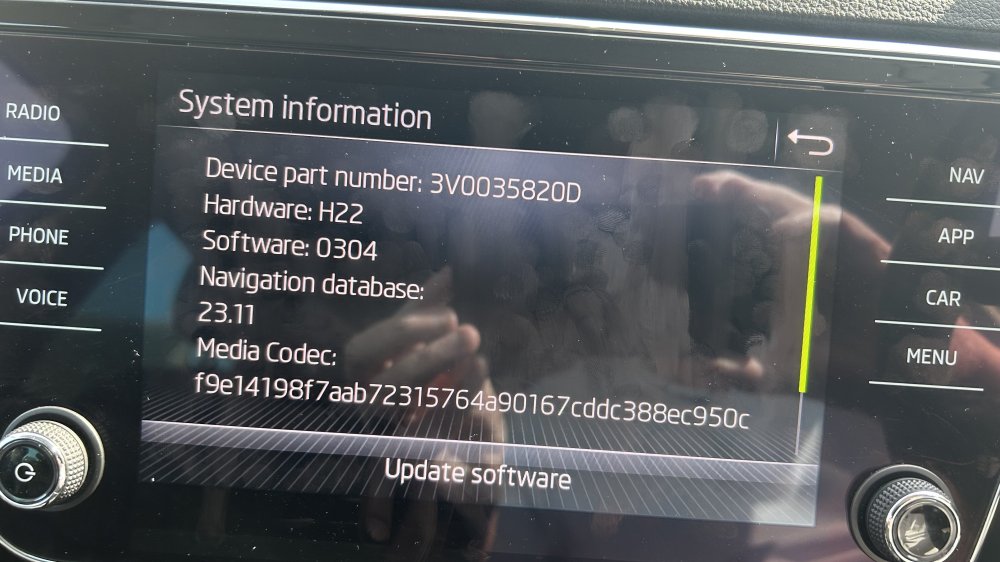
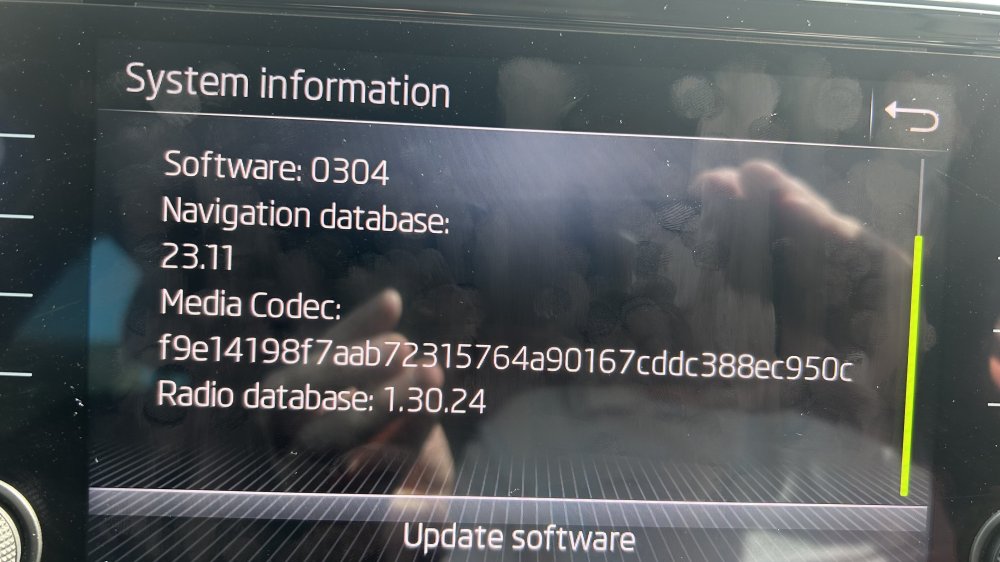
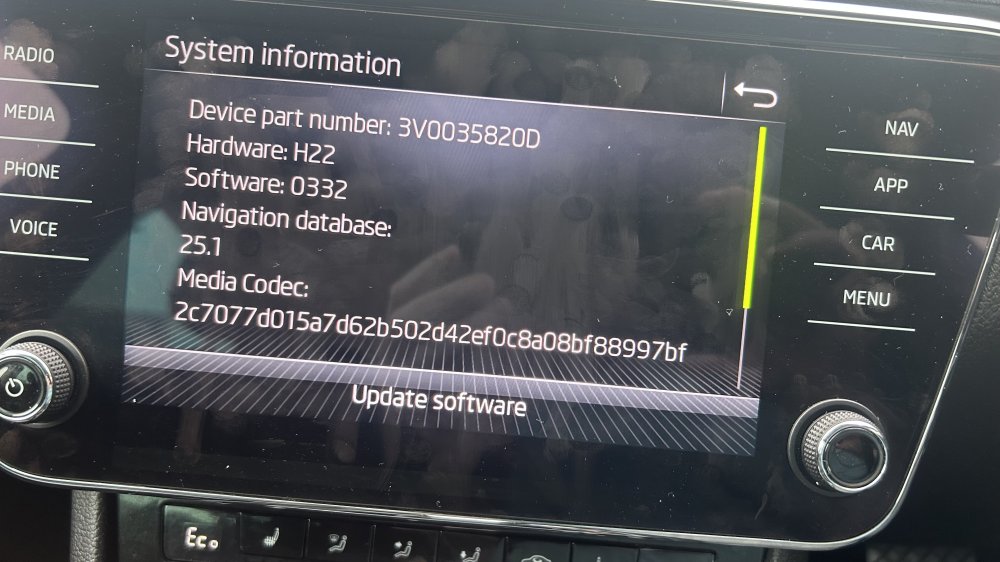
Moved to 0308 tonight, bit scary at times!!!! May do next update tomorrow allow my nerves to come down
-
@chrisgreen had a look at the store but no option to update there
-
Thanks will have a look at it later, however will need a Bigger stick Cheers for the help @travs many thanks downloading now!
-
Thanks @TRAV have had a look but the site is requesting an email and password?
-
@TRAV tried to have a look at your FTP but requires email and a password? Th I have a a 3 month "infotainment online" subscription so would this cover it? If so how do i do it?
-
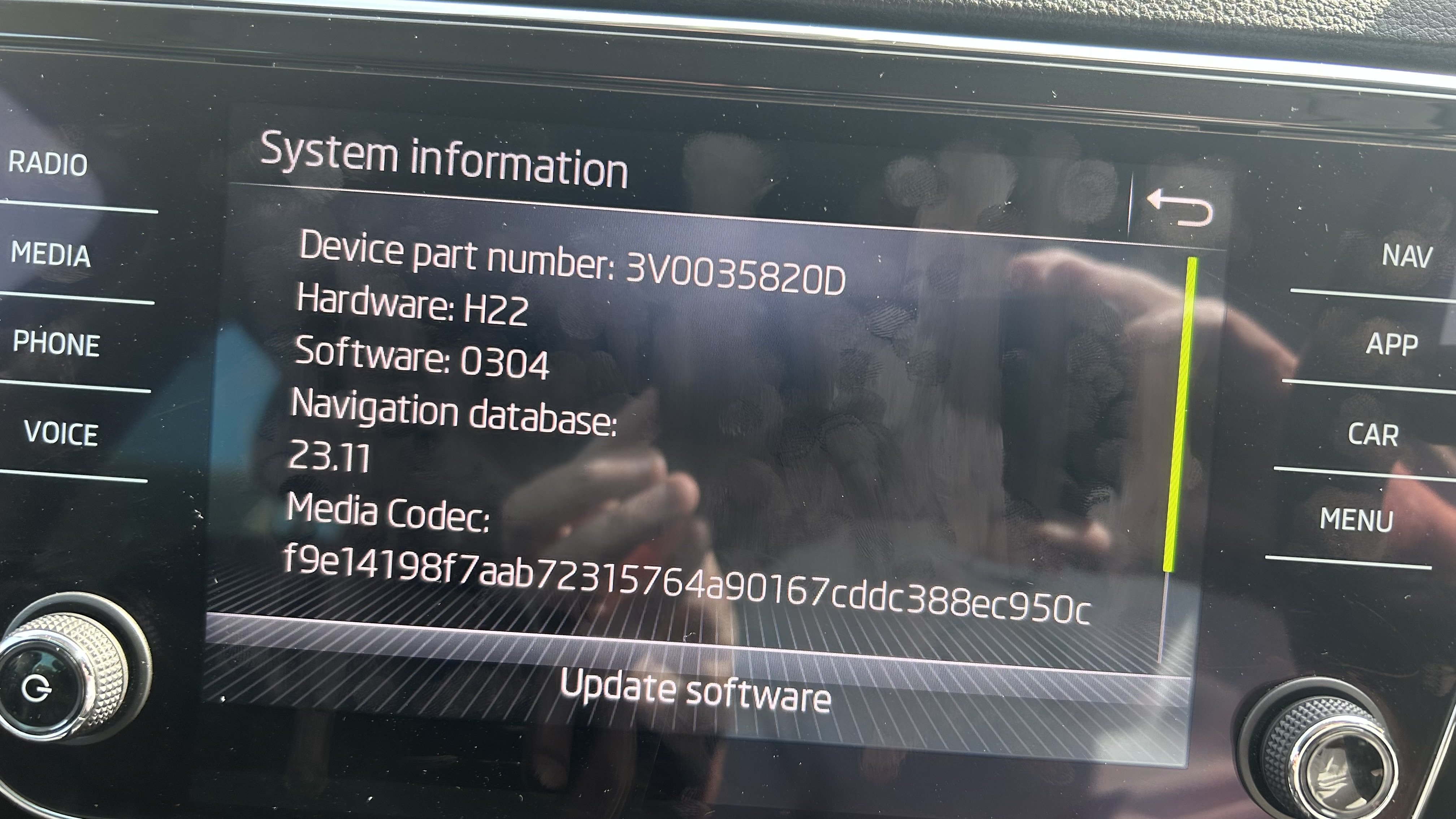
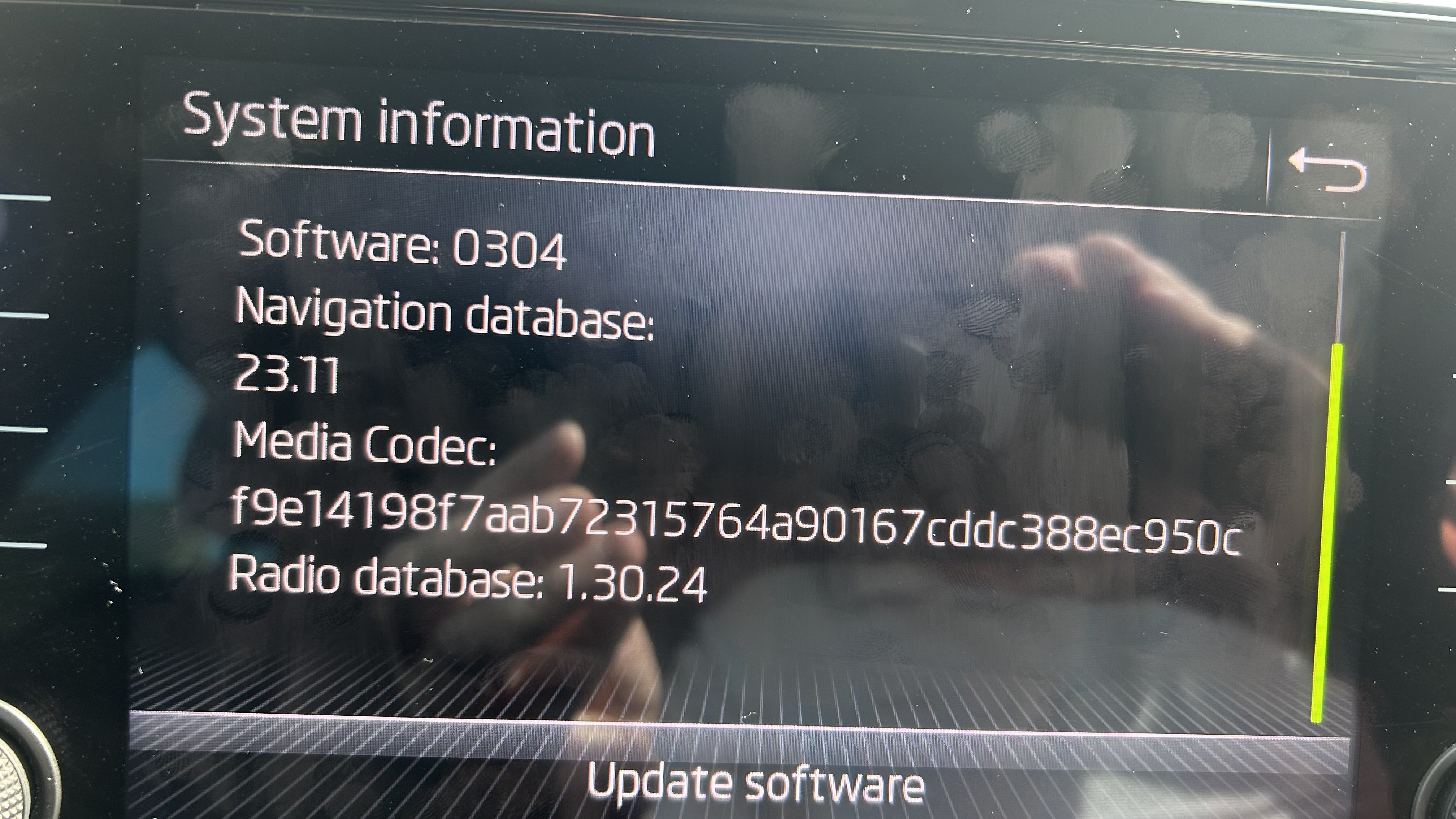
Hi All Be came the proud owner of a 2021 Skoda Suberb 1.4 Hybrid yesterday after a long while looking However whilst reanding so many articles on updating maps I thought I should do it given mine may have been from 2021 I believe My head unit is the Amundsen unit however the unit in the glove box does not have any SD Card Slots in it? How would I go about updating would it need to be via USB? Any help greatley received go about updating