fatihkaragoz
Finding my way
-
Joined
-
Last visited
-
It comes from the gear shift calipers. It makes noise on bumpy roads and rough roads. This is normal.
-
Which country are you writing from?
-
thanks
-
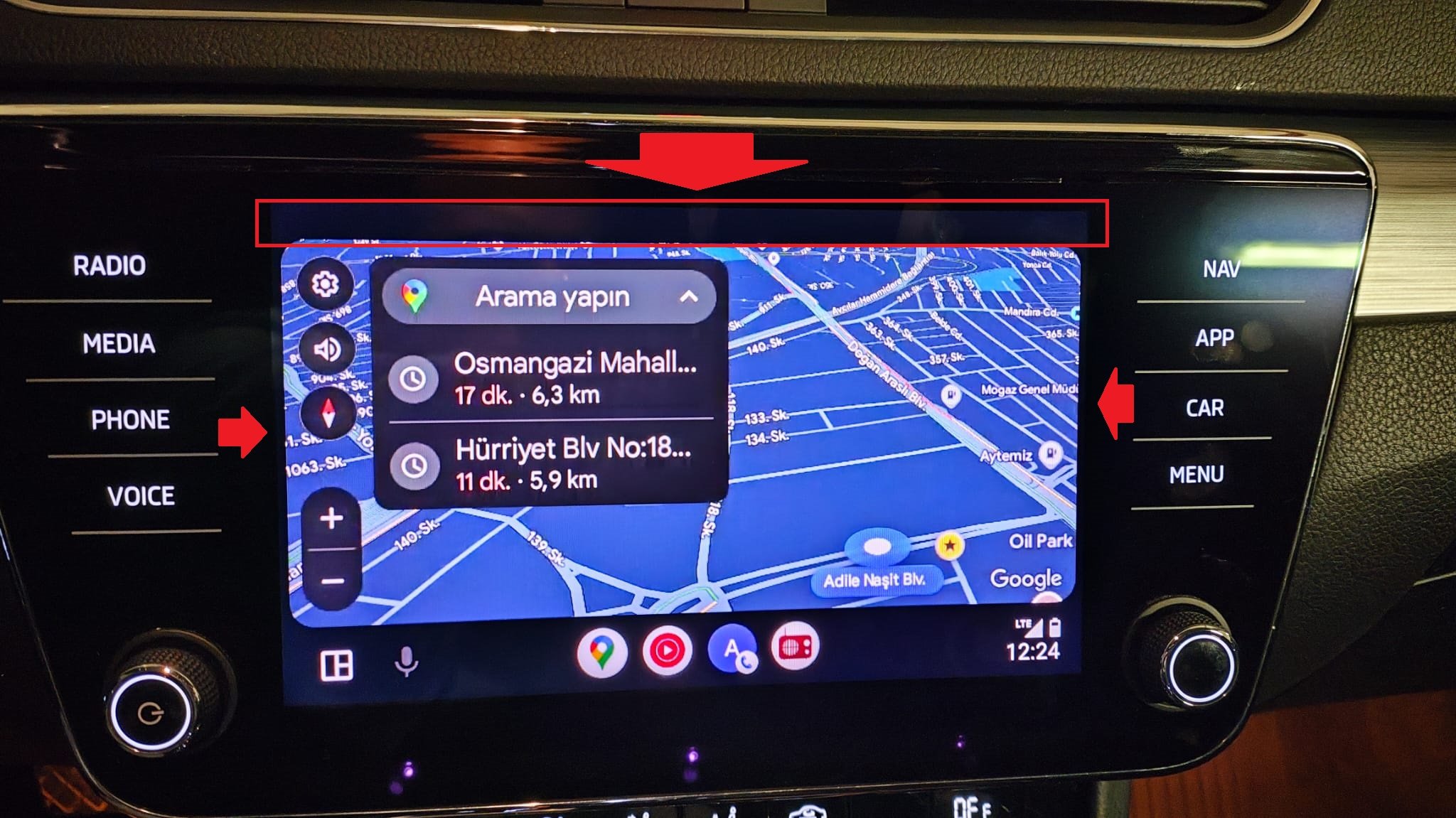
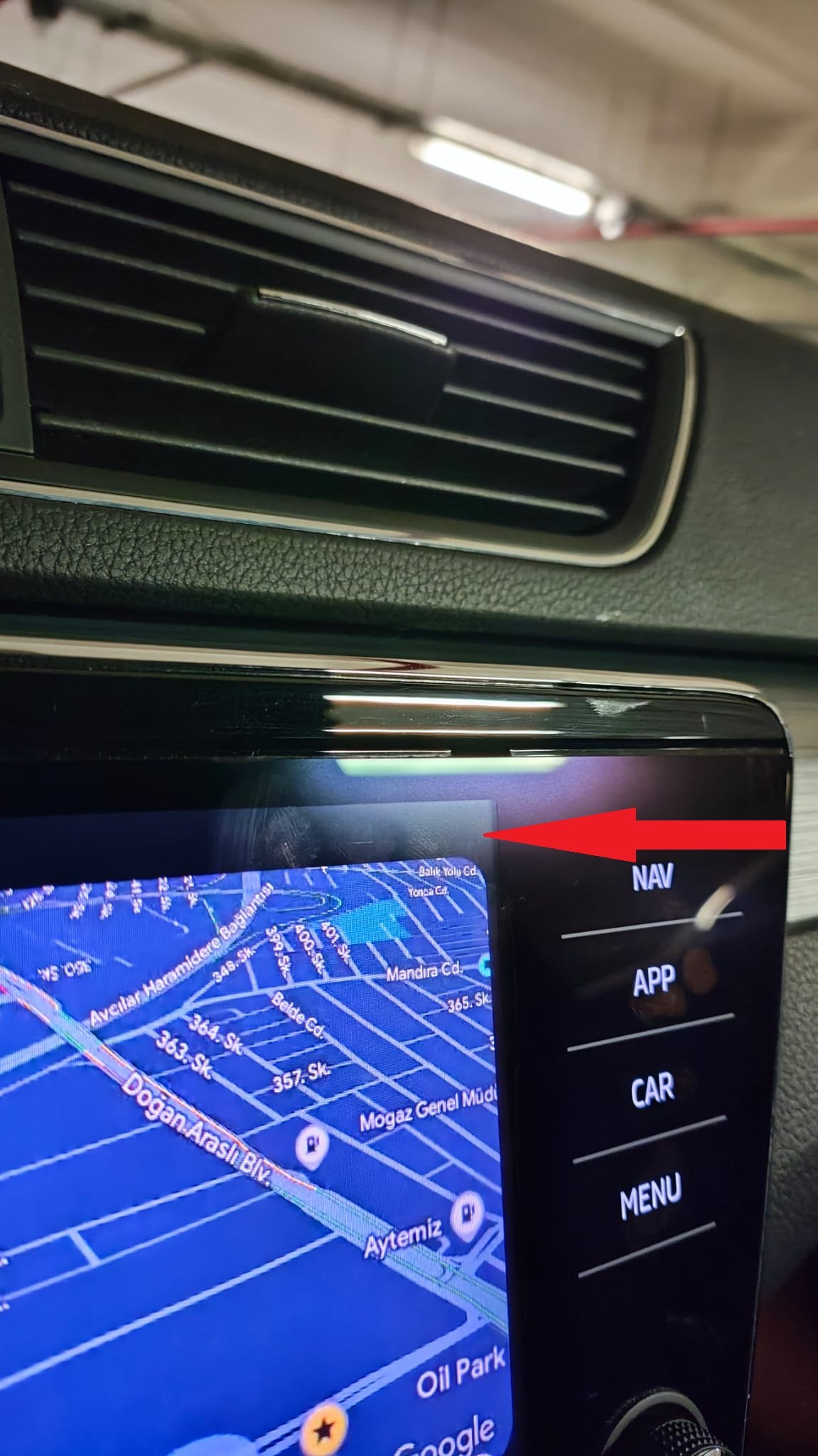
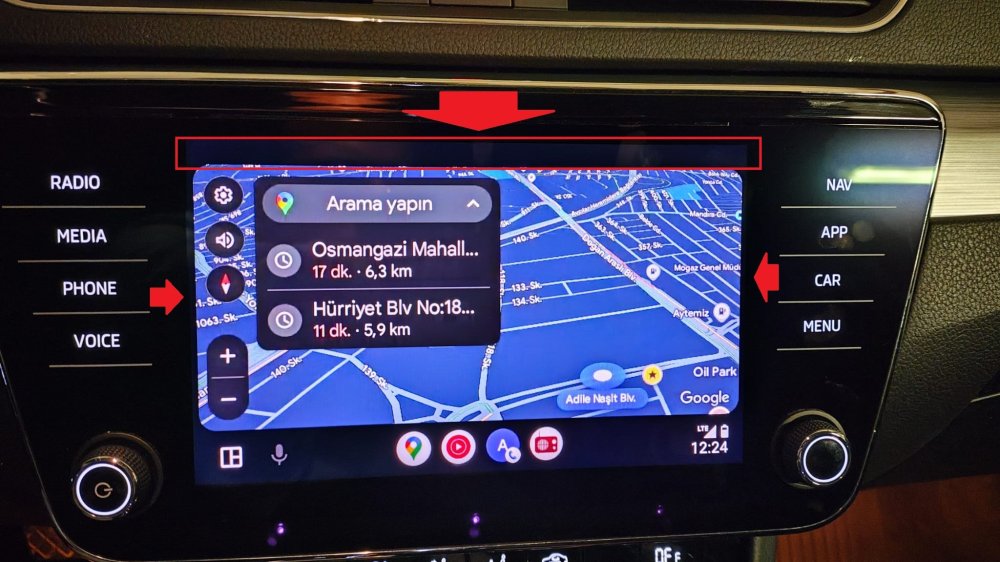
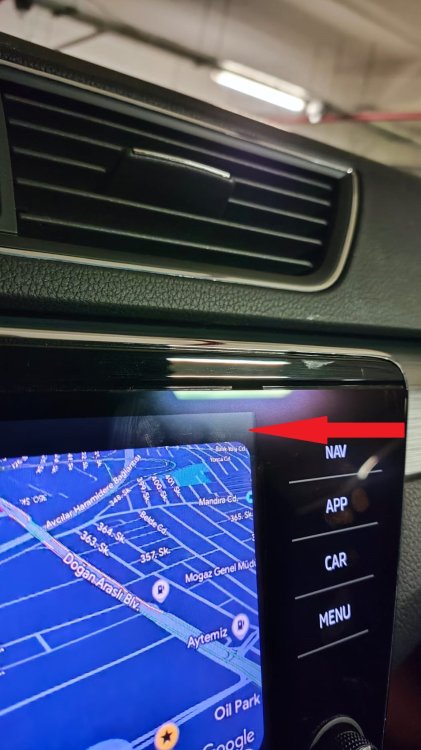
It's the same on different devices. There's a dpi setting issue on Android Auto. The unit also has its own notification tab section at the top. Android Auto can't go over this tab. Car Play goes over and it becomes full screen.
-
Hello friend. How did you install the new map package for your navigation? From the type-c socket on the front console or from the usb-a under the armrest? selam dostum. navigasyonun yeni harita paketini nasıl yükledin. ön konsoldaki type-c soketinden mi kolçak altındaki usb -a dan mı
-
Hello friends. Skoda superb mib3 0330 software was previously loaded with 0270 software. There is a large section on the multimedia screens in android auto; It remains as a black strip in android auto. Therefore, there is a small image. It occupies the amount of apple car play. Has anyone encountered this problem in android auto or found a solution?
-
yazdım hocam.
-
bu işlemler için ek bir cihaz gerekiyor mu hocam. yama yükleme işlemleri vs için. yoksa usb den oluyor mu? sizde gerekli dosyalar mevcut mu
-
anladım. navigasyonu nasıl aktif ettiniz peki. vcds ile kodlama yeterli oluyor mu? araçta gps anteni mevcutta geliyor mu? bilginiz var mı. benimki 2021 model superb comfort plus. ben de şimdi 0270 den 0308 e yükselttim görünüşte bir farklılık yok biraz daha hızlı tepki veriyor sanki akıcılığı daha iyi oldu
-
mustafa hocam sizin süperb de güncelleme sonrası android auto tam ekran oluyor mu. üstte siyah bir boşluk kalmaya devam ediyor mu