Bear3011
Finding my way
-
Joined
-
Last visited
-
Given that this came up again, I thought I’d try Skoda again. Got this nonsense back. “Thank you for contacting Škoda Digital Support. We appreciate the time you have taken to reach out to us with your query. Regarding your question about the onboard charging scheduler for the Škoda KODIAQ, we would like to inform you that there is currently no update in progress for this feature. As soon as the update becomes available, we will ensure to keep you informed. Thank you for choosing Škoda. We wish you a pleasant day!” My take from that it’s never been in development, it’s probably a days work for a software developer…..
-
No planner in the Kodiaq I had a courtesy VW Tayron last week, that does have one
-
My PHEV is not charging to 100%, this is despite setting the charging limit to max. It seems to charge to 80-85 and no further. I am wondering if the fact that I have now added preheating to the mix if that is confusing things. The car is set to preheat (at 7 AM) and my cheap rate (via Ohme) stops at 5. I wonder if that when my cheap rate stops at 5, the charge stops and then starts again to get to 100% and doing the preheat, this then resets to 80% max change as it is a "new" charge? Any tips? Slightly aside to that, is there a way in which the 80% limit can be permanently set 100%? I can't find one......
-
Hello crew What level are people charging their PHEV to? I have had mine for a few months and charge most days, as we only do 50 odd miles typically. I have read the usual "charge to 80%" guidance, but also that you can go up to 100 and down to 0 because PHEVs have a larger chunk of battery that is unused to safeguard. Any opinions?
-
-
@GreekGeek how do disable in reverse permanently? I’ve been in reverse, nothing near and the brakes are slammed on
-
Yep, got it mastered now!
-
What is care connect? Does not sound like any departure planner upgrades for Kodiaq are close.....
-
I worked it out, it is a very deliberate in and out, not a swirl or a swish (like our old Taracco)
-
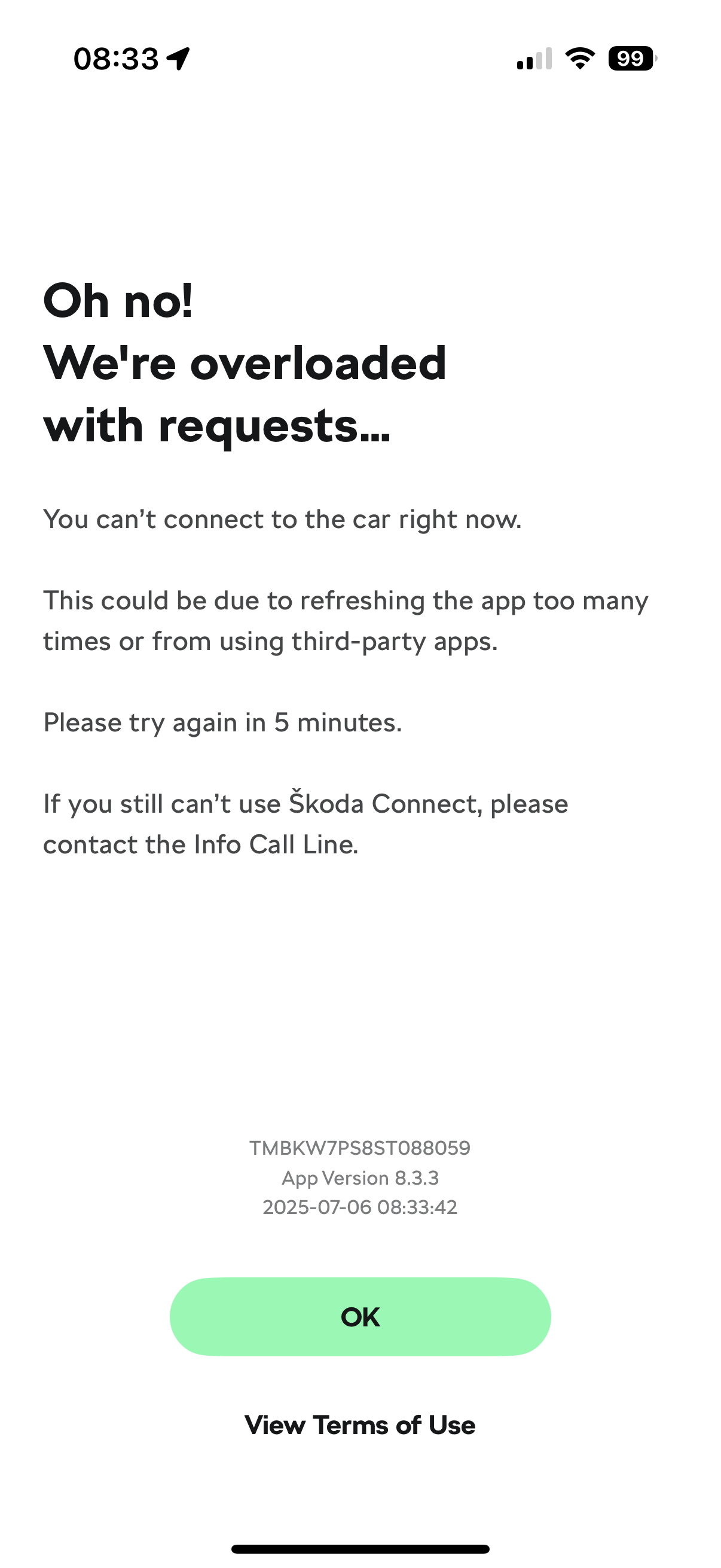
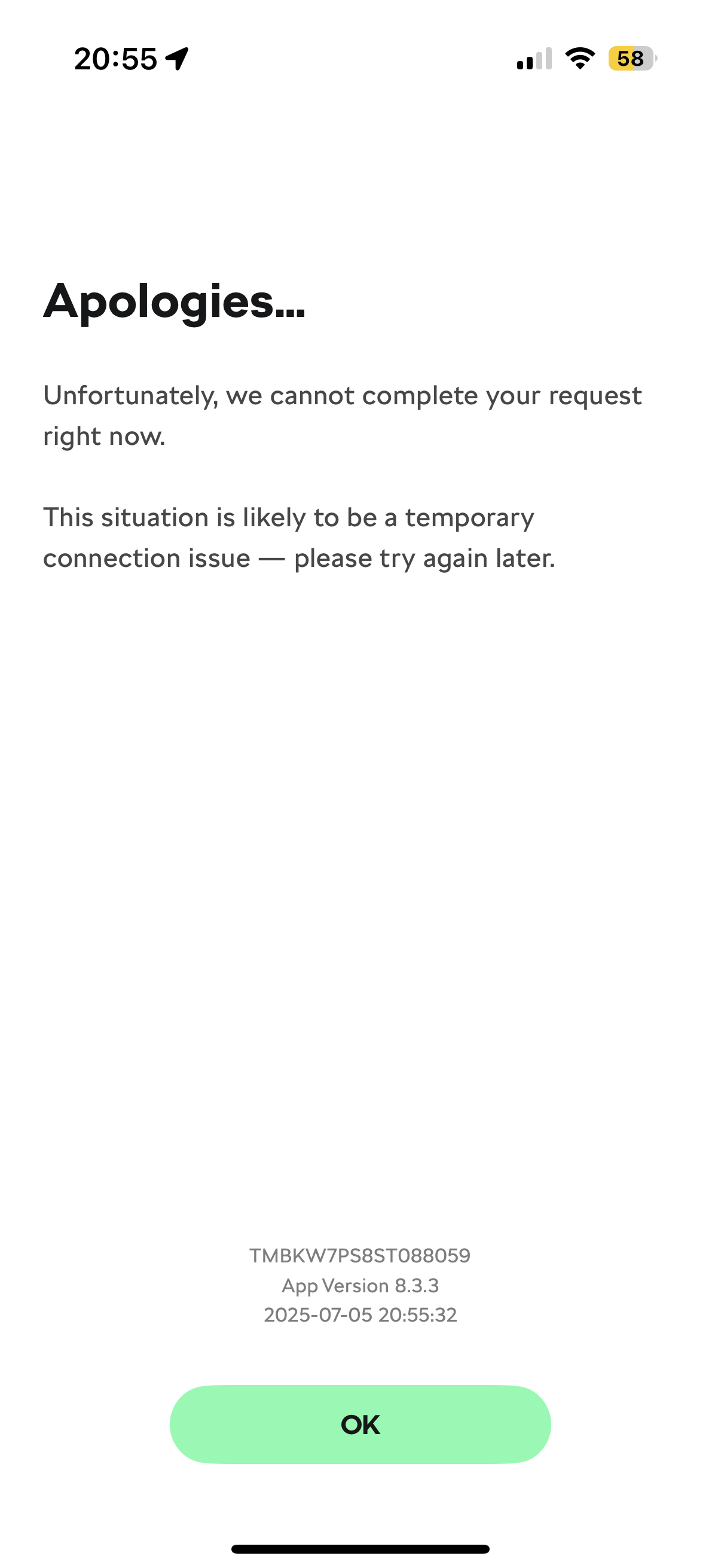
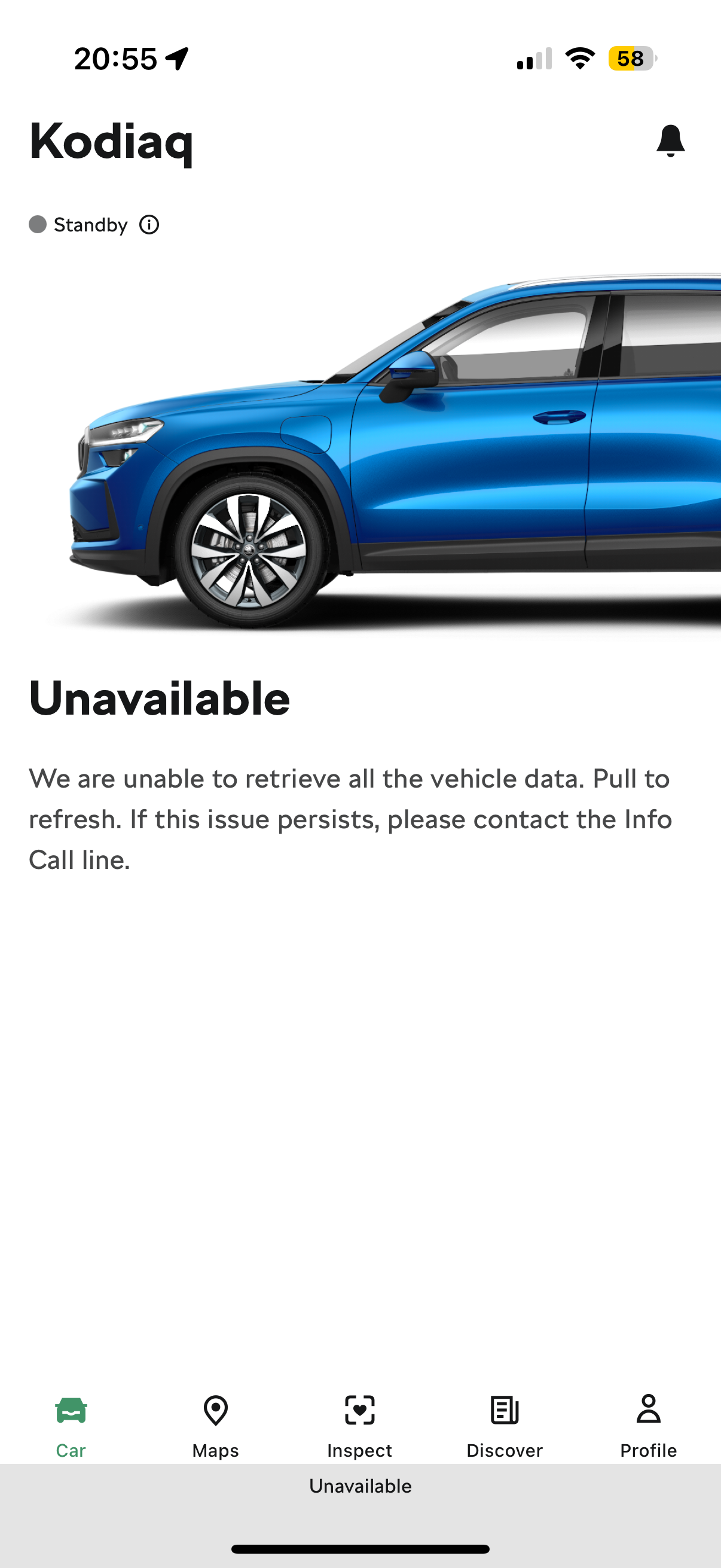
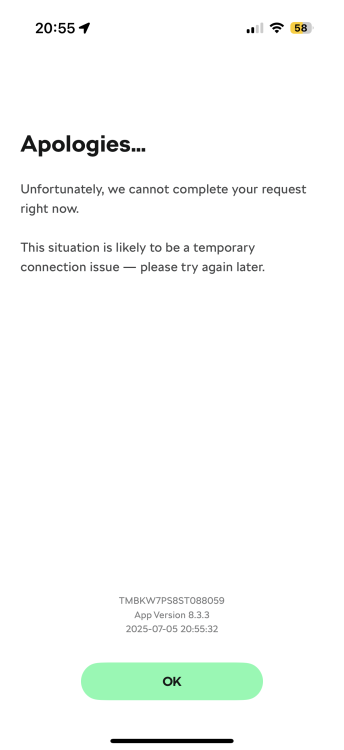
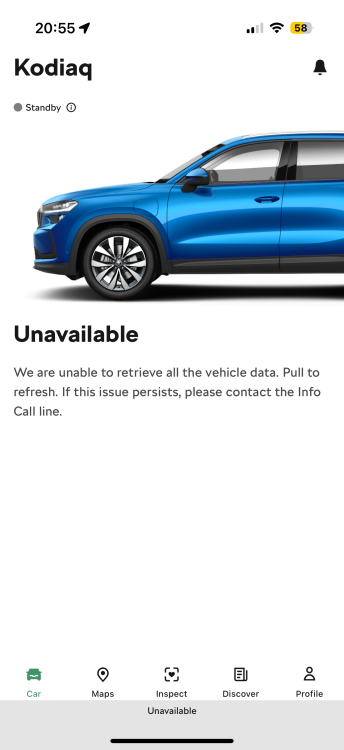
Hi Anybody had issues with the MySkoda App? I get constant "Unavailable" messages (see pictures), so can't switch on aircon or see the battery level, which with no API to Ohme or any onboard software to schedule, makes charging a right pain. Skoda help are exactly not that..... Mike
-
Yes, but the lack of a timeline (when they said mid July to me) makes me nervous!
-
Hi Has anybody had dialogue with Skoda and API connecting to Ohme? In absence of proper departure software/UI, I tried customer services as the Ohme app offers up Skoda to pair, but it fails when it talks to Skoda app/account. Skoda's line is that the only 3rd party software it connects to to is Tronity. Seems of odd that Ohme are in Skoda dealers and talks to other VW cars. Mike
-
Hi I ordered a PHEV SEL with a number of extras, order placed week two of Jan and given a date of April 15th for delivery, received June 13th. Whole process was a nightmare, somebody was fibbing. Culminated in it being here “next week” and the. Arrived the next day. Communication was shocking and I did all the chasing….
-
Hi Has anybody had issues or has tips on opening the boot with your foot? Try as we might, just can’t get it to happen! Have checked that it is switched on in the settings, so not that.
-
Yes, sounds like that. There was a typo in original note, I can’t connect via API to Ohme app.