Ripperoo
Finding my way
-
Joined
-
Last visited
-
Ha! I wish we'd crossed paths on here a few weeks back as it could've saved me a lot of head scratching and hours searching for the correct parts. :( I ended up buying new (old stock) OEM Skoda unit from eBay for £95 and then the loom from Poland was another £50. With all the additional bits to make the washer jet work, it's looking like another £75 if I get the OEM hose. It's getting more expensive than I originally thought it would! :( Do you have a link for the exact Ali-Express hose you purchased? Also, I don't have VCDS/OBD11/VAGcom yet, so will have to figure that in and see what is the best/cheapest option there. Probably a second hand "Unlimited VCDS" which I can sell on if not needed in the future. Thanks for the info!
-
I would also be interested to hear which RVC you used (OEM / 3rd Party) and which wiring harness you used and whether you needed to code the RVC to the head unit? Thanks in advance.
-
Hi lewiswal47 Not yet, but have sourced most of the main parts I think. Never did find an OEM wiring loom (is there one?) and ended up purchasing one from a Polish company Car Systems EU. Have yet to install the RVC, so any info would be appreciated. I definitely do need a Y connector for the washer jet,so recommendations would be appreciated.
-
Thank you. That website has never came up in any of my searches, so thank you for the link. Will have a look around.
-
Thanks for that, but not available in the UK and I keep getting blocked when I visit that website with Firefox. I did manage to get to the webpage once with Opera, but when I revisited it, I was blocked again. Does anyone know of a UK retailer that sells these?
-
Well. I managed to pick up a brand new RVC (6V0827566G), but unsure what wiring harness to get as I cannot find one listed for the Fabia MK3 in the Fabia MK3 Parts Catalogue on LLL. Also not sure whether this will be plug and play (if I manage to locate a suitable harness) or whether it will need coded or not. ODB11 or VCDS?
-
Yep! That's the one. Pretty good prices IMHO.
-
Just to update further on the genuine Skoda accessories I ordered from the "Skoda-Parts" website, based in Czech Republic/Czechia, well the first order of Boot Liner, Warning Triangle. Tow-Rope kit (£60 delivered) arrived and everything was perfect. I then went ahead and placed another order for both the "Premium Summer" textile mats (with Fabia Logo), "Winter" rubber mats, cup-holder/phone holder and a first aid kit (£108 delivered) and all that was perfect too. Delivery was about a week by Fedex and as Skoda-Parts are apparently VAT registered in the UK, there was no additional customs charges to pay. :) UK based Skoda Retailers wanted around £80 (including £9 delivery) for just the textile mats. The above delivered prices both included approx £10 postage too, so if I'd place one big order, the total would have been a tenner less. So if anyone wants genuine Skoda parts at very good and probably the cheapest price, then I can confirm Skoda-Parts in Chechia (Czech Republic), is a great place to obtain them. I even asked if there was a discount coded for being a member of Briskoda and was told that they'd tried to reach out to Briskoda in order to to offer some form of discount, but couldn't get in touch or didn't get a reply. Might be worth the mods chasing this up as it could save the members here a bit of cash.
-
-
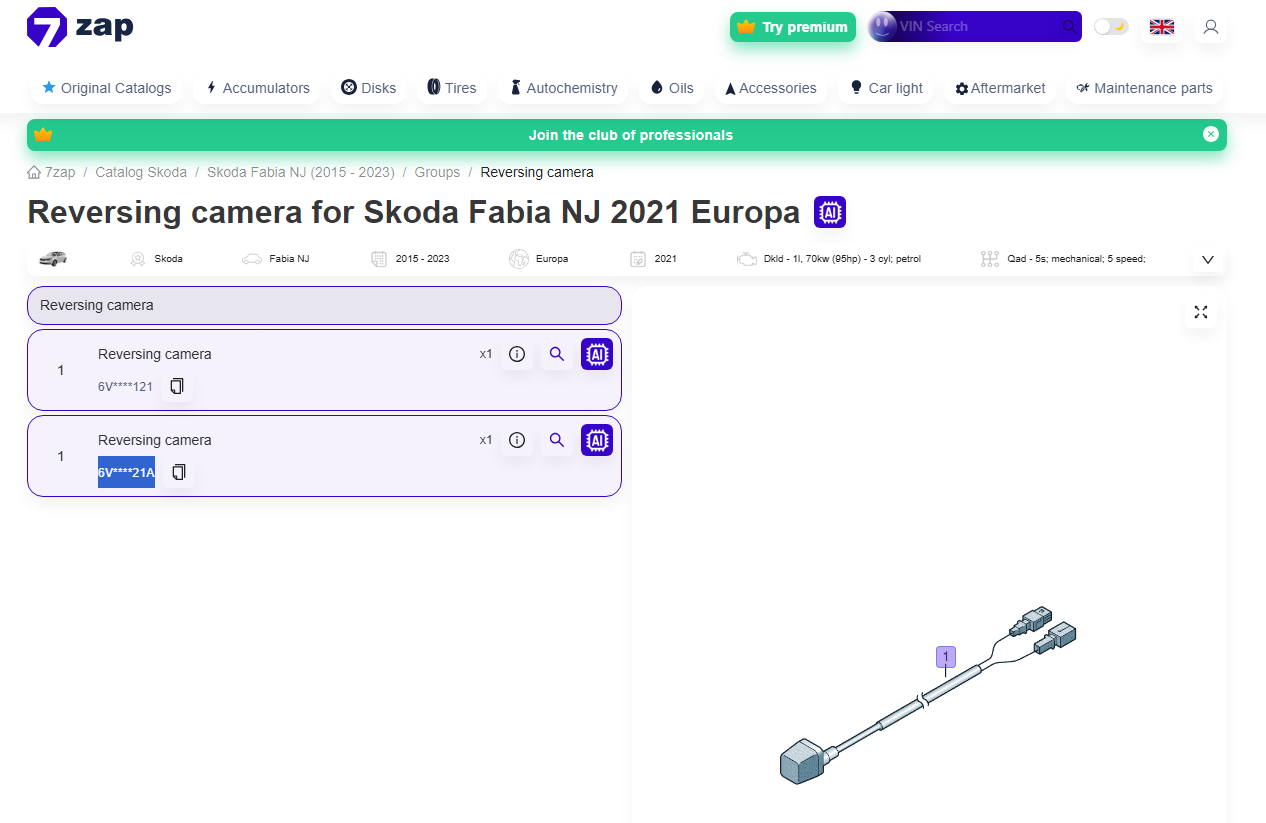
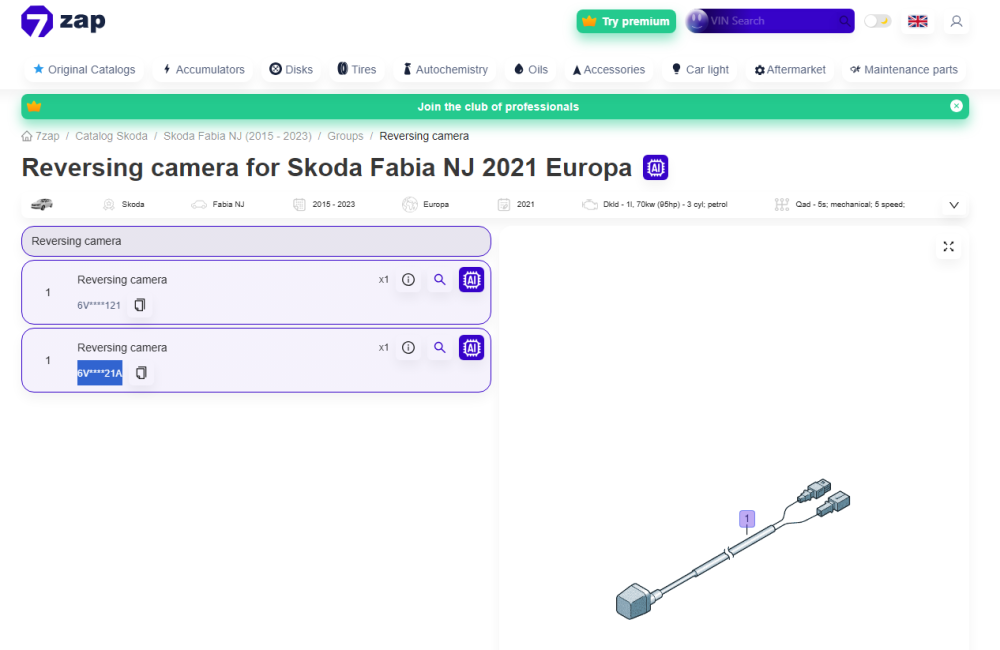
I THINK I have found it on 7Zap, but only a partial part number is shown: 6V****21A, but since I last used 7Zap years ago, it has gone to a paid service. Anyone have access to it that doesn't mind looking up the part number? https://skoda.7zap.com/en/cz/nj-652/1316560/electrics+id-9/reversing+camera+2015+2023+id-376614
-
-
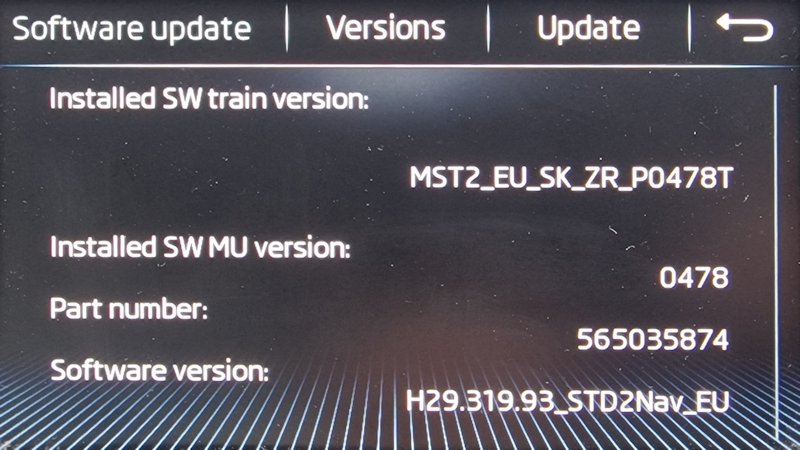
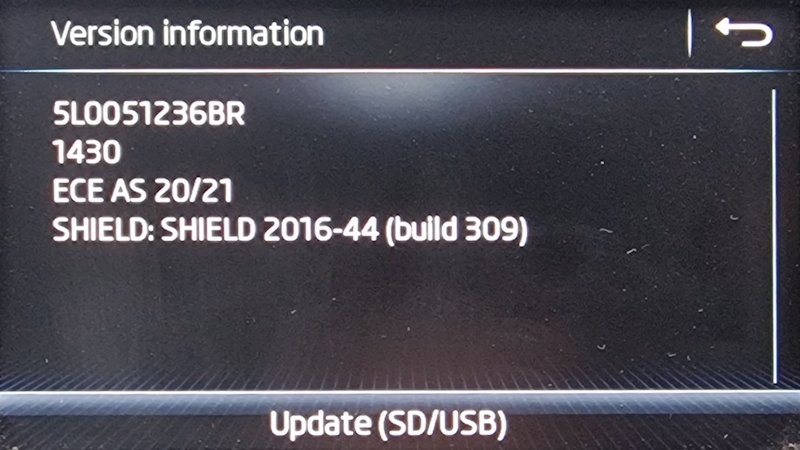
I guess it's one of these and the other is the map version? These were taken before I updated the head unit and also maps though. So if the latest version info is required, I will get them tomorrow.
-
Show the unit Information? Can that be accessed via the Amundsen interface?
-
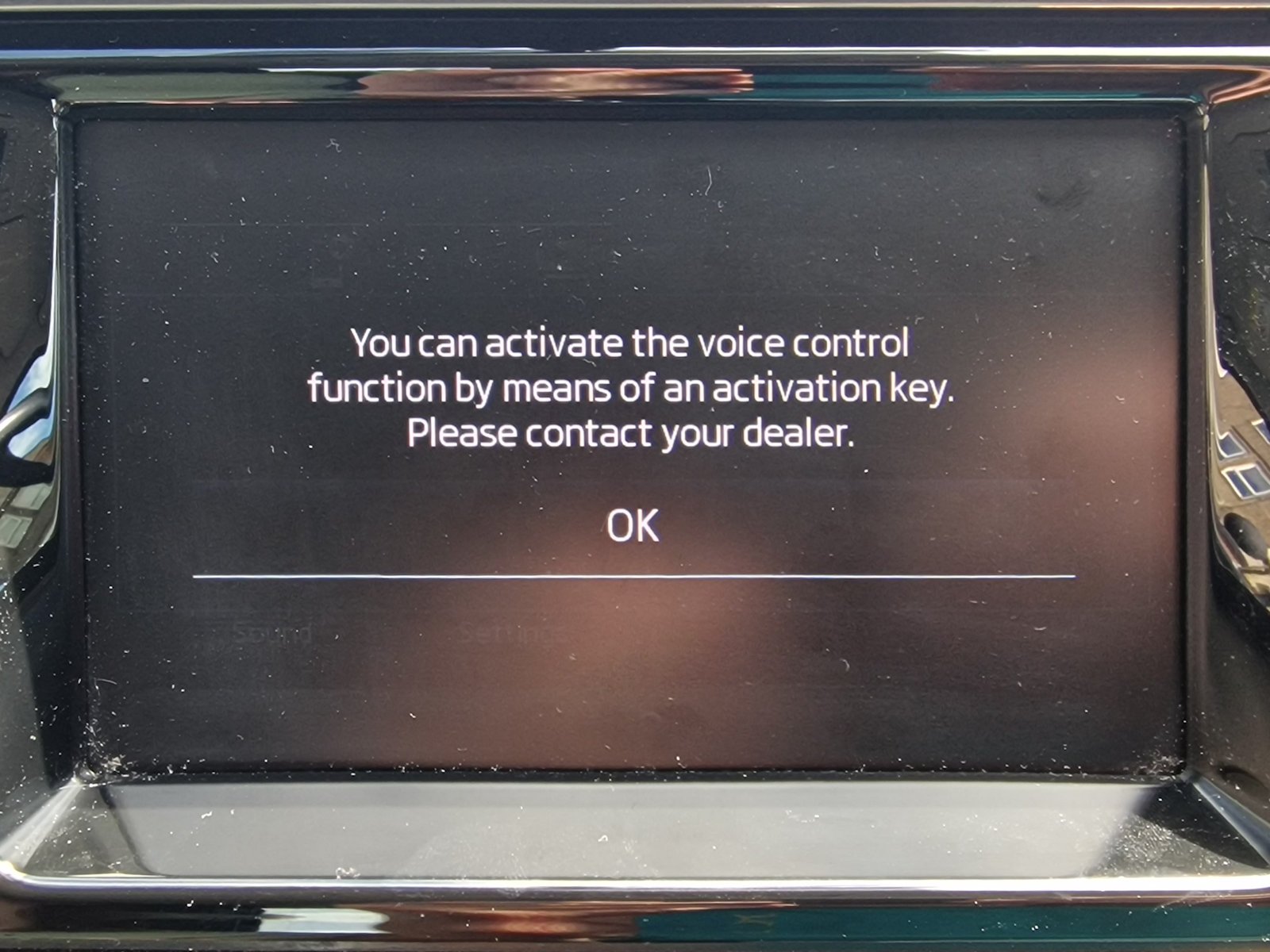
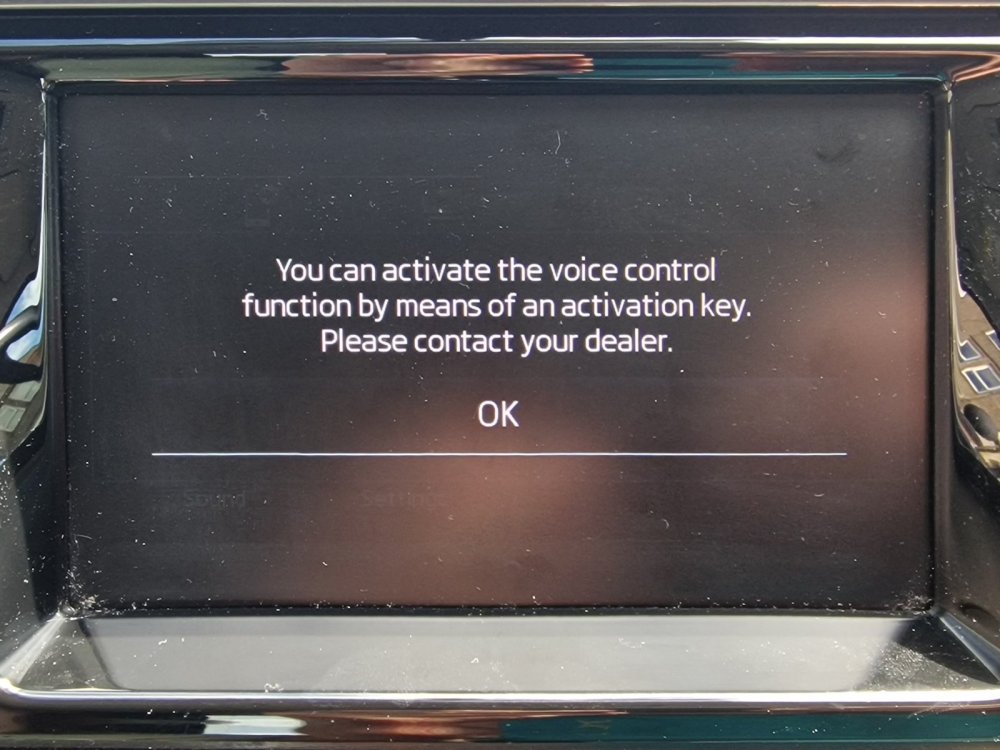
Does anyone how to get the Voice Control activated? The message on the screen states: "You can activate the voice control function by means of an activation key. Please contact your dealer". When I spoke to my local Skoda dealer on the phone, he was pretty clueless, so has anyone had a better experience getting this "Activation Key" from their dealer? Also. my son's Skoda had "Skoda Connect Services" when it was new but it expired about 12 months later and was never purchased the the previous owner after the first year. I was struggling to find out how to get this again, but found that the "Skoda Connect Shop" was actually working for me after a few days of getting error messages. Anyhow, I'd registered as the new owner in the car a few days back and when I went to purchase the Skoda Connect, the price was £44.95 but there was a 3 month free trial, so hopefully that will work next time he's in the car. Might be worth any new owners delving into the Amundsen settings and registering as the new owner and creating an account on the MySkoda app, as you may also get 3 free months.
-
Excellent info as always pab567 The OEM camera is available from Skoda Parts but doesn't come with the required cables as far as I can tell. Just checked that Amundsen part number you quoted and it looks to be the one found in the glovebox with SD1 & SD2 card slots. My son's Fabia doesn't have this unit and the map SD card is found in the right side of the glove box via a little circular cut-out. Is there two different satnav units?