Sitek
Finding my way
-
Joined
-
Last visited
Everything posted by Sitek
-
You do NOT have App button on this unit, so probably Android Auto & Car play are not available.
-
Issues with calls are not resolved in new soft. :(
-
search there: https://mibsolution.one/#/1/9/MEN2%20-%20LG MQB_Solution -> men2 - LG
-
Nope. :( I've got the same issue. Just have to live with it.
-
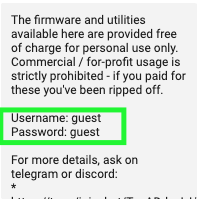
Extract directly on sd card, insert into device, hold menu for few seconds and do the update.
-
here U are
-
search there: https://mibsolution.one/#/1/9/MEN2%20-%20LG MQB_Solution -> men2 - LG
-
Hi This coding works OK for 36 Driver seat I do not have 06 Passenger seat in cars settings I cannot activate driver_seat_0x10_msg_bus as a Comfort data bus I've restarted unit after coding and there was new option in menu: seats (or sth like that) and there were two options: driver seat and passenger seat, both cannot be changed. Is there any other option to activate menu for driver seat only? Cheers
-
-
-
-
search there: https://mibsolution.one/#/1/9/MEN2%20-%20LG MQB_Solution -> men2 - LG
-
Still the same problem with carplay on 8755 version ☹️
-
I cannot update my post above. I've updated to 8755, and still have issue with carplay :(
-
search there: https://mibsolution.one/#/1/9/MEN2%20-%20LG MQB_Solution -> men2 - LG
-
Have it helped to solve the issues with carplay? I have 8755 now and the issue is still there :(
-
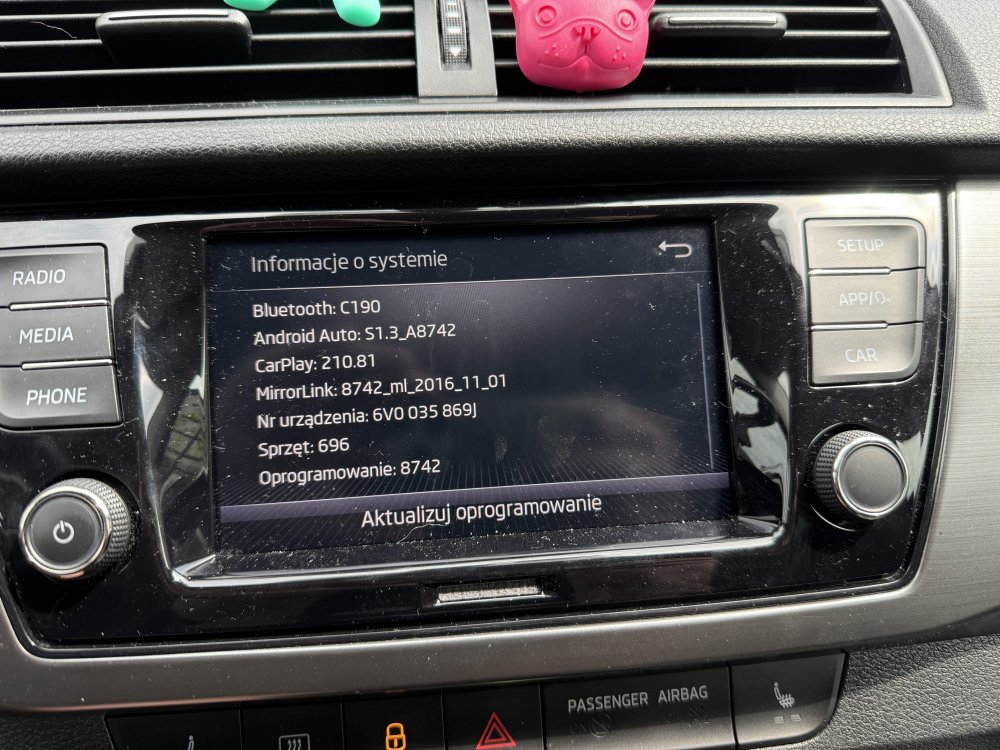
Hi I've as below, can you send me update to newer version. I've issues with carplay, I've heard newer version can solve the problem.
-
Hallo Gray 2020 Fabia Style 1.0 95 PS Combi
-
Hi. Can I have new software too?