mr25
Finding my way
-
Joined
-
Last visited
Everything posted by mr25
-
-
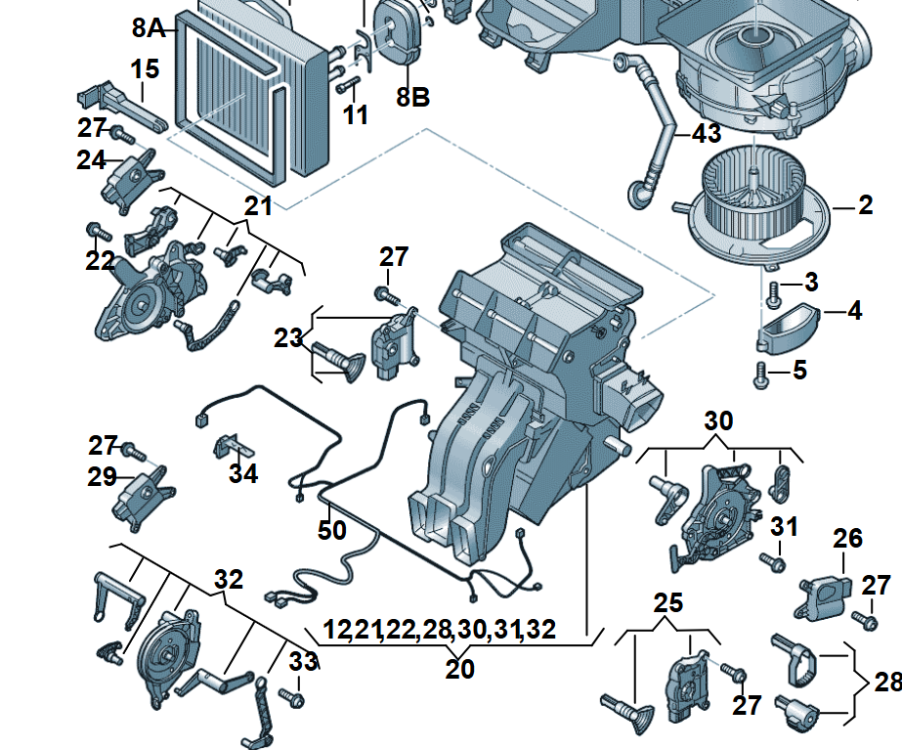
Unfortunately It will be too big work, reconfiguration of unit 20 ☹️, no sense to proceed forward...
-
-
-
Just one with this feature. If you already have that nice, if not I will looked in selling advertisement :)Then I run ETKA for comparison. My Oct is from 2024y with 2 zones. I think there is chance without big work.
-
That I will try to investigate during weekend, some parts list need to be compared. First I need to find VIN number with this feature :)
-
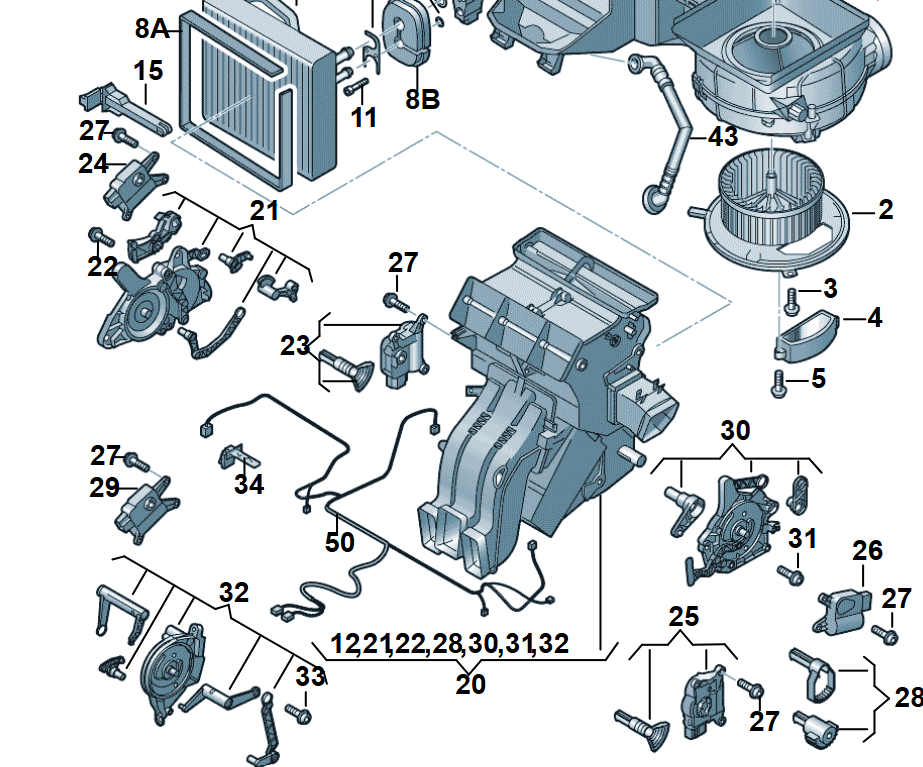
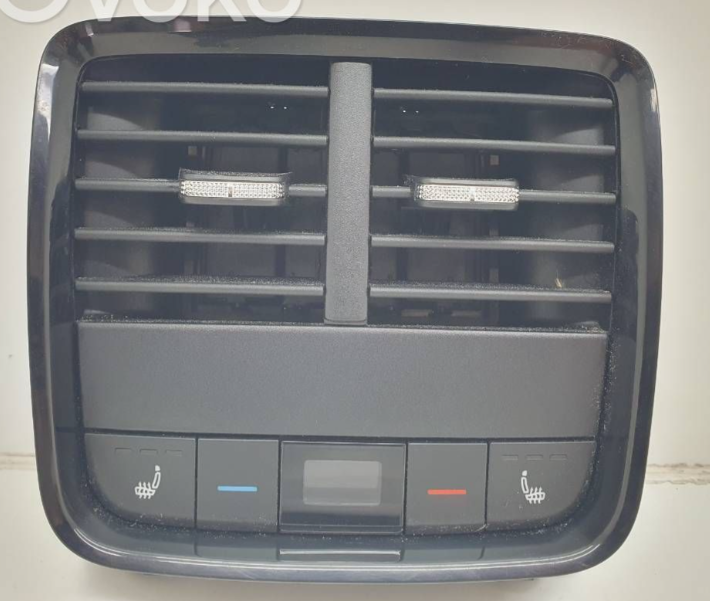
It is possible to update 2 zone AC to 3 zone adding rear panel ? Looking on wiring diagrams looks not so complex, also some retrofit harnesses and mats are available on aliexpress.
-
Since no finding any advice if D can be swapped do C I decided to proceed with C (Finally I found brand new with price 150eur) . How about ODIS activation? I found same activation code TOWAB for electric version that work with online session with SVM+DSS (car have SFD1). If someone has experience with that way and can confirm it will work, please let me know:)
-
-
-
That I also consider, but I wondering why with cheaper price I can get new one instead of used. Basically this is why I raised this topic. C version is almost not available as new one. or price is almost double in small shops :) https://www.cars-equipment.com/en/shop/bcm-central-electric-gateway-sensors-2/oem-5h2907383d-towing-control-unit-vw/?tpl=product_detail Since this is my own car it will be better to have also new :) maybe someone have experience with downgraded flashing D to C ? Activation I planning via ODIS online first time, that will be also good if someone share experience What I read SVM+DSS online access is needed. Alternatively I have VC tool with dataset file for 069 module + manual coding list
-
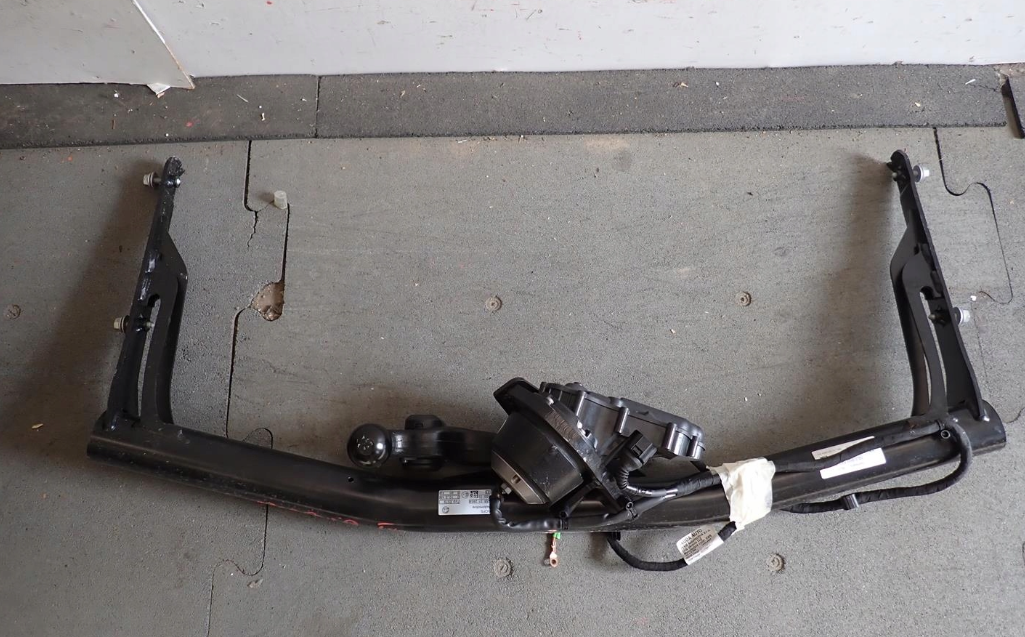
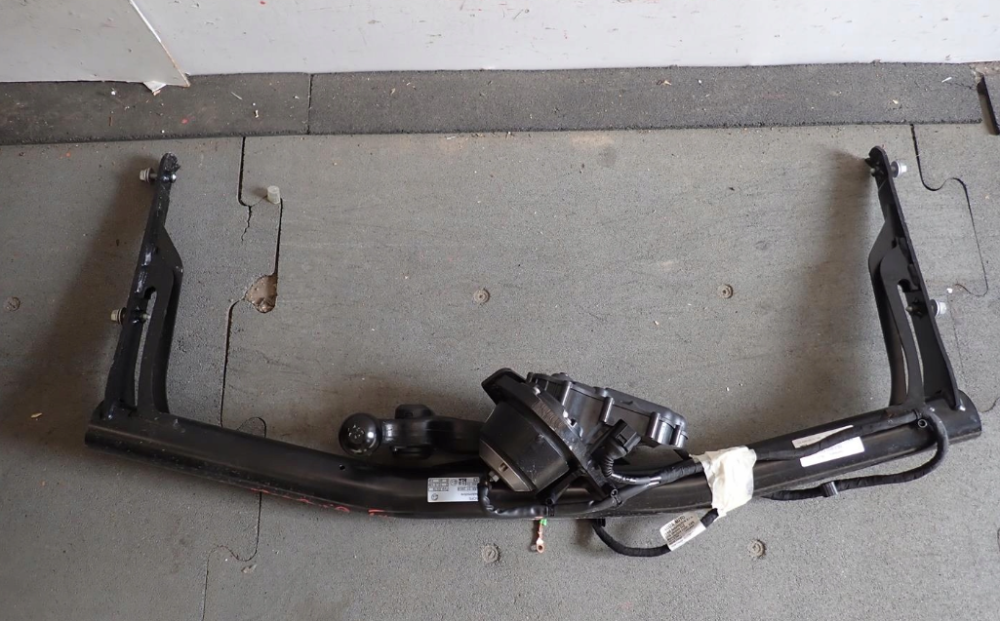
Hi everyone, I ordered electrical tow bar 5E3803881A for Octavia from 03 2024 (before FL) . According to info from original set the control unit should be 5H2907383C but this is not available on good price. I found brand new one 5H2907383D with price 110 eur but I'm not sure if this will fit to my car. Any experience with that ? Should be used as replacement of 5H2907383C ?
-
from infotainment display it is only possible to turn on automatically when temperature is low outside ( I don't remember exct value but I think it must be less then 10 deg) , there are 3 levels of heating available. In my case it is working together with heated seats. Important is the starting ignition temperature - it is not working for example if you start engine where temperature is higher then 10 deg and during travelling dropping to 5 deg. My car is equipped with factory heated seats, so I don't know how to coded heated seats.
-
Coding heated Steering wheel : Select Gateway 19 - Select Adaptation - Select Multi-function steering wheel control module-Steering wheel heating button - Set to Active Select Air conditioning 08 - Select Adaptation - Select Steering wheel heating - Set to short_push - Select Long coding - Select Heated steering wheel and heated steering wheel automatic mode - Set to Installed
-
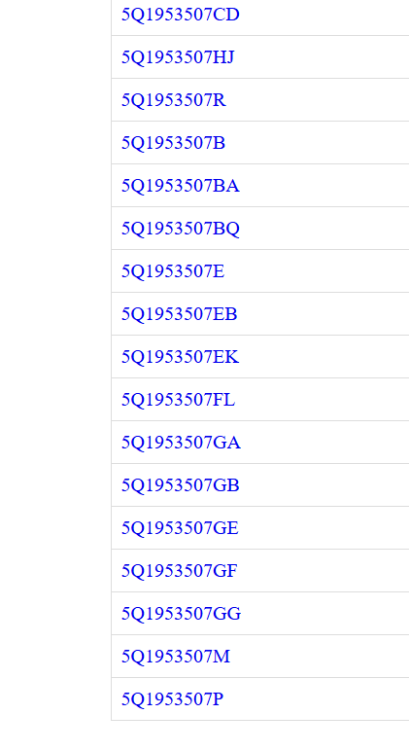
Most probably you need HW: 5Q1953549F Currently in your subsystem 6 - Part No SW: 5Q1 953 507 FN HW: 5Q1 953 549 D. I'm not sure about SW. SW is the same like whole combination switch. Read my case - I was ordered two 5Q1953549F which was not fit due to software inside. Finally I got proper one with both parameters matching my car. My ETKA account was expired so I can't looked in your VIN configuration. Maybe someone else have and make advice.
-
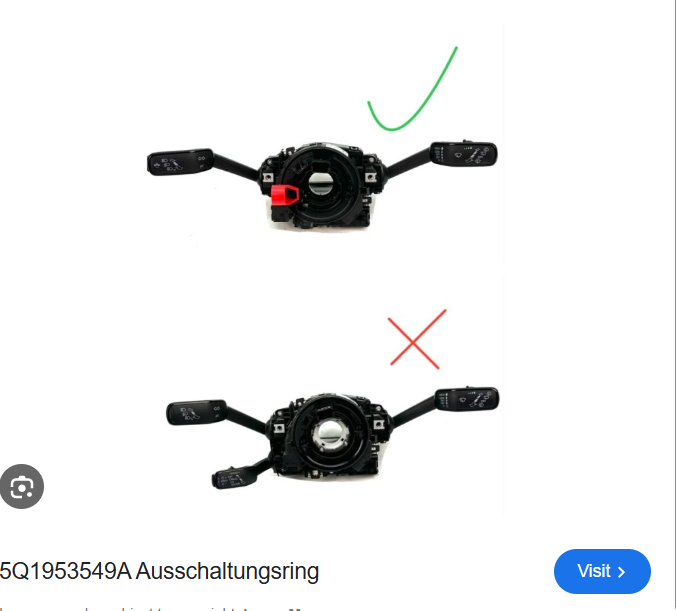
5Q1953549A probably fit if you have 2 levers in your combination switch. Check first what is your original configuration of whole combination switch. You can open top cover without disassembly steering wheel or read what is in your subsystem
-
Today I finally installed 5Q1593549F disassembled from 5Q1953507GF. After coding no any errors :) Everyting working. I also connected other 5Q1593549F to check from what combination switch was disassembled - it is showing 5Q1953507GB in subsystem. So I have 5Q1593549F suitable for Golf VIII. Itis from 2023y - if someone need, contact me on prv. This from Golf generating errors in Octavia due to different setup (ACC doesn't work) So that confirm that doing this retrofit 5Q1593549F must have suitable software inside. That is lesson learn for others - ask the seller from what car was disassembled.
-
I think is the same generation - You should have right now 5Q1 953 521 LB. You can open top plastic cover on the steering column or logging to 09 central electring subsystem
-
According ETKA Karoq 2023 heated StWheel combi switch 5Q1 953 521 LC. I still have one in my garage, maybe during the weekend I will connect to check what is the number in subsystem
-
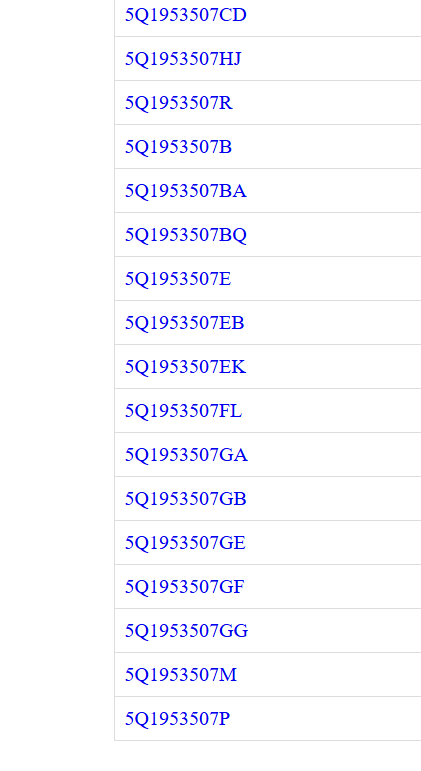
For what kind of car you are looking for 5q1593549 ? Here is the list of combination switches in your link , in my mind this will not fit for Octavia

-
5q1593549 F should be disassembled from the same configuration with only difference of heated steering wheel. I have 5q1593549 F from Cupra and this generating problems due to different configuration setup inside this module. The subsystem is still identifying as Cupra combination switch 5Q1 953 507 GA in my Octavia, the correct HW should be 5Q1 953 507 GF (estate with heated steering wheel). The whole software of combination switch is stored inside 5q1593549. I checked this in two 5q1593549 F modules, both generating ACC problem and other errors because they are from different cars with different levers (eg Cupra have 2 levers O4 have 3 levers ). Good that I had possibility to return this parts and finally I got cornet one disassembled from 5Q1 953 507 GF. So be aware on that.
-
My is from 2024, I never got this issue of "temporary unavailability" TA. I've been using this function more than 6 months travelling about 4000 km in Poland, Germany, Italy. Finally I got new combination switch from O4 so I will try to code heating wheel, hopefully in that time without any problems. So in your case retrofit heated steering wheel require new combination switch.
-
Depends what you want to retrofit. If your car have hating wheel already installed for travel assist you don't need replace combination switch. Only steering wheel needed to be changed
-
I think I need flash to 5Q1953507GF and upload dataset V03935426TC, that my guess. it is probably too complicated - finally I will try to find original GF and then only simple coding will be needed..

-
It was disassembled from 5Q1 953 507 GA. Probably if slipper 5Q159354F comes from 5Q1 953 507 GF will work without problems. GA have different ACC switch so that mean 5Q159354F have different configuration inside. I found that some different software are available, by paying 30 eur I can download GF software. So far I have no idea how to upload that without any damage. I uploaded some datasets into 1 level ECU several times, but this is subsystem. That the reason why I asking if someone have some experience on that.