Crux27
Finding my way
-
Joined
-
Last visited
-
-
-
-
-
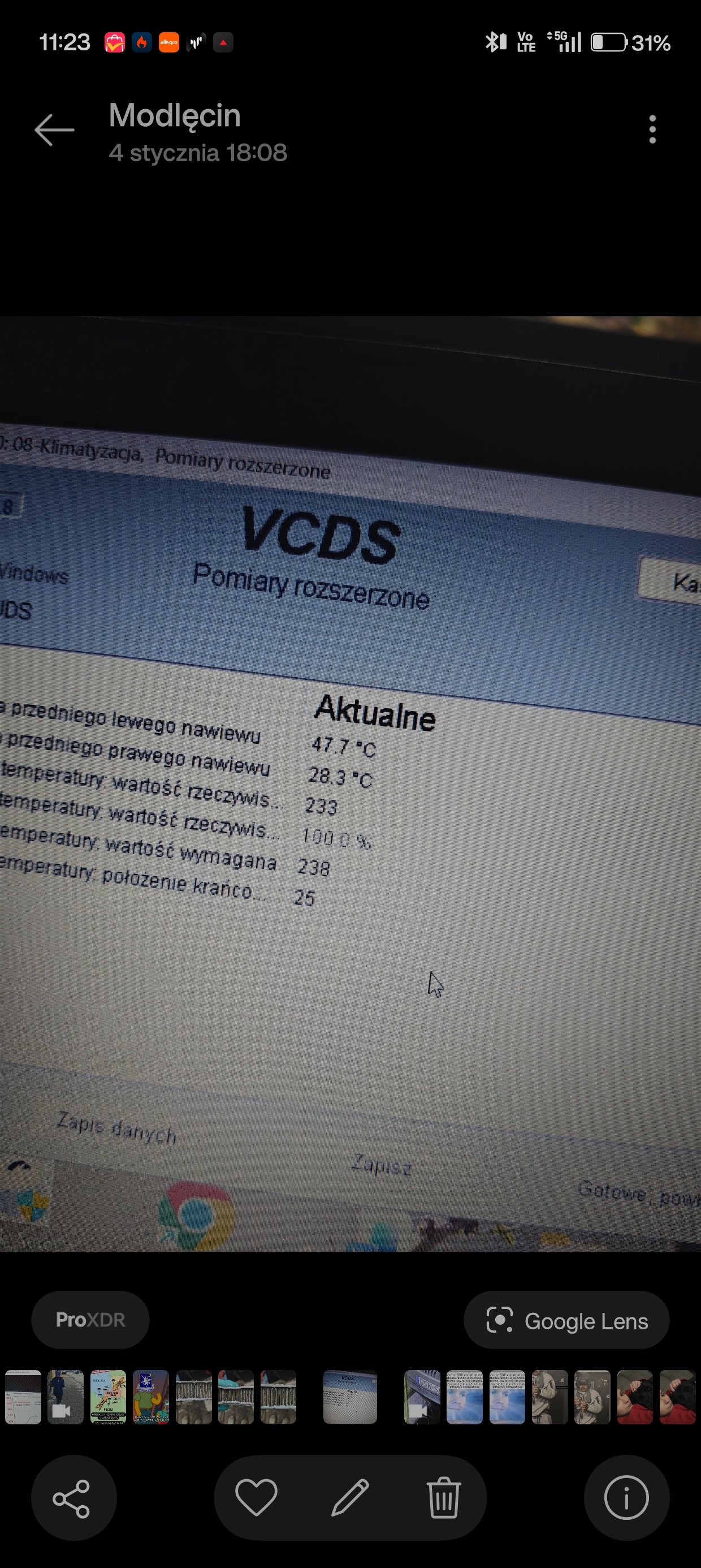
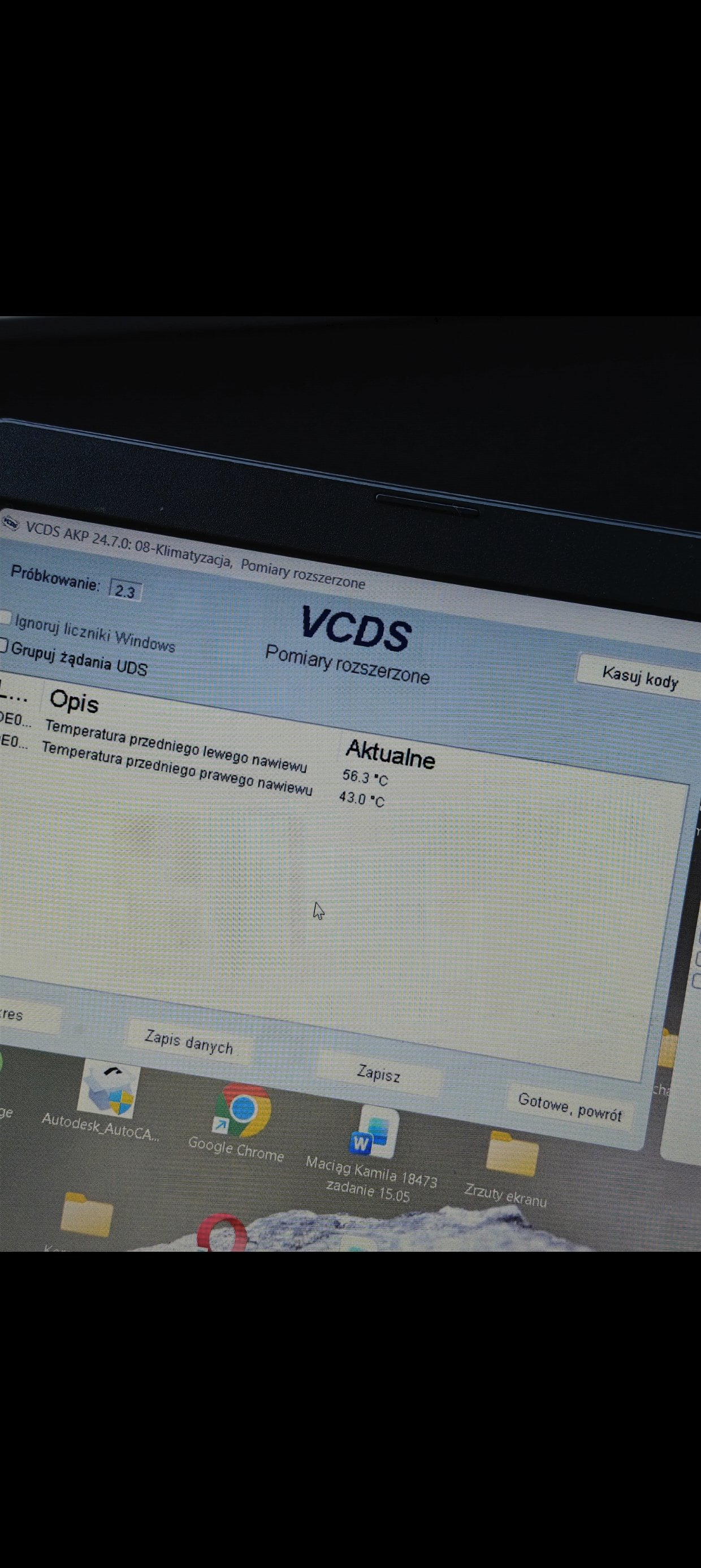
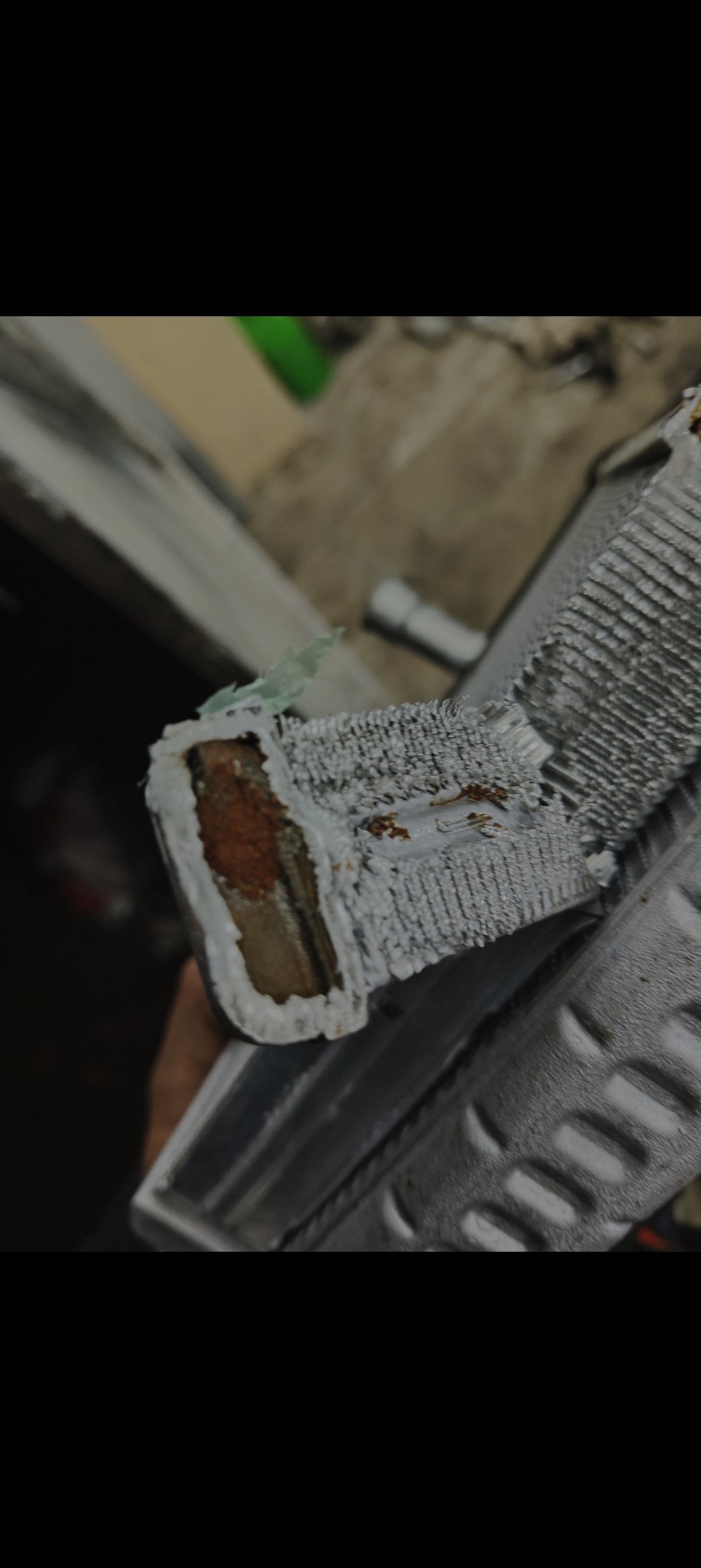
Ive had a problem with heater core matrix since last year. Ive diagnosed the issue using vcds ive checked flap motors, all the data and had a 20° difference from left to right, then i proceed to chsnge the matrix core then it worked perfect for 3 months then again. So i started with flushing whole circut with water then added destilled water a then radiator flush. After all that ive installed new nrf heater matrix core. Last night it happened again passenger side warm and driver side hot as hell. What to fo wity it now? Changed it for the third time? Flush it? Dont know what to do and Im tired of it already. Someone hade similar issue? ( no silikat in the bank, changed couple of time to g12evo, no problems with flap motors, as skoda says my car went through procedure of flushing in 2020)
-
-
-
-
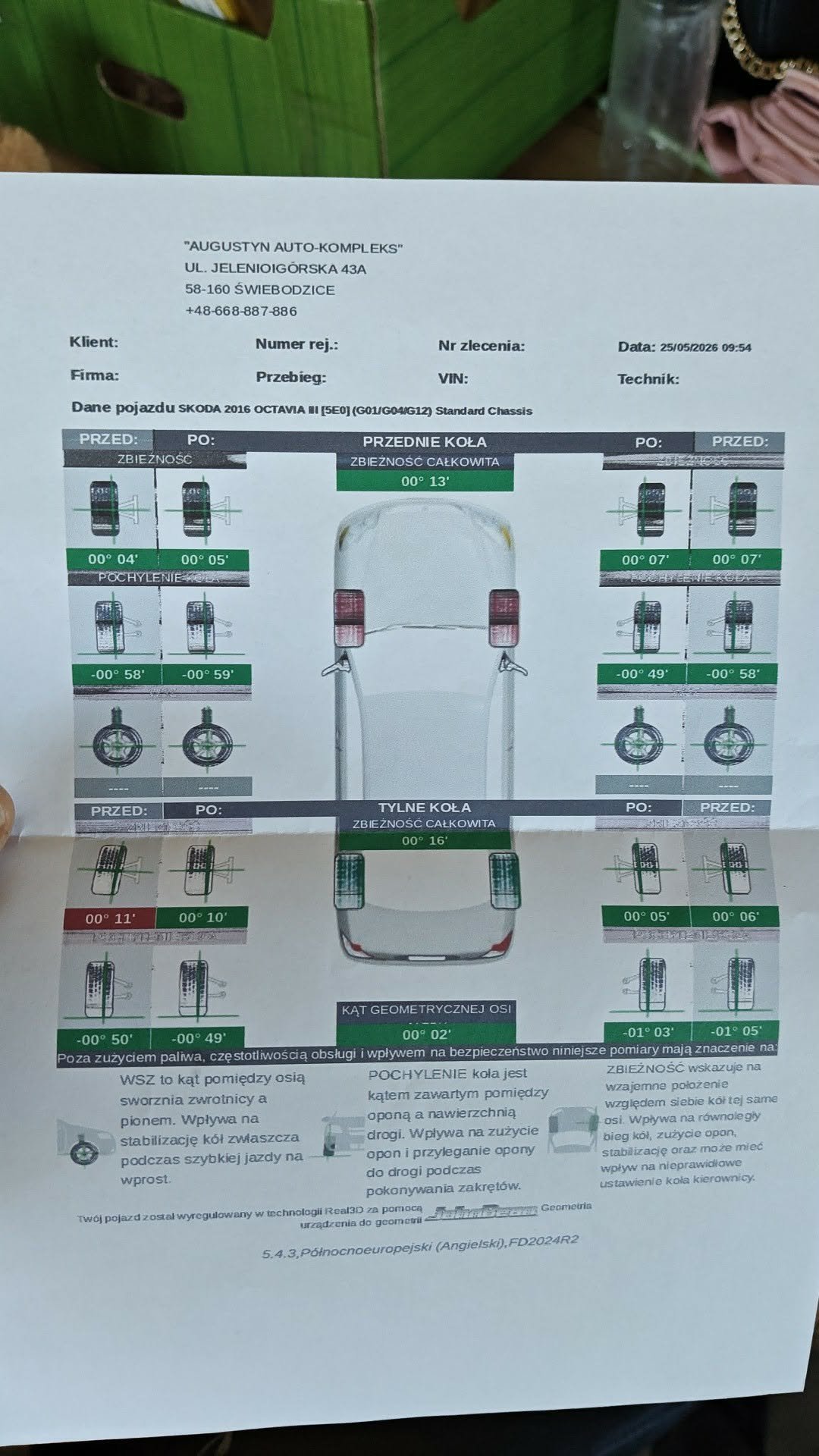
Since last year ive had weird vibrations during cruising at 80-85 km/h felt on whole car and seat. (2.0 tdi fwd combi 2016 DSG octavia 3) Tires tried and tested on winter and summer set( balanced 2 times in diffrent garages) New winter tires tested No sounds from suspension. New dsg mount. New set of spring up front. New inner cv joints. No vibrations on steering wheel at any speed. No vibrations on higher speeds or lower. Im desperate to find any solution on this maybe someone knows where to look for it? Any advicd would be helpful.
-
No mine has just fwd without 4x4. Gonna check the exhaust tommorow.
-
But these vibrations are felt underneath the seat mostly not steering wheel or anywhere near it.
-
FWD, tommorow i will try to balance the wheels in other shop than i was before, some other mechanical issues you mentioned woud give other symptoms at any speeds but this one i having trouble between 80-90
-
Ive got strange vibration in my octavia 3. 2.0 tdi 2016. This vibration occurs at 80-85 km/h during acceleration with throatle or while rolling. So far ive changed two inner cv joints, gearbox mount, oil in gearbox. My tires are new, wheel been balanced as well. It's not flywheel probably because there are no shakes during turning off or while idling, no sounds either. Any tips? Suggestions?
-
-