Kenstone09
New here
-
Joined
-
Last visited
Everything posted by Kenstone09
-
Thanks for that.
-
-
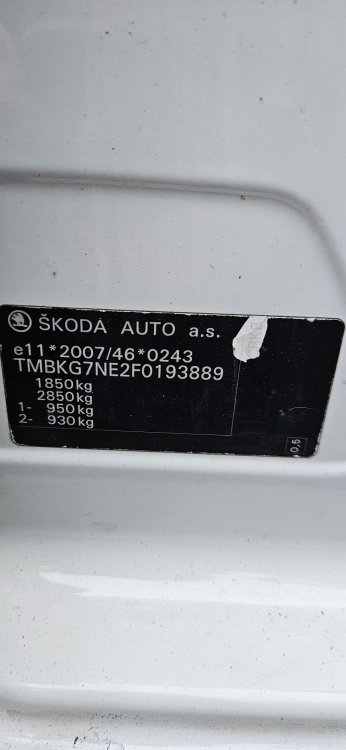
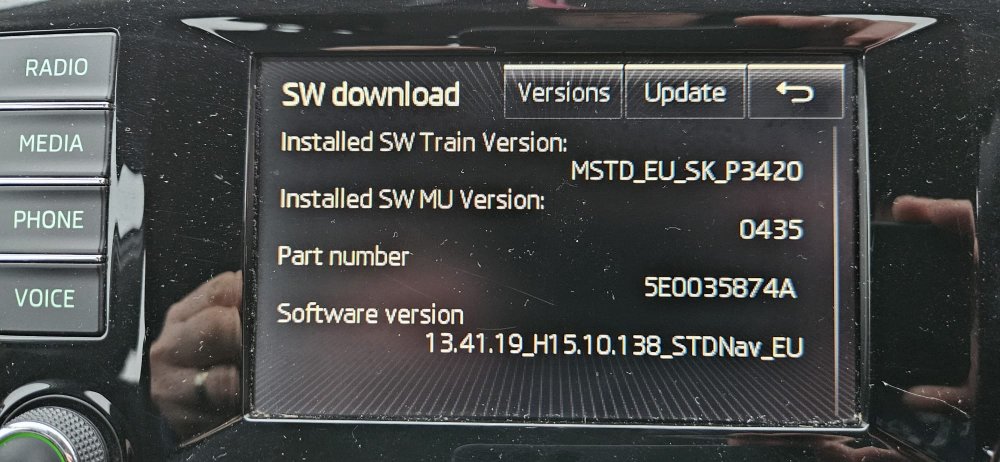
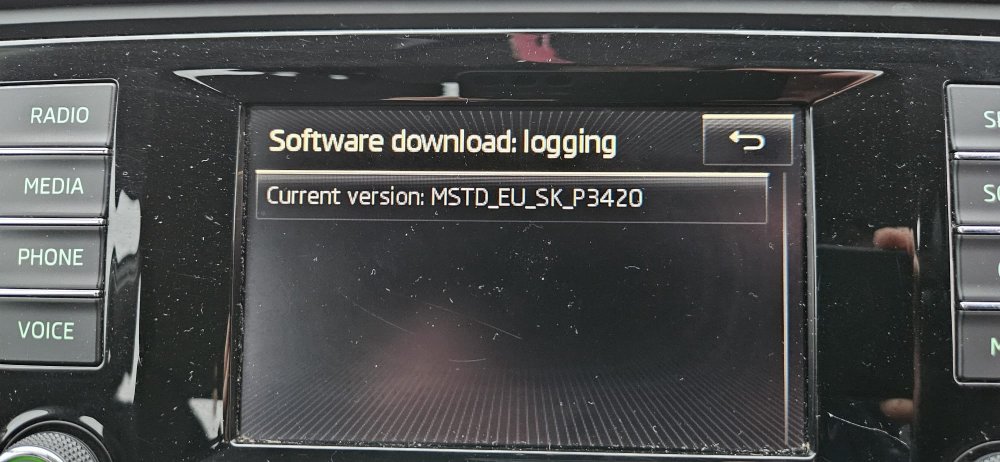
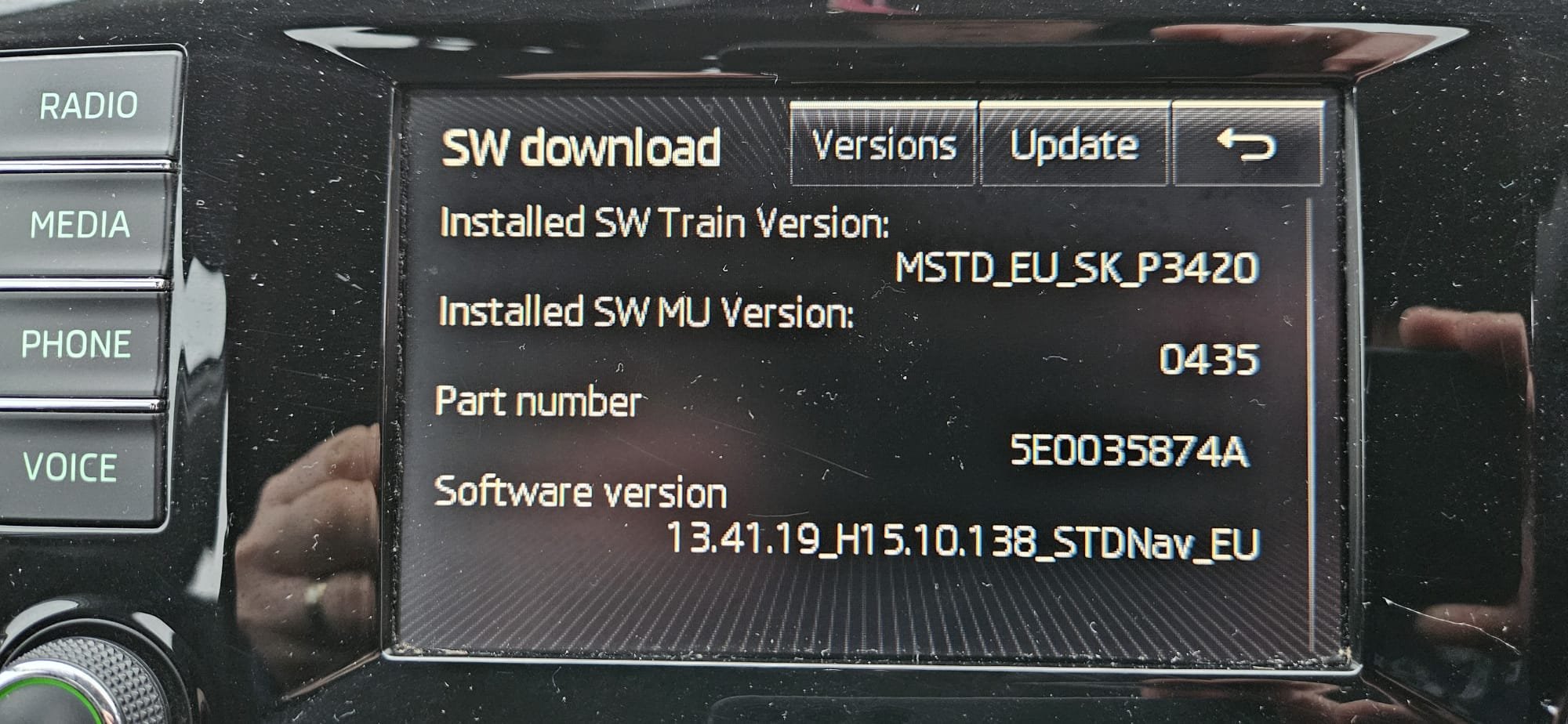
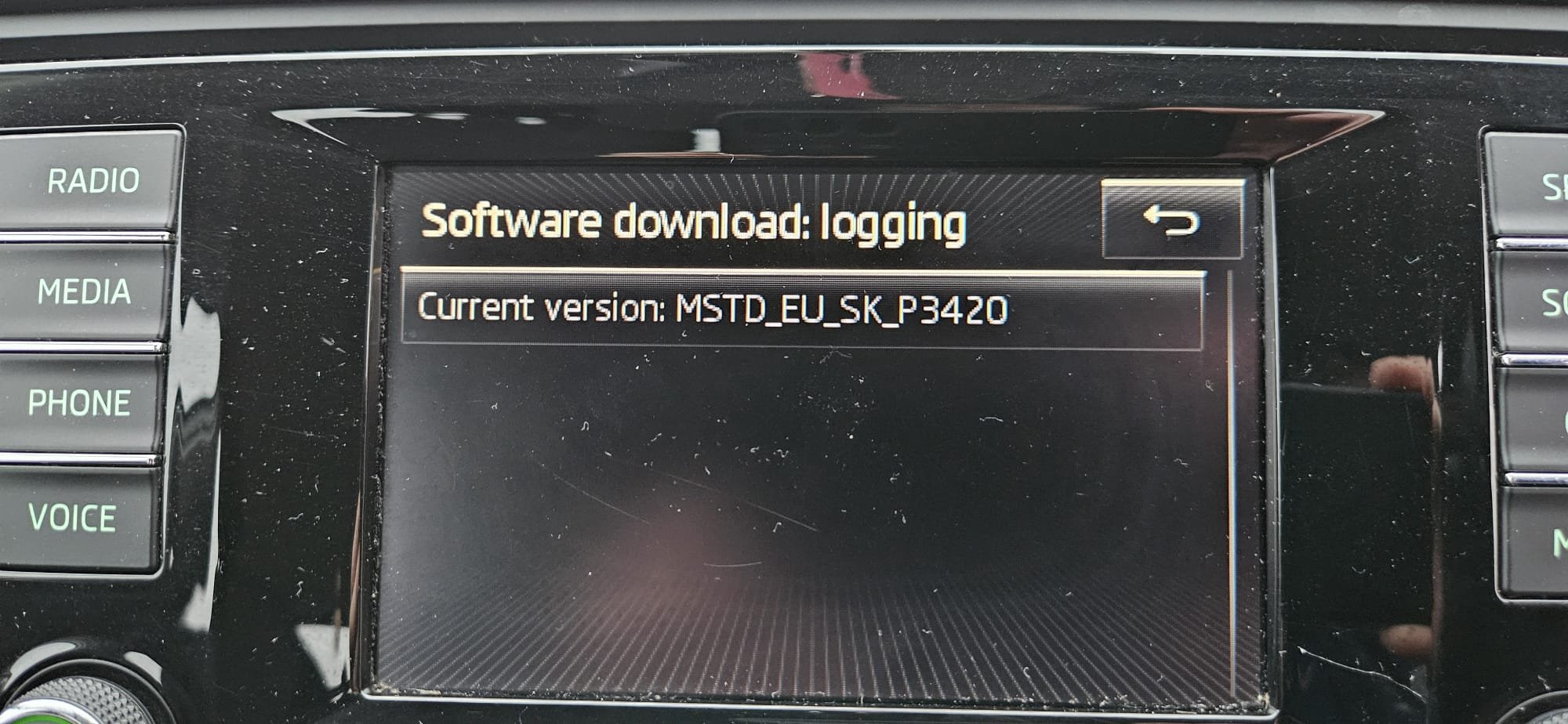
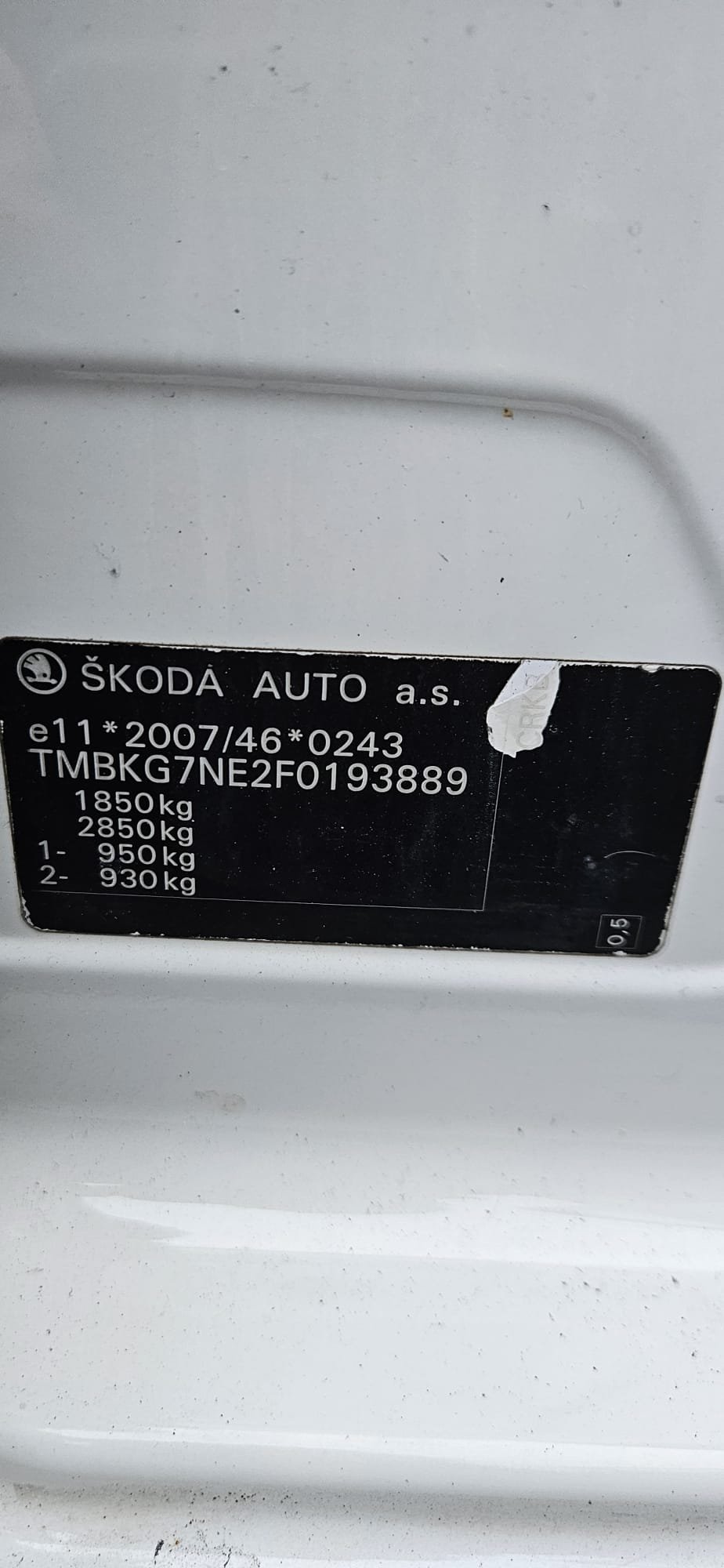
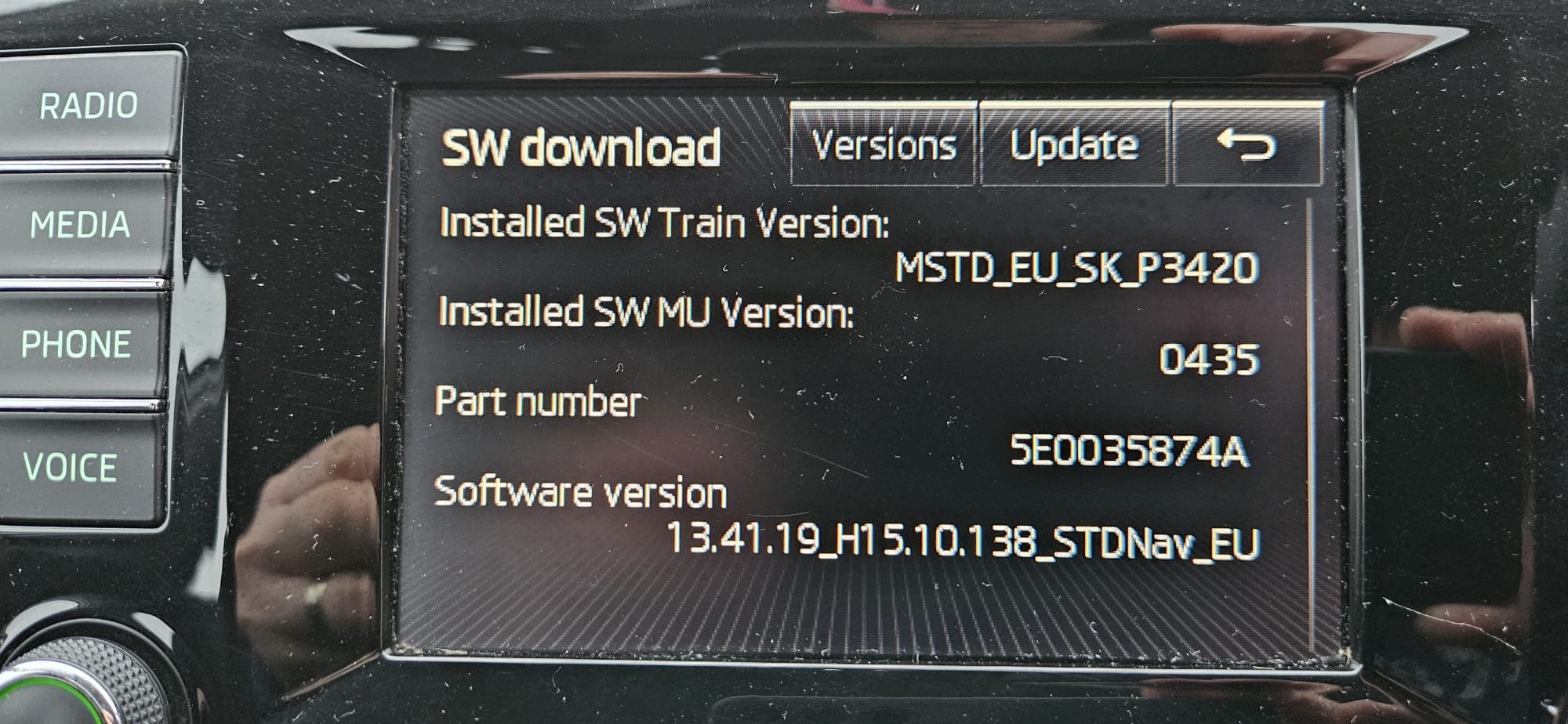
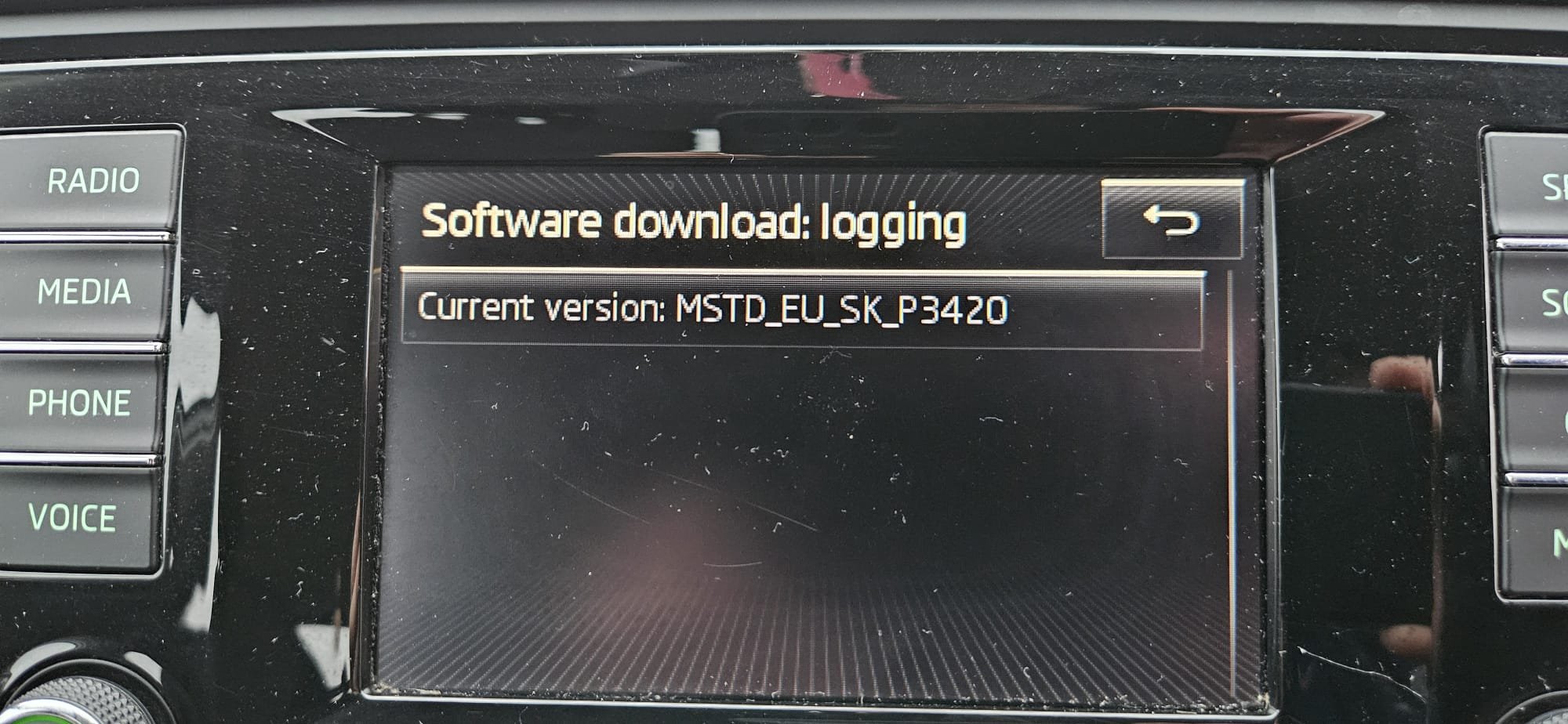
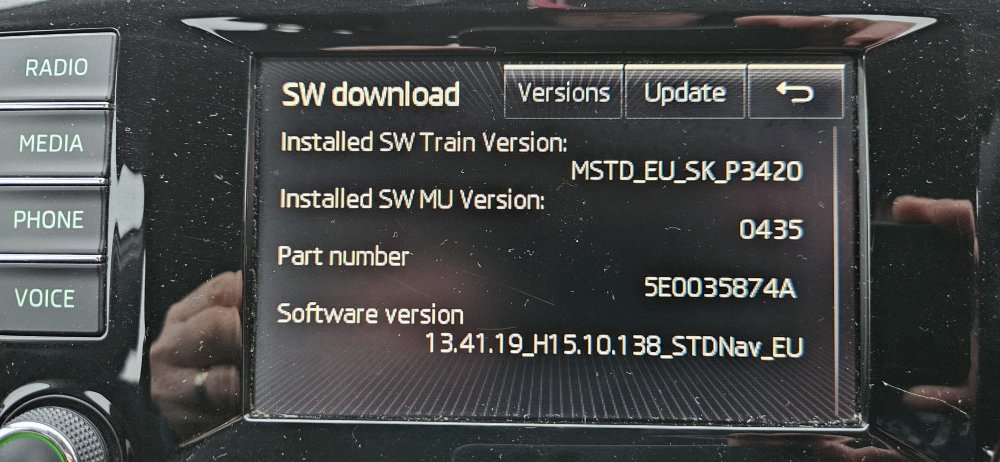
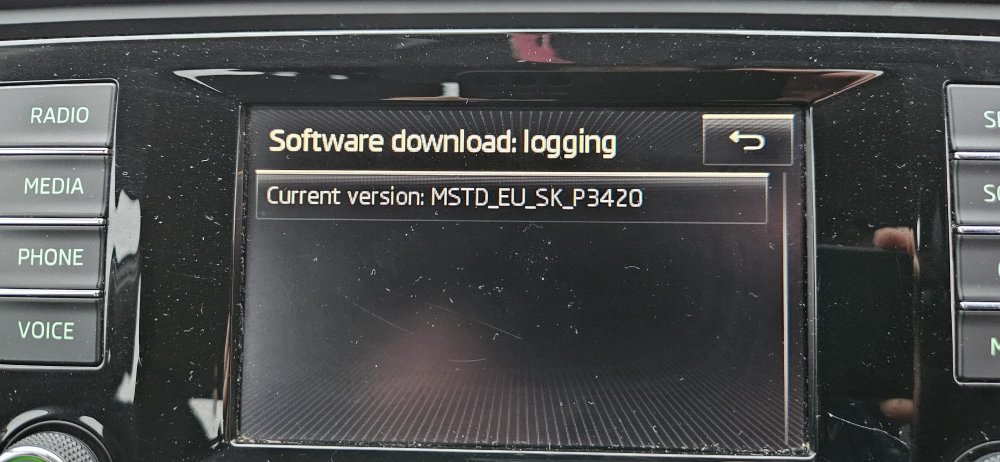
Hi Guys, I have recently bought a 1.6 D Greenline Octavia Estate 2015 with 128k on the clock, its my first Skoda and I originally bought it as workhorse for my business and at £4k I wasn't too bothered about it to be honest, but the more I have drove it the more I have come to really like it and it wont be my last Skoda I have now gone about giving it some love, new disks, brakes, shocks etc and now I am trying to update the infotainmentcentre. I have been on Mib helper after some research and my original SW Train Version is MSTD_EU_SK P3420 AND MIB Helper has said i need MSTD_EU_SK_P6230. I believe this file is not available on MIB solutions anymore so I was hoping if someone could send it to me if possible. Thanks in advance.
-
Hi Guys, I have recently bought a 1.6 D Greenline Octavia Estate 2015 with 128k on the clock, its my first Skoda and I originally bought it as workhorse for my business and at £4k I wasn't too bothered about it to be honest, but the more I have drove it the more I have come to really like it and it wont be my last Skoda I have now gone about giving it some love, new disks, brakes, shocks etc and now I am trying to update the infotainmentcentre. I have been on Mib helper after some research and my original SW Train Version is MSTD_EU_SK P3420 AND MIB Helper has said i need MSTD_EU_SK_P6230. I believe this file is not available on MIB solutions anymore so I was hoping if someone could send it to me if possible. Thanks in advance. Kenstone