zith
Finding my way
-
Joined
-
Last visited
-
ive had this issue too, you need to keep the revs higher. its actually stalled before you have come to the lights, but there is no indication it has.. no juddering or anything of the sort, its not until you come to a stop you realise or go to set off again. 2025 1.5tsi manual i'd actually drove 4 other skodas, two octavias, a superb and kamiq and didnt have this issue
-
-
-
-
-
Ok, so I've done three trips that were about 45mins each.. one with only USB drive connected. One with theUSB Drive and android auto via usb also, and the third drive with USB and android auto via wireless. I played the music from the usb drive each time and there was no stutters or little drops
-
-
-
-
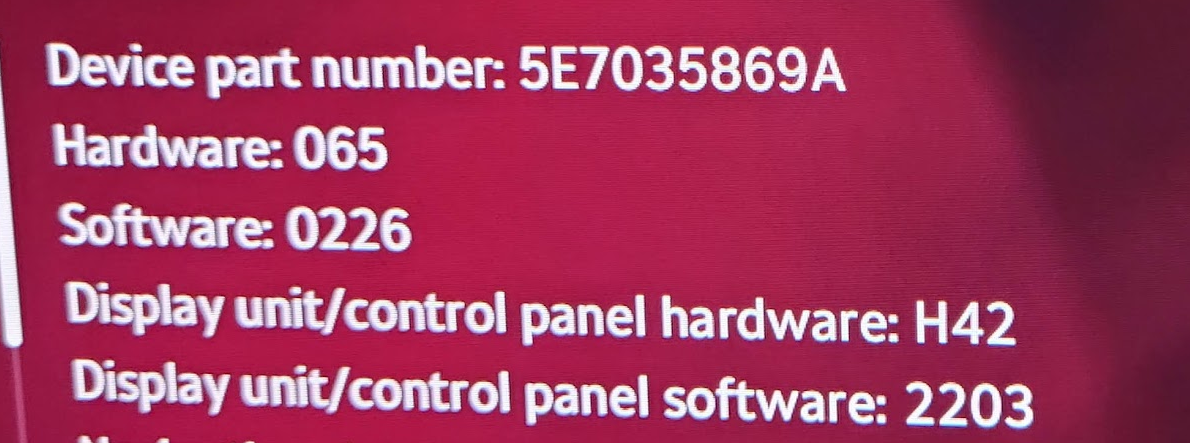
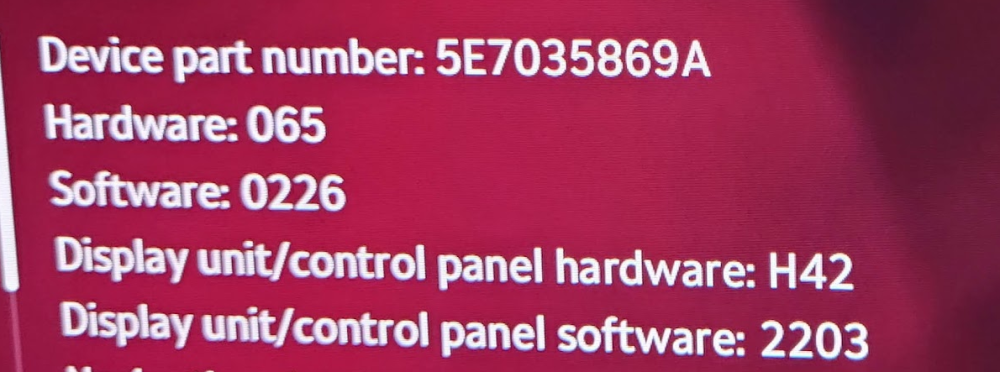
its the 10" Infotainment system on a 2025 1.5 150HP Octavia. It didnt happen to me on any of the older Skodas I drove It happens both with USB, Bluetooth and wifi. The best way to found to miminise the amount of times that it happened was to connect via usb to the phone and disable bluetooth and wifi on the infotainment system. It never went away though, it was like playing a bad CD I dont have the canton sound system, and the few times i did listen to the radio for maybe 45mins i didnt notice it happen either
-