
kendo_saggynacker
New here
-
Joined
-
Last visited
Everything posted by kendo_saggynacker
-
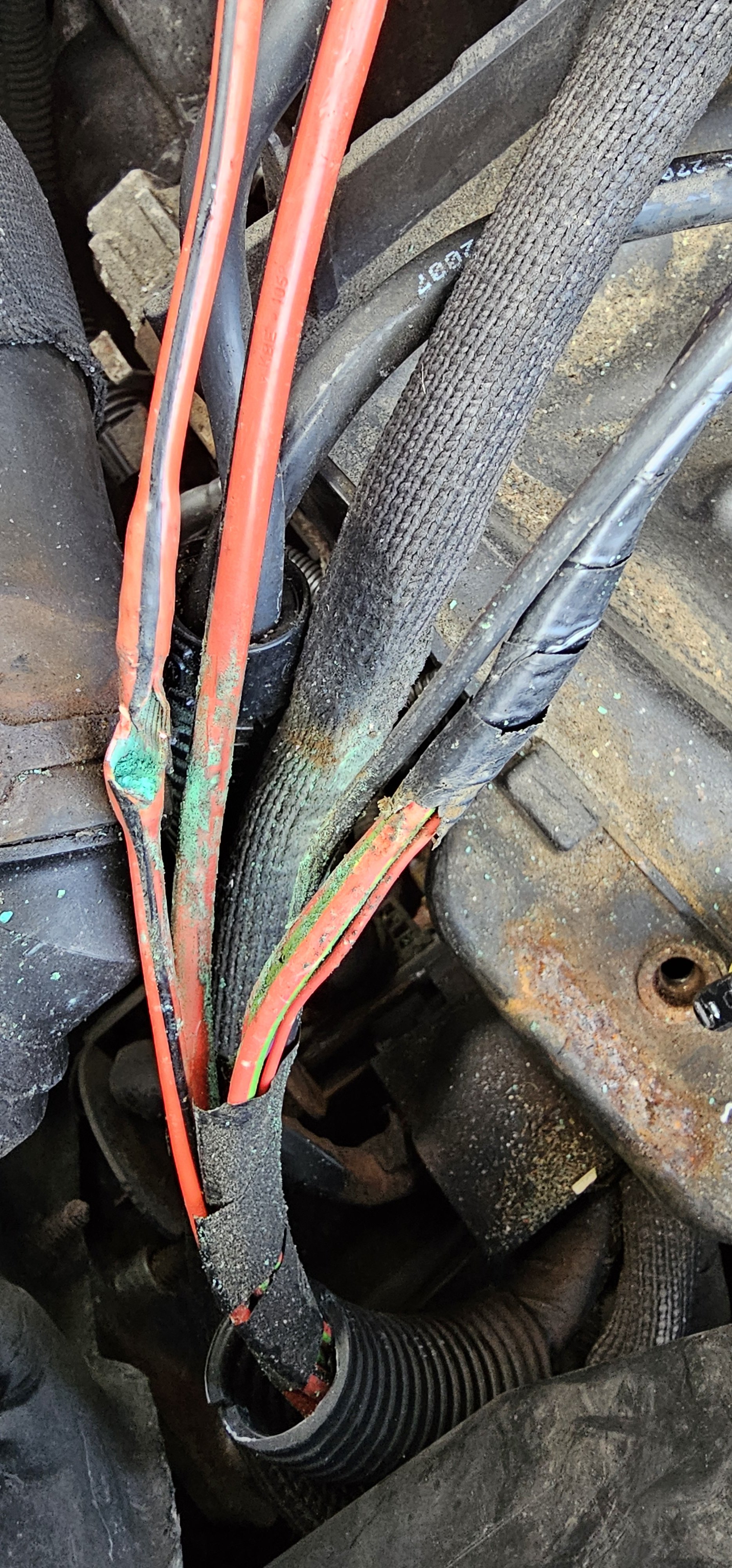
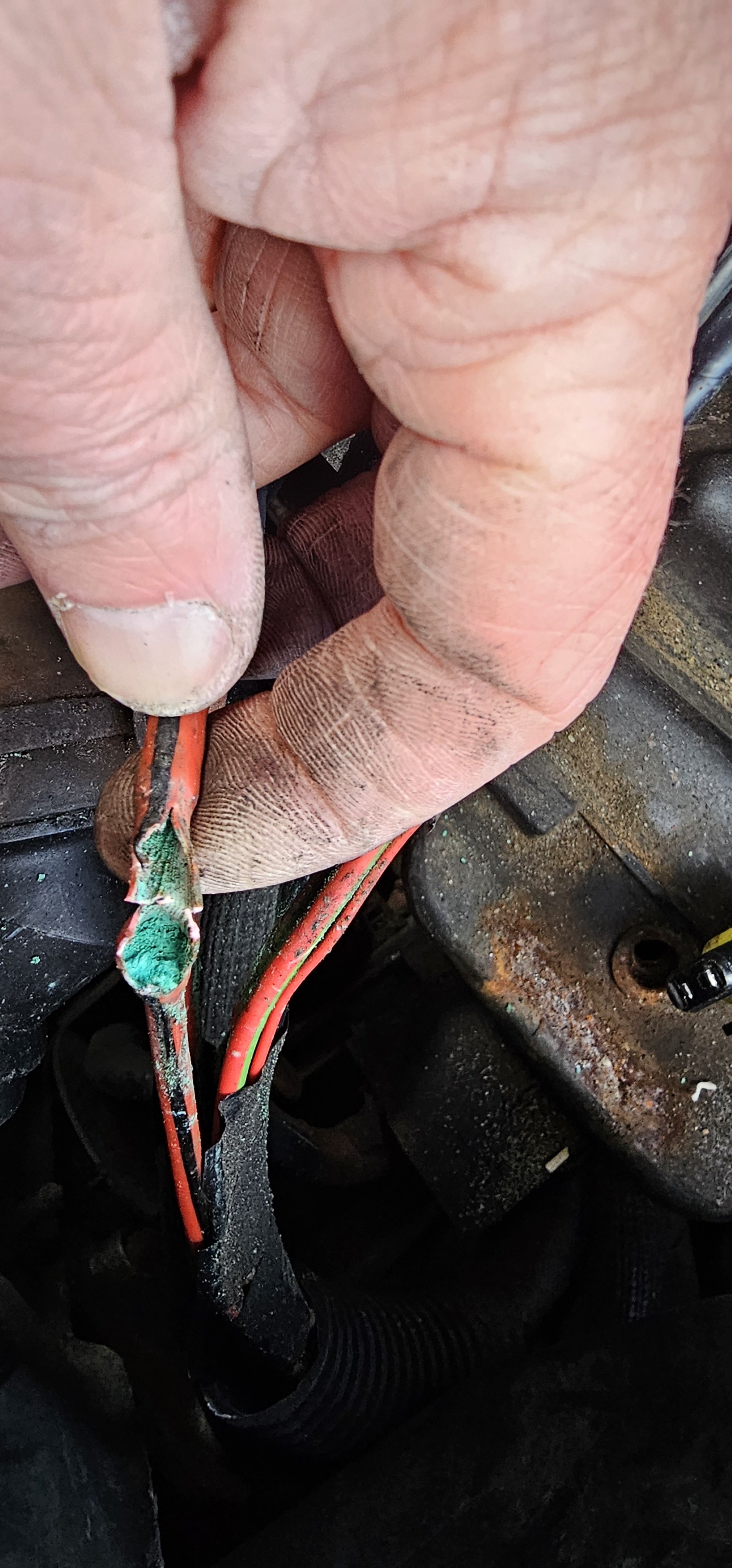
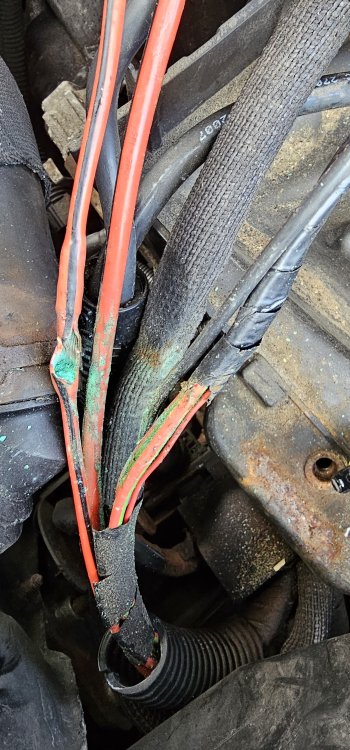
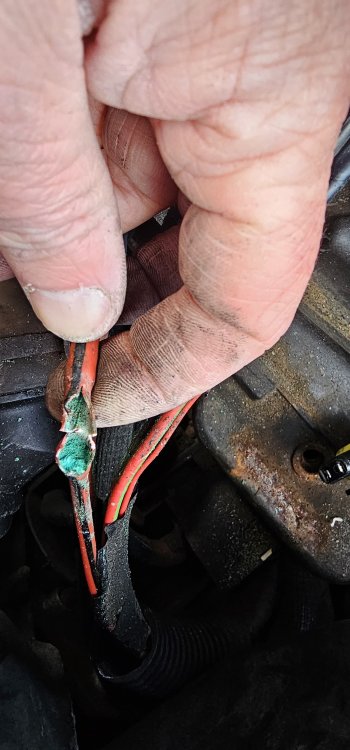
Update on this window/central locking snag..... I was replacing the clutch before Christmas and upon removing the battery box I spotted a cable from the fuse box on the positive terminal with a corroded 1 inch air gap. (Photo below) Since repairing the cable there has been no faults windows and locks are back to normal. I even had the dash tell me things I never had previously.
-
So after putting the looms back together, I had the car sat running for 50 mins while doing diagnostic checks on the obd reader. Then went to pick child #1 up (about a 40 min drive). Both windows functioned as they should and the locks behaved themselves. 🤦🏻🤷🏻♂️ Perhaps cleaning all the contacts has sorted it? Still letting in a trickle of water down the inside of the driver's side wheel arch though and pooling on the floor. Can't seem to see where its coming in.
-
Evening all, hope you're well. So I recently acquired a 2009 fabia estate. 1.4L Tdi as a cheap 2nd car for work. Not a bad little car. Now I'm getting what seem to be very common faults with this model however, I haven't really seen a definitive solution. I have central locking going crazy and locking and unlocking rapidly while driving, windows going up and down on their own and the alarm going off. And a soaking wet drivers footwell. I've had both door looms out and checked every line with a multimeter (no faults/breaks), the cables in the boots between pillar and door are all good. I've checked the pillar connections both sides and are also good. Cleaned the contacts in both window switches. The CCM behind the fuse box looks good, no signs of water damage. Inside both doors are dry and I looks as though the water is trickling down the inner seem of the wheel arch. I can't figure it out! Can any of you legends give me a clue. Pleeeeeease 😫😫😫