Bigtaurus
New here
-
Joined
-
Last visited
Everything posted by Bigtaurus
-
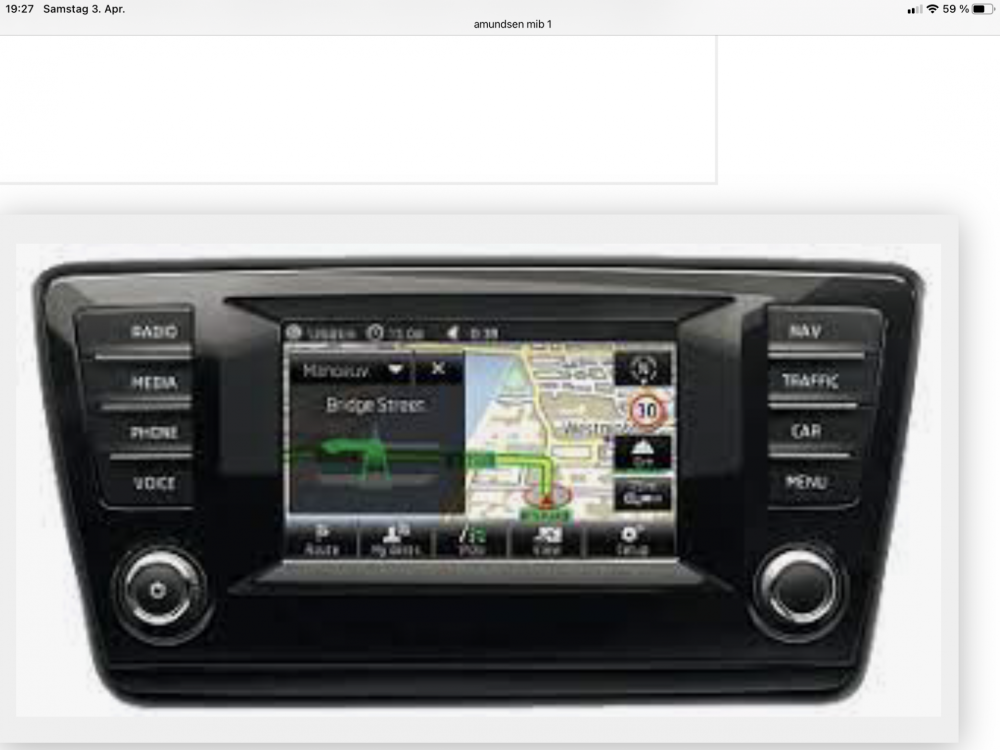
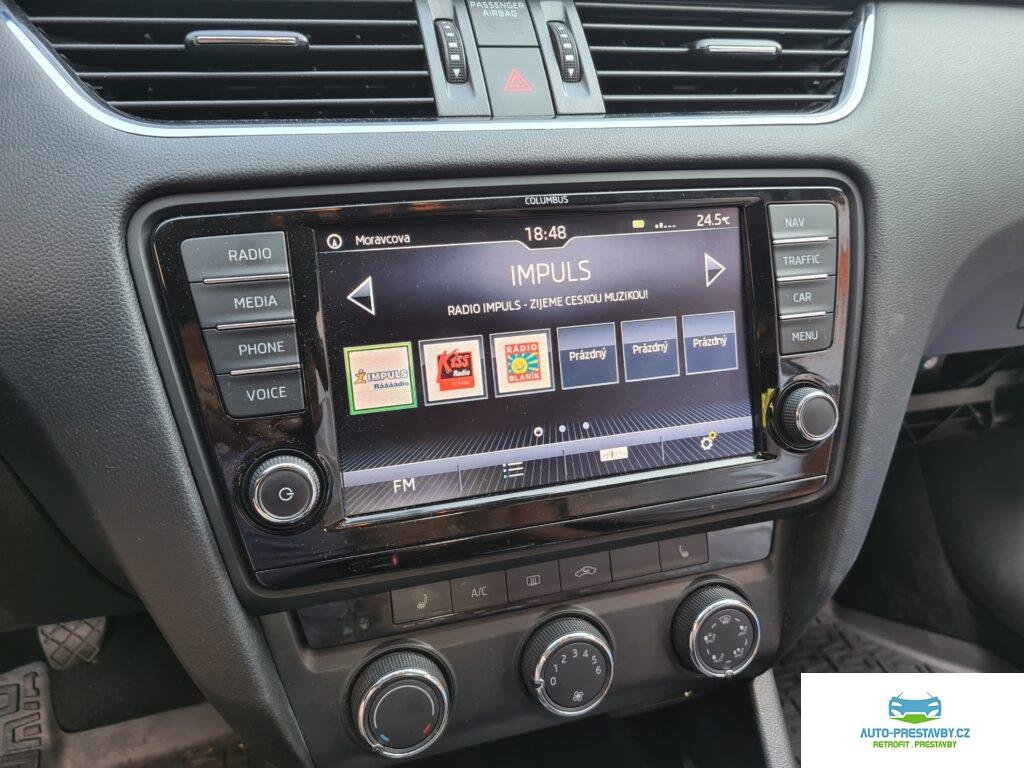
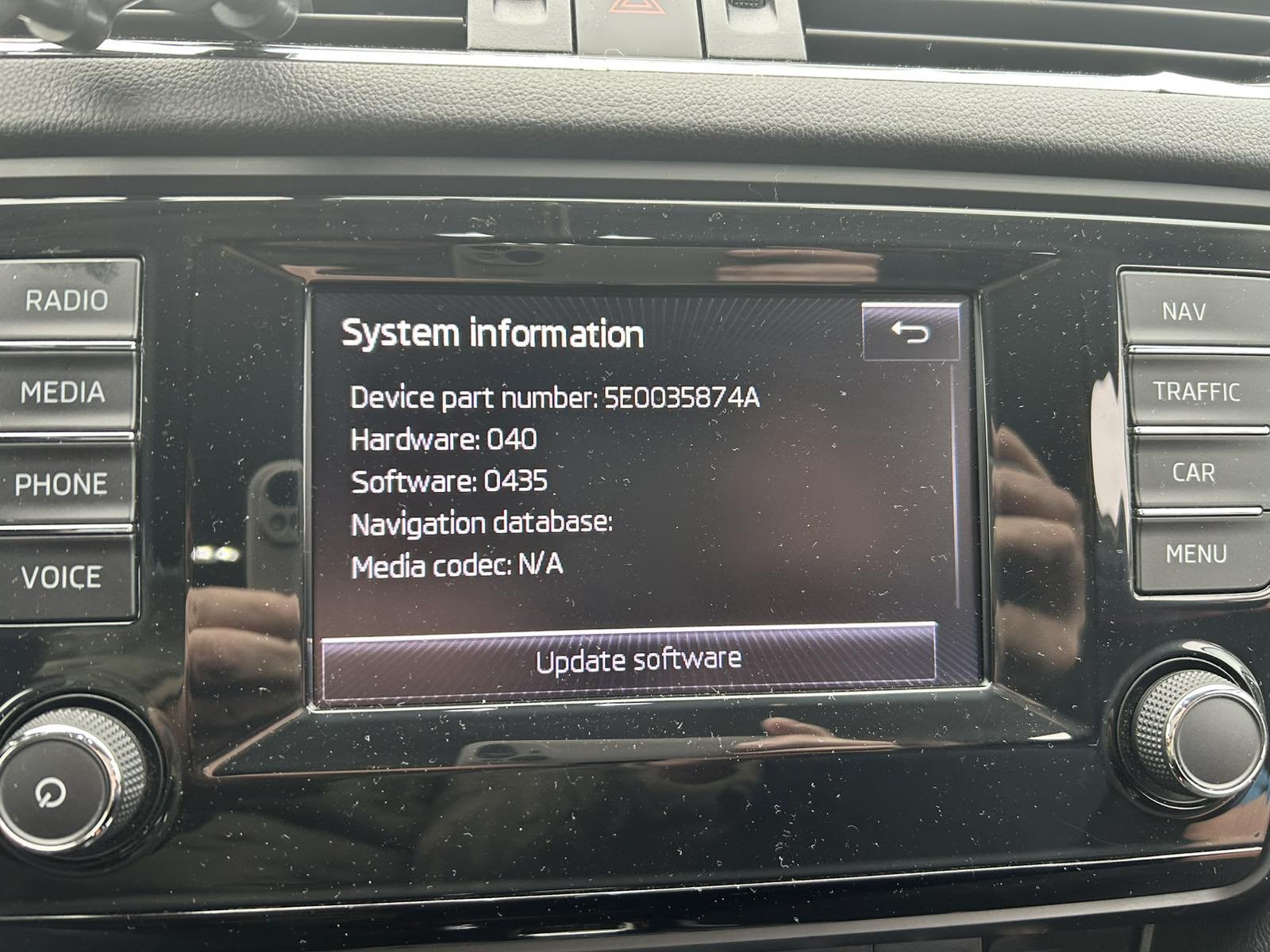
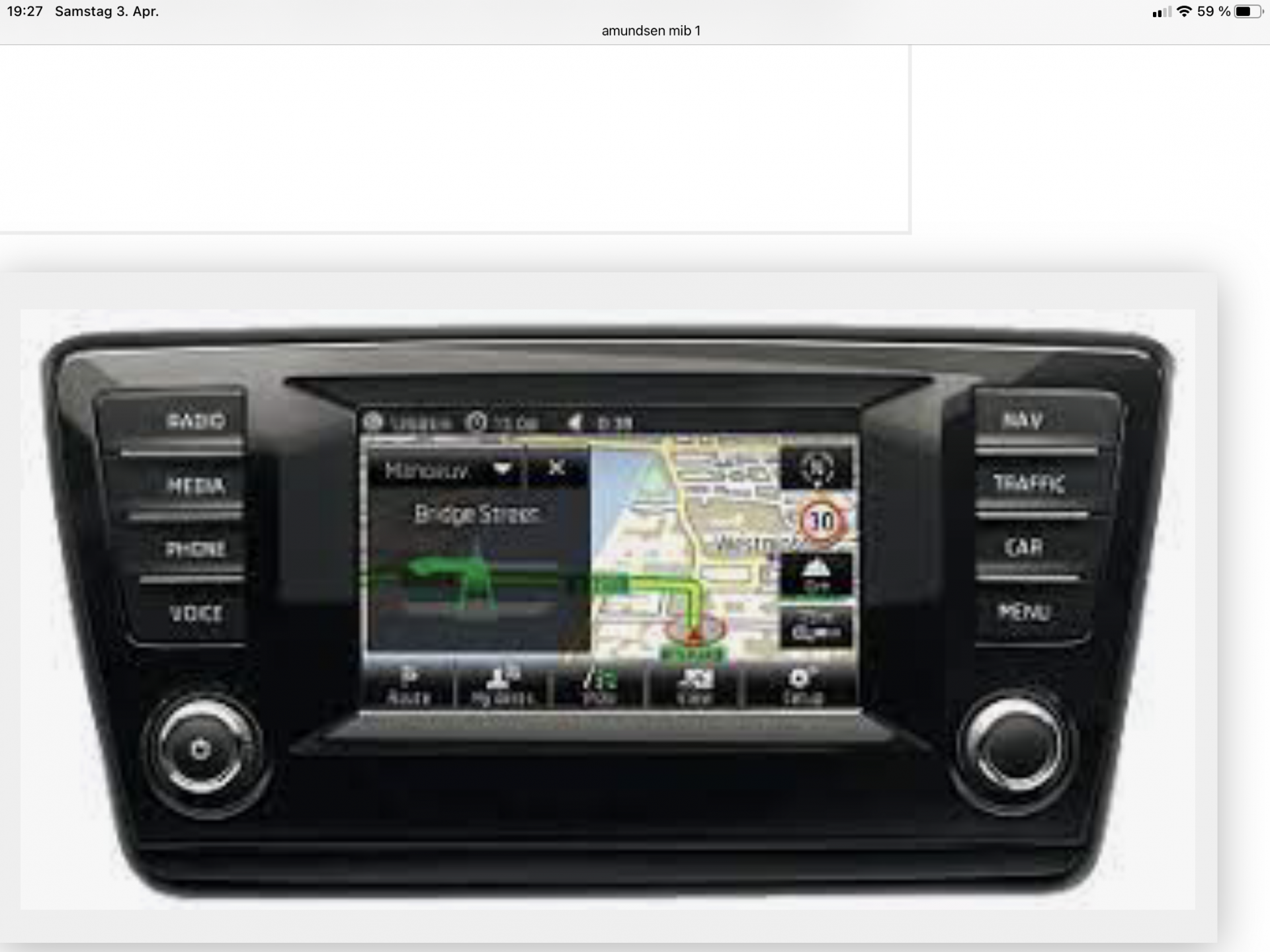
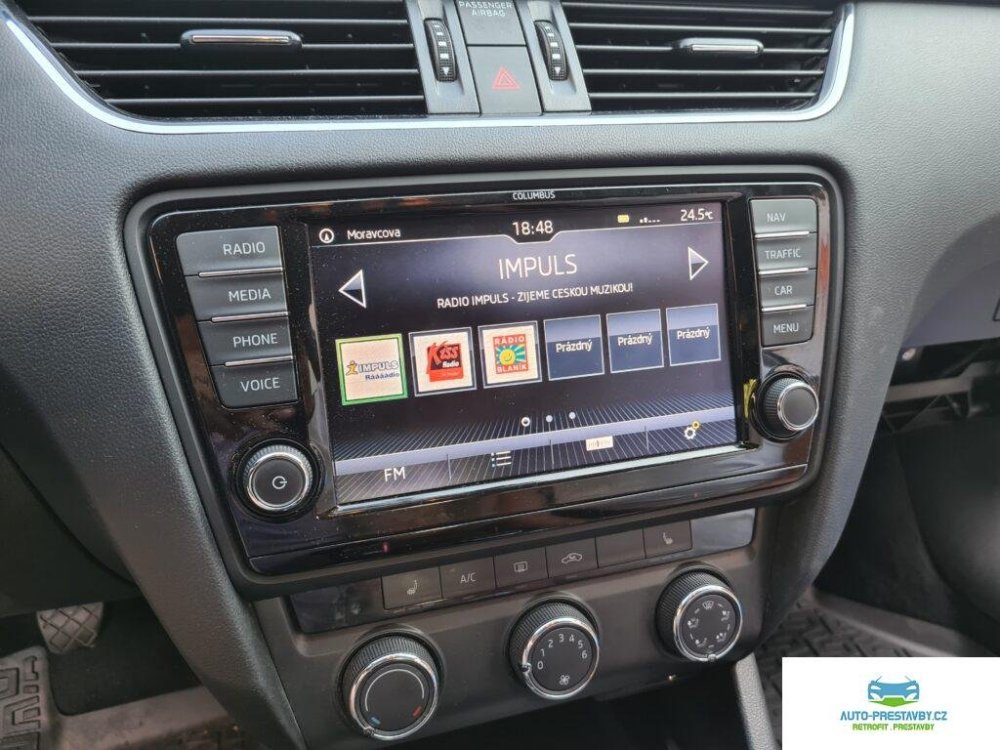
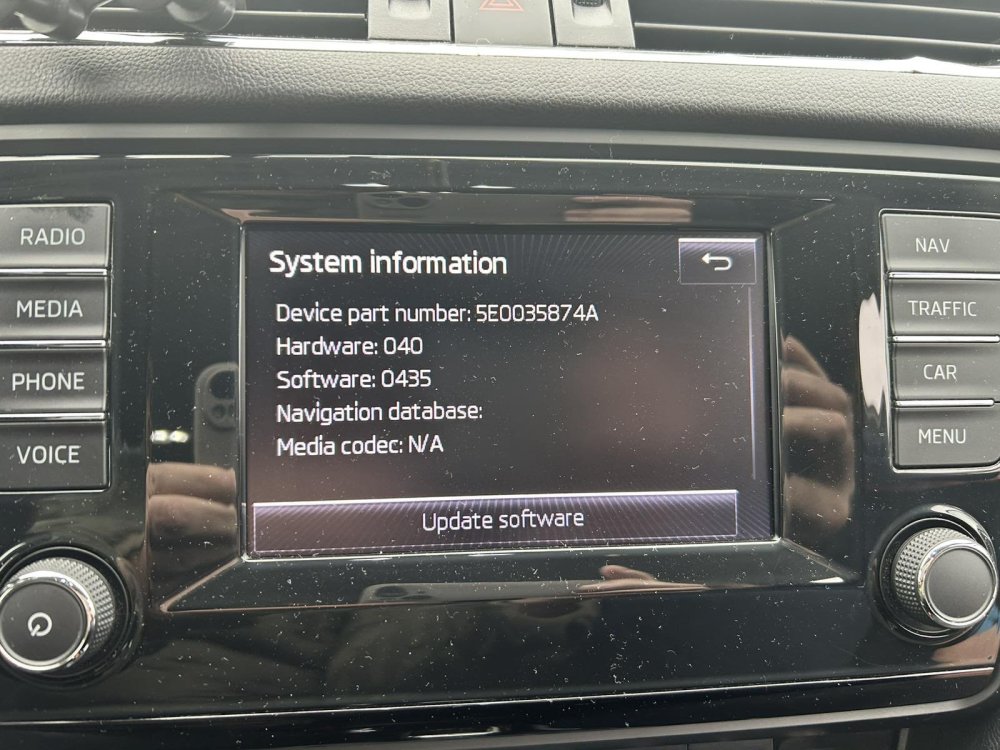
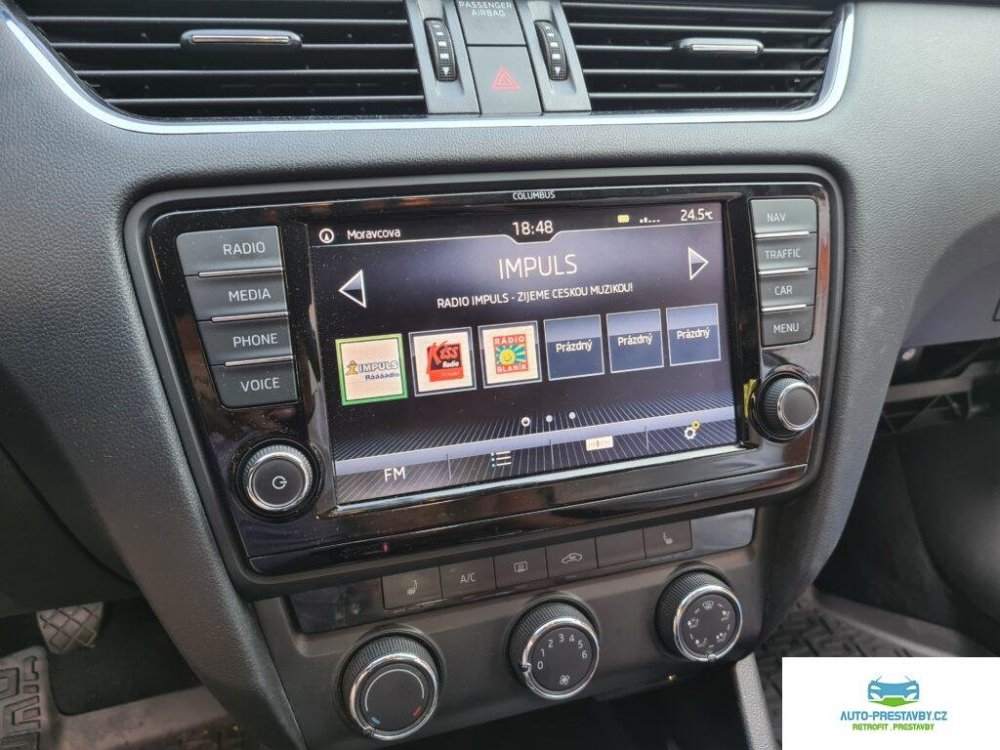
Hello, can someone help me? I have a Škoda Octavia 2014, VIN TMBJJ9NEXE*******. I believe I have an Amundsen MIB1 system and a display that is neither the smallest nor the largest, but the medium size. I do not have CarPlay, but I would like to have it. Can someone tell me whether it is necessary to replace the main head unit in the glovebox, and which part numbers / unit versions I should look for? Also, would I need to replace the display if I want a larger one than the current medium-sized screen? If possible, I would appreciate a brief explanation of what display sizes were available for this model year of the Octavia. Finally, is there any cheaper or simpler solution to get CarPlay, or is replacing the head unit and display the only option? Thank you in advance. Photo 1 is my display and photo 2 is diplay they want.
-
Hello, can someone help me? I have a Škoda Octavia 2014, VIN TMBJJ9NEXE*******. I believe I have an Amundsen MIB1 system and a display that is neither the smallest nor the largest, but the medium size. I do not have CarPlay, but I would like to have it. Can someone tell me whether it is necessary to replace the main head unit in the glovebox, and which part numbers / unit versions I should look for? Also, would I need to replace the display if I want a larger one than the current medium-sized screen? If possible, I would appreciate a brief explanation of what display sizes were available for this model year of the Octavia. Finally, is there any cheaper or simpler solution to get CarPlay, or is replacing the head unit and display the only option? Thank you in advance. Photo 1 is my display and photo 2 is diplay they want. VIN obscured to help prevent plate cloning. Please use the internal messaging service to share VIN's. We realise this may be problematic for new members however, hopefully someone will be able to initiate the chat. Thanks, Briskoda Admin.