Jennyfab
Finding my way
-
Joined
-
Last visited
-
-
Hi nta16 Thanks again. Just went through the cable reset procedure. Used a nail as the gear lever locking tool. It was really easy as the cable adjusters were accessible without removing any ancillaries and I had worked out how to access under the gear lever gaiter. The result is no change. Still notchy going down to 2nd and 1st. When it goes in for a service I might the garage for an opinion.
-
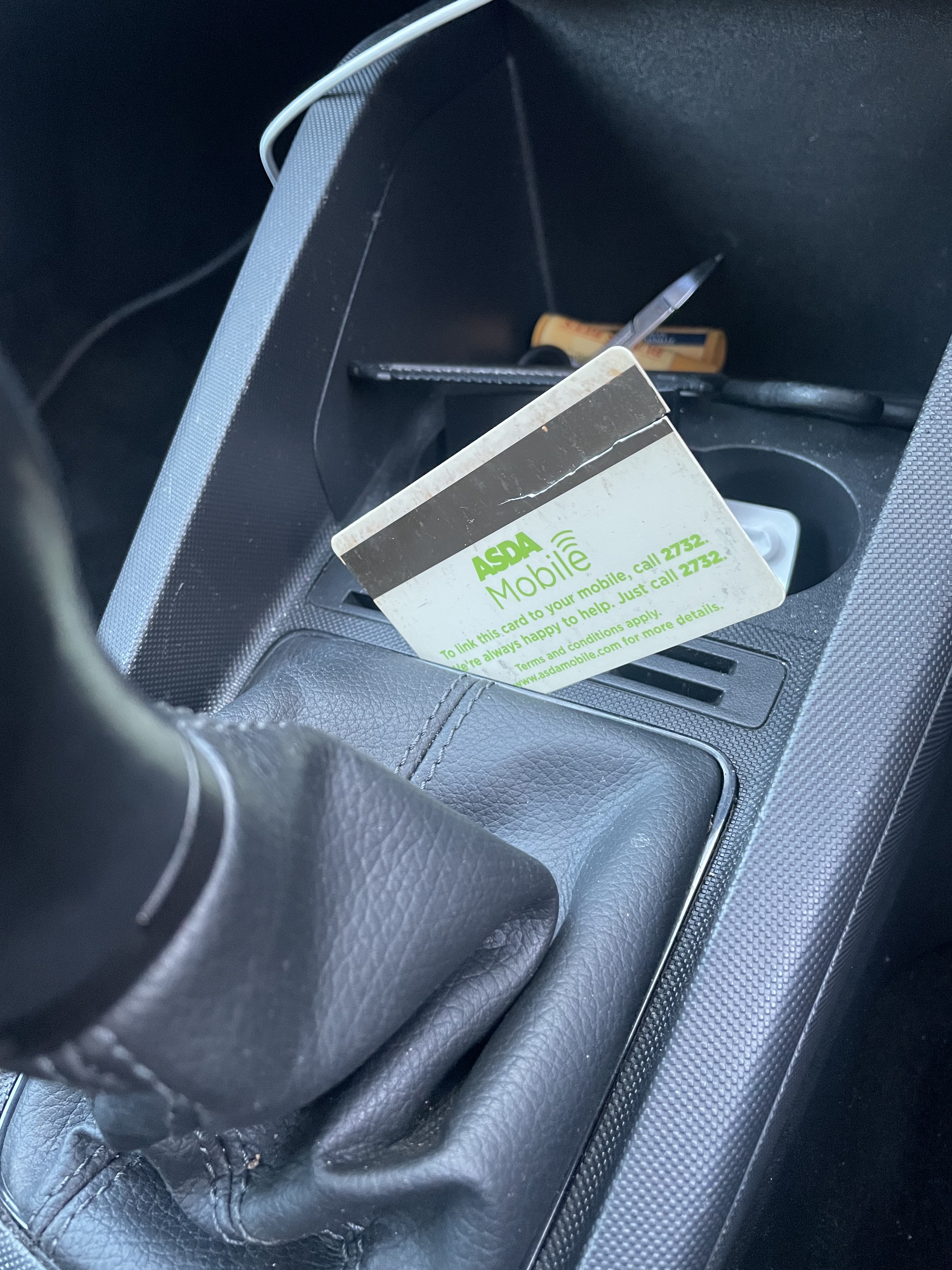
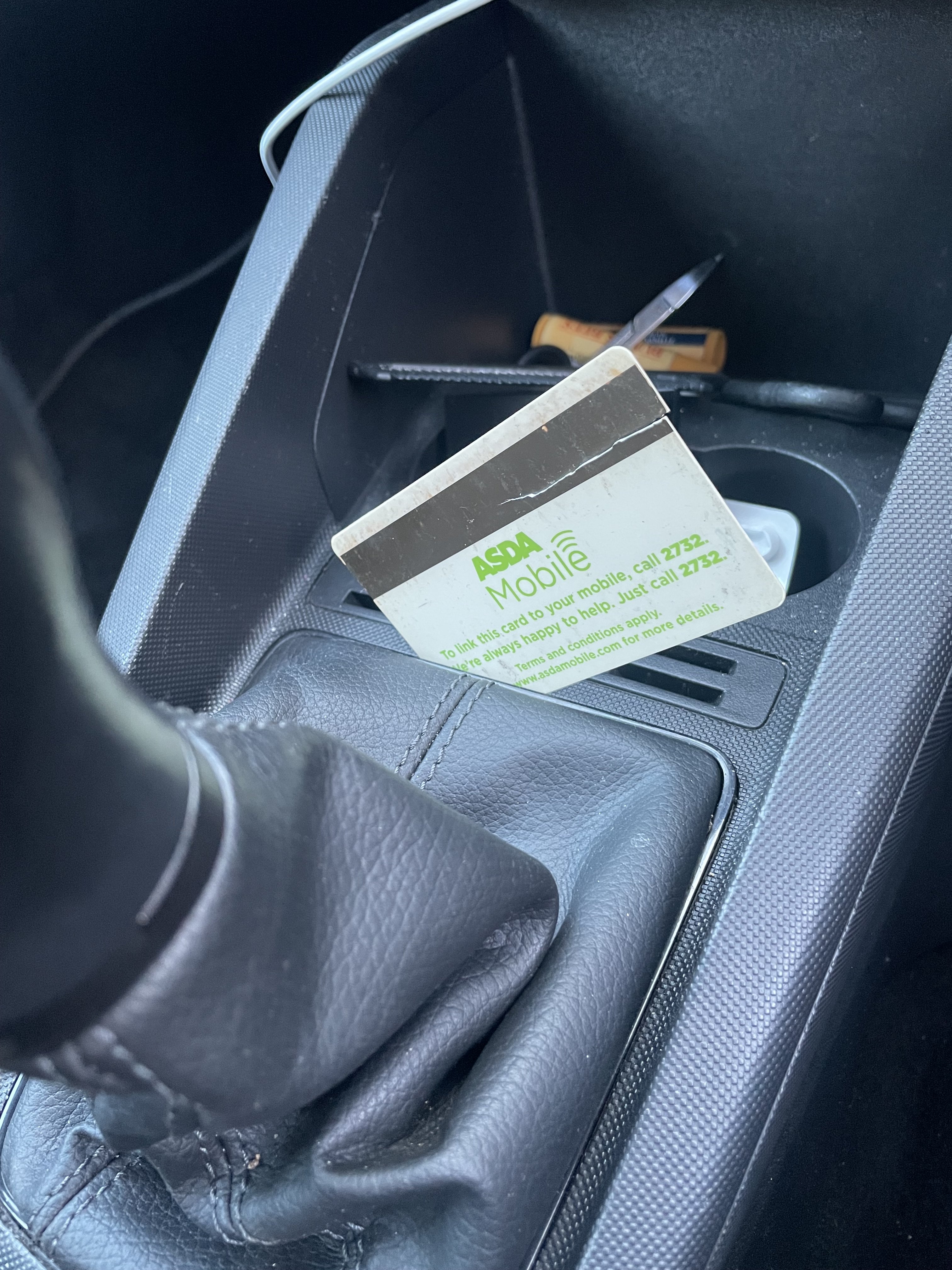
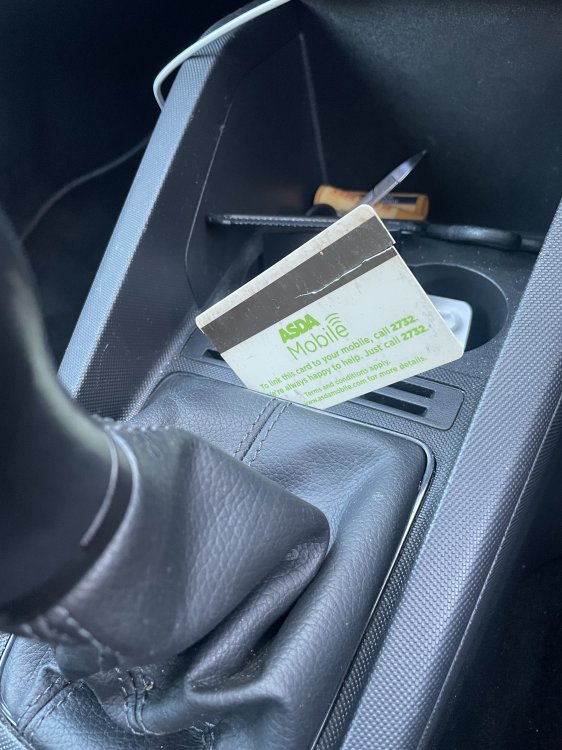
Hi I was struggling to access the gear lever locking pin as the on line vids etc did not seem to fit with what I could see. On my daughters 2020 1.0 60 SE. I got some suggestions from other members and managed by 1. Working at the back edge 2. Inserting an old plastic card between the shiny trim and the centre console until it felt something. 3 sliding the card toward the left corner while pushing down on the card and gently pulling up on the gaiter. The corner clip just clicked and let go then it was easy to free the others. Photo below if inserted card. Hope someone finds this helpful.
-
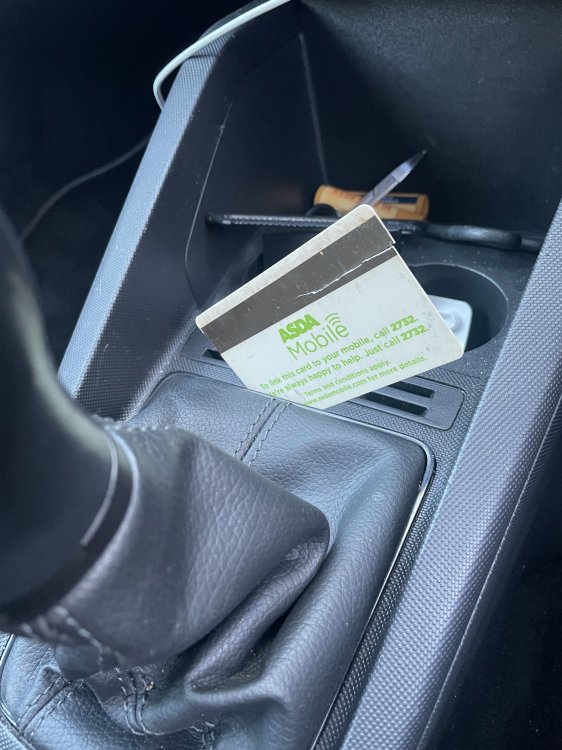
Hi Nta16 Thank you - success! the key point is you suggestion working at back edge and not following the video guides which seem to be for different/older models. No way can this be done with just fingers. I did it with an old plastic card inserted between the shiny trim and the console (photo attached) I the slowly slid the card toward the left corner while gently pulling up on the gaiter and pushing down on the card , not levering, and it just clicked out. Then it was easy to do the other corner and lift the gaiter up to reveal the gear-lever location pin holes. The shiny trim and gaiter are separate pieces . I saw another thread where members had failed trying to follow YT videos etc. Thanks again- now to try resetting the gear change cables as per Alisdairs info. Regards Ian
-
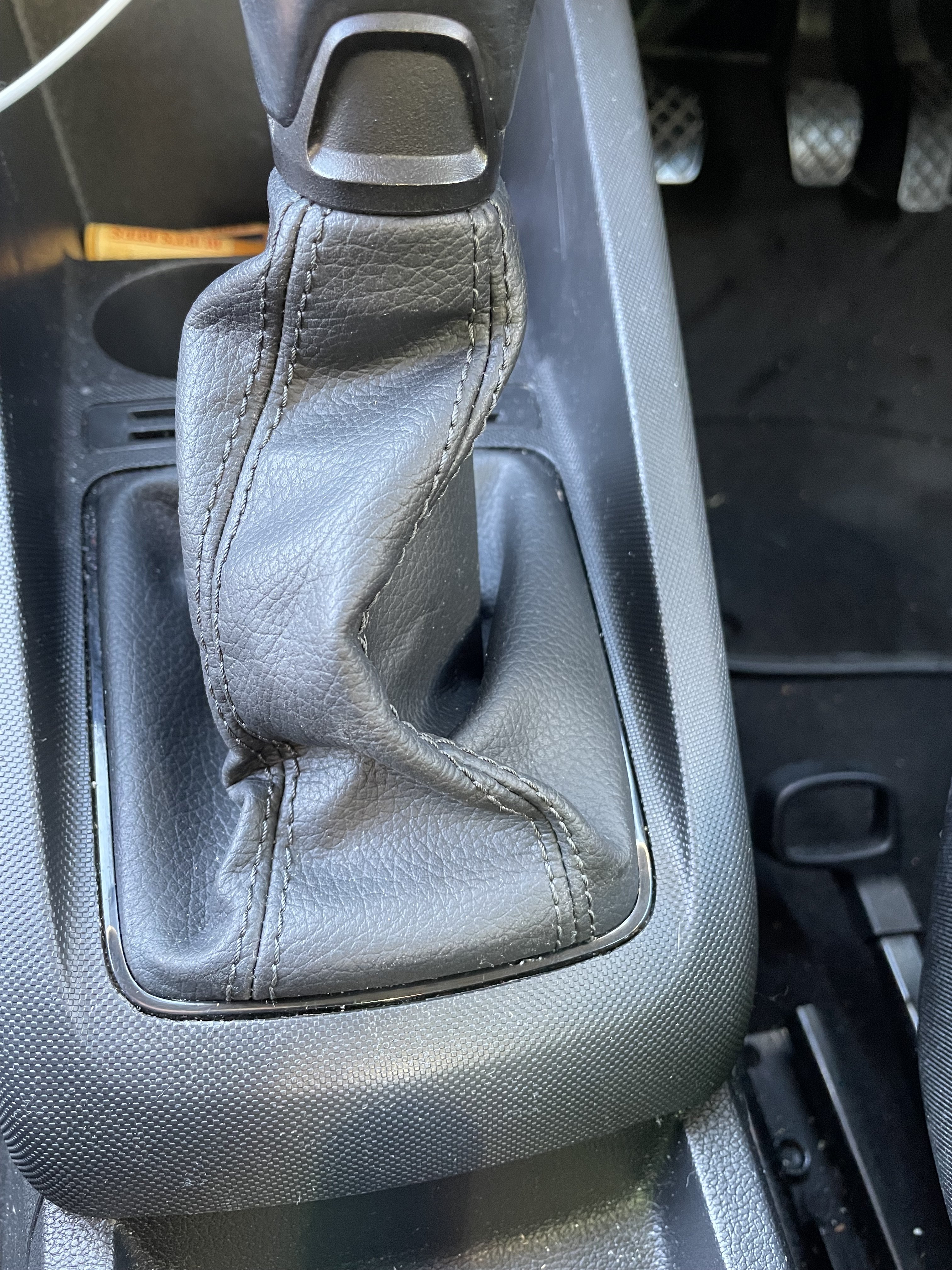
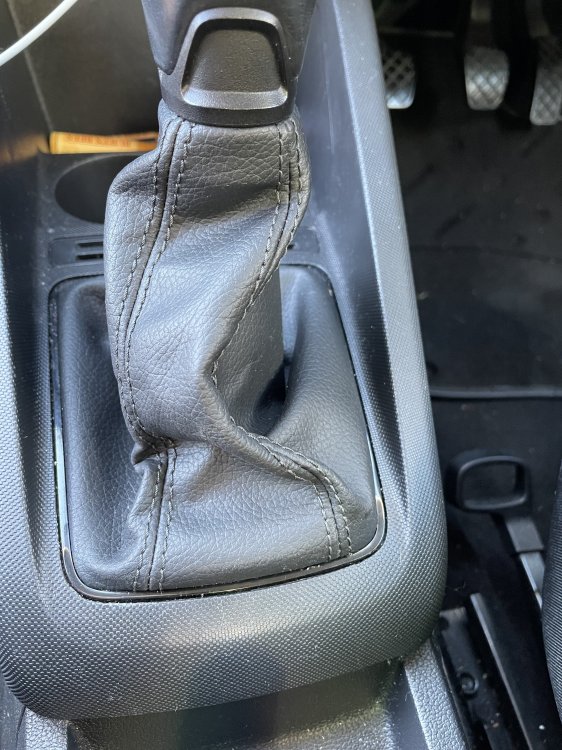
Hi thanks all The handbook extract from Alisdair looks right. I have tried to access the gear lever gaitor with no success. Worried I will break something. The middle does not come up as per vid from Hatboyharvey. I have tried the glossy black trim with a feeler gauge but no movement. Does page 37 of that manual shed any light on gaitors with trim that look like the one below? Best Regards Ian
-
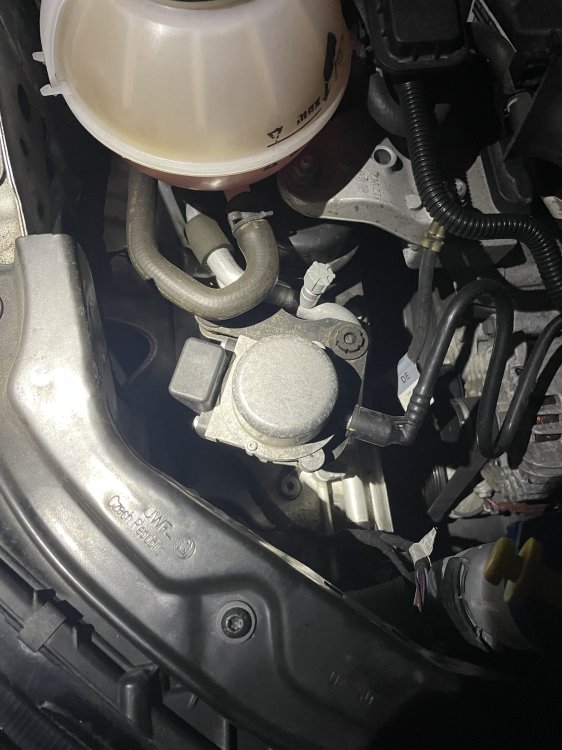
Hi I’ve noticed a buzzing noise coming from the brake vacuum pump when I press the pedal and again when pedal is released. Is this normal or indicator of an issue? Thank you
-
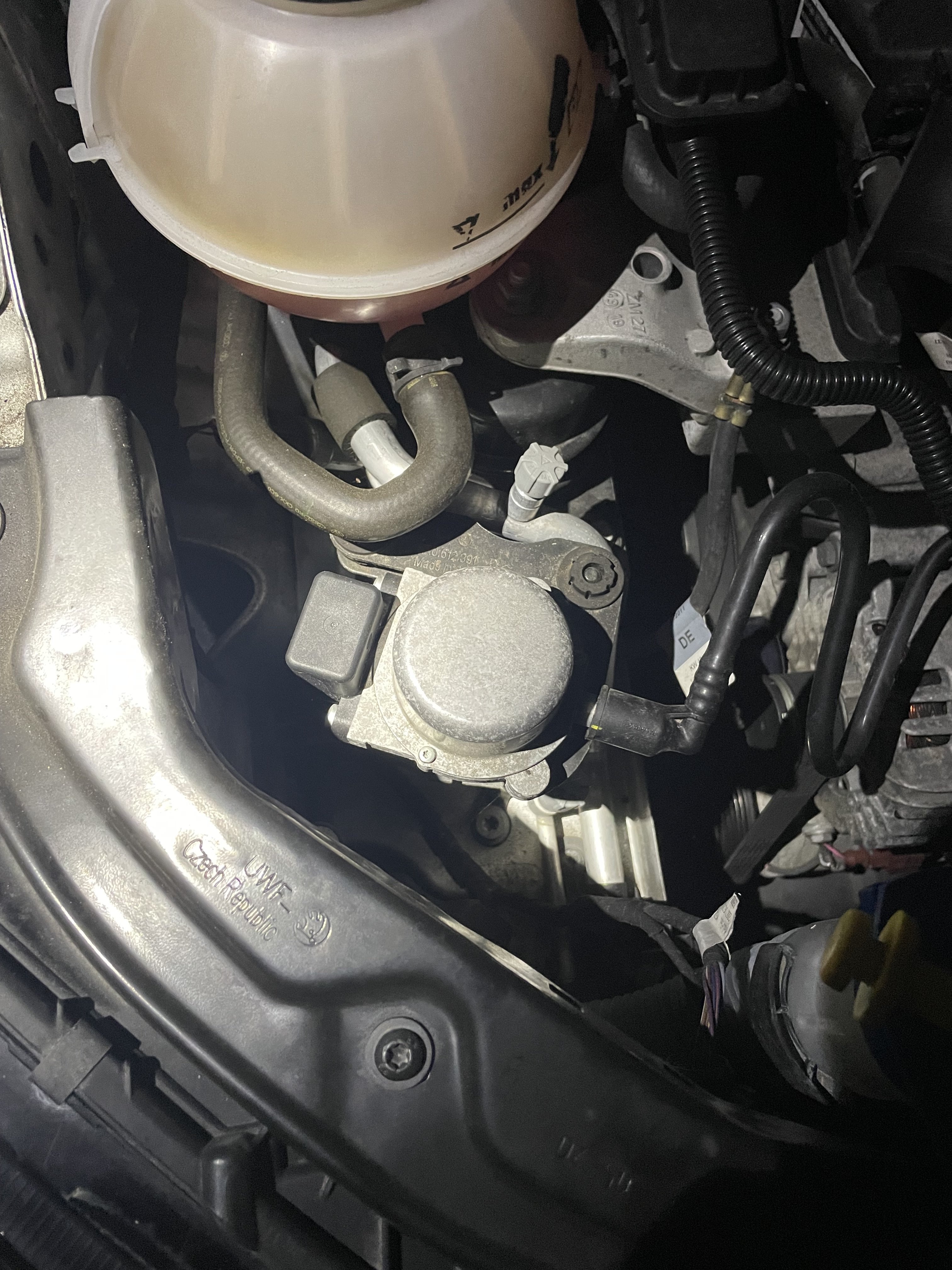
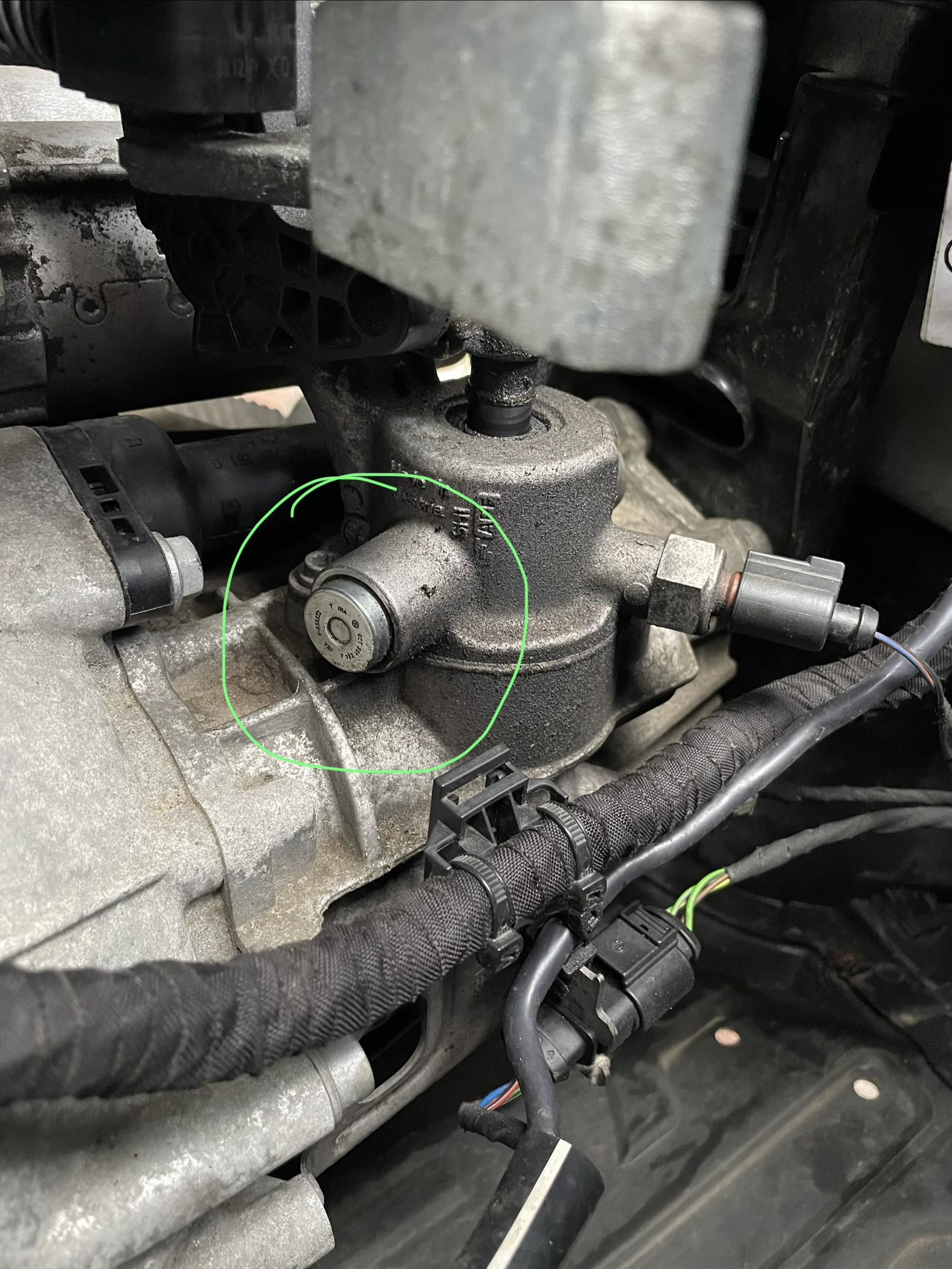
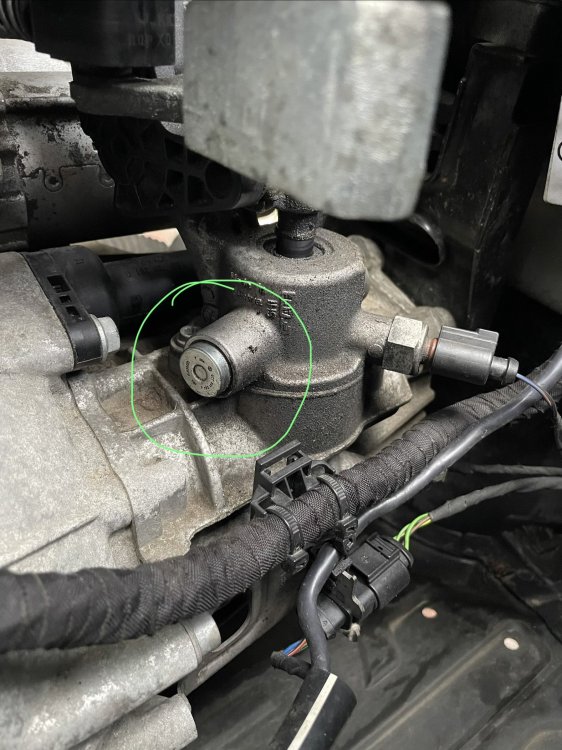
Hi Alasdair1 and nta16 The clutch was replaced about 4 months ago shortly after we got it, thankfully under the dealers warranty. Yes it is a low mileage car I suspect previous driver slipped the clutch habitually wearing it out prematurely. I’ve seen that before. I’ve added a photo of the selector in the engine bay with the blanking plug (circled)where the locking lever is most often shown/described. Should have done that in the first place in so people can see what I have and maybe be familiar with this arrangement and it’s working. All input gratefully received. I’ll see if I can improve it.
-
Hi I have a Mk 3 Fabia The gear shift is difficult when selecting 2nd and 1st when car is moving On line suggests reset the gear selector cables however the gear box does not have the little black locking lever that all the images show. There is a blanking plug in that place. Is there some other method for this model