LThomas
Finding my way
-
Joined
-
Last visited
-
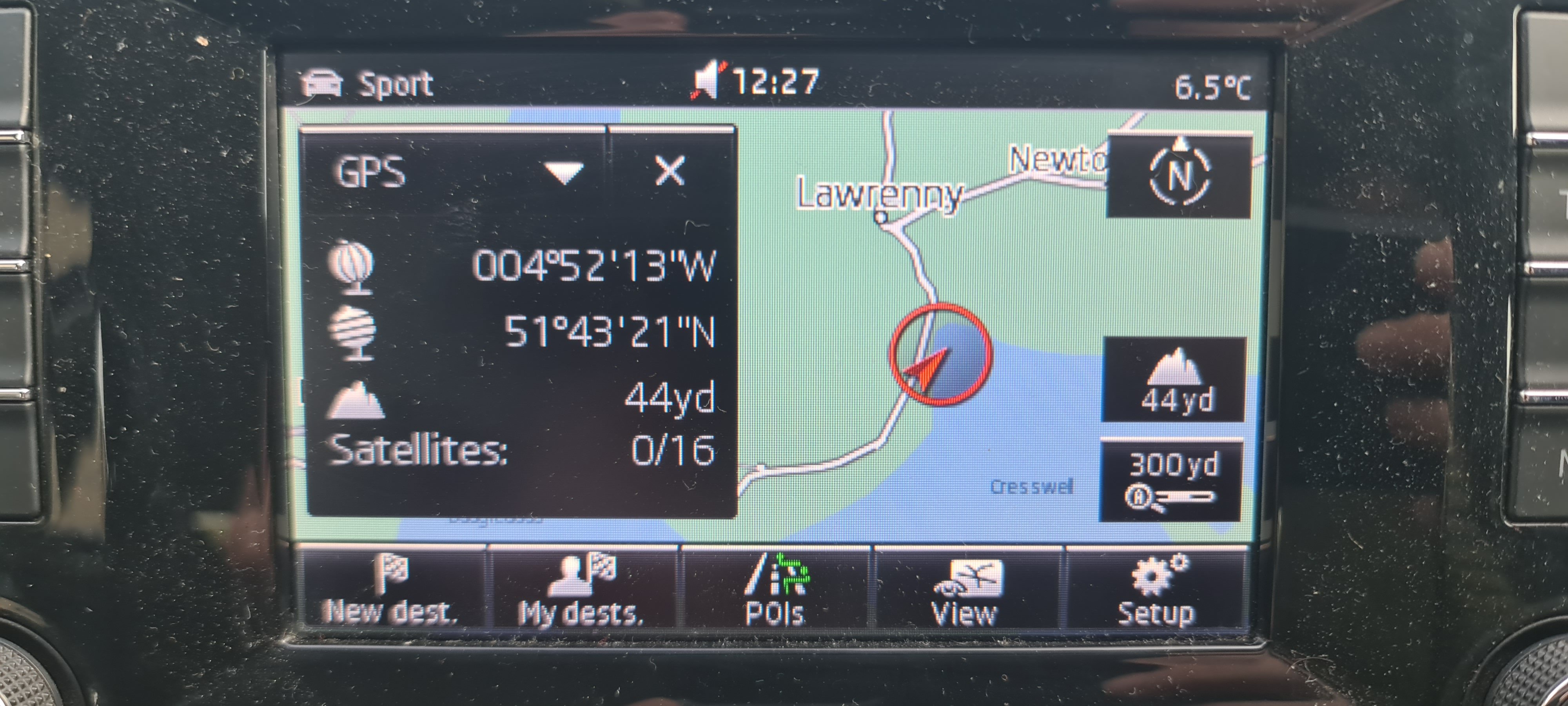
As the crow flies less than a mile... But at other times it's been up to 15 miles off centre
-
Not sure what any of this actually means...thanks in advance 👍
-
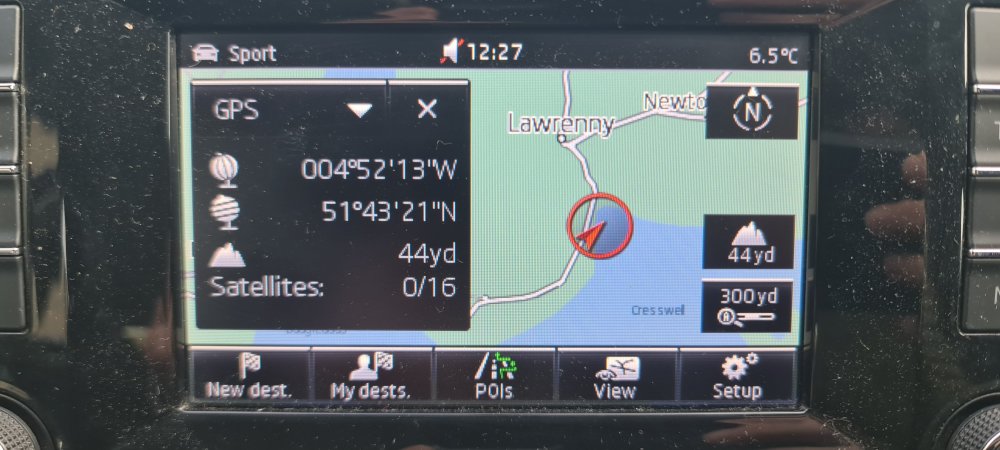
Currently 0/16 satellites 🛰 explains alot. Also we are in a very poor area for phone signal..
-
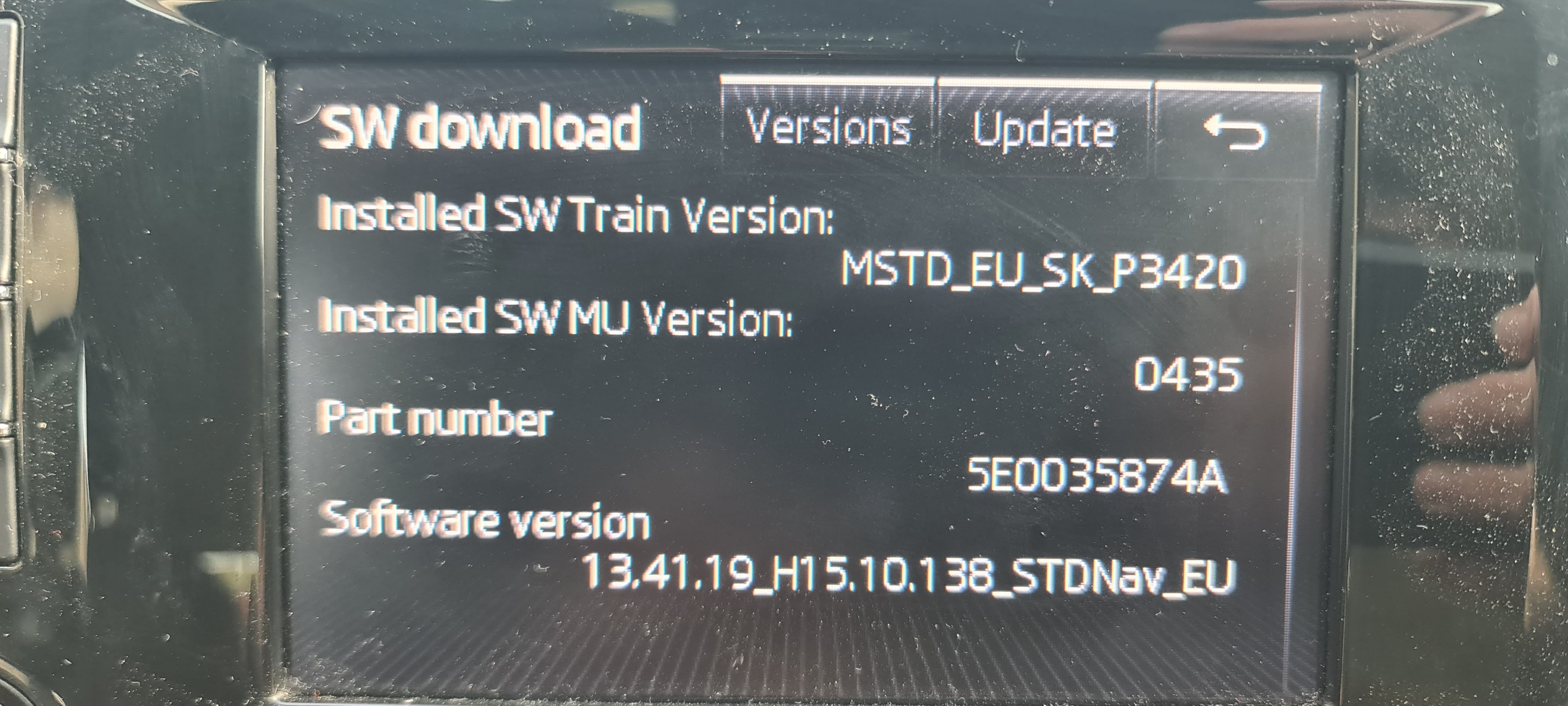
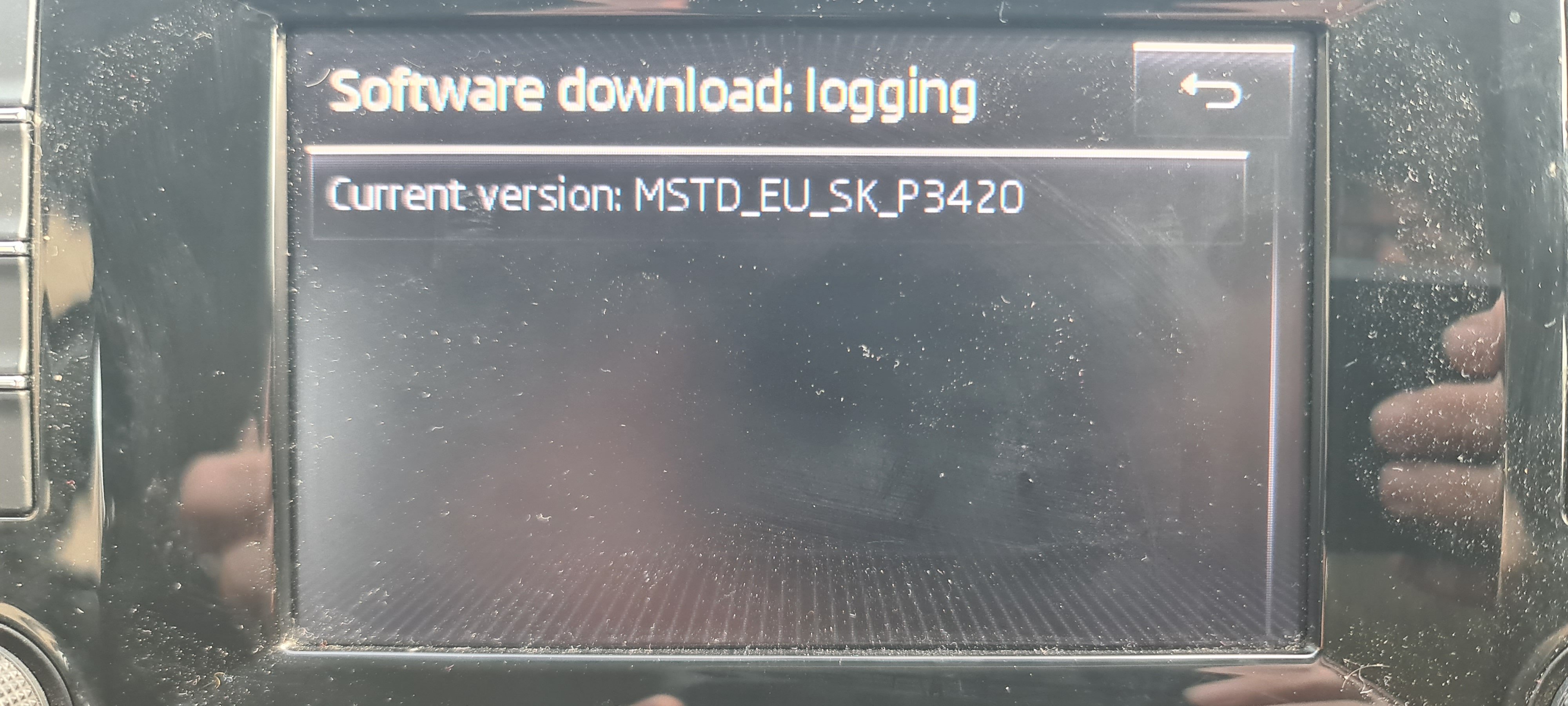
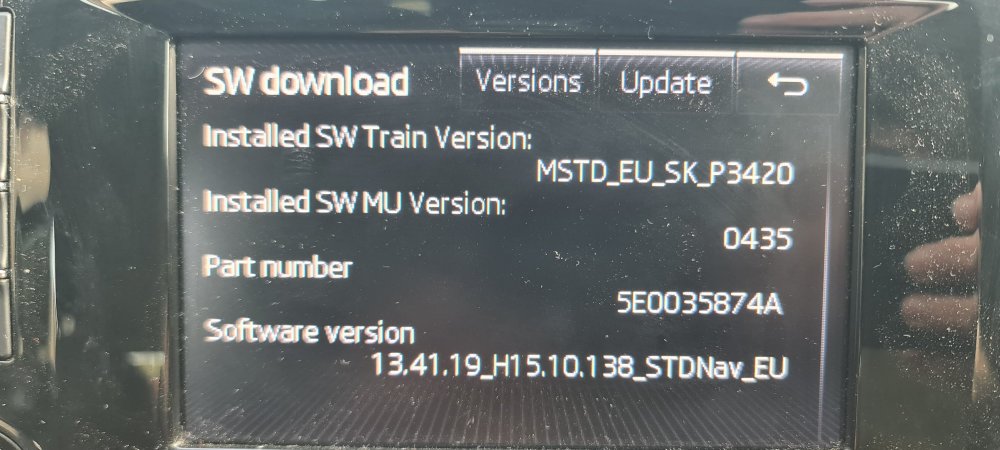
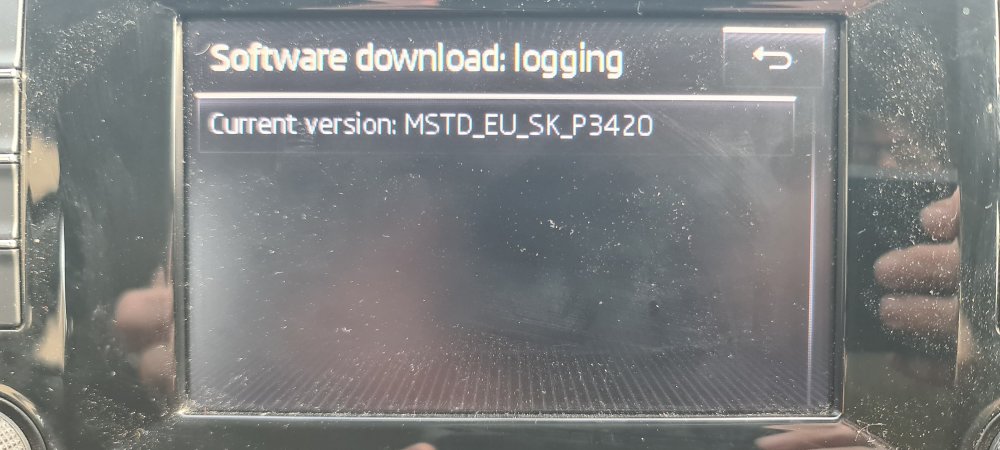
Thank you. I know where to find the version reference, I think I'll see if there's a new card available as the sat navs been like it for a couple of weeks, and I've previously looked up how to reset the sat nav function but doesn't seem to work... I'll check again though, thanks for your advise... 👍
-
I've been through all the options in Settings and I've never seen anything telling me about satellites available. Car is 2015 model so not quite at the tech spec of current models. Thank you I will definitely check again 👍
-
Yes I think the later. I managed to press (several times) accidentally as I have an rsi in my hand, and the screen froze for a while... then continued. My location arrow is now 10-15 miles off course. I can use all other Sat Nav functions as normal. (Octavia estate, 2015)
-
LThomas changed their profile photo
-
Does anyone know how to reset your Sat Nav location. My location is currently flying over fields or in the Ocean. My 15 reg has an SD card from 2021 and went squiffy a couple of weeks ago. I've tried holding buttons down to try a re-sent with no success.. any advise is appreciated, otherwise I'll buy a new card if there's a more recent one available? Thanks in Advance...