Skip to content

tvand

New here
  • Joined

  • Last visited

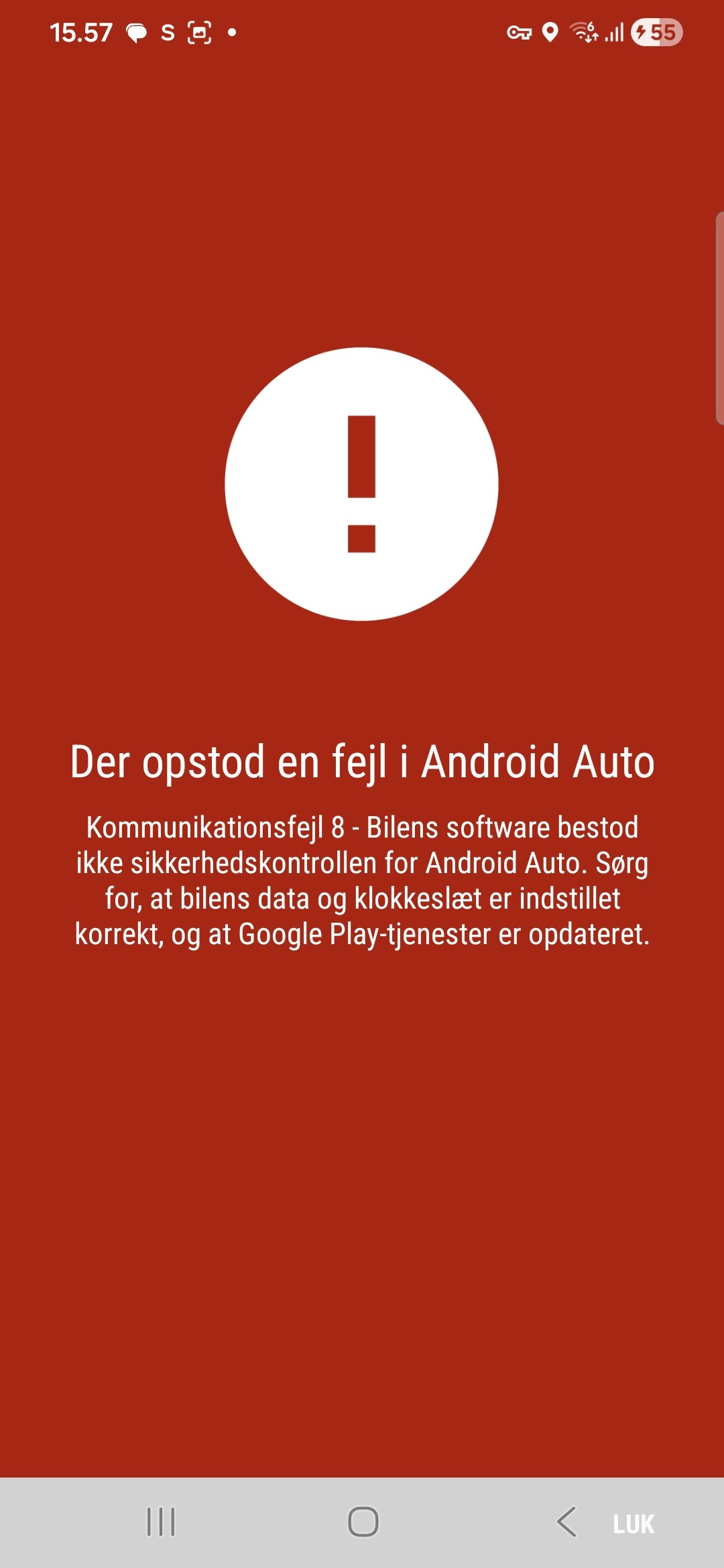
  1. Hi again @pab567 Here is a screenshot from my phone (Samsung S23 Ultra) all updated. Here you have the message in English as I don´t think that you can speek Danish AN ERROR OCCURRED IN ANDROID AUTO communication error 8 - The car's software failed the security check for Android Auto. Make sure the car's data and time are set correctly and that Google Play services are up to date
  2. tvand started following pab567
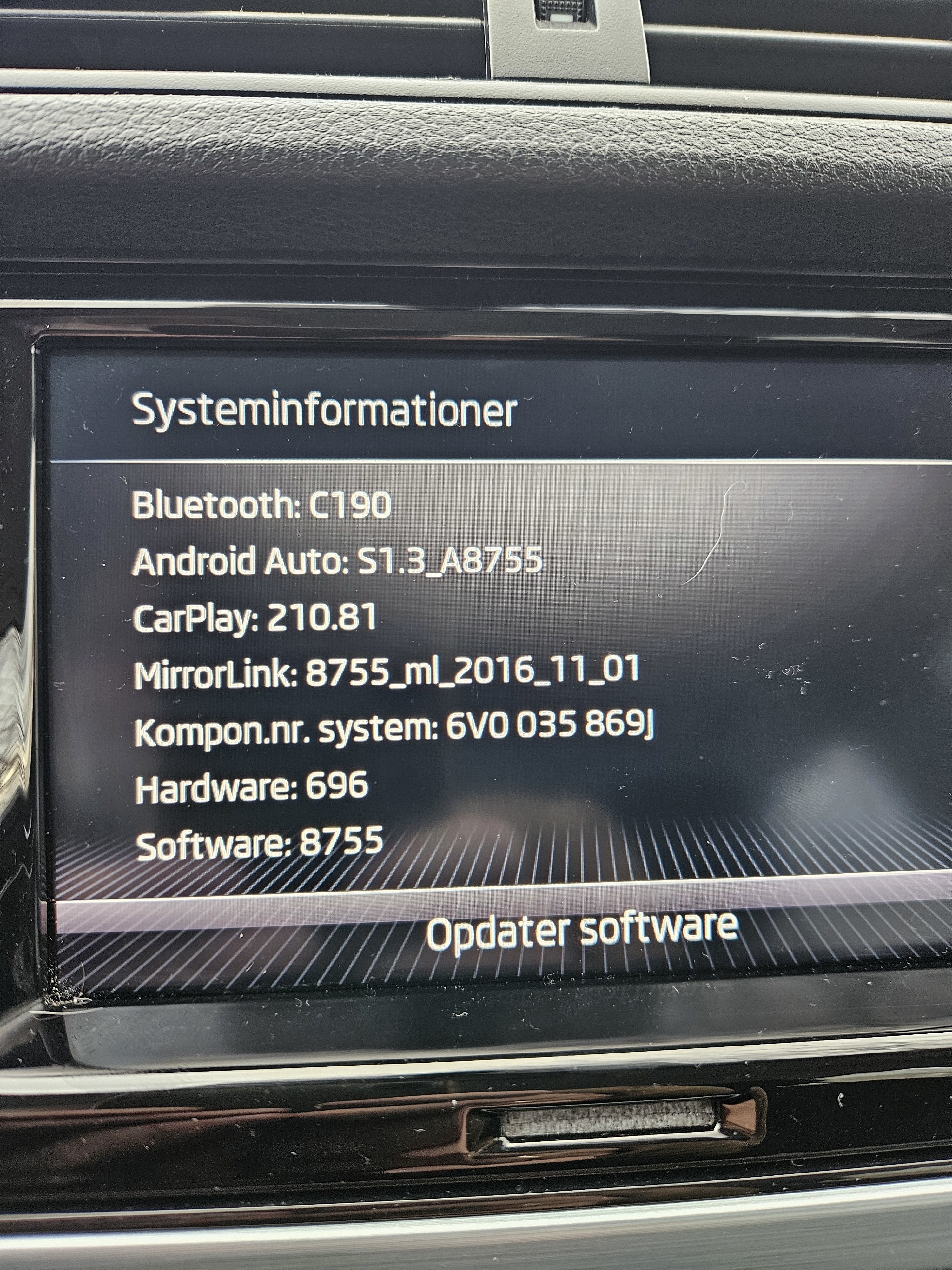
  3. When trying to connect to Android Auto, I get a message that Infotainment Systems Android Auto is outdated. Can pab567 help me?

Important Information

Welcome to BRISKODA. Please note the following important links Terms of Use. We have a comprehensive Privacy Policy. We have placed cookies on your device to help make this website better. You can adjust your cookie settings, otherwise we'll assume you're okay to continue.

Account

Navigation

Configure browser push notifications

Chrome (Android)
  1. Tap the lock icon next to the address bar.
  2. Tap Permissions → Notifications.
  3. Adjust your preference.
Chrome (Desktop)
  1. Click the padlock icon in the address bar.
  2. Select Site settings.
  3. Find Notifications and adjust your preference.