170
Finding my way
-
Joined
-
Last visited
-
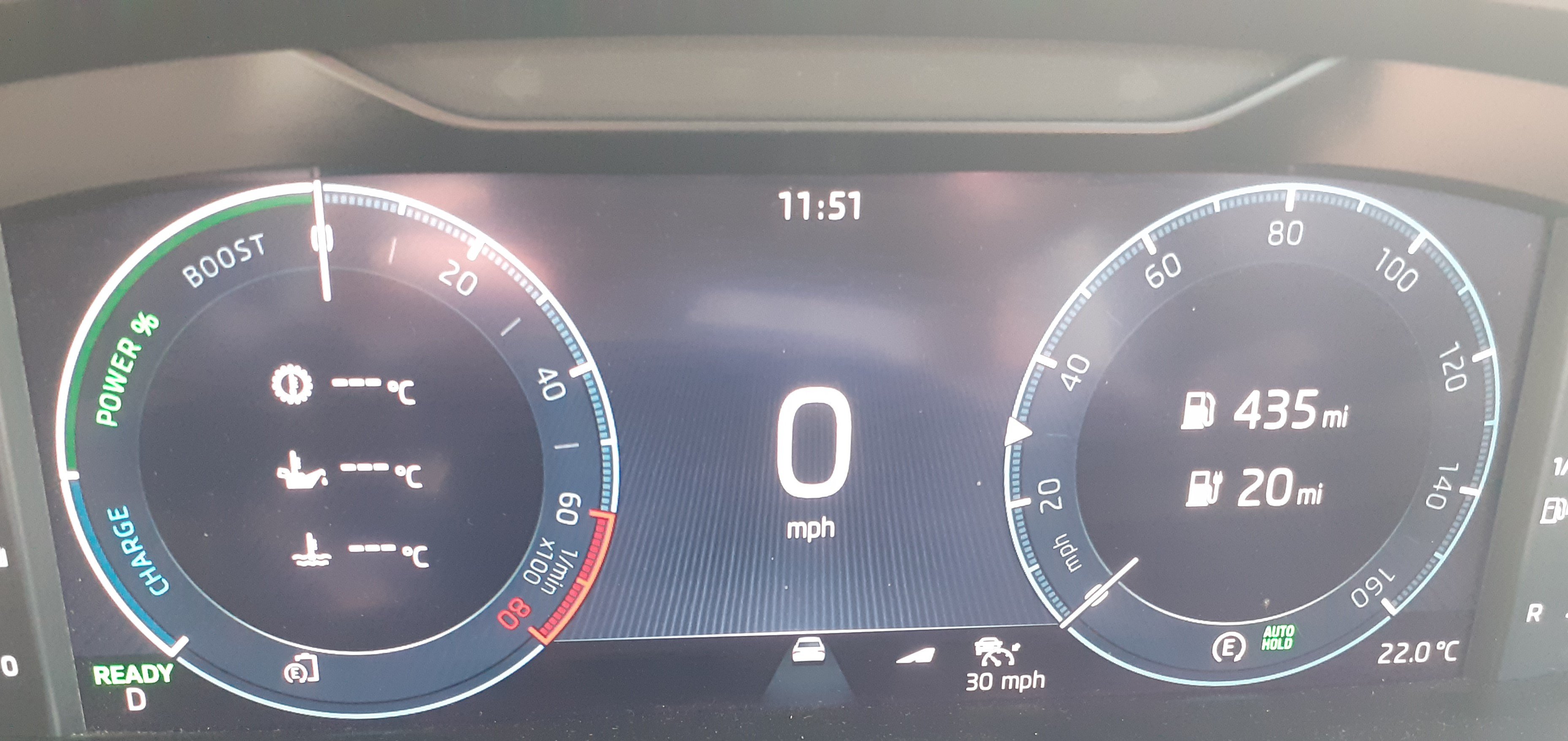
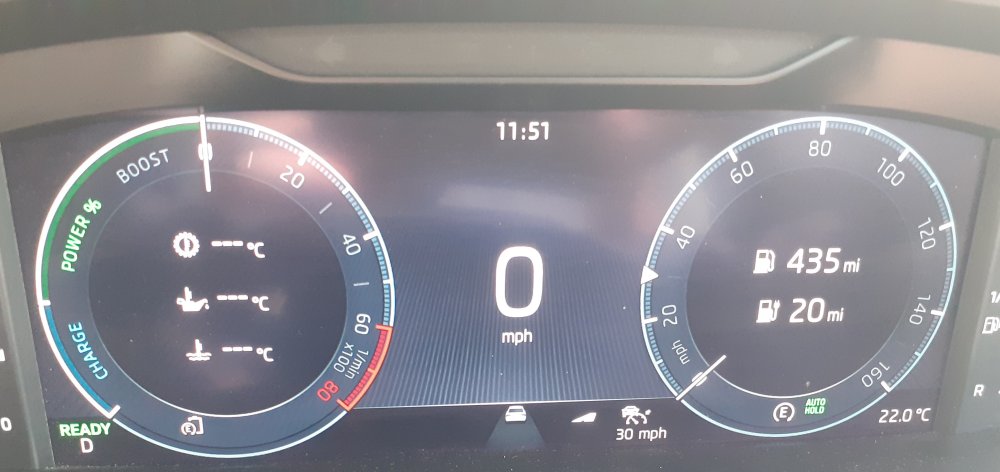
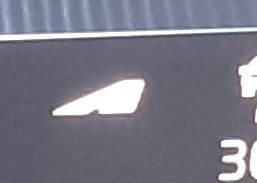
The symbol is in the middle at the bottom. I dont think It changes if I change the display options.
-
I cant find this symbol in the manual. A couple of days ago the motorway had an S bend in it with a small flag, still all white, what did that mean?
-
I believe that the restarting is a symptom that can be caused by a fault on several units. In my case it would do it after 30 seconds, after about 5 or 6 reboots it would stay off until I held down the button to reset. I booked it in to a dealer, the earliest appointment I could get was 8 weeks later in spite of being within range of 4 dealers in North London. When the appointment was eventually reached they had the car for 3 days, replaced the USB port and charged me just over £600. It seems to be ok now. The map update I had been unable to do before worked so I guess the USB port had been on the way out for a while
-
I put my prescription sunglasses down on top of the instrument panel, a screw had come loose and a lens fell out. I went to pick it up and it disappeared down a gap between the back of the panel and the windscreen. I cannot see it from the outside because that part of the windscreen is black, I cannot see it from the inside because I cannot get close enough. Attempts to get it out by poking things down where it went have all failed so I need to buy a new pair. I have never seen a gap like this in any other car, the back of the panel will be flush against the windscreen. Is my panel or windscreen not fitted correctly or are they all like this?
-
I formatted my SD card as described and put the update 202610 as the only thing on the card. I left it in and have driven for a total of more than 10hours.
-
The description for traffication app doesnt include map updates. But the decription for Infotainment Online which I have (as a trial) says "Online Map Update - Download' so I should be getting OTA updates. Customer support did not answer why I'm not even though I asked 4 times
-
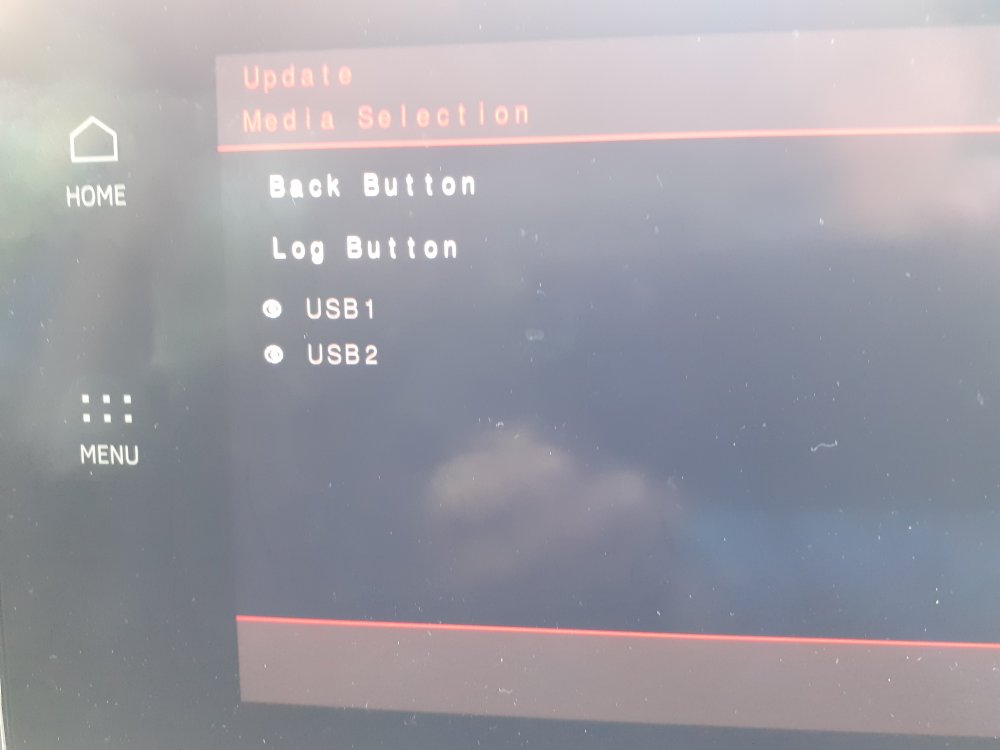
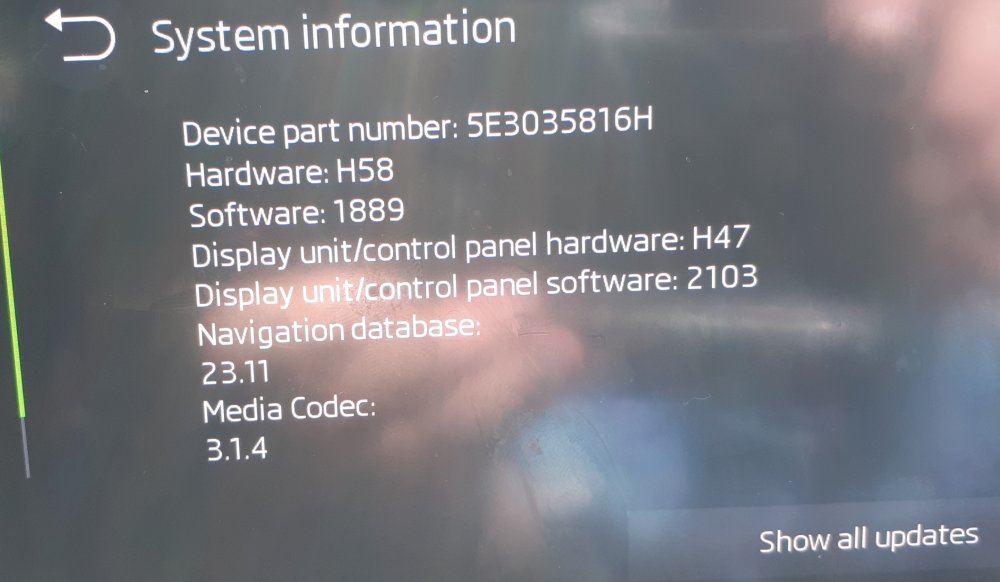
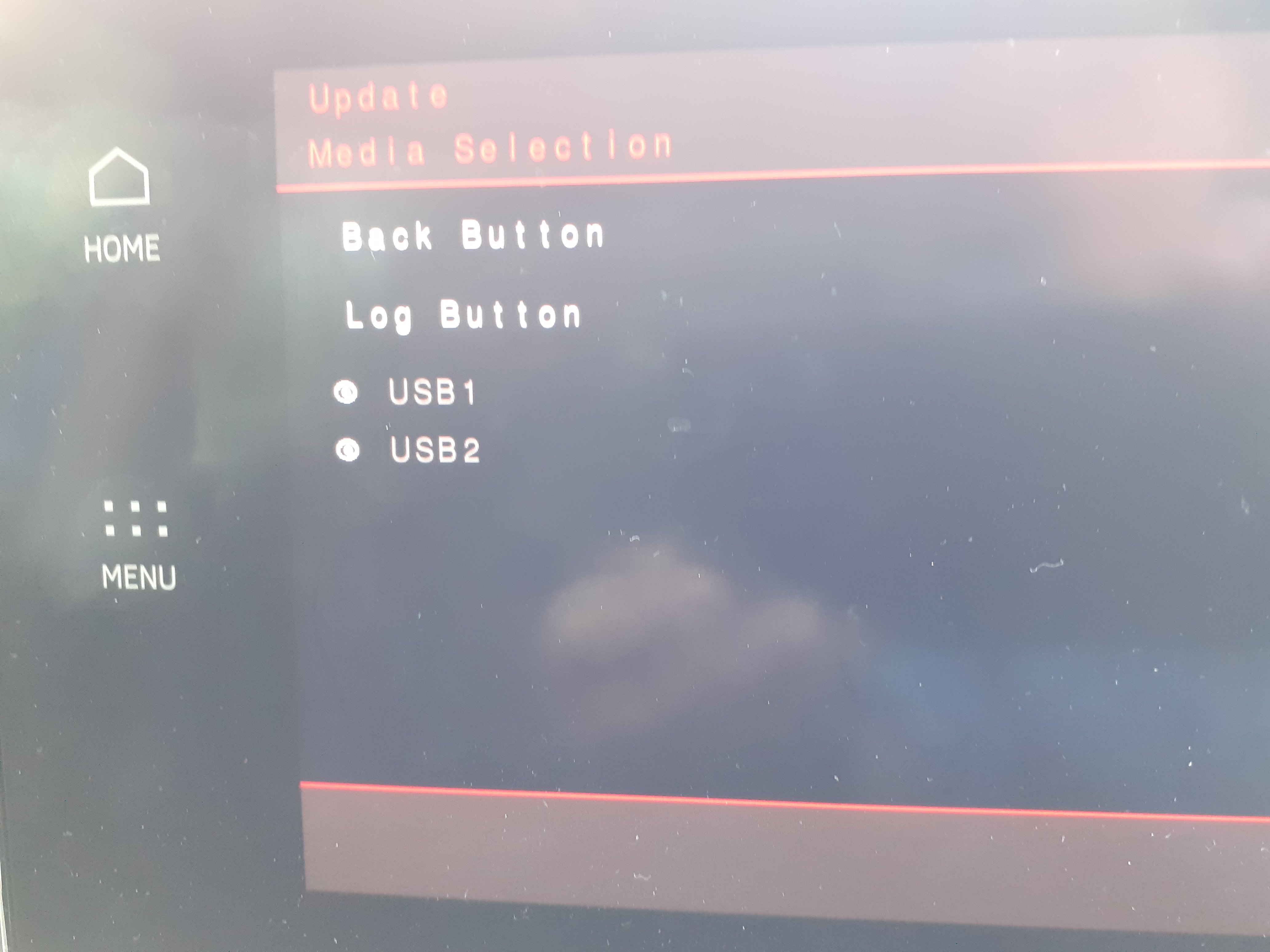
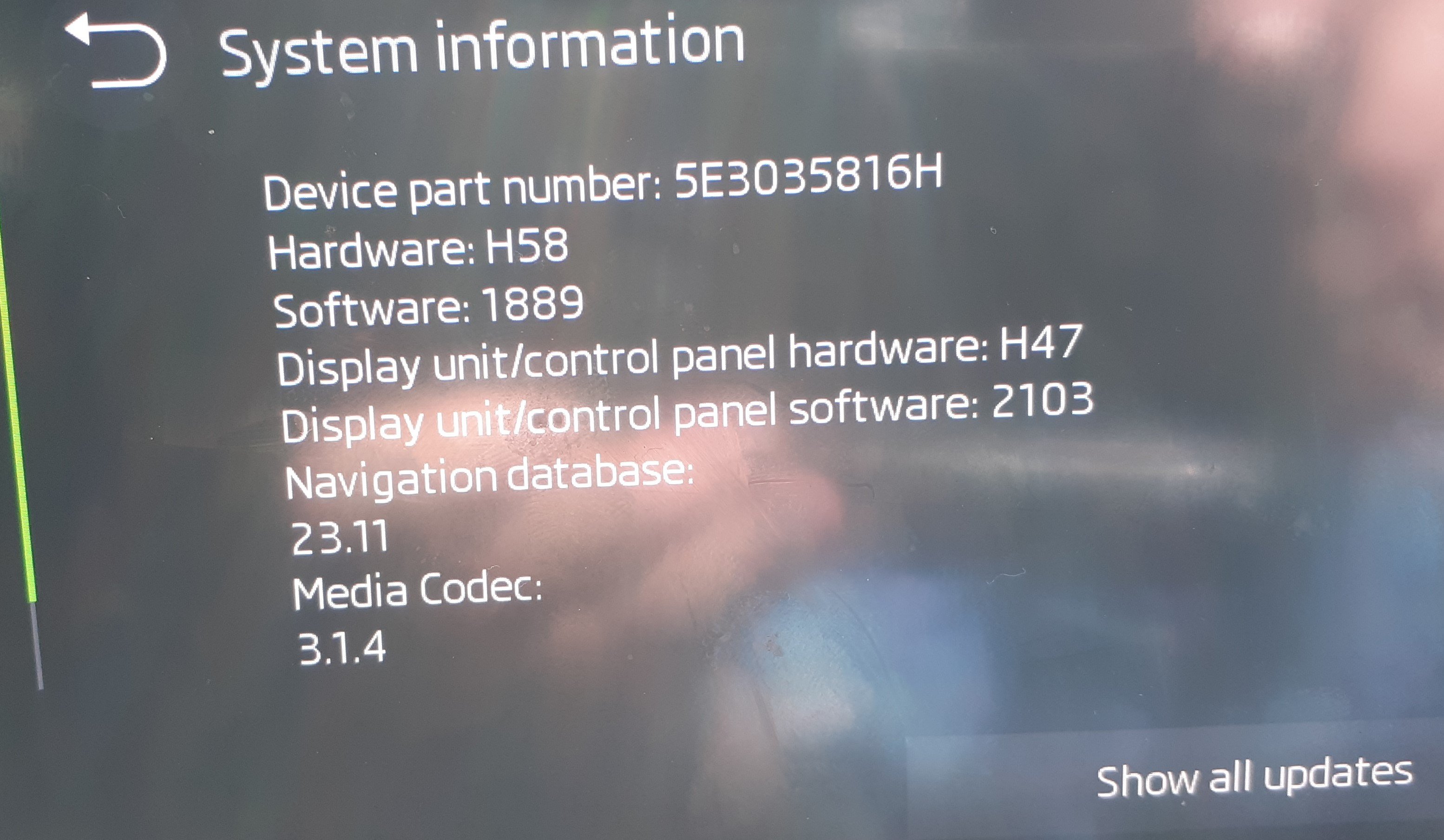
I have had my 2022 PHEV for 2 months during which I have had a free trial of Care Connect and Infotainment Online. Skoda have invited me to pay for these soon. I can see that my map version is 2 years old. I have tried updating from /updateportal.skoda-auto.com . My SD card works if I put music on it but having put the map update as the only thing on that card I cannot load it. Nothing appears when I press show all updates from the software and if I use the service menu nothing happens after I have selected the usb as in the attached pictures. I contacted Skoda customer service asking why neither the OTA update nor the manual update worked. In spite of an extensive exchange of emails they would only refer me to a document which explained how to update an Amundsen system which I guess must be on the previous model of Octavia and a list of Skoda dealers. I suspect the OTA doesnt work because all the software is old. Since I have had the car 2 other OTA updates have completed. Any suggestions to save me having to pay a dealer for the updates would be welcome