Figtree
New here
-
Joined
-
Last visited
Everything posted by Figtree
-
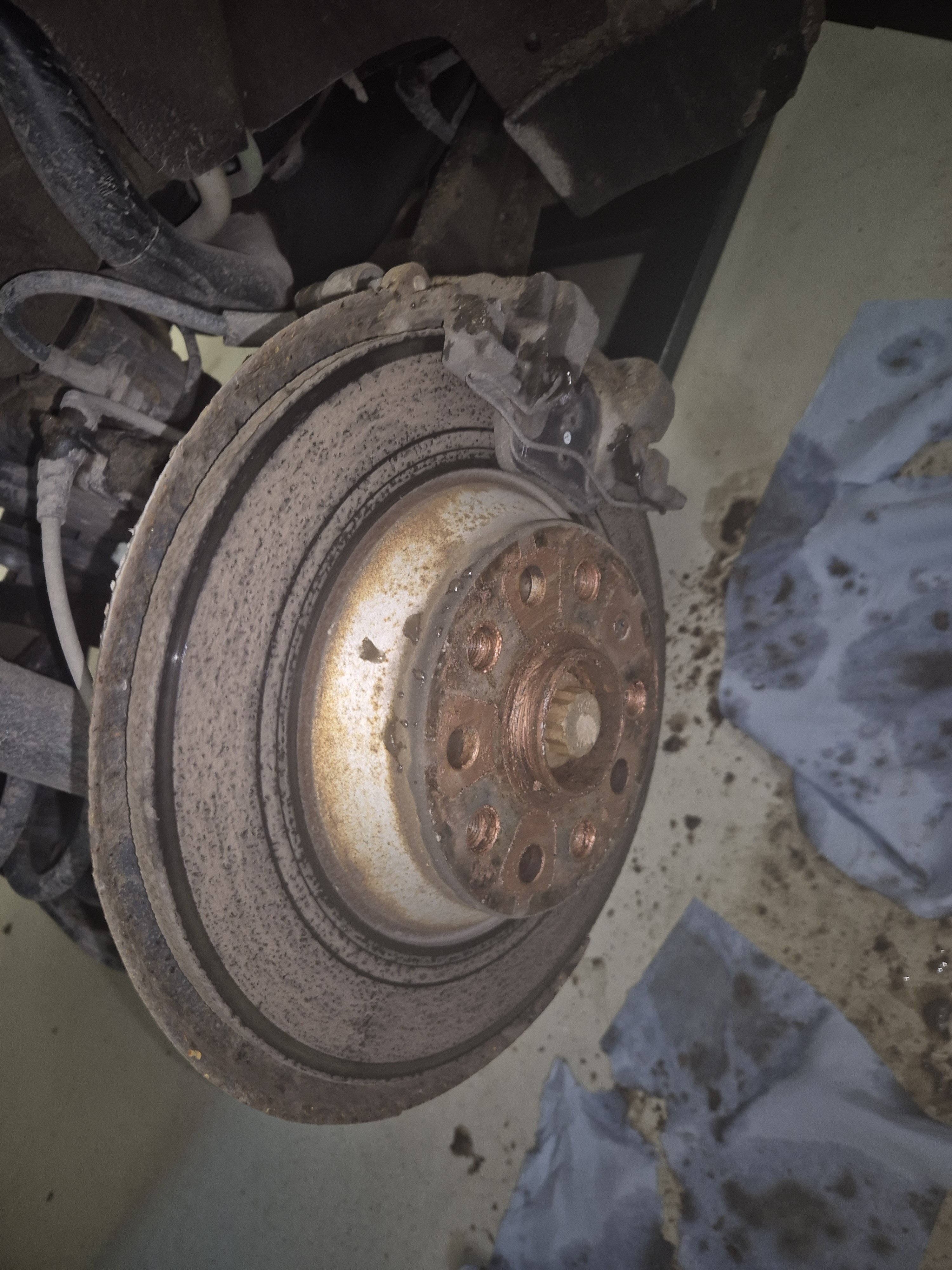
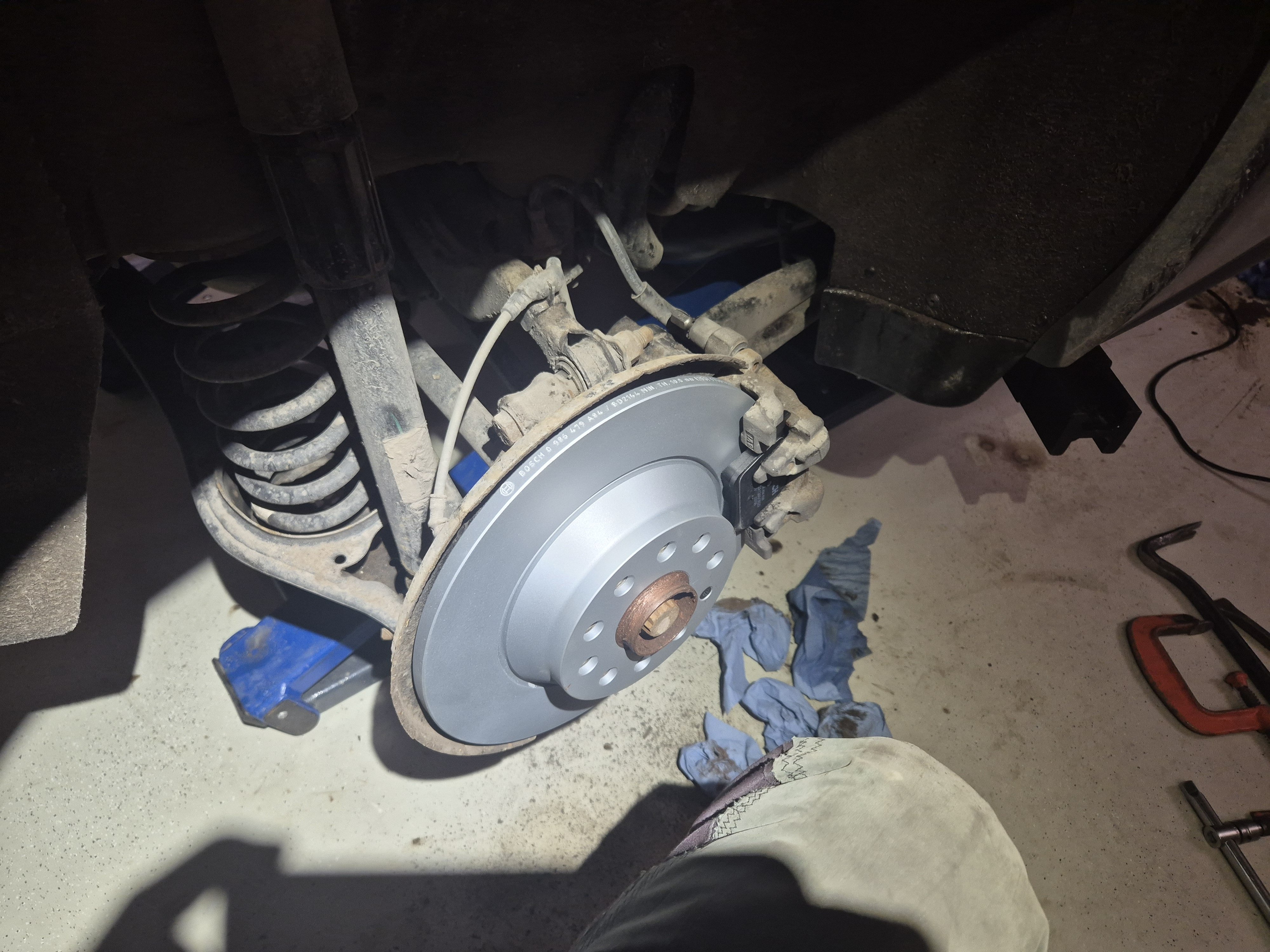
Hi I can confirm that the OBDEleven commands "Start lining change mode" and "End lining change mode" worked as expected. By saying that I mean that at first there was an error message and nothing happened. But after closing and reopening the application on the phone and switching the car ignition off and on it worked like a charm. I had an external charger connected during the whole process in order to maintain the battery voltage. All brake pads and rear brake discs were changed yesterday on a MY2019 Sportline. Can you spot the difference in the images?
-
Thanks for your reply though. Actually when I looked again through the OBD11's Control unit 03 (Brakes), I found the correct commands in Basic settings. Maybe I should get my vision checked 🫣. For those of us who use OBD11 I found instructions from an OBDeleven forum thread In case of dead link I quote the actual instruction part of a post: Before you get started, please make sure your car battery is fully charged, if it's not; hook up a charger. The last thing you want to run into is a battery that doesn't deliver enough power to move the pistons when you are done replacing everything! Open the hood of your car. Plug in your OBDEleven dongle and turn the ignition ON (keep the engine OFF) Turn your electronic parking brake (EPB) ON and then OFF (you might need to put your foot on the brake to turn it back off) In the OBDEleven app navigate to the Control Units page and go to Brakes 03 Now click on "Basic settings" To open the pistons to replace your brake pads click "Start lining change mode" don't change any values in this tab and just send the coding by holding the checkmark in the app. Now the car will start making some noises, this is normal. Once the noises stop wait a few seconds and then turn the ignition off. Now replace your brake pads and/or disks. When you are done with replacing everything and everything is properly back together; Make sure the OBDEleven dongle is plugged into the car and the hood is open. Now turn the ignition ON (keep the engine OFF) Once again go to the Controls Units page and go to Brakes 03 Once again click on "Basic settings" Now in order to close the pistons again click "End lining change mode" don't change any values in this tab and just send the coding by holding the checkmark in the app. The car will now start making some noises again, wait a few seconds until it stops. Now turn your electronic parking brakes ON and then OFF again (you might need to put your foot on the brake to turn it back off) You are now done. If you start your engine all the errors in your dashboard should disappear within a few minutes. Take a test drive to see if everything works as it should.
-
Thank you @Bap33 for comprehensive instructions. I'm planning to change both brake discs and pads on the rear axle of my MY19 Sportline 4x4 7-seater. PR-code 1KU. Does someone know how to accomplish necessary VCDS lining change mode on/off or similar functionalities with OBD11? Brake system is indeed on Control unit 03. There are no text "lining change" mentioned in following menus: Adaptation Basic settings Output test Any help would be appreciated. Cheers!
-
Hi everyone Greetings from Finland. Currently there's MY19 Kodiaq 2.0 Sportline on my driveway. Previously had a couple of Suberb Mk3 Combis.