Neuroxerus
New here
-
Joined
-
Last visited
Everything posted by Neuroxerus
-
Thank you for the firmware! I will definitely try it. I suppose I have to burn it on CD/DVD? Columbus has SD Card slot, but if I am not mistaken, it will not work for this purpose. In case of faulty SSD, is it some kind of speciel type of drive, or is it the same as you would use for PC?
-
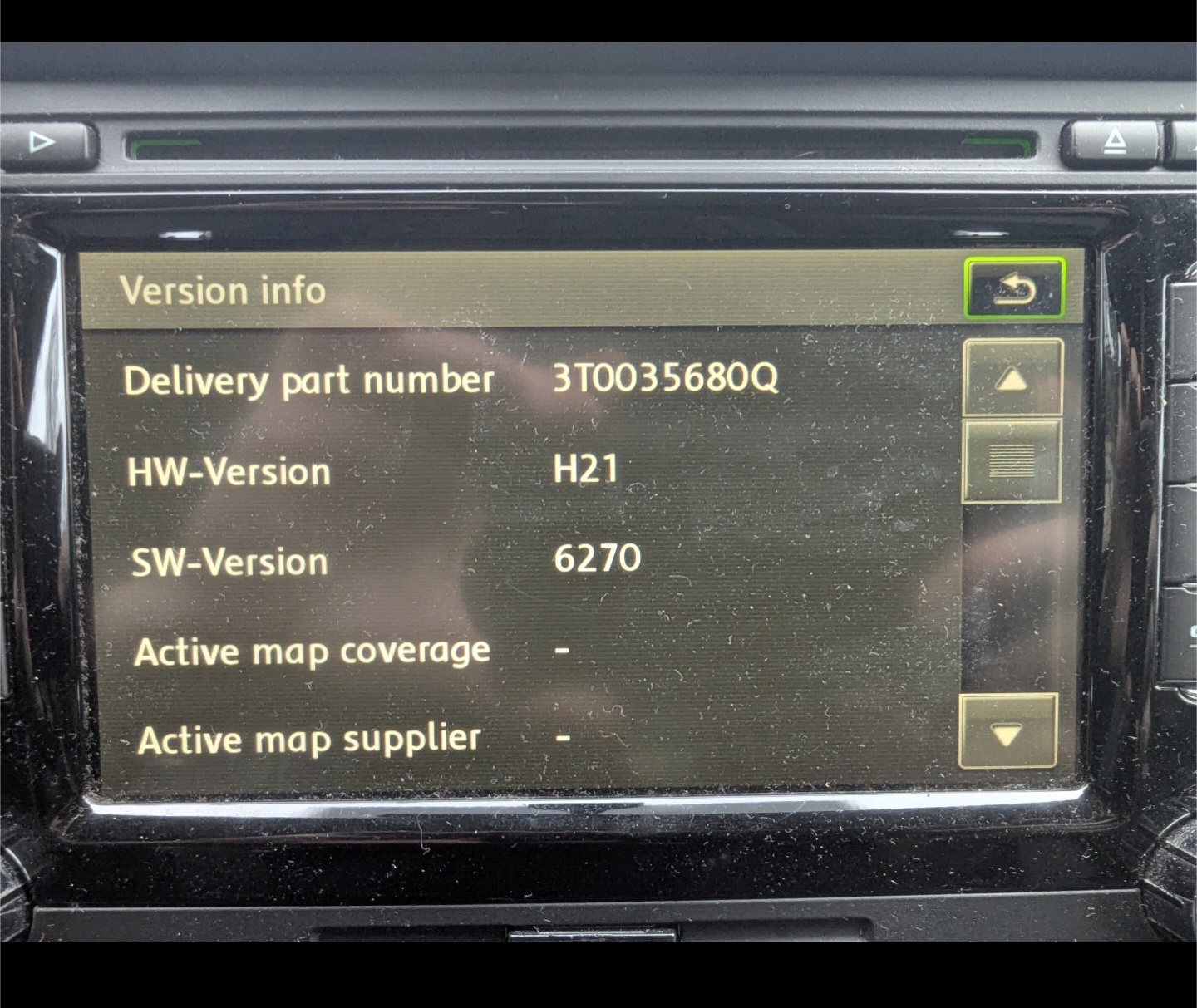
Hi guys, my Columbus unit is not able to load media, nor the maps. I do not really mind the maps, but I am frustrated by display always saying "System is activating". Also, factory reset does not solve anything. Seems to me that software is corrupted. I tried to look around the internet, trying to find firmware so I could try to reinstal it. Alas, without any luck. I was also thinking about buying new unit with android auto, but I am not sure if it any would be compatible. I will appreciate any tips and comments considering how to solve the issue, or recommendation about compatible unit with android auto.
-
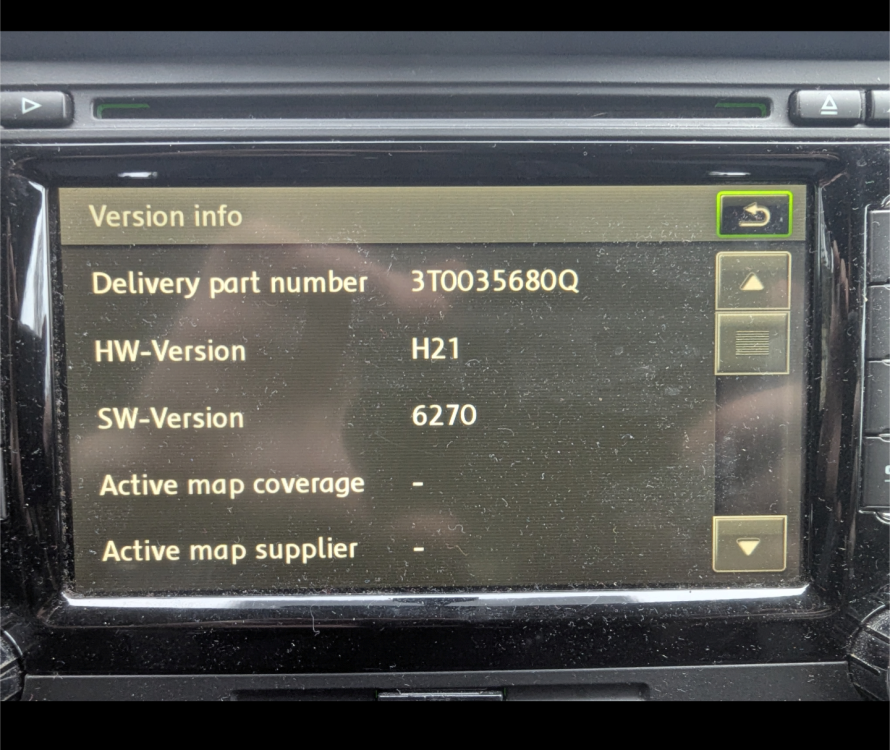
Hi guys, I have similar problem - my Columbus unit is not able to load media, nor the maps. I do not really mind the maps, but I am frustrated by display always saying "System is activating". Also, factory settings does not solve anything. Seems to me that software is corrupted. I tried to look around the internet, trying to find firmware so I could try to reinstal it. Alas, without any luck. I was also thinking about buying new unit with android auto, but I am not sure if it any would be compatible. I will appreciate any tips and comments considering how to solve the issue, or recommendation about compatible unit with android auto.