audiexp
Finding my way
-
Joined
-
Last visited
-
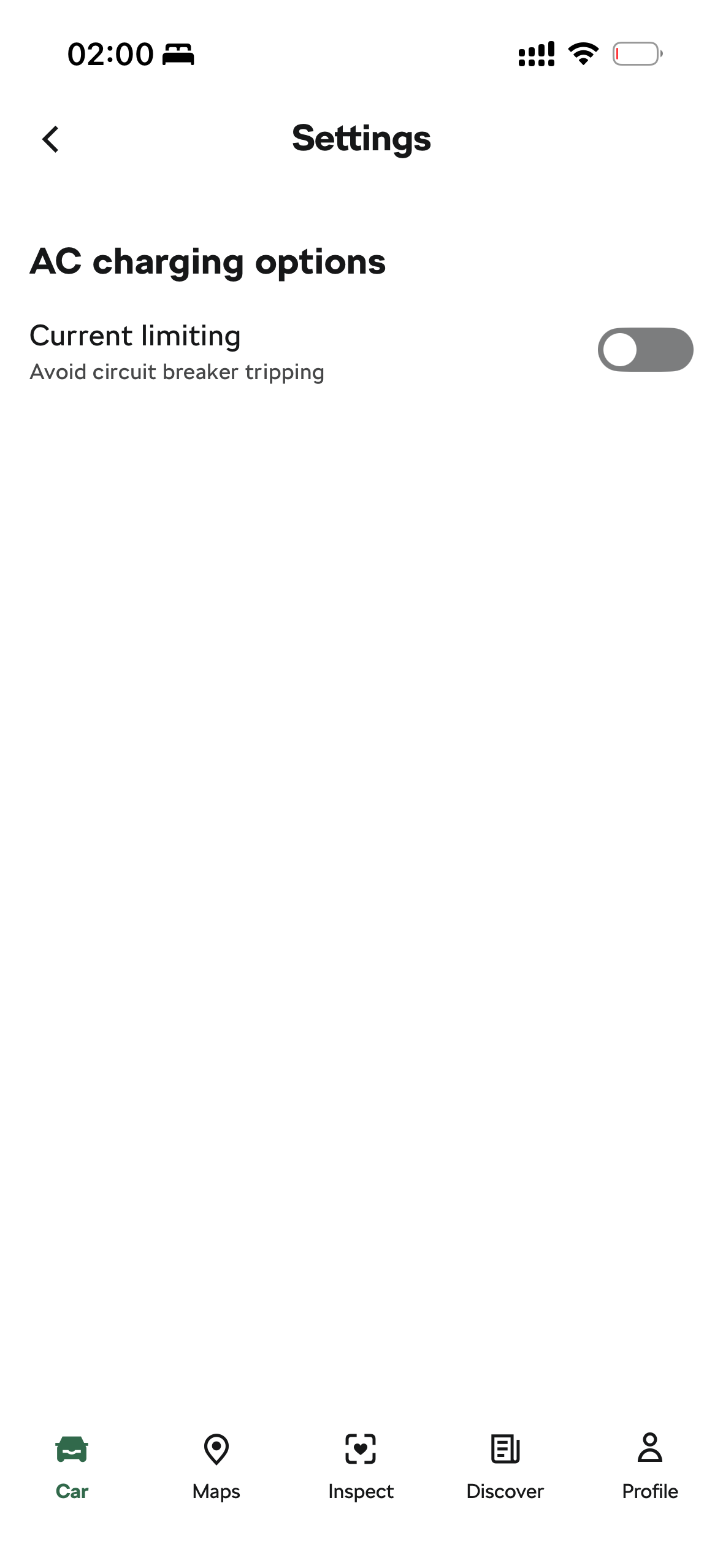
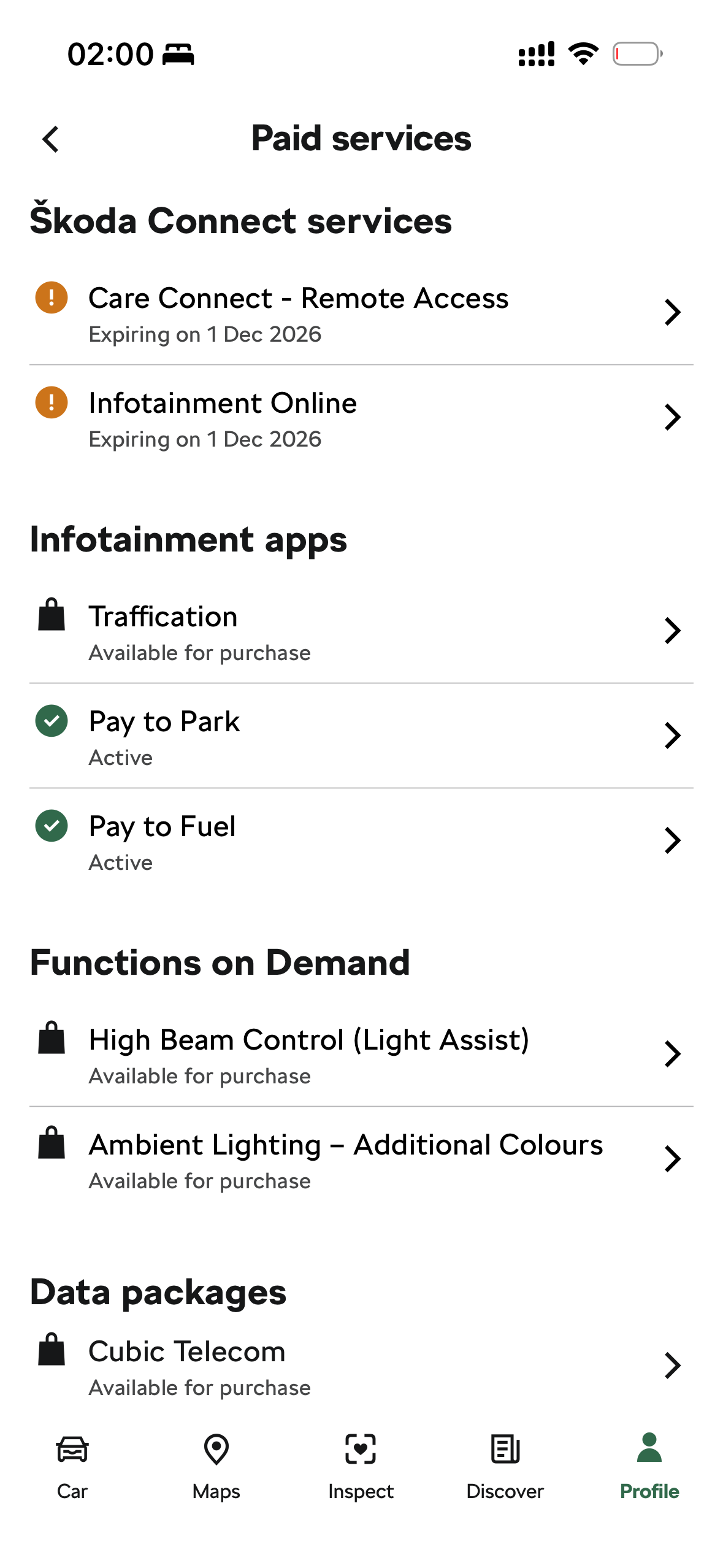
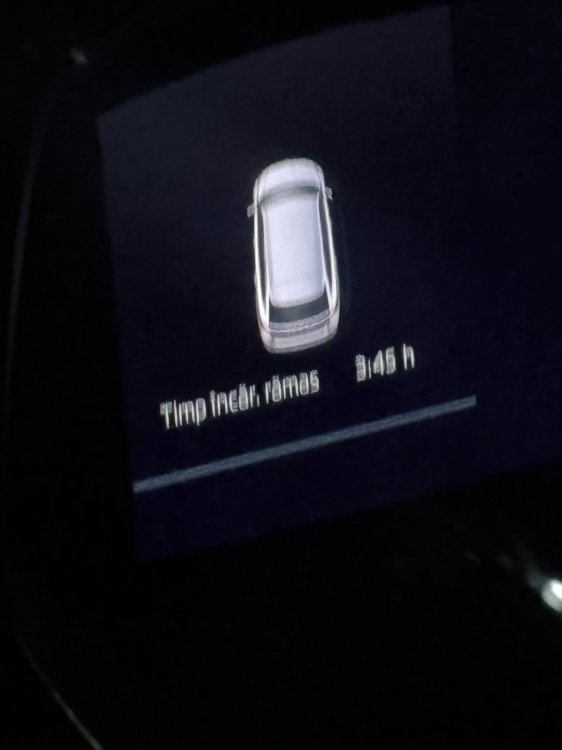
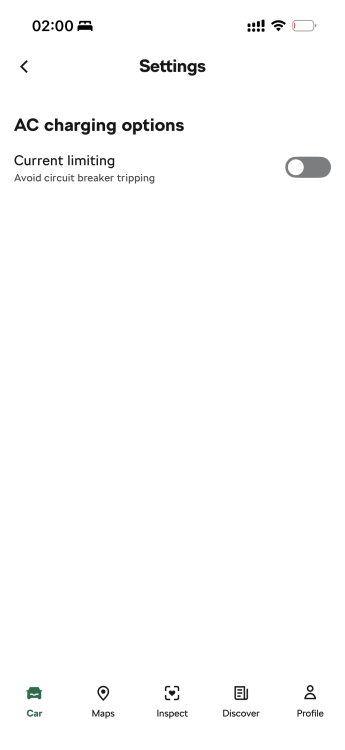
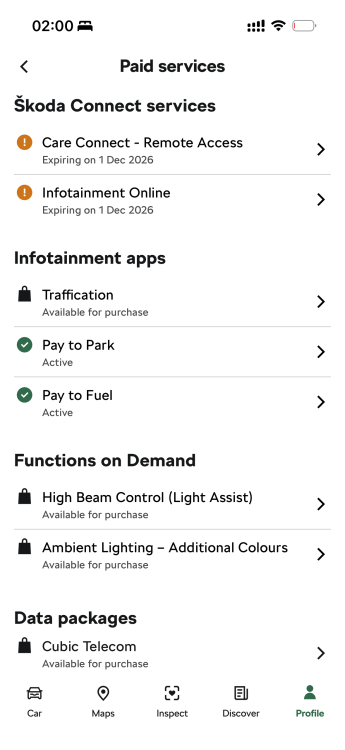
I managed to create a new Skoda ID and My Skoda app account (for the buyer) and indeed it let me activate again the 3 Month Free subscriptions for both Care Connect and Infotainment Online. (good to know, if you really need for a period of time the functions, basically they are free if you create a new account, activating the 3 months trial). Secondly, you were right! I managed to go back to initial charging times with the subscription by de-activating the ‘reduced charging current’ in the app. Thank you very much for the tip!
-
I deleted the car from My Skoda app and the infotainment was reset to factory, in order to delete all user data.
-
And one more question.. I want to sell the car. If the new owner makes a new account and Skoda ID, will he benefit again of the 3 month free Care Connect and Infotainment online service? Or is a VIN related one time free service? And secondly, is there anyone in the same position (after update via USB to 1989 the eManagement not working) that succeeded disabling Reduced charging current from the Skoda App? Thank you in advance!
-
I will try a factory reboot again. 1. Turn on the ignition and switch on Infotainment. 2. Tap the Menu / settings icon (usually a gear or the MENU button). 3. Go to Reset to factory settings (or System → Factory settings / Restore factory settings). 4. Select and confirm the reset. 5. After it finishes, check that all user accounts have been deleted to confirm success. These are the steps, right?
-
Unfortunately I don’t have an active subscription right now.. I though about it but I wasn’t sure it will work.
-
Help pls!
-
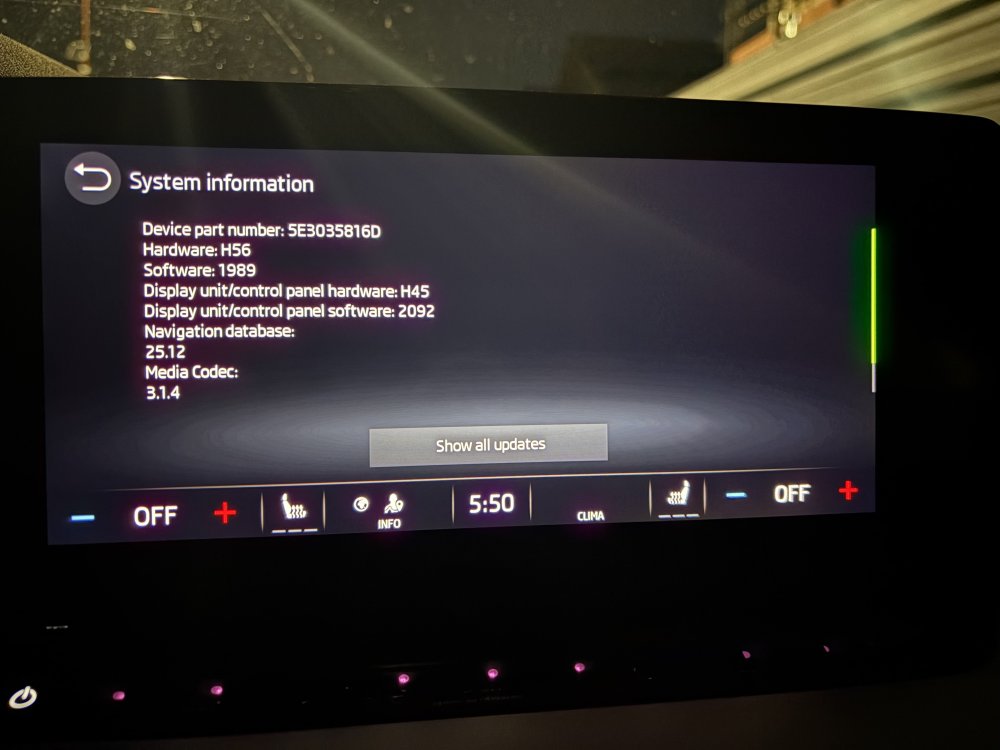
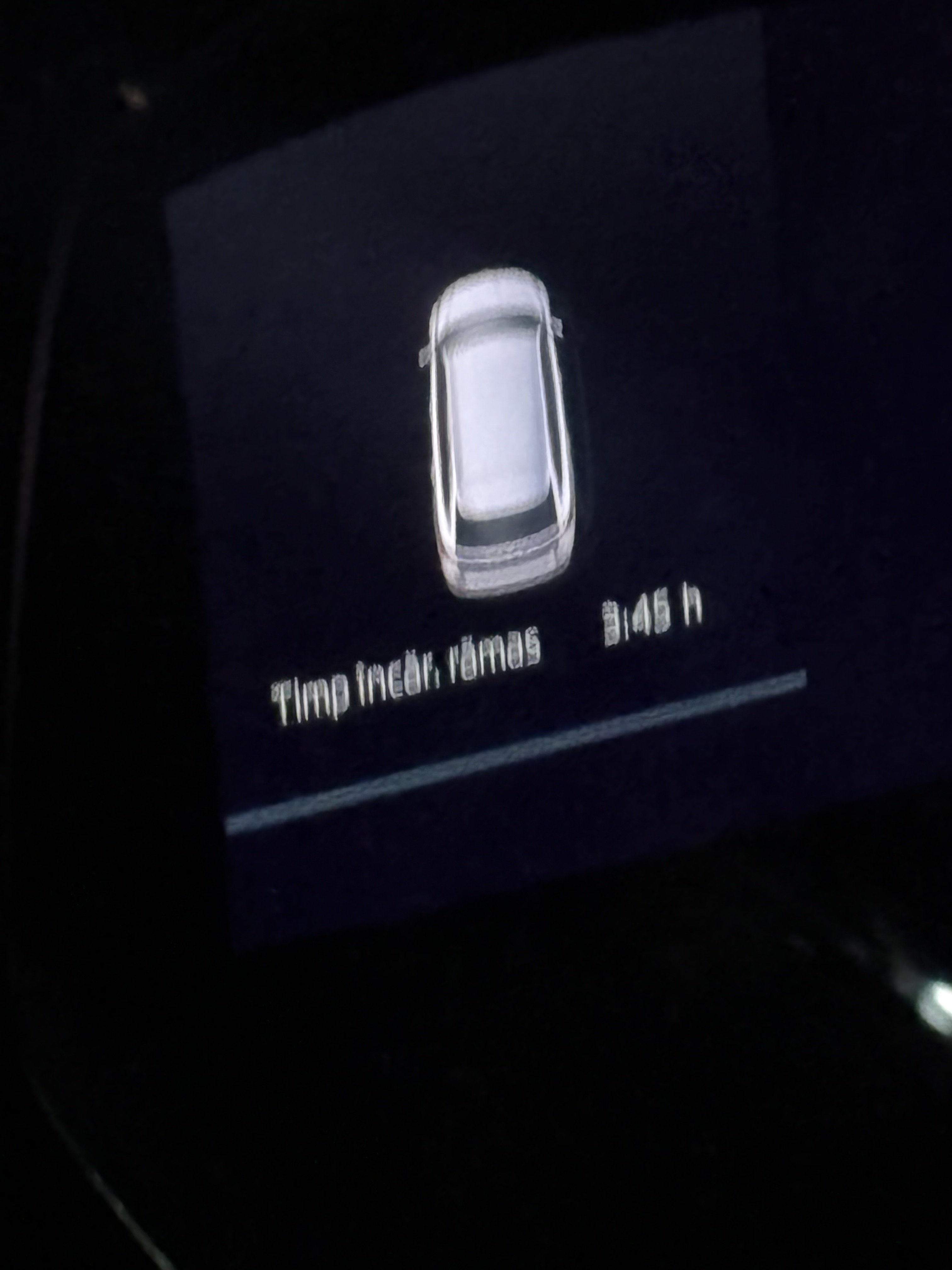
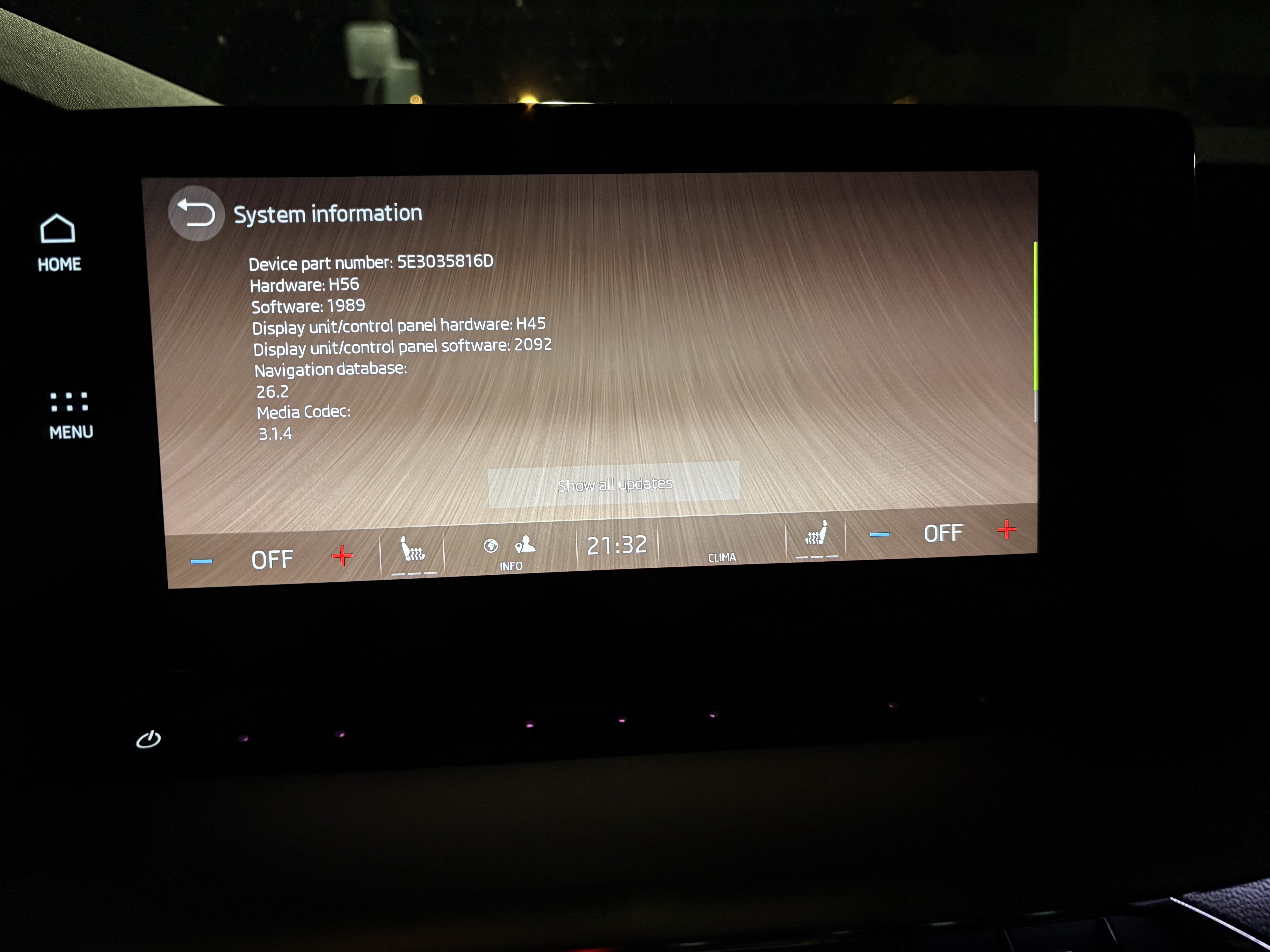
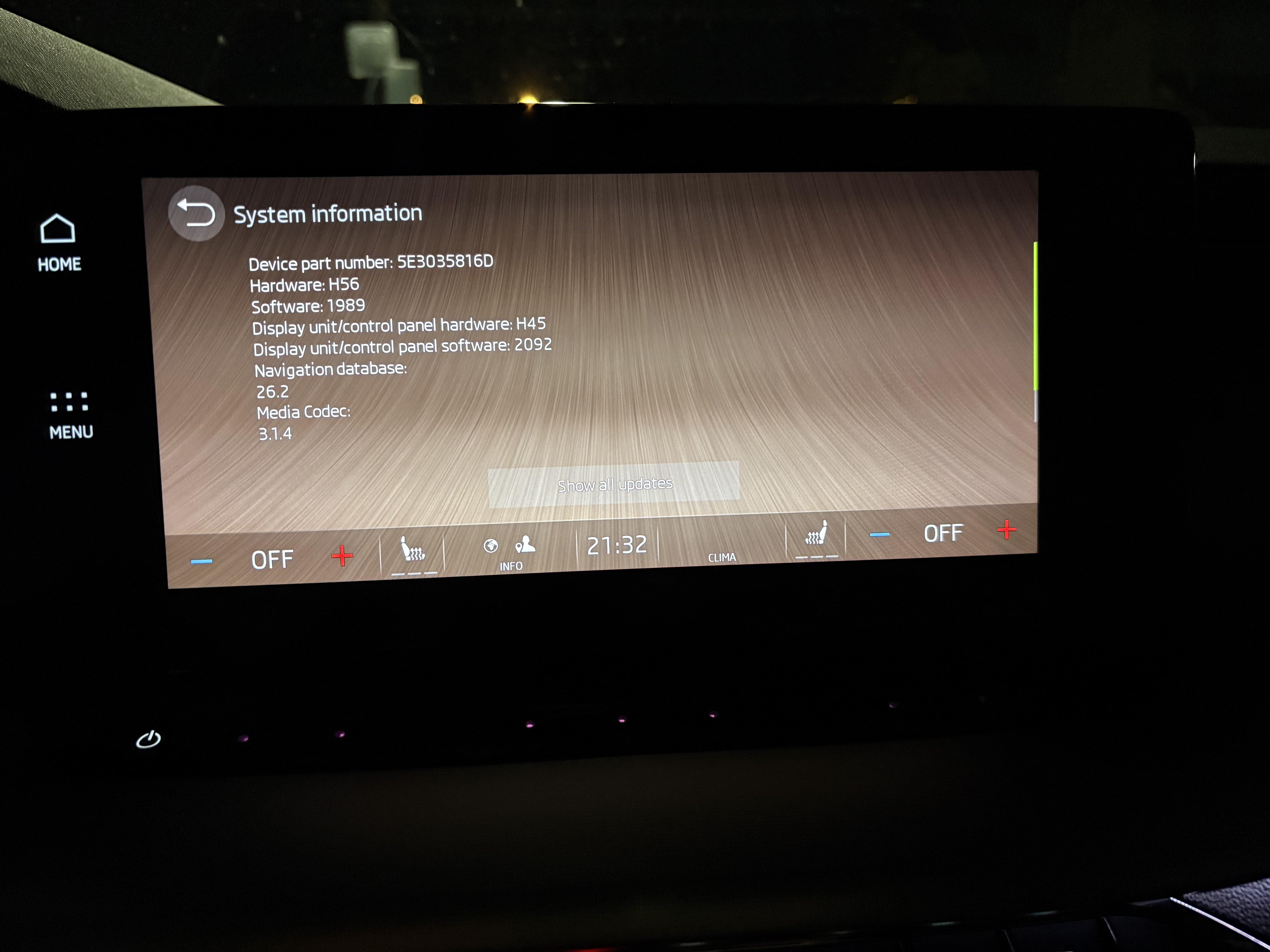
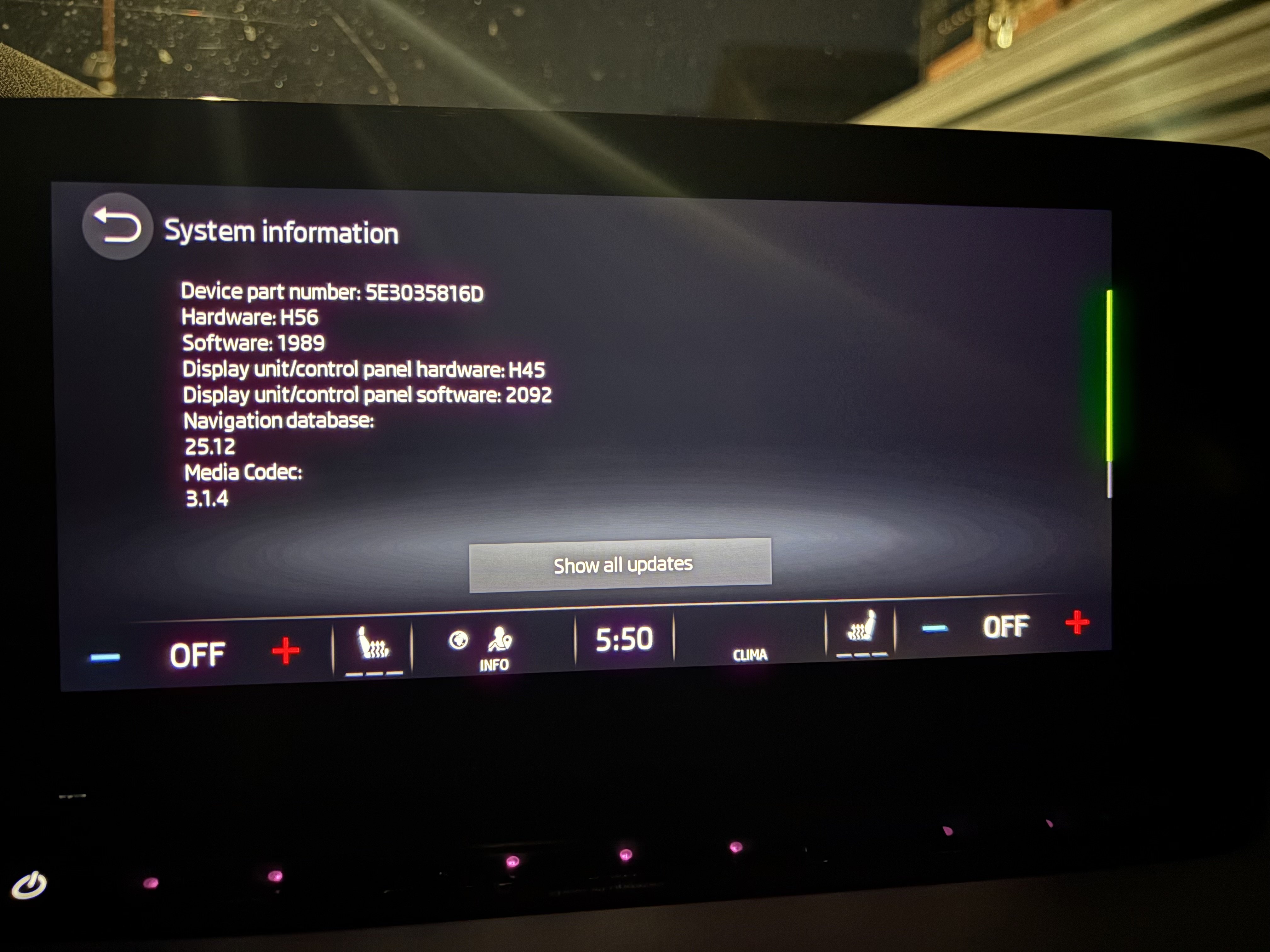
Hello all! Any solution to recover the e-Management option back on the latest firmware? I also have the “Reduced charging current” function ON after the update, because before doing it it took like 4.5h to fully charge the battery (220V, home socket) and now it takes 8h50m 😵. And the only way to disable/enable this function was in the e-Management screen which is unavaible now, after the update.
-
https://zilinskauniverzita-my.sharepoint.com/personal/vyhnanek1_stud_uniza_sk/_layouts/15/onedrive.aspx?id=%2Fpersonal%2Fvyhnanek1%5Fstud%5Funiza%5Fsk%2FDocuments%2FAUTO%2FMIB3%2FSW&ga=1
-
The factory reset was the first thing I did after the update, so I don’t thing it works, since The Columbus MIB3 infotainment unit in PHEV/ iV Octavias has the e-Manager (for charging timers, preconditioning, battery limits, etc.) activated via specific long coding in the infotainment module (usually address 5F). The 1989 update (a performance/stability release that also improves things like SmartLink/CarPlay/Android Auto) overwrites the firmware and resets or deactivates that PHEV-specific coding.
-
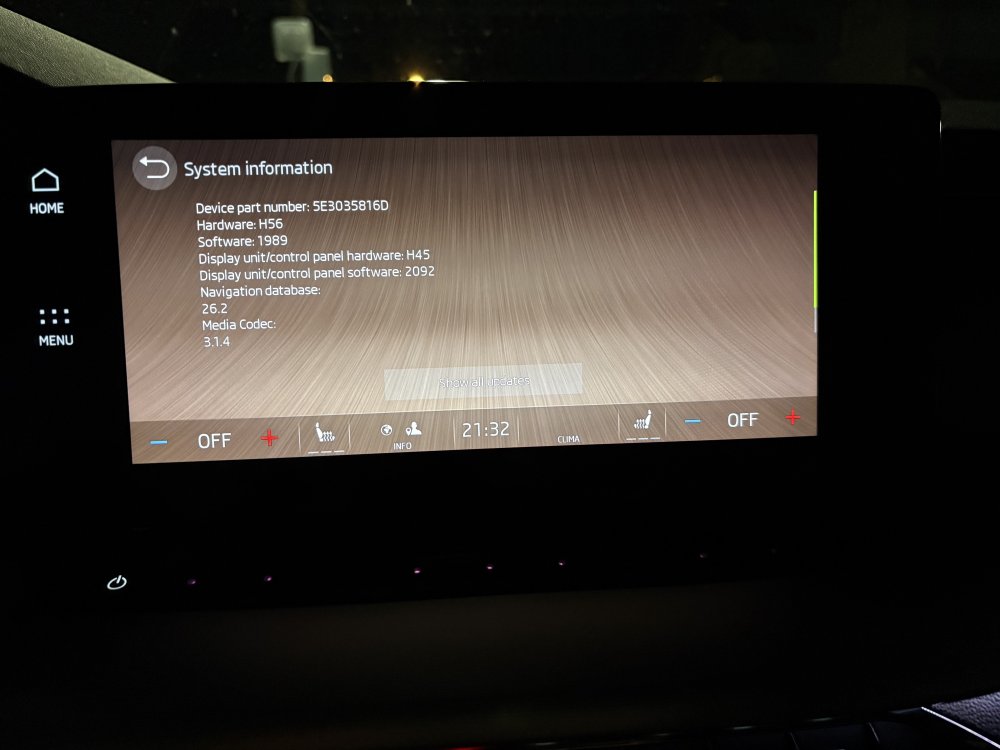
In my case, after the update, the major problem is the eManager app not working anymore (I have a 2021 PHEV Octavia), and therefore it’s stuck on “Reduced charging current” mode, meaning that it takes about 8hrs to fully charge instead of 5.
-
In my case, after the update, the major problem is the eManager app not working anymore (I have a 2021 PHEV Octavia), and therefore it’s stuck on “Reduced charging current” mode, meaning that it takes about 8hrs to fully charge instead of 5.
-
Create a temporary folder on your PC or Tablet for example MIB3 UG. Then find the zip file and then right click on it or press and hold on it, so the menu appears and it should offer you the opportunity to Extract here or elsewhere, tell it to extract the files to MIB3 UG folder and let it get on with it. When it has finished, format a usb memory stick so it's completely empty, then go to the folder MIB3 UG open it and copy the 2 folders and other file directly onto the memory stick. When it has finished copying the files to the memory stick it should look something like this... THERE MUST BE NO OTHER FILES THAN THIS. Once your memory stick looks like this, remove it and take it to the car. Insert it into a USB port, press and hold the menu button for about 10 seconds and the update menu will appear. At this point it's vital that you have a full or very well charged car battery or a battery charger attached so that the car doesn't shutdown halfway through the process. Ignition needs to be ON, the Engine needs to be OFF (NOT RUNNING)! DO NOT START IT DURING THE PROCESS. Here's a video that shows you what to do, albeit in German, you'll get the English version! If you watch it carefully you'll get the gist of what to do. UNDER NO CIRCUMSTANCES MUST THE PROCESS BE STOPPED ONCE IT HAS STARTED OTHERWISE YOU'LL MORE THAN LIKELY NEED A NEW INFOTAINMENT SYSTEM. Notes. After it has finished updating the system, give it a couple of minutes to ensure that all is well and like it shows on video press resume an wait for about 90s or so and the system will restart just, like in the video. DO NOT START THE CAR UNTIL THE SYSTEM HAS RESTARTED After the update the built-in manual is unlikely to be available for about 48hrs, it does come back! You will more than likely receive another OTA update, it's OK to accept it. Ultimately if you are at all worried about doing it, take it to a VW Independent or Skoda dealer and ask them to do it for you Once it has been updated, there should be no more random restarts or crashes on the infotainment system, the pop pop issue should be gone too.. https://youtu.be/4AsSbGd3caU
-
You search on this forum for 1941 first, you update it via USB C stick, then you also search for the latest 1989 and do the same. You will also find all the steps here on the forum.
-
No, I posted in the morning because I kinda lost almost all night (because having some issues with downloading and card formatting etc, not regarding the process itself), and I skipped explaining all the steps. I updated from 1803 to 1941 using the link you provided and afterwards I updated to 1989. So one intermediate update directly to 1941. Everything worked flawlessly, after the 1989 update I factory restored the system directly and reconfigured the primary user setup. Everything works well and it’s a huge step betweeen the initial software and this one.
-
Thank you sincerely as I managed to update the unit very smoothly!