Trident660
Finding my way
-
Joined
-
Last visited
-
Passenger side control module
-
****Update**** finally have managed to get it working now thanx for the help 👍🏻
-
East_Yorkshire_Retrofits I have answered your pm just waiting for you to get back in touch 🤔
-
Over the weekend I have taken the door pads off and checked the wiring on the door Mirrors and they have 10 wires the door control units are highline not lowline all connected but still no function 🤔
-
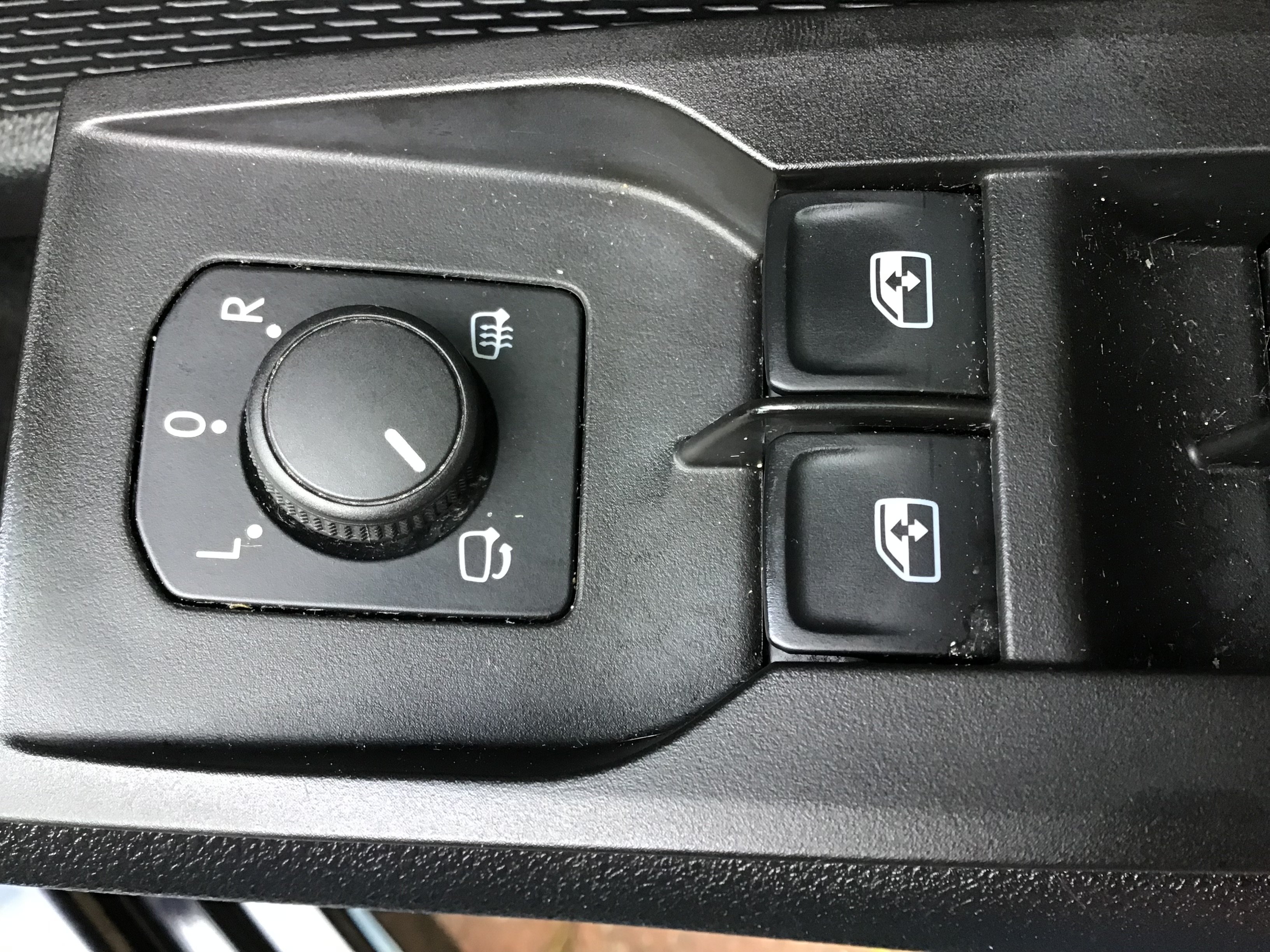
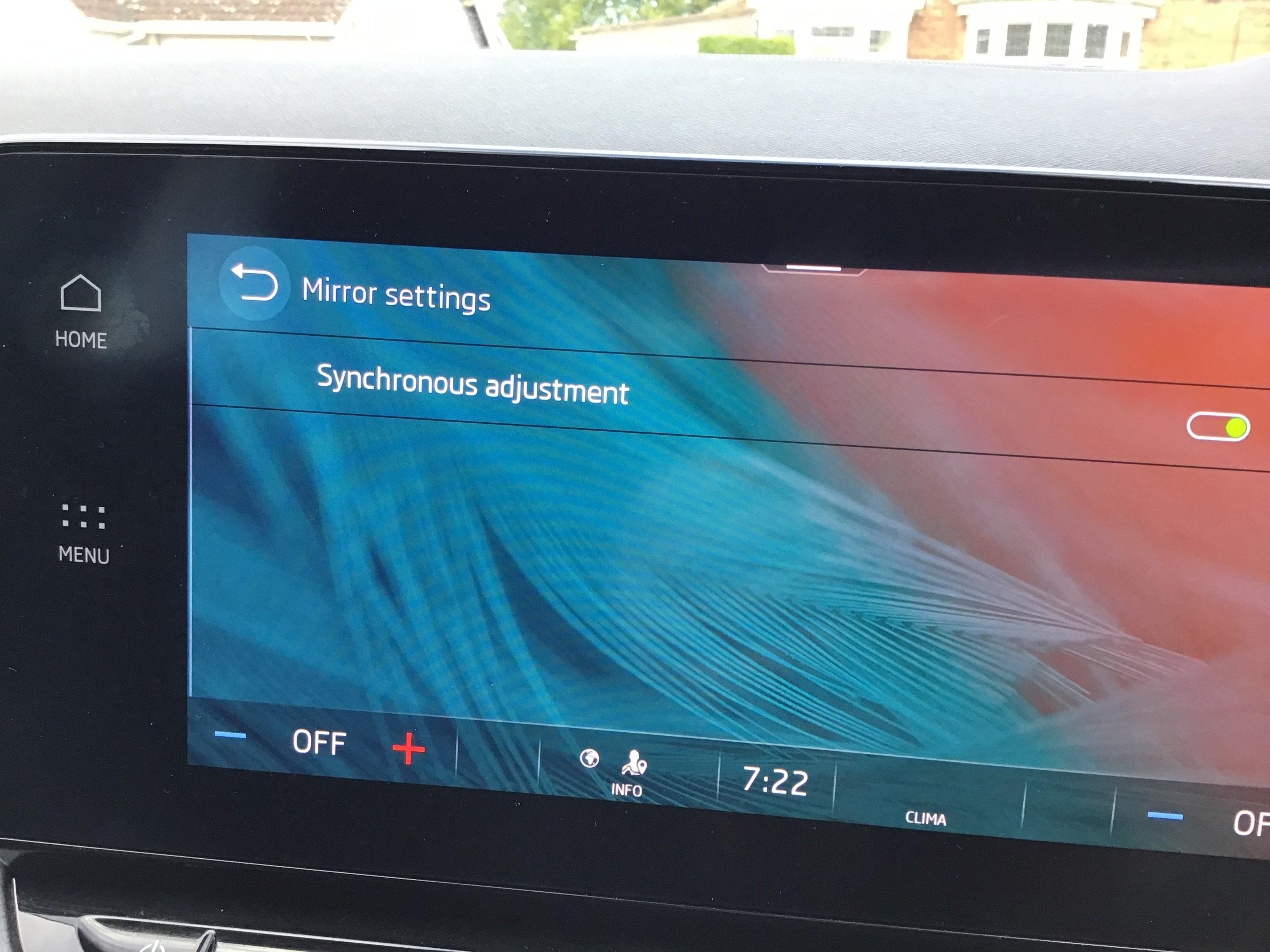
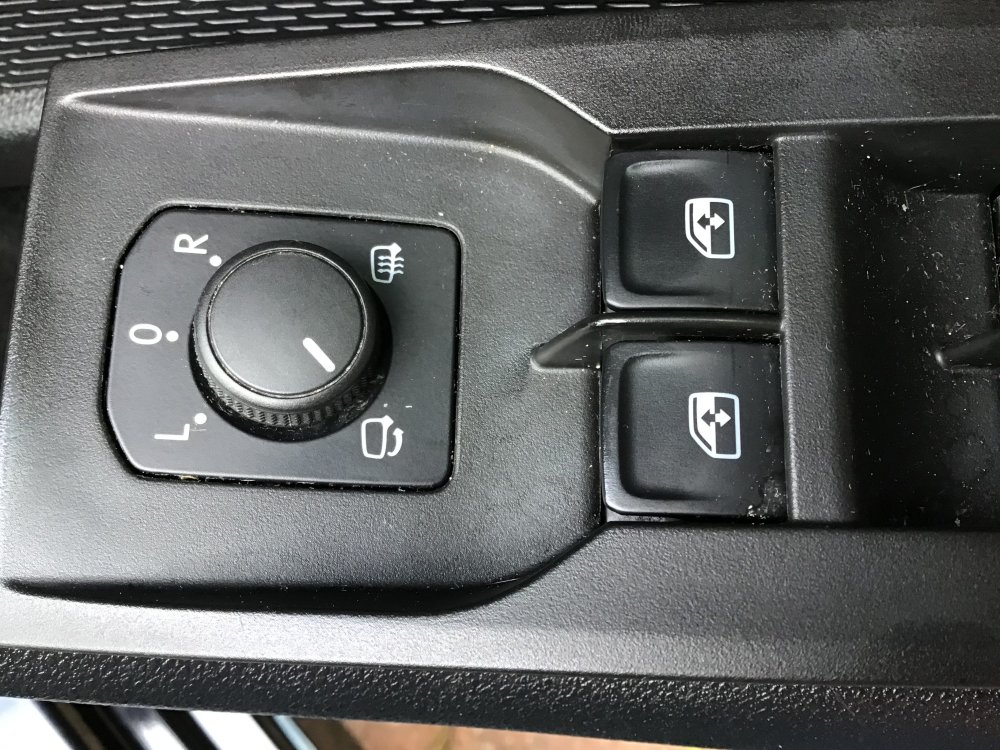
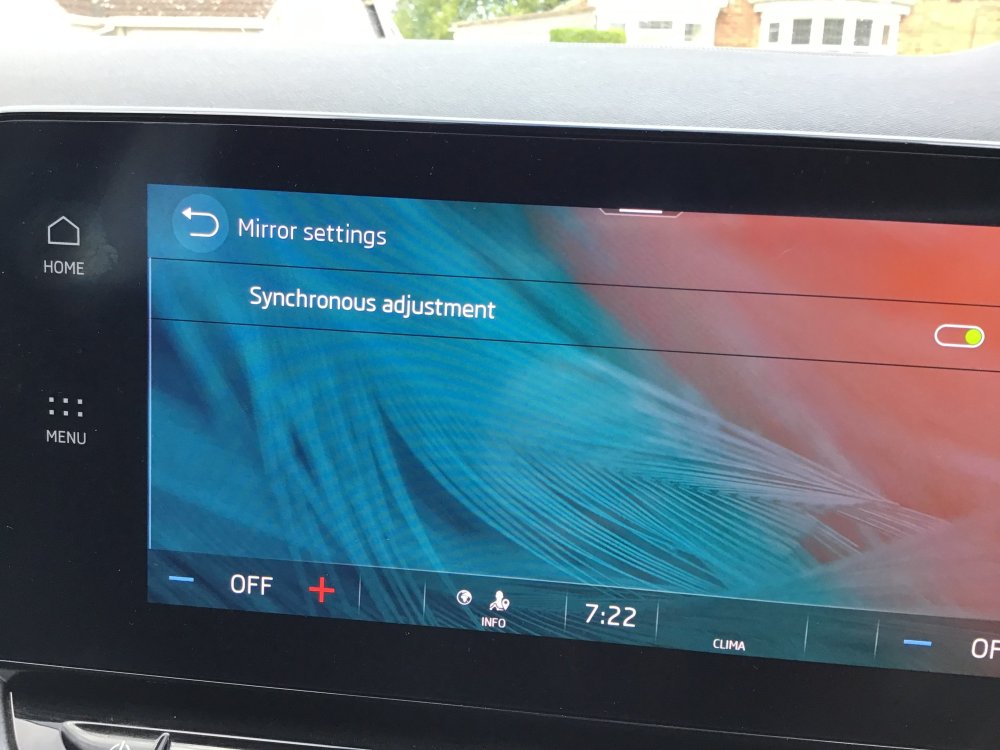
Here is a picture of switch pack and informant screen
-
Unfortunately no they don’t and I don’t have a check box to tick 🥴infact I don’t have any mention of mirrors at all now , I only have synchronous adjustment
-
i cannot remember only had the car over a week and did not notice till after firmware update that they did not fold 🙄 but I have checked mirrors, door modules and switch assembly are all listed as for folding power mirrors
-
when i get enough content posts i will be able to message you the details across of my car 👍thanx
-
yes it does 👍
-
no as i don't have the equipment to do that ☹️
-
i have also lost all activation keys (about 15) from the engineers screen since doing firmware update to 1985
-
any help or advice would be appreciated in advance 🙏
-
i have recently bought a 2021 Octavia SE Technology and not sure if they are fitted ? i have checked the mirror part numbers , Control Module and switch pack all should enable them to function but they don't and still don't show in the settings either ?
-
Could you do the same for me ?
-
After playing about a bit longer I have managed to get it working thanx for your help 👍🏻