glenn1391
Finding my way
-
Joined
-
Last visited
Everything posted by glenn1391
-
That can't be right, the hand book states what the fuses are for are they saying you can't check!
-
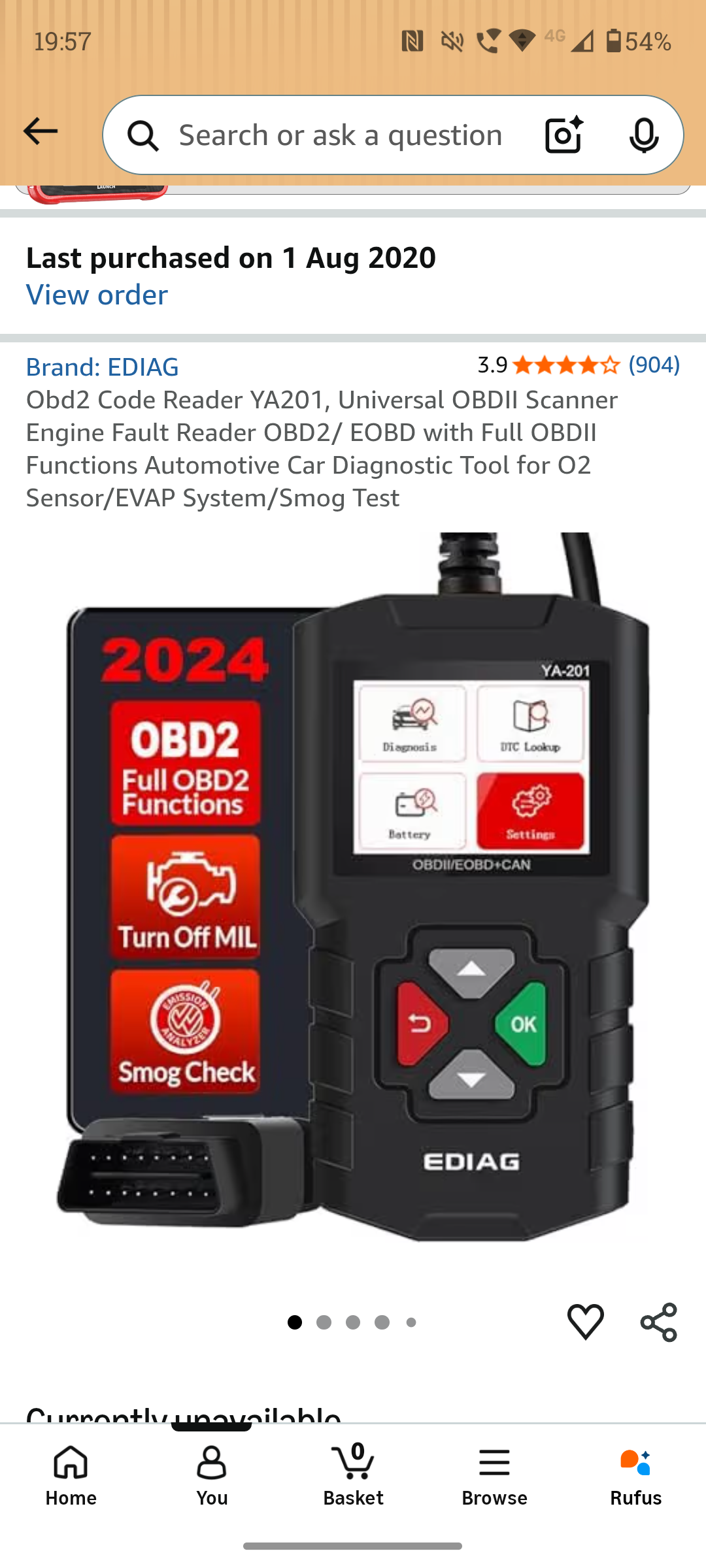
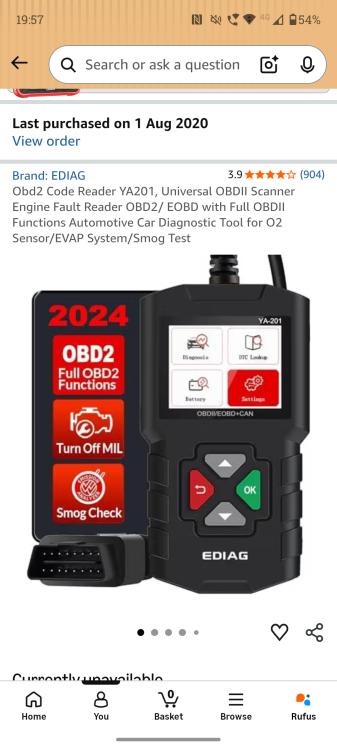
I got just a cheapy one
-
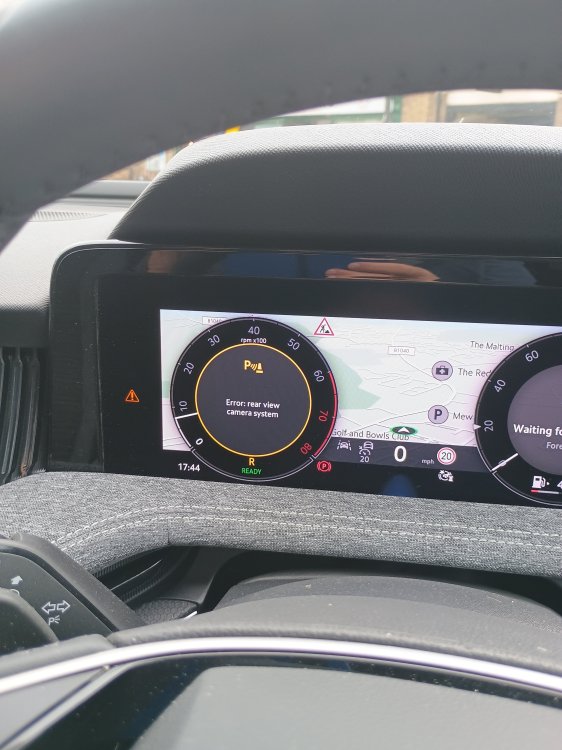
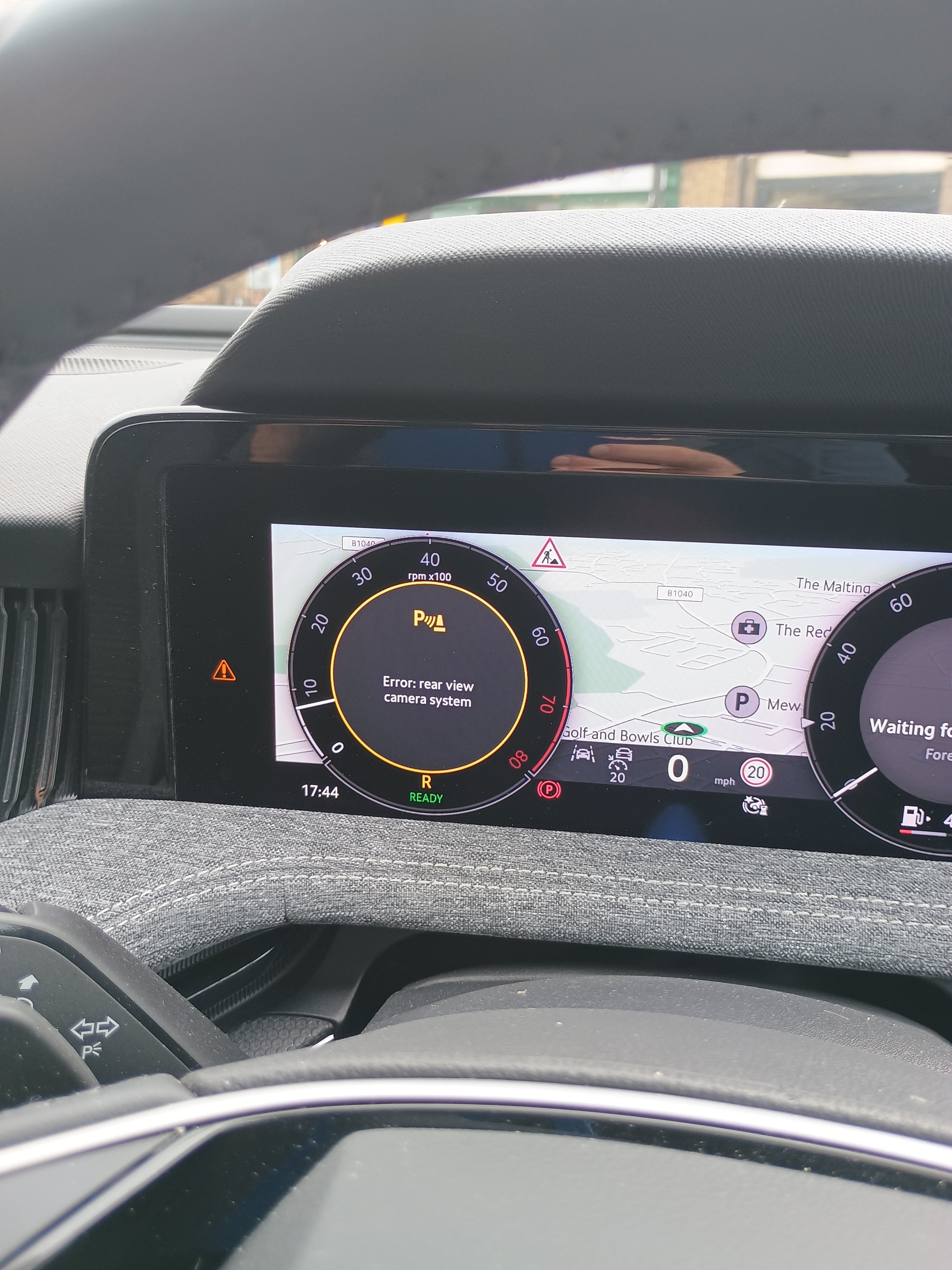
Update - took fuse out, looked ok, put it back. Run a code check it didn't find any but I pressed clear codes anyway. Rear camera back working!
-
Booked in for a diagnosis check, next available appointment 15th July - what a joke
-
Still has the issue today
-
Yep to be honest I have had enough of it, my wife's Nissan gets no software glitches. I am not sure to book it in or wait a few days to see if it clears.
-
I have the same fault today as well so it isn't going to be the wiring or camera hardware