milloo24
Finding my way
-
Joined
-
Last visited
-
can't share dataset I think is stored at VCtool server
-
left inner light LHD and RHD use same part number 5E6 945 307 A (hatchback) right inner light 5E6 945 308 A (LHD) 5E6 945 308 C (RHD) outer lights are same for LHD,RHD even should be same with estate
-
there is difference LHD are using right inner light part number 5E6 945 308 A and RHD 5E6 945 308 C and to make sure do you have Full Led lights (Matrix,Top Led)
-
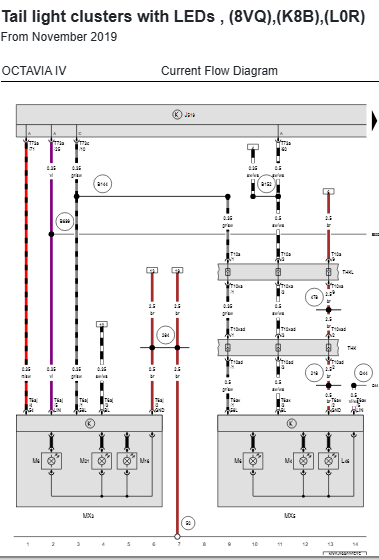
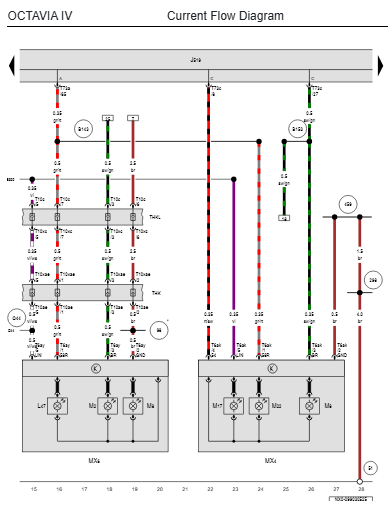
is RHD hatchback looks like you talking about basic LED there is T73a/72 controling fog light (NSL) I swaped basic LED to full LED and there is T73a/25 LIN controling fog and reverse light how you can see on diagram T73a/72 is not connected
-
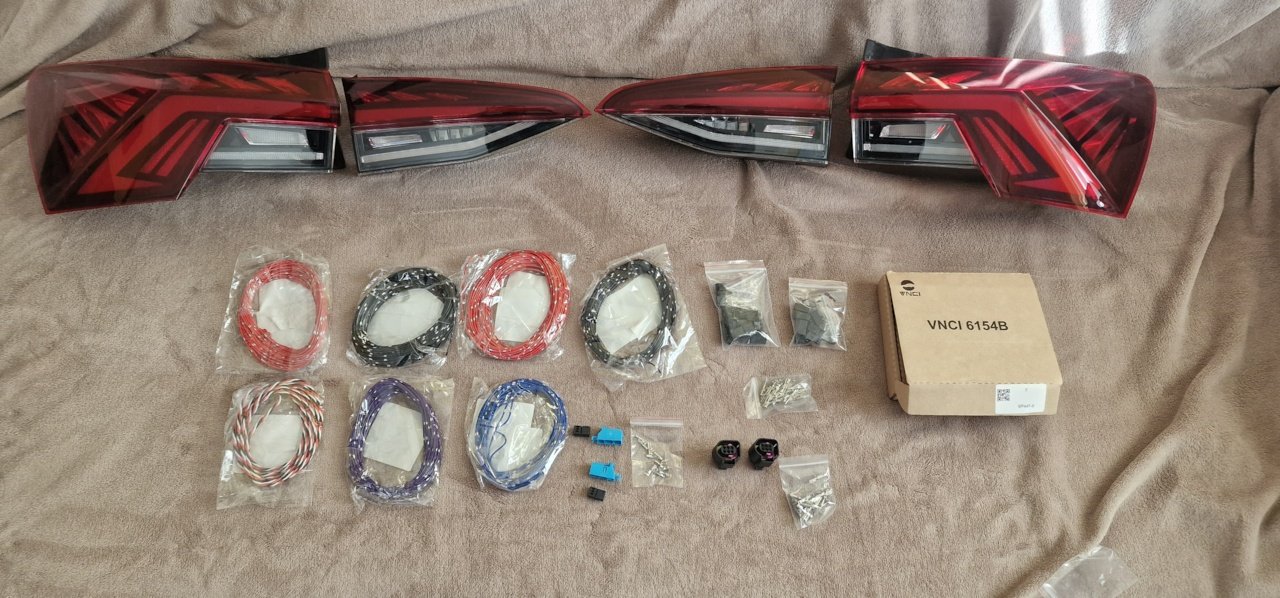
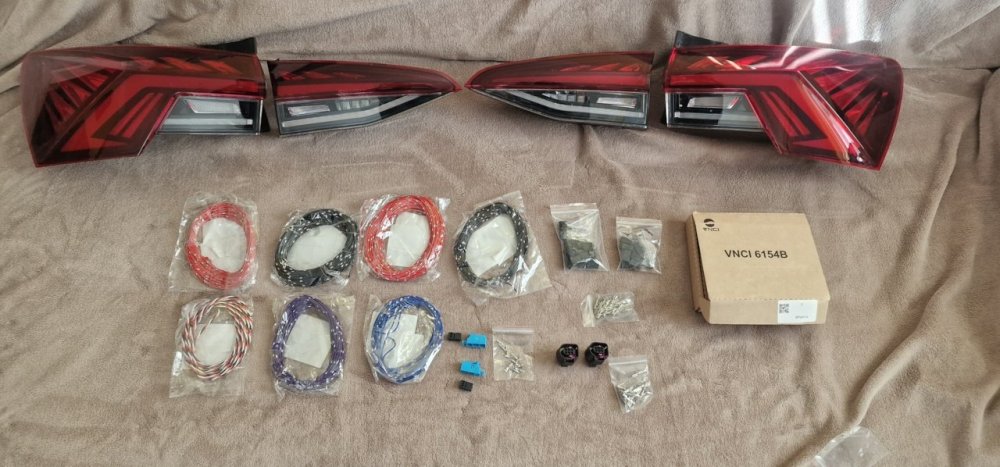
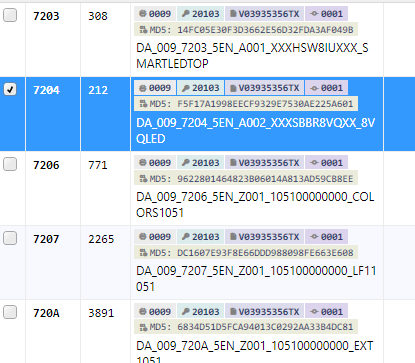
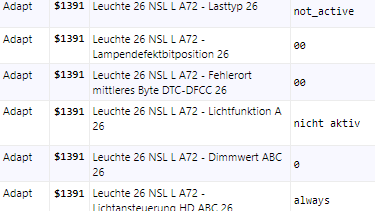
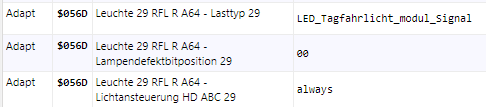
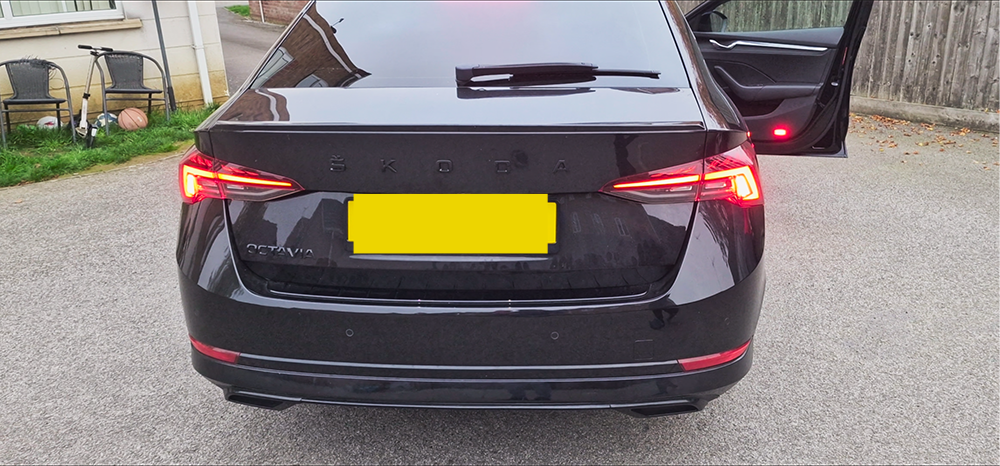
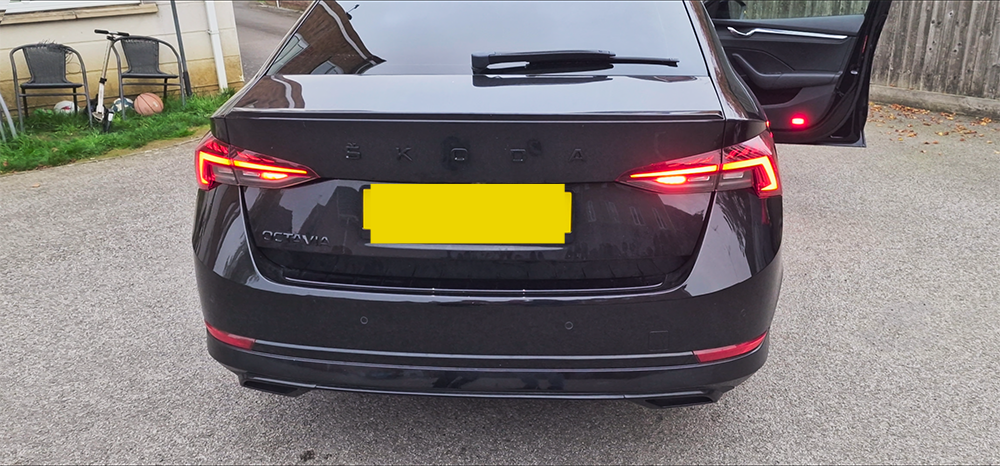
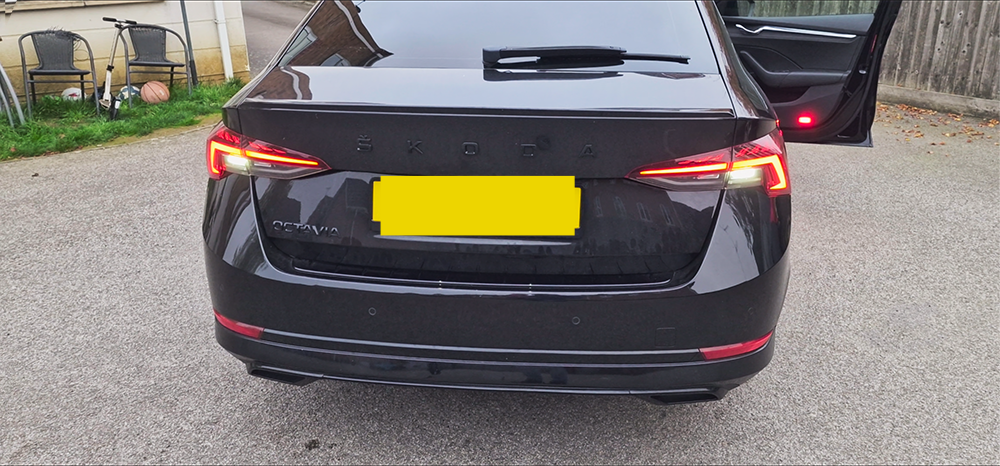
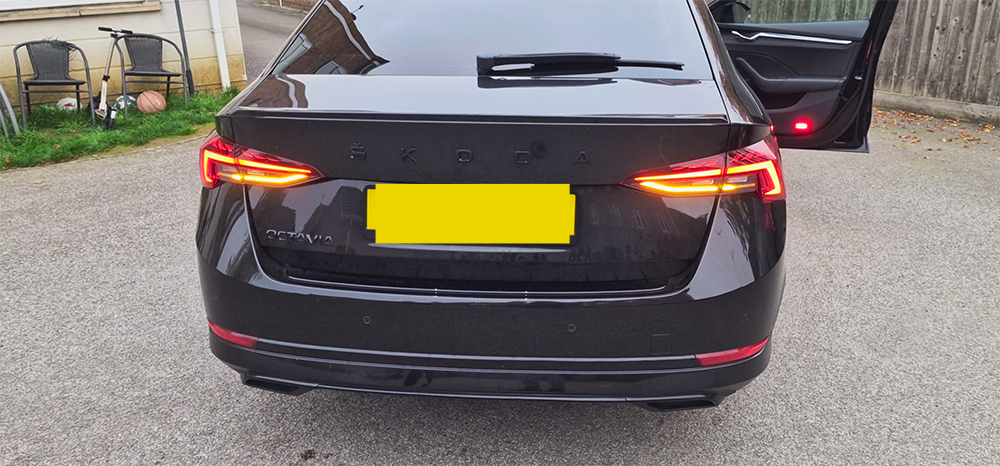
hi i retrofitted rear full Led lights Octavia mk4 2020 Hatch RHD couldn't find complete guide + no harness on market + i am beginner so maybe some steps are not correct you need High BCM module parts Rear Light Left Inner TOP LED 5E6 945 307 A Rear Light Right Inner TOP LED 5E6 945 308 C RHD Rear Light Right Outer TOP LED 5E3 945 208 A Rear Light Left Outer TOP LED 5E3 945 207 A Flat Contact Housing, 6-pin 8W0 971 636 D x2 Flat Contact Housing, 6-pin 4H0 973 713 x2 T73a/71 T73a/60/ T73c/27 T73c/8 are already there from basic LED so I laid T73a/65 T73c/10 T73a/25 connected according to the diagram than you need change dataset in BCM subsystem address 7204 DA_009_7204_5EN_A002_XXXSBBRBASIS_8VG to DA_009_7204_5EN_A002_XXXSBBR8VQXX_8VQLED in VCtool i found backup car which support rear full LED Hatchback,RHD even same dataset number than i requested his stock data for BCM i got merged dataset ticked 7204 and ran flash after flash start BCM adaptation and all 4 lights to installed was getting error when lights was switched off then all lights started working but there was still error with reverse and fog lights had to do some coding with old basic LED BCM pins 72+64 after that no error but probably there is still something wrong because i have 2 fog lights should be only 1 on right side will sort later



-
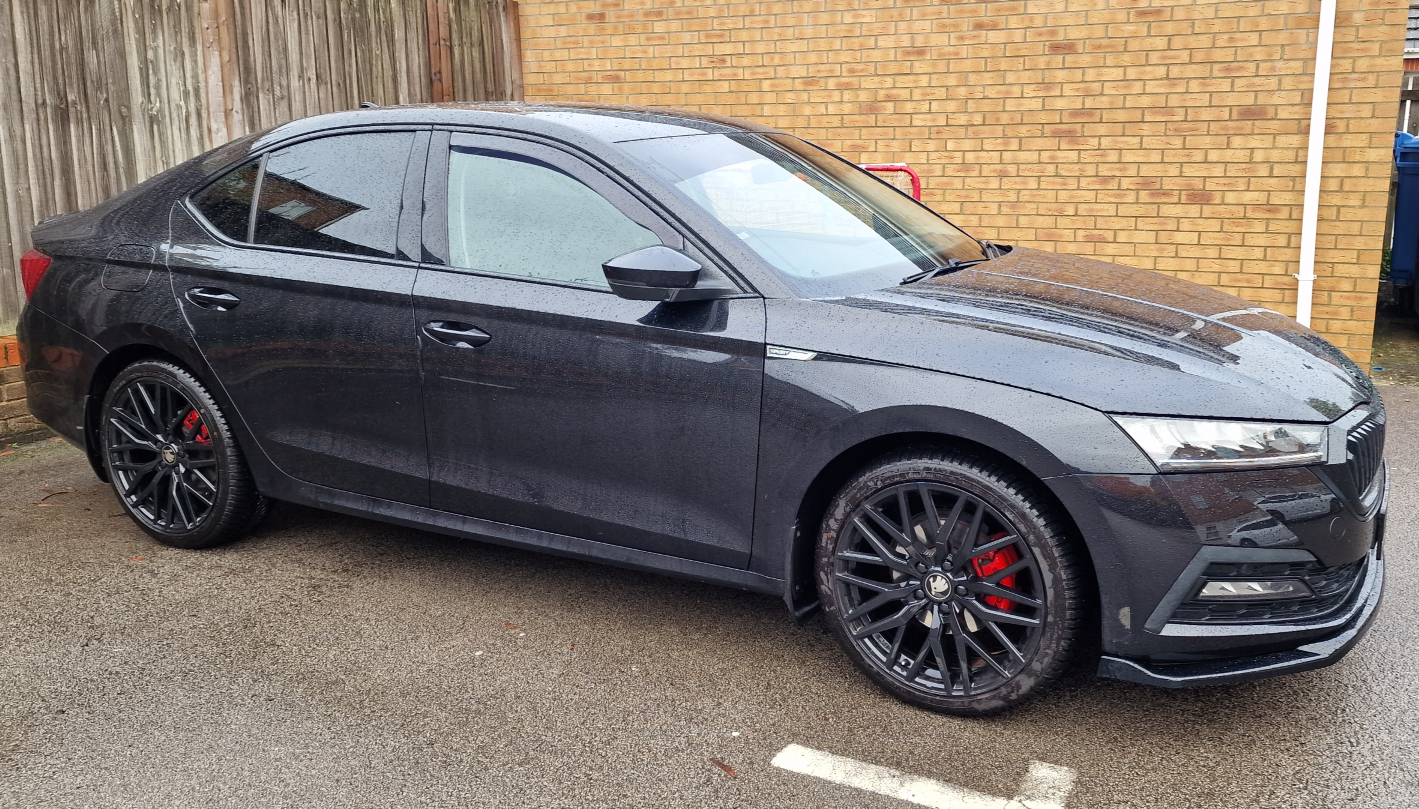
update job done Connected to BCM pin 16/17 fuse to position 37(Fuse 16.2/2X6.3 N91274203) rest like guide from previous post I used sane parts like Horalius in first post just electric tailgate motor 565 827 851 A I have hatchback modul 5WB959107A(dataset V03935356FW) taken from hatchback
-
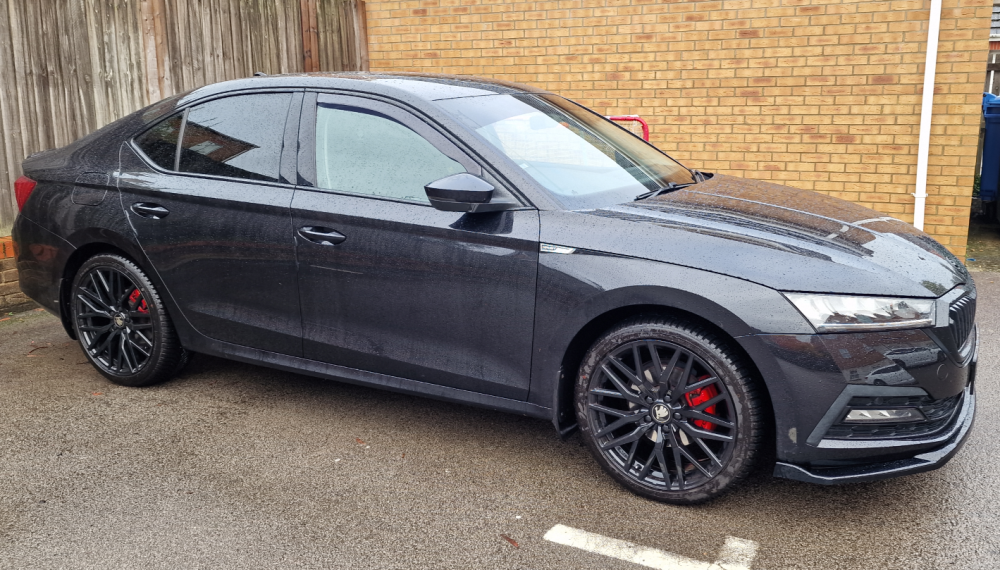
100% black
-
-
-
-
I know that is FEC and for my car never will be in the store I guess so if HW is ok I hoped you can do that.thx
-
I got sane answer from skoda so I thought that TSR to get work I need to do hardware changes East_ Yorkshire_Retrofits is TSR possible with my configuration.thx Gateway:hw/sw 5WA907530C/7078 A5 camera: MQB MFK 3.0 hw 5WA980653 sw 5WA980653A/3129 Dashboard: hw/sw 5E3920770/1400
-
👍
-
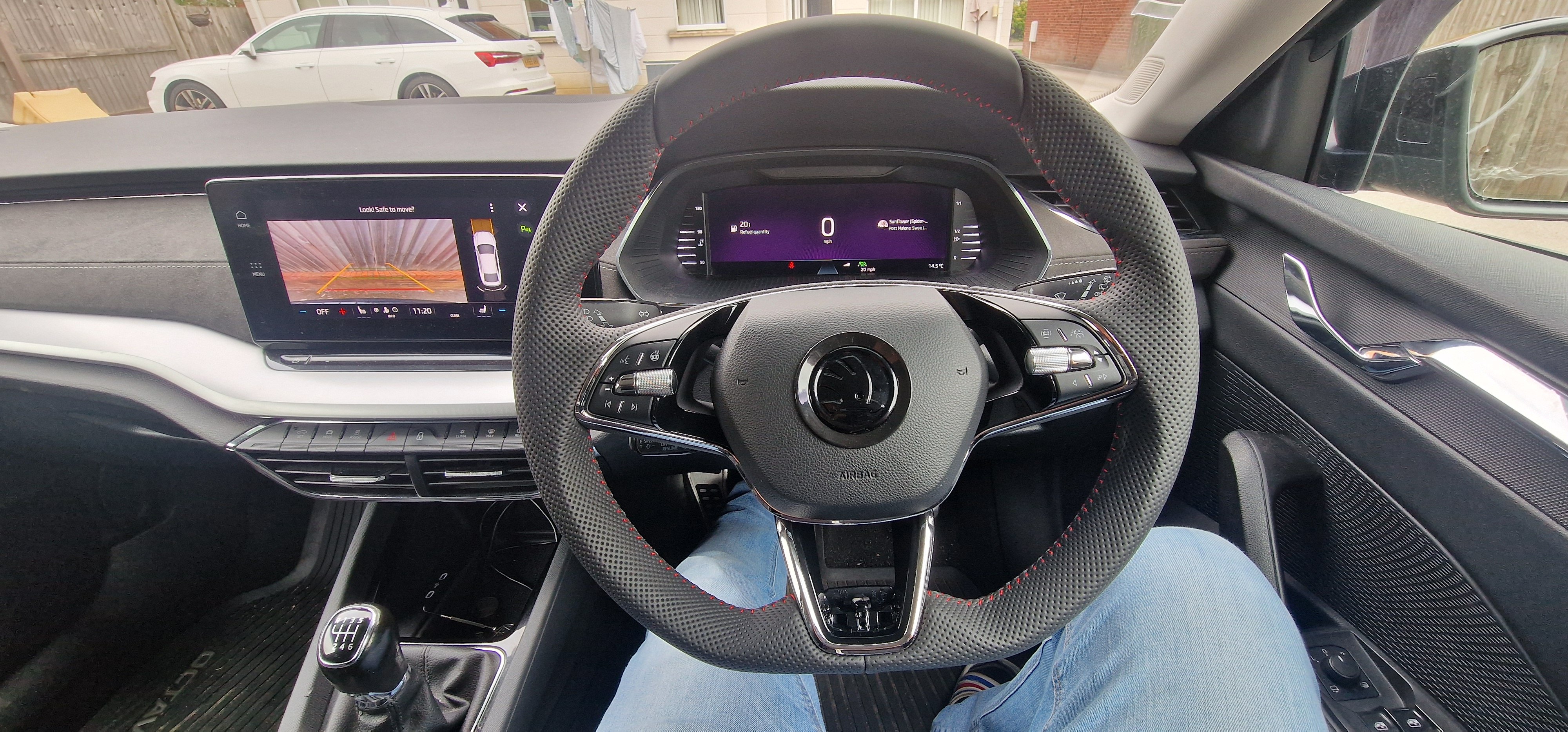
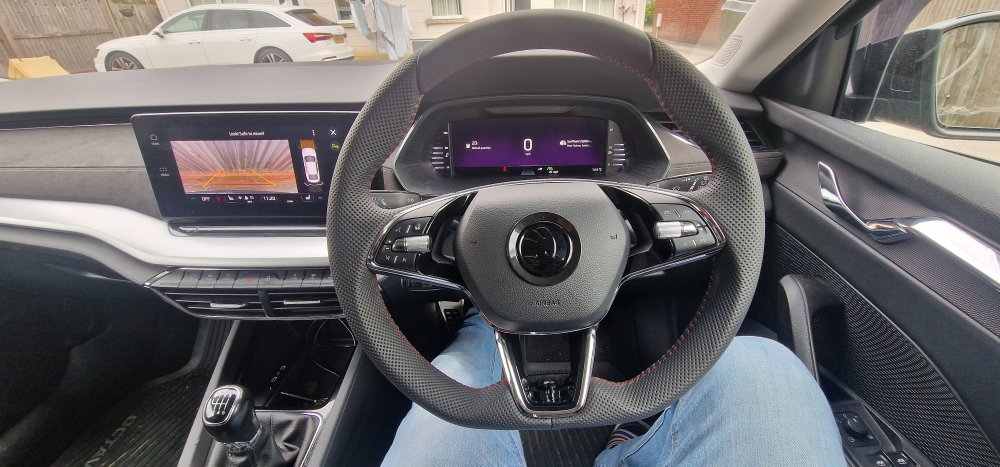
update so is working fine no errors i swaped my 2 spoke with 3 spoke 5E3419093AG VKK
-
Gateway 19 - paco_video_parksystem-RVC_compact_smart Multimedia 5F - adaptation Vehicle function list BAP - VPS_0x0B (activated) Vehicle function list BAP - VPS_0x0V_msg_bus (Can_fas) function_configuration_unit - RVC_video_input (ethernet) parkingsystem_video_input - carrier_resolution (1392x656) 6C 0303A300E73000 {that’s mine) what I found iin 6C that only Brand (Skoda Audi etc.) and equipment_driver_side can bring you error and stop camera working rest either it works or it doesn't but you still got picture I struggled with my camera for few weeks I couldn't solve incorrectly coded module error i tried all coding on the end I had to flash new dataset