milloo24
Finding my way
-
Joined
-
Last visited
Everything posted by milloo24
-
I know that is FEC and for my car never will be in the store I guess so if HW is ok I hoped you can do that.thx
-
I got sane answer from skoda so I thought that TSR to get work I need to do hardware changes East_ Yorkshire_Retrofits is TSR possible with my configuration.thx Gateway:hw/sw 5WA907530C/7078 A5 camera: MQB MFK 3.0 hw 5WA980653 sw 5WA980653A/3129 Dashboard: hw/sw 5E3920770/1400
-
👍
-
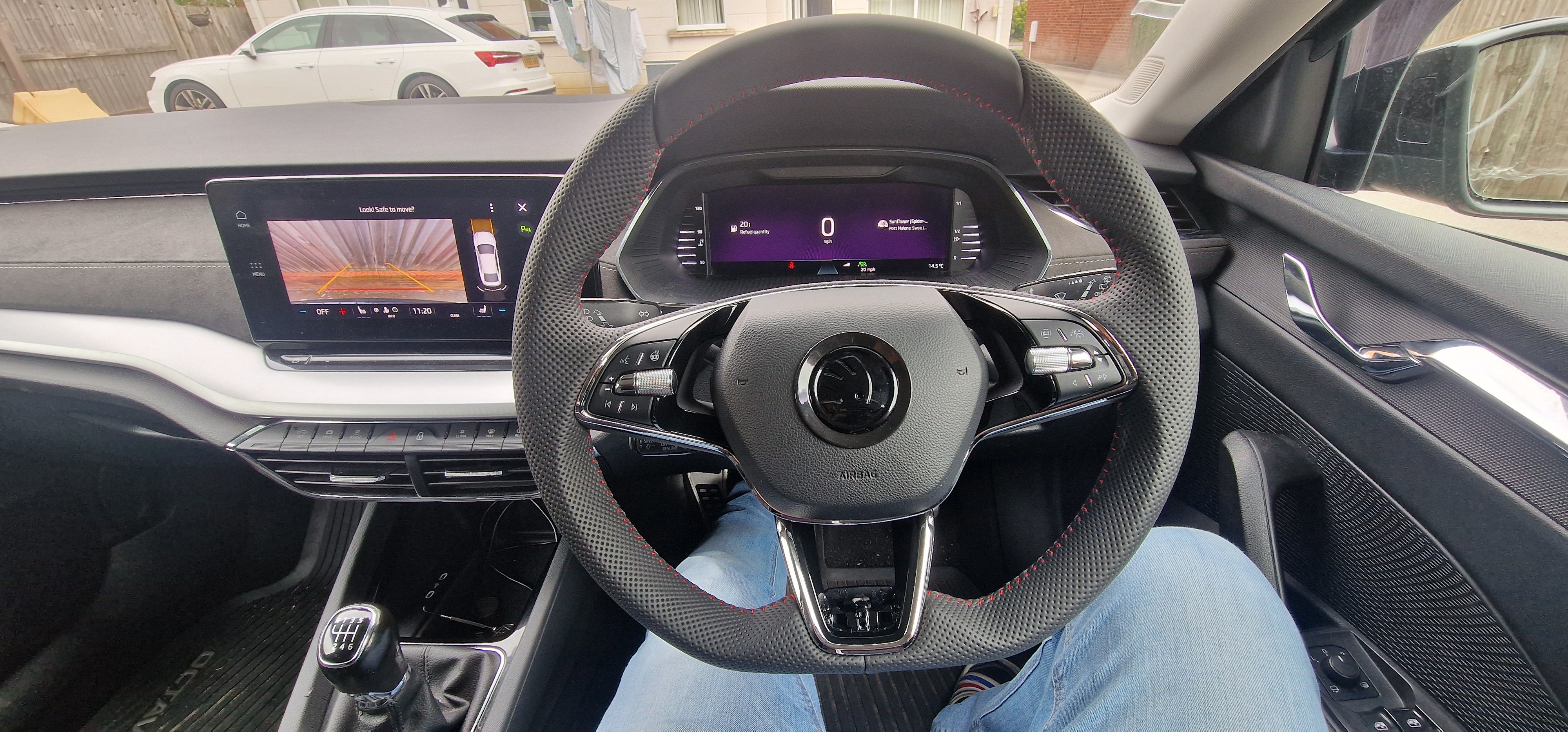
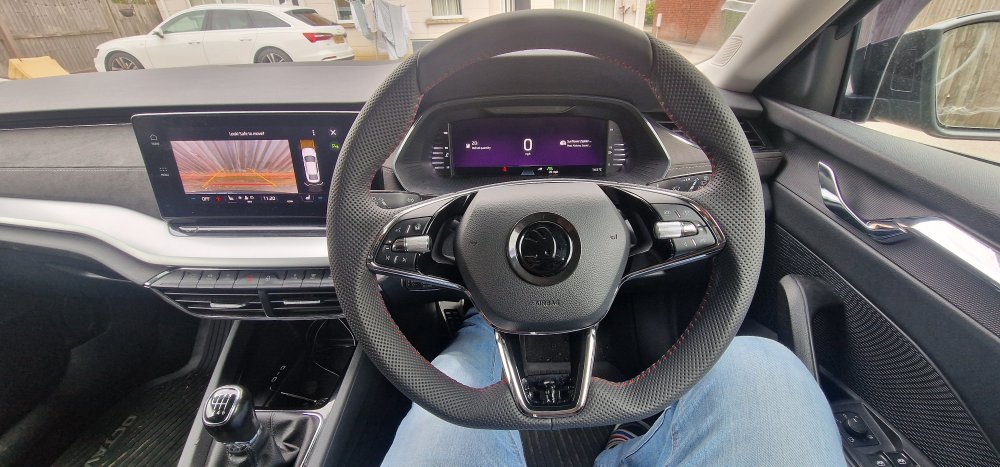
update so is working fine no errors i swaped my 2 spoke with 3 spoke 5E3419093AG VKK
-
Gateway 19 - paco_video_parksystem-RVC_compact_smart Multimedia 5F - adaptation Vehicle function list BAP - VPS_0x0B (activated) Vehicle function list BAP - VPS_0x0V_msg_bus (Can_fas) function_configuration_unit - RVC_video_input (ethernet) parkingsystem_video_input - carrier_resolution (1392x656) 6C 0303A300E73000 {that’s mine) what I found iin 6C that only Brand (Skoda Audi etc.) and equipment_driver_side can bring you error and stop camera working rest either it works or it doesn't but you still got picture I struggled with my camera for few weeks I couldn't solve incorrectly coded module error i tried all coding on the end I had to flash new dataset
-
yes
-
I connected on my mk4 2020 all 3 to gateway t32 connector but I got plans to connect red wire to fuse box probably when I will be doing heated steering wheel so you can use both methods
-
hi i found 5Q1953549F wich was taken from 5Q1953507GF octavia mk4 but is from LHD , automatic gearbox but my car is RHD, manual gearbox can this difference cause errors?thx
-
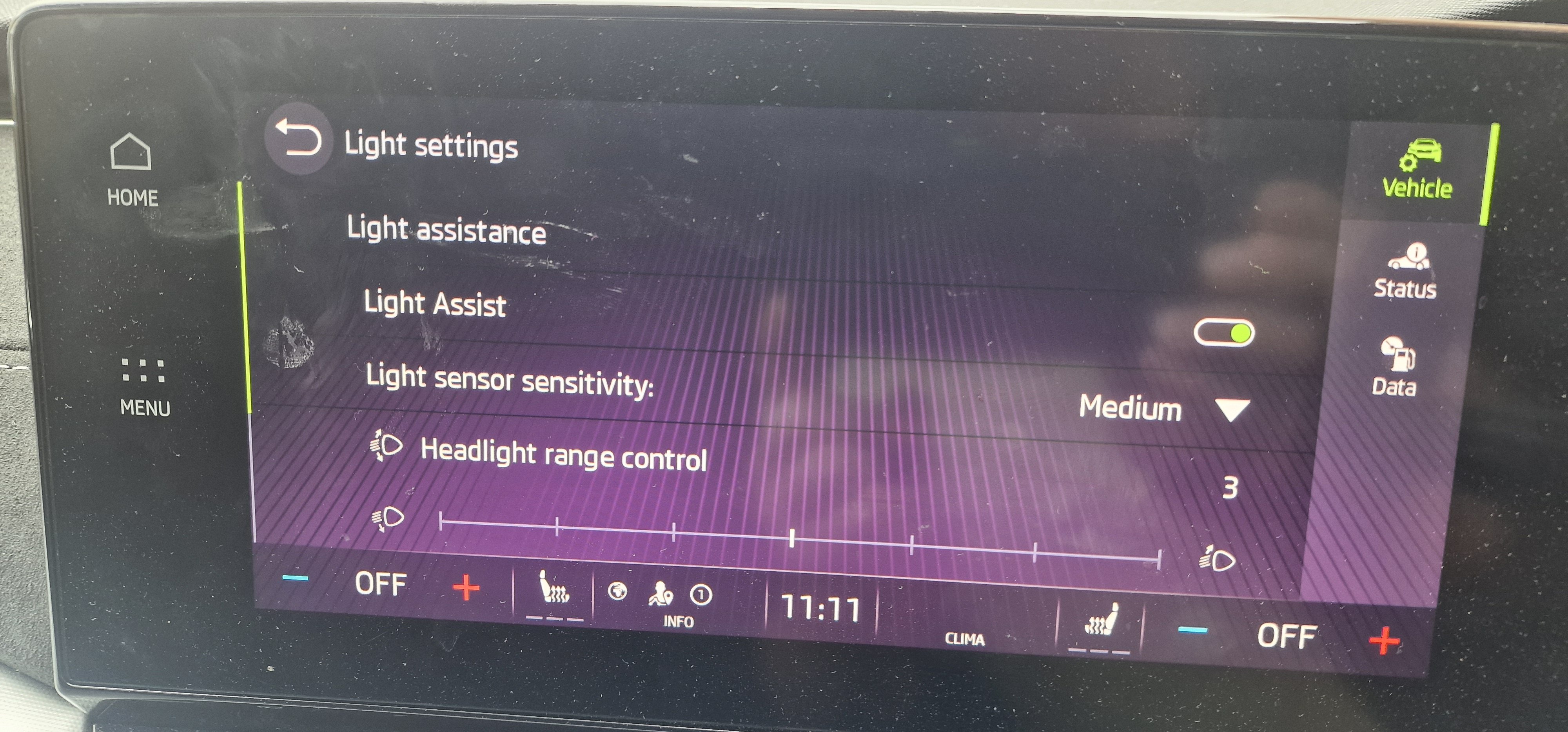
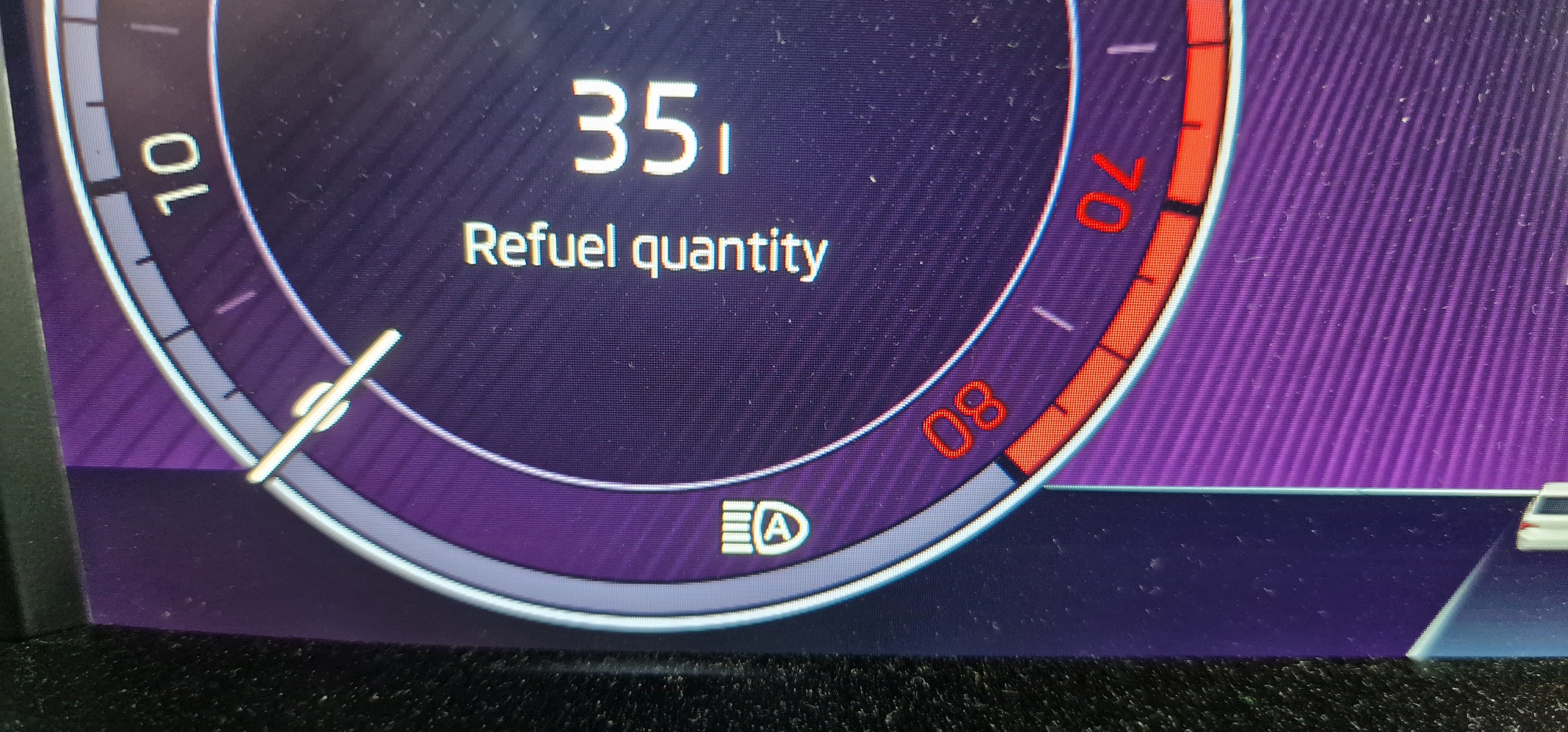
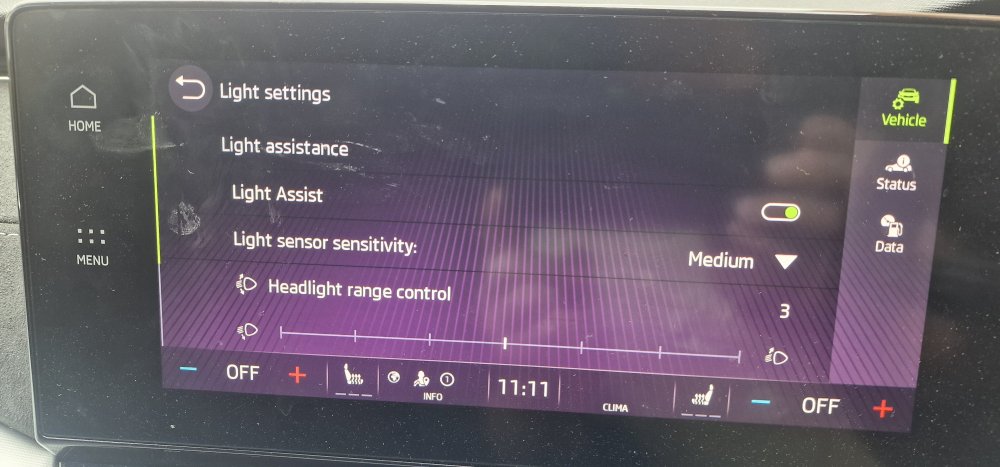
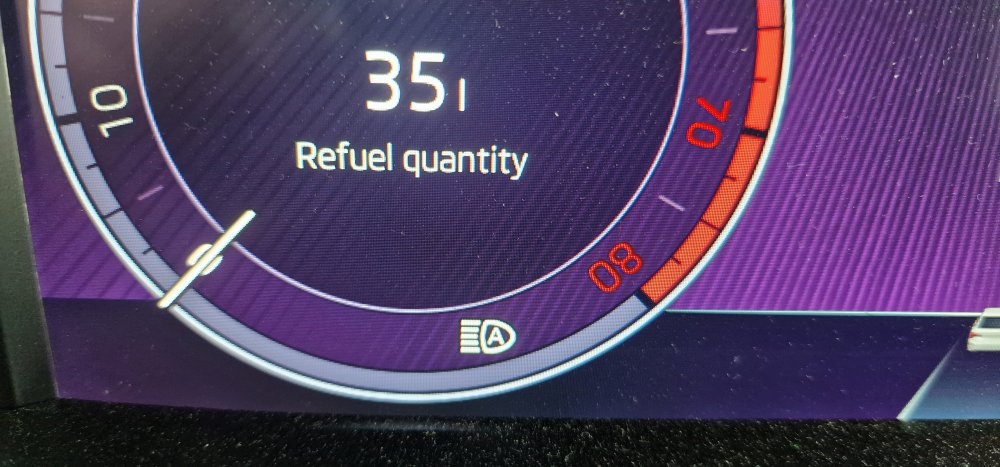
hi i been facing same problem after purchase my mobile app show activated ,shop app in car show activated but no Light assist button in menu skoda support keep sending me to dealer i contacted 3 around me but no response. i got HW : 5WA937086K 016 SW : 5WA937086R 0136 DATASET : V03935324EA 0001 I compared my backup in VCTool what i found was in central electric09/adaptations/LCM/Expanded High beam control/ i got basic configuration where other backups with basic LED they had high beam lights assistant and when i tried to change it i couldn't because function not available that backups has V03935356TC/V03935356TX datasets and SW 0136/0137 so i bought VNCI6154B + VCTool (needed for reverse camera retrofit anyway) requested stock data and dataset was V03935356TX with all calibration etc. 2min flash and central electric09/adaptations/LCM/Expanded High beam control/high beam lights assistant was there light assist button appear in menu
-
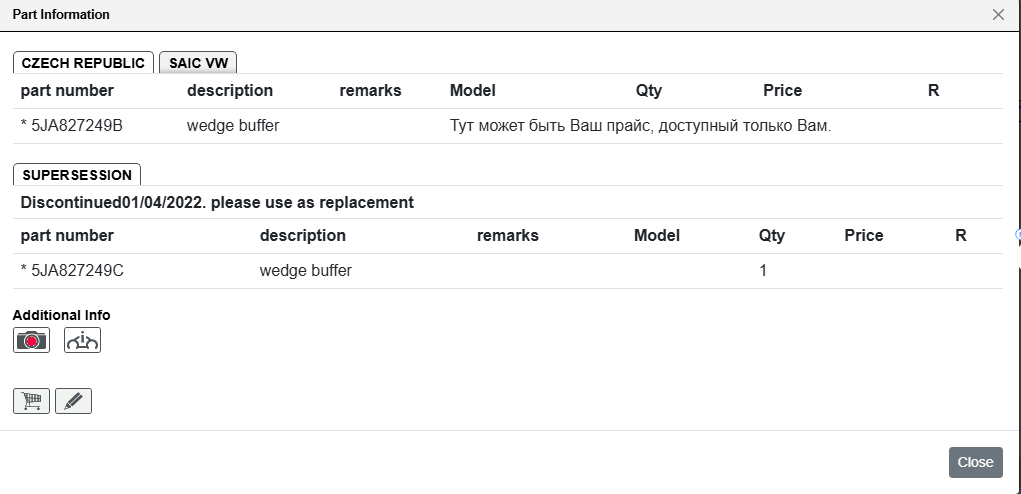
TPI Summary 2063309_8.pdf
-